aiMusic · Create virtual artists and release their music
For creators, musicians, and independent labels who want to publish projects with AI artists: aiMusic maintains the artist's face, voice, and identity across the entire catalog, and takes you from lyrics to distribution package without leaving the app.
 aiMusic
Does your AI artist look and sound different in every song?
aiMusic stores the artist's complete identity —visual master prompt, canonical photo, palette, and voice profile— and applies it to every lyric, every image, and every style sheet. You generate the audio in Suno and upload it: the app makes sure the entire catalog looks like it's from the same artist and takes it all the way to the package your distributor requires.
Start freeDiscover every feature in detail
Create AI artists with complete identity | aiMusic
Create fictional AI artists from a brief: stage name, short and long bio, personality, lore with eras, voice profile, and appearance prompt. Roster with archiving, duplication, and trash.
View feature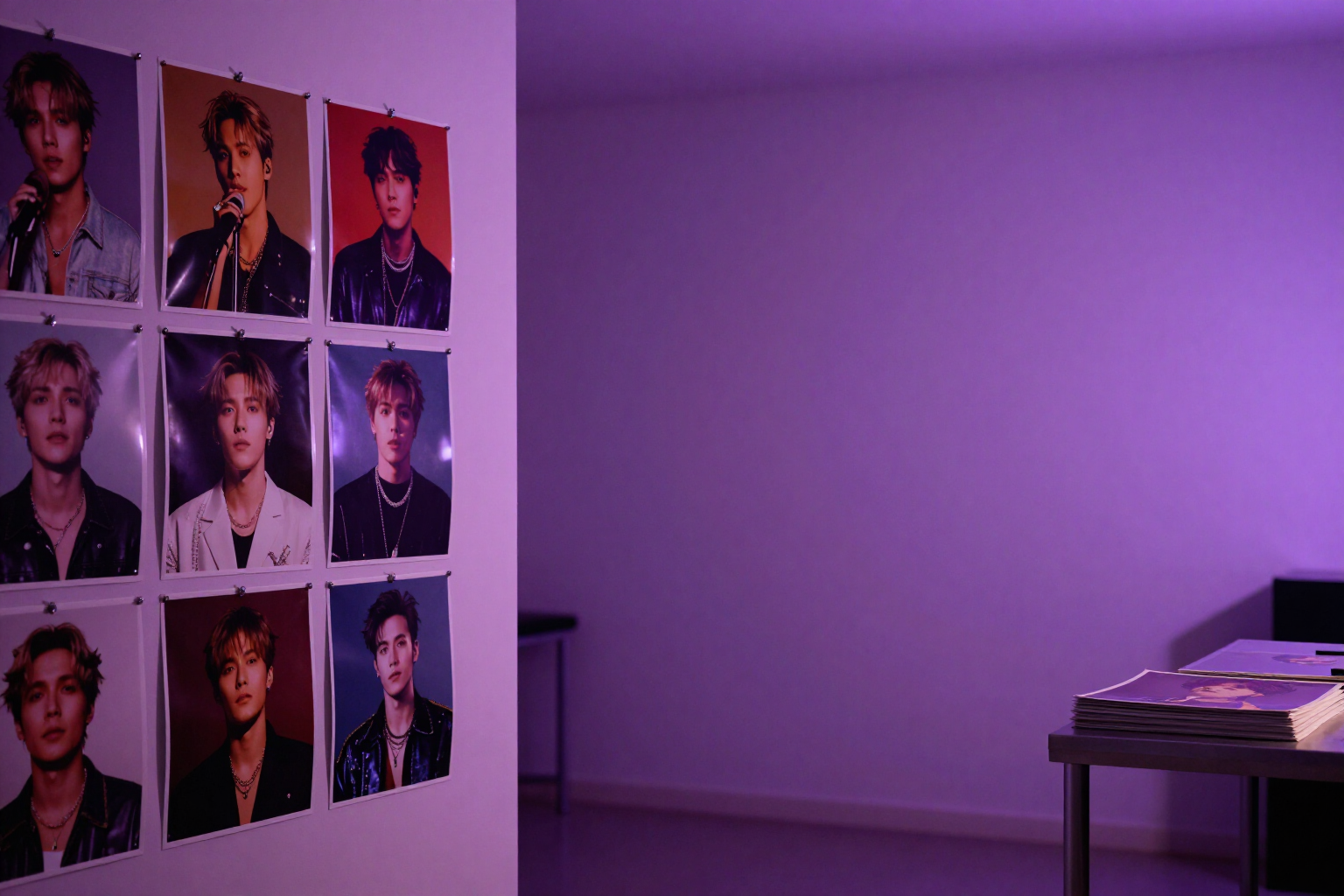
Same face in all photos: face consistency with AI | aiMusic
Generate the canonical press photo of your AI artist and, through image-to-image from it, an unlimited gallery of the same character: same face, same features, and the artist's color palette in every scene.
View feature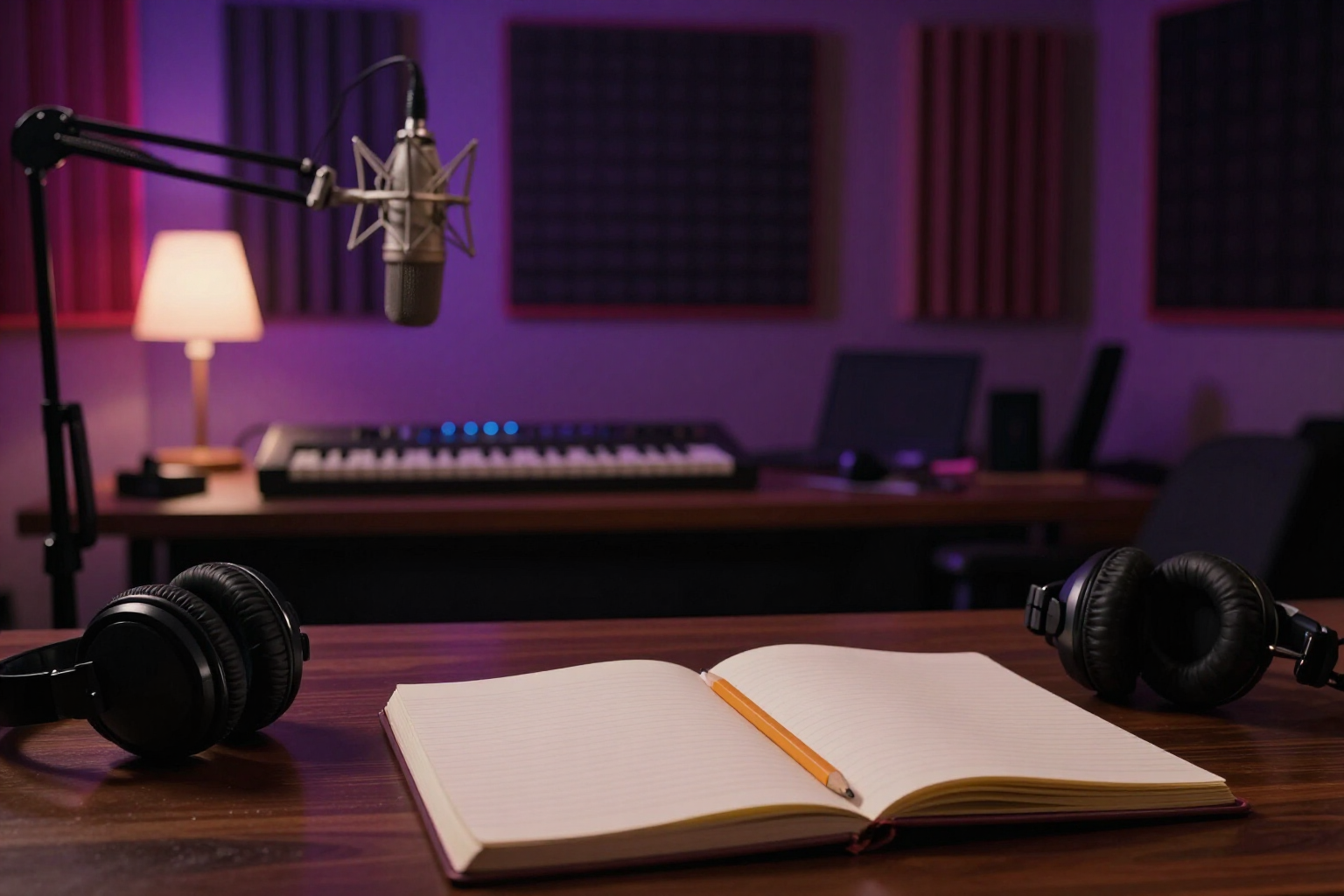
Writing song lyrics with AI: rhymes, prosody, and co-writing | aiMusic
Compose lyrics with AI in the voice of your artist, with [Verse]/[Chorus] sections, perfect, assonant, and internal rhyme finder, singability analysis according to BPM, and rewriting a section without touching the rest.
View feature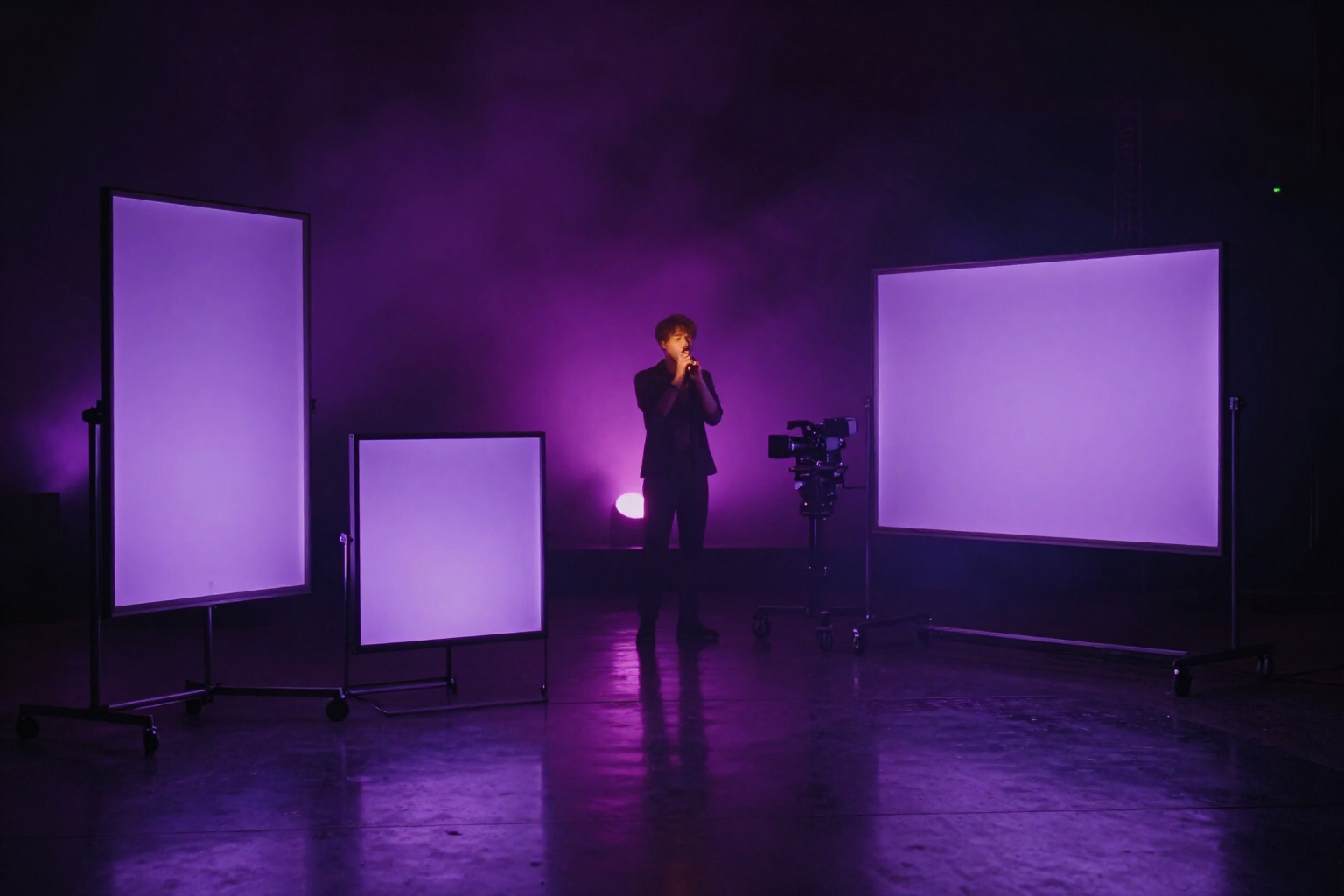
Create an AI Music Video in 9:16, 1:1 and 16:9 (TikTok, Reels, YouTube) | aiMusic
Create your song's music video with AI by choosing the aspect ratio before generating: vertical 9:16 for TikTok and Reels, 1:1 for Instagram and 16:9 for YouTube. Image-to-video shot by shot, reframing with focal point and one MP4 per format.
View feature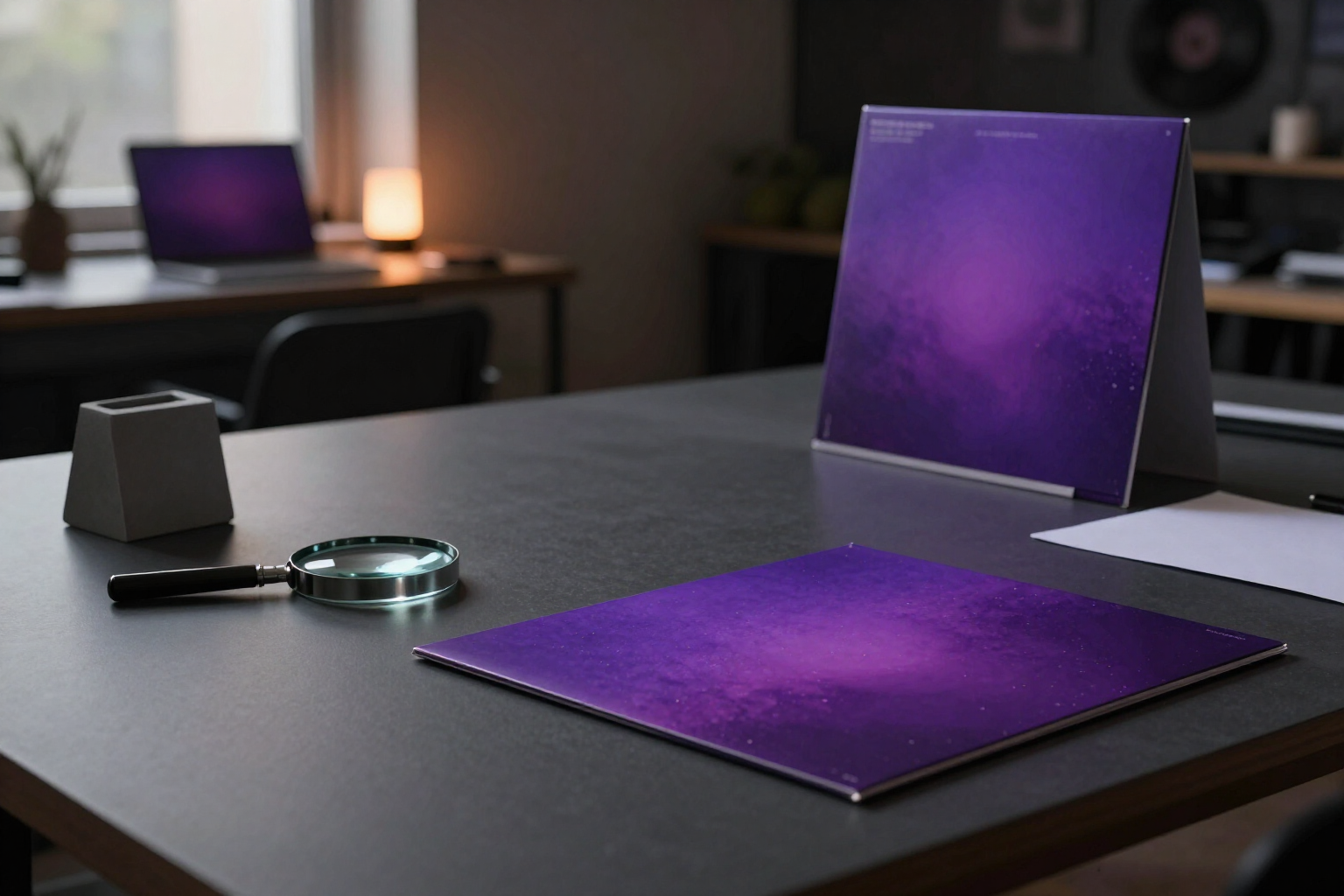
AI Album Cover Art: 1024×1024 cover, 3000 hi-res and Spotify Canvas | aiMusic
Generate your album cover art with AI in 1:1 at 1024×1024 with your artist's face, or upload your own with square validation and 1024 px minimum plus space for the 3000×3000 high resolution master. The 5-second vertical 9:16 Canvas comes from the same album cover.
View feature
AI Music Press Release, 480-Character Playlist Pitch & Merch | aiMusic
Generate the press release for your music release with headline, body, quote and boilerplate, the 480-character pitch for Spotify for Artists with a 3-step assistant, and merch design for screen printing from your album cover.
View featureFrom artist to release, all in one place
The three pieces a label needs: identity, production, and release.
Artists with consistent face and voice
Describe the artist in one sentence and the AI generates their profile: name, bio, lore, genres, languages, color palette, visual master prompt, and voice profile. The canonical photo is the reference for all subsequent images, so the gallery keeps exactly the same face, and the voice profile travels to all their songs.
Lyrics and sheet ready for Suno
The ghost composer writes with the artist's personality and marks the sections [Verse], [Chorus], or [Bridge]. You see the syllables of each verse and the rhyme scheme while editing, and the app compiles the style prompt and tagged lyrics for you to copy into Suno. The audio you download is uploaded as an immutable take with its frozen prompt, and you choose which one is the master.
Releases and distribution package
Cover art generated from the artist's photo, 5-second canvas and 10-second music video, AI-powered metadata and playlist pitch, editorial calendar that warns when two releases from the same artist are too close together, and a ZIP with cover art, masters, lyrics, and metadata ready for your distributor.
Your first release in three steps
Create your artist
Sign up for free and describe the artist in one sentence: the AI gives them an identity, voice, and canonical photo in a couple of minutes.
Write the song and generate the audio
The AI writes the lyrics and compiles the style sheet; you copy it into Suno, generate the audio with your account, and upload it as a take. You mark the master and the song is approved.
Build the release
Cover art, canvas, tracklist, metadata, and date on the calendar. You download the distribution ZIP and send it to your distributor.
Who is it for?
Built for these profiles
Frequently Asked Questions
Latest blog articles
Guides and news to get more out of it
Declaring Your Music as AI When Distributing in 2026: Spotify AI Credits, DDEX, DistroKid, and the Deezer Filter
How to declare AI-generated music in 2026: DDEX standard, Spotify AI Credits, DistroKid, Deezer filter, and metadata checklist before distribution.
How to Publish an AI-Made Song on Spotify: Requirements, Metadata, and Deadlines (2026)
Real requirements for uploading AI-made music to Spotify: 3000x3000 cover art, ISRC and UPC, AI declaration, 21-day deadline, and delivery package.
Build your virtual record label
Create your free account and get your first artist in under five minutes.