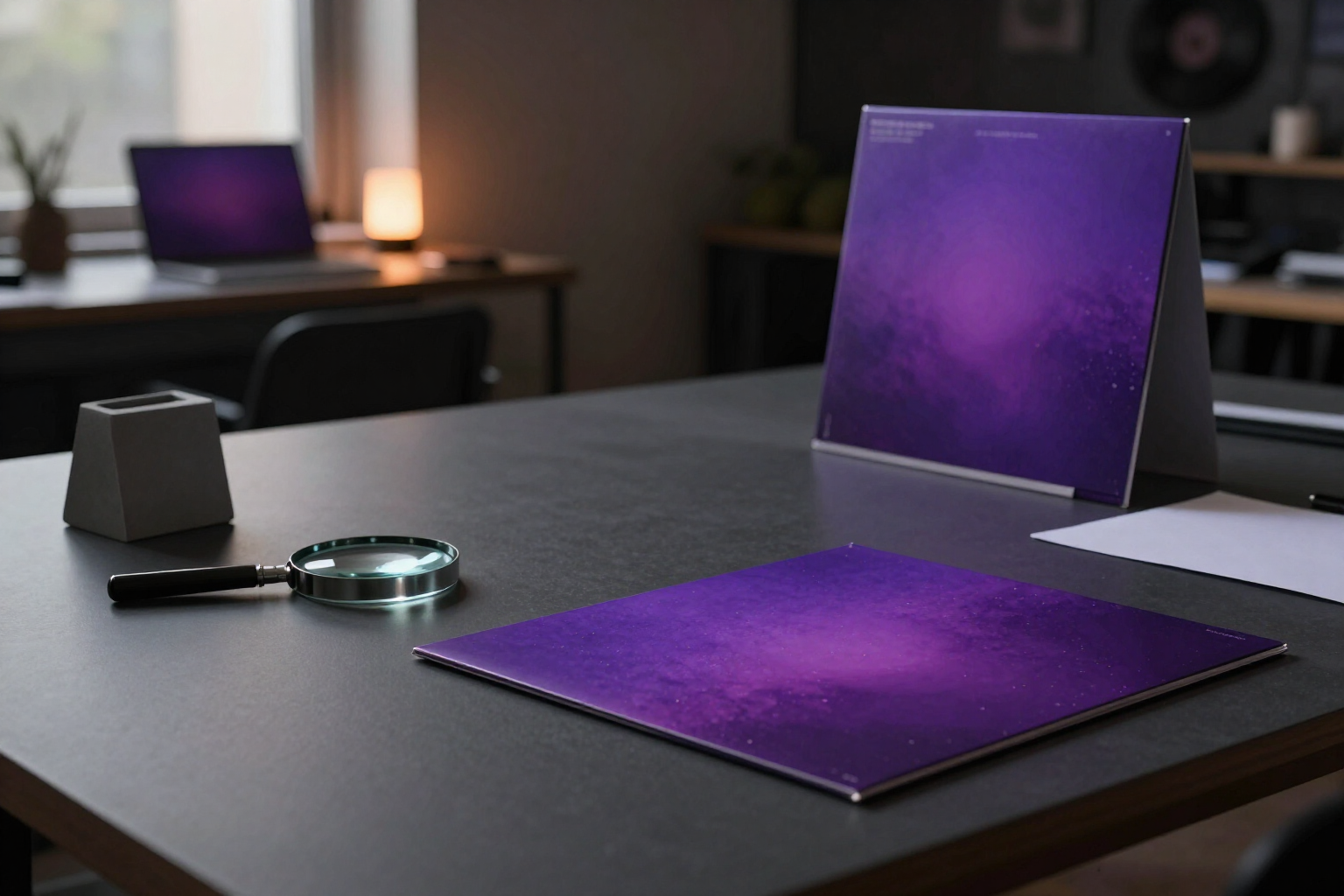
AI Album Cover Art: 1024×1024 with Same Face and Space for 3000px High-Resolution Master
aiMusic generates your release's album cover art from its own data—title, artist, genre, mood, and concept—and validates the one you upload so no distributor rejects it.
A poorly sized album cover art is the dumbest way to get a release rejected. aiMusic, the virtual record label from AIsToHire (https://aistohire.com/aimusic-virtual-record-label-ai-artists-125), treats cover art as a technical requirement, not decoration: square, minimum 1024 px, with the artist's face recognizable, and with space reserved for the 3000×3000 version distributors require.
Each aiMusic release has its 'Cover Art' tab. You click 'Generate with AI' and the app builds the prompt with what it already knows about the project: release type and title, artist name, genre, mood, and their visual identity palette, plus the visual concept you write in the optional field. The result comes out 1:1 at 1024×1024, always without text, logos, or watermarks, because platforms count embedded text as grounds for rejection.
If the artist has their canonical photo saved, the generation uses it as a face reference: the cover art comes out with the same face as their gallery and music videos, in a different scene and lighting. It's the same facial consistency mechanism the rest of the app uses, applied here so the album and the artist's profile don't look like two different people.
You can also upload your own. The upload accepts JPG, PNG, and WebP and goes through two validations that run on the server reading the actual file dimensions: if the image isn't square, it's rejected; if it measures less than 1024 px per side, it's rejected. And if it arrives at 3000 px or more, aiMusic also saves it as a high-resolution version, ready for the distribution package. While that high-res doesn't exist, the tab shows an amber warning reminding you; when it exists, the warning turns green.
From the same cover art comes the vertical Canvas: the image is cropped to 720×1280 and the image-to-video engine converts it into a 5-second clip in 9:16 with the movement you describe in the motion prompt, the format Spotify Canvas requires. It's a video without audio and downloads as MP4; that generation lives in the release's distribution module, which aiMusic opens in phases along with metadata, promo, and export.
Benefits of AI album cover and Spotify Canvas
Square or it doesn't go through
validation measures the file on the server and rejects any cover art that isn't 1:1, instead of letting the error appear in the distributor's report three weeks later.
Minimum 1024 px guaranteed
below that dimension the upload doesn't pass, so you don't end up with pixelated cover art on your own album's page.
Explicit slot for the hi-res
if you upload 3000×3000 or larger, it's saved as a separate distribution version, and the tab warns you in amber while it's missing and green when you have it.
The album cover inherits the artist's face
with the canonical photo saved, generation works in image-to-image mode and the album face matches the profile and music videos.
The prompt is set by the project
title, type, artist, genre, mood and palette are entered automatically; you only add the visual concept if you want to direct it.
It never comes out with text
the prompt explicitly requests cover art without letters, without logos and without watermarks, which is exactly what platforms reject.
The Canvas is born from the album cover
the same image is cropped to 720×1280 and animated for 5 seconds in 9:16 with motion prompt, the Spotify Canvas format, with several candidates to choose the active one from and download in MP4.
Generation and upload coexist
you can generate an AI proposal, discard it and upload the designer's version without losing the rest of the release; the album cover is marked as AI or manual.

Your next album cover, square and 1024 on the first try
aiMusic is AIsToHire's virtual record label that generates 1:1 album cover art for your release with your artist's face, validates the one you upload, and reserves the 3000×3000 high resolution master for the distributor. It's at https://aistohire.com/aimusic-virtual-record-label-ai-artists-125