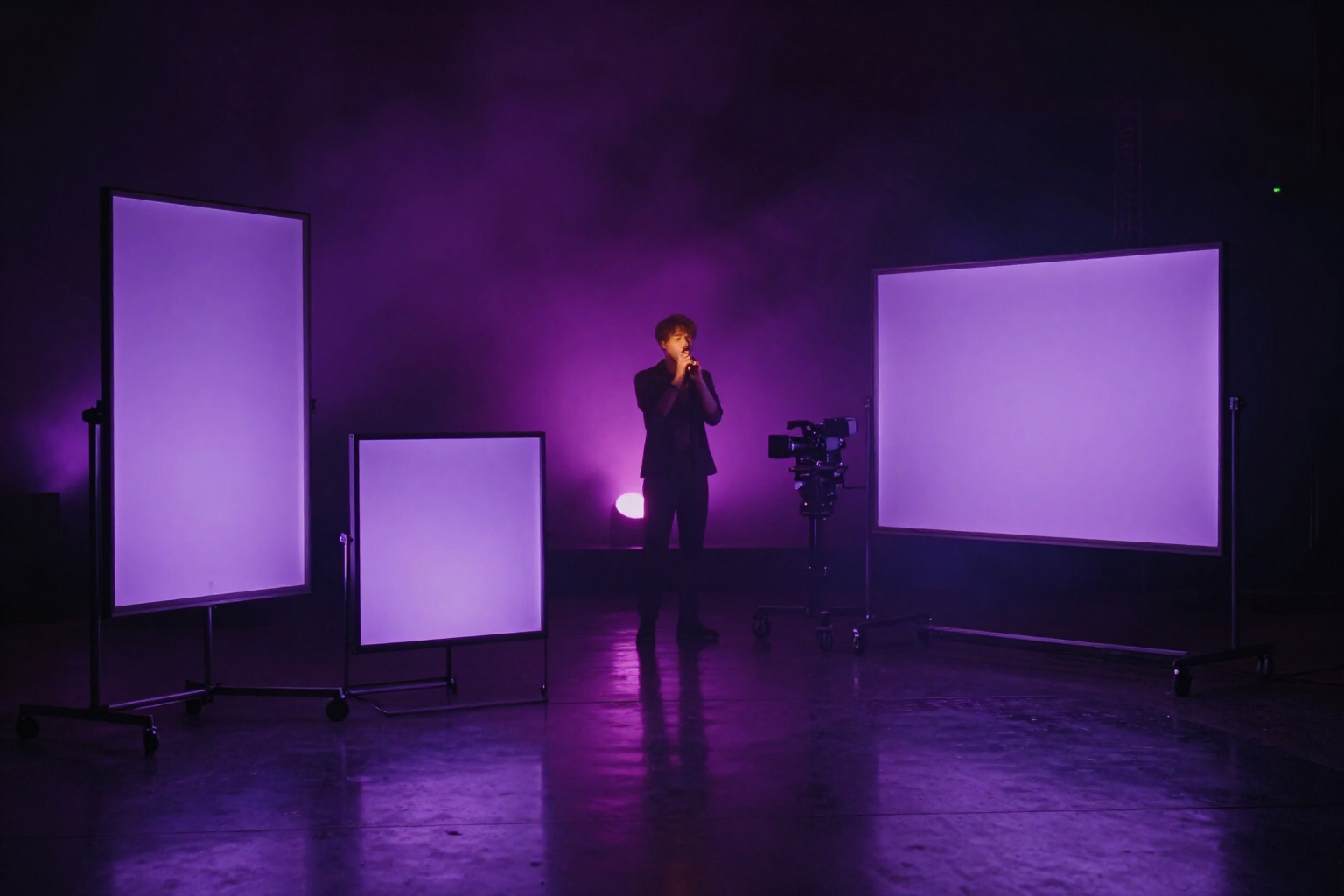
AI Music Video in Vertical, Square and Horizontal: One Edit, Three Aspect Ratios
You choose the aspect ratio before generating anything and aiMusic produces the material already framed for TikTok, Reels, Instagram feed or YouTube; then you render the same music video in all three without paying for the images again.
The problem with music videos isn't the idea: it's that the shot that looks perfect in 16:9 arrives on Reels with the singer's head cut off. aiMusic, AIsToHire's virtual record label, reverses the order: the aspect ratio is decided when opening the project, the material is born in that frame, and the app handles reframing to other aspect ratios for you.
Each aiMusic song has its «Music Video» tab. When creating the project you choose one of three aspect ratios — horizontal 16:9 for YouTube and screens, vertical 9:16 for Reels, TikTok and Shorts, or square 1:1 for Instagram feed — and that choice governs all material generated from that point on: the singer's images and ambient shots come out already in that aspect ratio, not cropped afterwards.
Motion is added shot by shot with image-to-video. A still image already works as a shot (in the edit it moves with zoom and pan, at no video cost); when a shot calls for real movement you press «Animate it» and the image converts into a clip with the image-to-video engine, adjusted to the seconds that shot needs to cover. The original image isn't lost: it stays in the library and continues serving as a free shot.
Everything you generate stays in a material library shared across music videos, with search and filters by singer, ambient and sung takes. From any shot you can swap the material for another from the library and apply that change to all shots of the same idea at once; the most used appears first.
At the end you render by aspect ratio. You can output the 16:9, 9:16 and 1:1 from the same music video — the app reframes each shot respecting its focal point so the artist doesn't fall out of frame — and download the MP4 of each. The render step marks with a ✓ the aspect ratios you already have.
Benefits of AI music video with platform-specific aspect ratios
The aspect ratio is decided before spending
you choose 9:16, 1:1 or 16:9 when creating the project and the material is born in that aspect ratio, instead of cropping images conceived for a different screen afterwards.
Changing aspect ratio doesn't cost a regeneration
the material you already have is reframed, not regenerated; only what's new comes out in the new aspect ratio.
One edit, three deliverables
you render the same music video in horizontal, vertical and square and download one MP4 per aspect ratio, with a ✓ on the ones you've already exported.
Reframing with focal point
when converting a horizontal shot to vertical, the app crops around the important point, so the artist's face doesn't end up out of frame.
Image-to-video shot by shot
a photo of the artist or an ambient shot becomes a clip with real movement, with duration adjusted to the seconds that shot occupies in the song.
Static images are also shots
in the edit they move with zoom and pan at no video cost, so you can reserve animated clips for the shots that truly need them.
Animating doesn't destroy the original
the clip is saved as new material and the source image remains in the library, ready for another shot or another music video.
Reusable library across songs
search engine, filters by singer, ambient and performance takes, and material replacement in a shot with the option to apply it to all shots of the same idea.
Stop manually cropping the same video three times
aiMusic is AIsToHire's virtual record label: choose your music video aspect ratio (9:16, 1:1 or 16:9), generate pre-framed material, add motion with image-to-video and render the same edit in all three formats. Available at https://aistohire.com/aimusic-virtual-record-label-ai-artists-125