 AI Podcast Channel
How long does it take to produce a podcast episode (and what part can AI really do)
Team at AI Podcast ChannelWritten with AI assistance15 min readIn summary
- An episode costs between 4 and 10 hours of work: 4-7 h in solo format and 6-10 h with a guest (Red11 Media, How Long Does Podcast Production Take, 2026). Recording is the shortest phase of all.
- There are 4.73 million indexed podcasts and only 450,000-500,000 actively publishing (DemandSage on Podcast Index data, September 2026). About 9 out of 10 feeds are abandoned.
- AI truly cuts three blocks: deciding the topic, writing the script, and breaking the episode into pieces. It does not cut a single minute of recording.
- What AI does not do today: clean the audio, edit the vertical video, burn the subtitles, or publish alone on your networks. If a tool promises you all four things in one click, ask it to show you the result.
- AI Podcast Channel, the mini app from AIsToHire, covers the creative and organizational journey —idea, scoring, strategy, outline, script, transcription, clips, copies, and calendar— and deliberately leaves out audio editing and automatic publishing.
Almost everything written about "making a podcast with AI" skips the question that truly matters to someone who already has a microphone on the table: how many hours is this going to take from me and where am I going to get them? This article answers that with the actual work breakdown by phases, the published data that supports it, and a clear boundary between what AI can do today and what remains yours. In the end, you will see how AI Podcast Channel, AIsToHire's AI podcast production app fits into that breakdown, and also everything it does not do.
How long does it really take to produce a podcast episode?
Between 4 and 7 hours if you record solo and between 6 and 10 hours if there is a guest, according to the phase breakdown by Red11 Media (2026). The part that most consider "making the podcast" —hitting record— takes up less than 15% of that time. The rest goes into deciding, writing, editing, and distributing.
| Phase | Solo episode | Episode with guest | What eats up the hours |
|---|---|---|---|
| Pre-production | 1-3 h | 3-5 h | Choosing a topic, researching, writing the outline; with a guest, additionally, finding them, contacting them, and scheduling |
| Recording | ~45-60 min | 30+ min plus editing | Setting up the equipment, testing sound, retakes |
| Editing and post-production | 1-2 h for every 30 min of audio | 1-2 h for every 30 min of audio | Cuts, filler words, silences, leveling |
| Notes, description, and publishing | 1-2 h | 1-2 h | Show notes, titles, descriptions, uploading to each platform |
| Total | 4-7 h | 6-10 h |
Source: Red11 Media, How Long Does Podcast Production Take? A Realistic Guide (2026). The Podcast Host provides a consistent range through another means: 1 hour of work for every 30 minutes of episode in the minimum approach, 1.5 to 3 hours in the balanced approach, and 8 to over 50 hours in highly polished productions.
Translated to a calendar: a weekly 45-minute podcast with a guest takes between 6 and 10 hours per week, almost a full workday, before promoting anything.
Abandonment does not come from running out of ideas, it comes from the hours
Of the 4.73 million indexed podcasts in 2026, only between 450,000 and 500,000 continue publishing; over 4 million are indexed but inactive (DemandSage, September 2026, on Podcast Index count). The industry calls this abandonment podfade, and it rarely comes from a lack of topics: it comes when the week eats up the six-hour gap.
That changes the useful question. It is not "what AI tool makes my podcast?", but "what specific phases can I shorten without making the episode worse?". And the answer, looking at the table above, is uncomfortable: the longest phase in solo (editing) is precisely the one that is hardest to automate today, and the second (pre-production) is the one that is easiest.
The 9 phases of an episode, and what part of each can be done by AI
An episode goes through nine interconnected phases: idea, scoring, strategy, outline, script, recording, transcription, breakdown, and calendar. AI intervenes significantly in seven of them, not at all in the recording, and very little in the final editing of each piece.
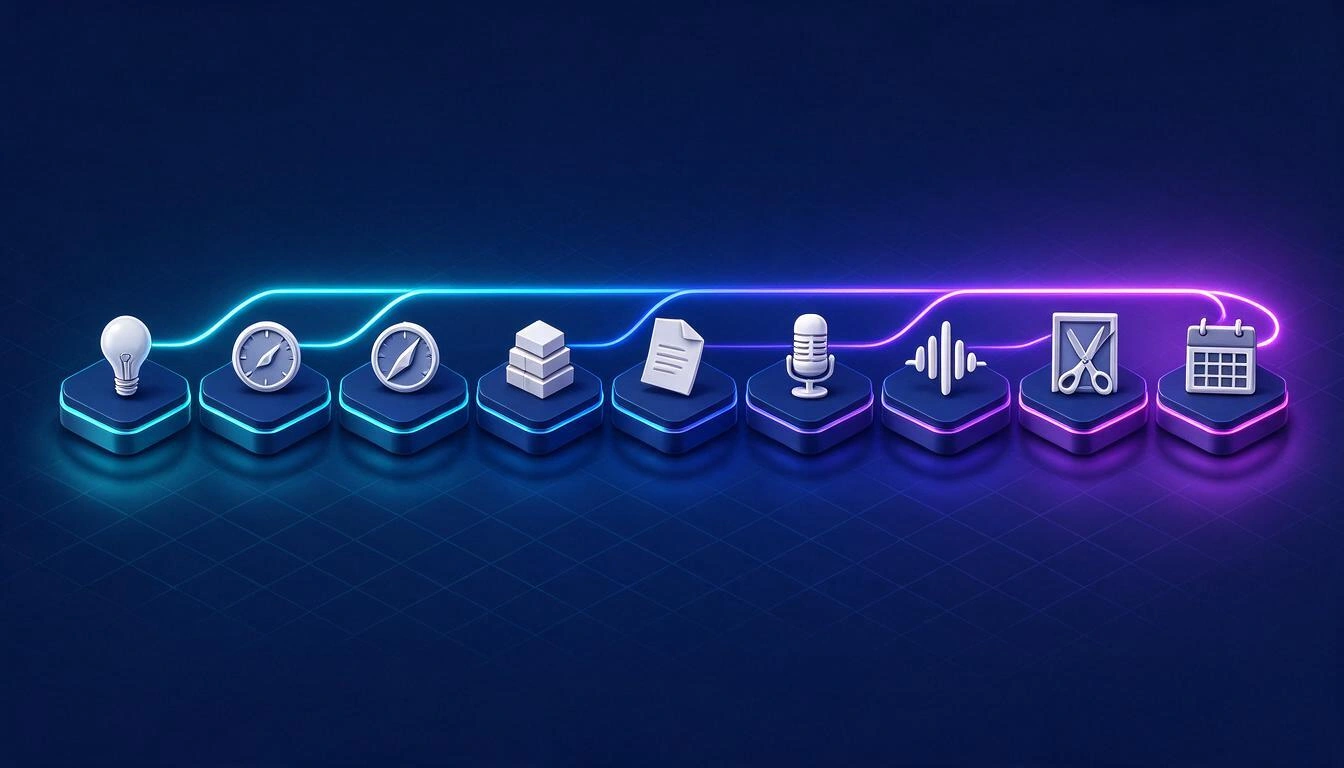
1. Idea
Here AI performs well only if you provide specific context. A generic generator spits out "10 ideas for your marketing podcast"; a useful one starts from your topics (with their keywords, audience, and tone), your channels, and what you have already accepted and discarded before, to avoid repetition. In AI Podcast Channel, that information is defined once and then conditions all generations: by topic, by free request ("something controversial but defensible") or in current affairs mode.
2. Scoring
Choosing among ten ideas is slower than generating them. An explicit criterion saves you the discussion with yourself: the app scores each idea from 1 to 10 on seven dimensions —interest, virality, depth, ease of execution, fit with your line, timeliness, and clip potential— and allows you to request variations of the same topic with a different approach (controversial, educational, personal, viral, or deep) and check if you have already talked about that.
3. Strategy and hooks
Before writing, it is advisable to set the objective, audience, promise, and angle, and have several openings to choose from. AI is good at producing hook alternatives by type: strong question, controversial statement, surprising fact, personal story, contrast, and prediction. You choose which one holds up.
4. Outline
This is the phase where the most time is recovered. An outline of blocks —hook, context, problem, development, examples, opinion, risks, conclusion, and CTA— with assigned duration for each block turns a blank page into something editable. The app generates those blocks, makes them reorderable, and allows the application of nine narrative templates (hero's journey, AIDA, story spine, retention hooks, problem-solution, numbered list, two-sided debate, and real case).
5. Script
Not everyone wants the same level of script, and that is where single-format tools fail. AI Podcast Channel generates six styles from the same outline: free bullet points, word for word (for teleprompter), conversational, interview, monologue, and short video condensed to less than three minutes.
6. Recording
Here AI does not save recording time: it saves repetitions. What can be prepared beforehand is the guest's profile, the questions by blocks, the technical checklist, and the framing. The app includes checklists in three groups (technical, environment, and preparation), four framing templates (16:9, 9:16, split screen, and audio only), microphone testing, and teleprompter with rehearsal mode. An important detail: when researching a guest for whom it has no solid data, the profile is marked as unverified and comes with a list of points to check before recording, instead of inventing a biography.
7. Transcription
It is the phase that has changed the most and the one that unlocks the most: without transcription, there are no clips, chapters, articles, or searchability. The app transcribes the audio or video you upload with voice separation and time stamps, up to 3 hours per file, with language selector; and if you already have the transcription done, you can paste it or import a .srt or .vtt.
8. Breakdown
With the transcription in front of you, AI locates what would take you an hour to re-listen: chapters with their time stamps, 5 to 10 highlighted moments, 5 to 10 quotable phrases, summary, key points, and mentioned resources. From there, clips and text pieces emerge.
9. Calendar and metrics
The last phase is what makes the next episode exist. The app has an editorial calendar in month, week, and agenda view, with drag-and-drop, recurrences, reminders, and export to .ics to import it into Google or Apple Calendar; and a metrics sheet per episode and per clip (views, likes, comments, shares, average time, retention, and CTR) that are entered manually and then feed back into the idea generation.
An episode is not a piece: there are between 10 and 20
From a 45-minute recording, realistically, between 10 and 20 publishable pieces come out. That is the multiplier that justifies the time invested, and it is exactly what AI does well, because everything derives from the same text: the transcription.
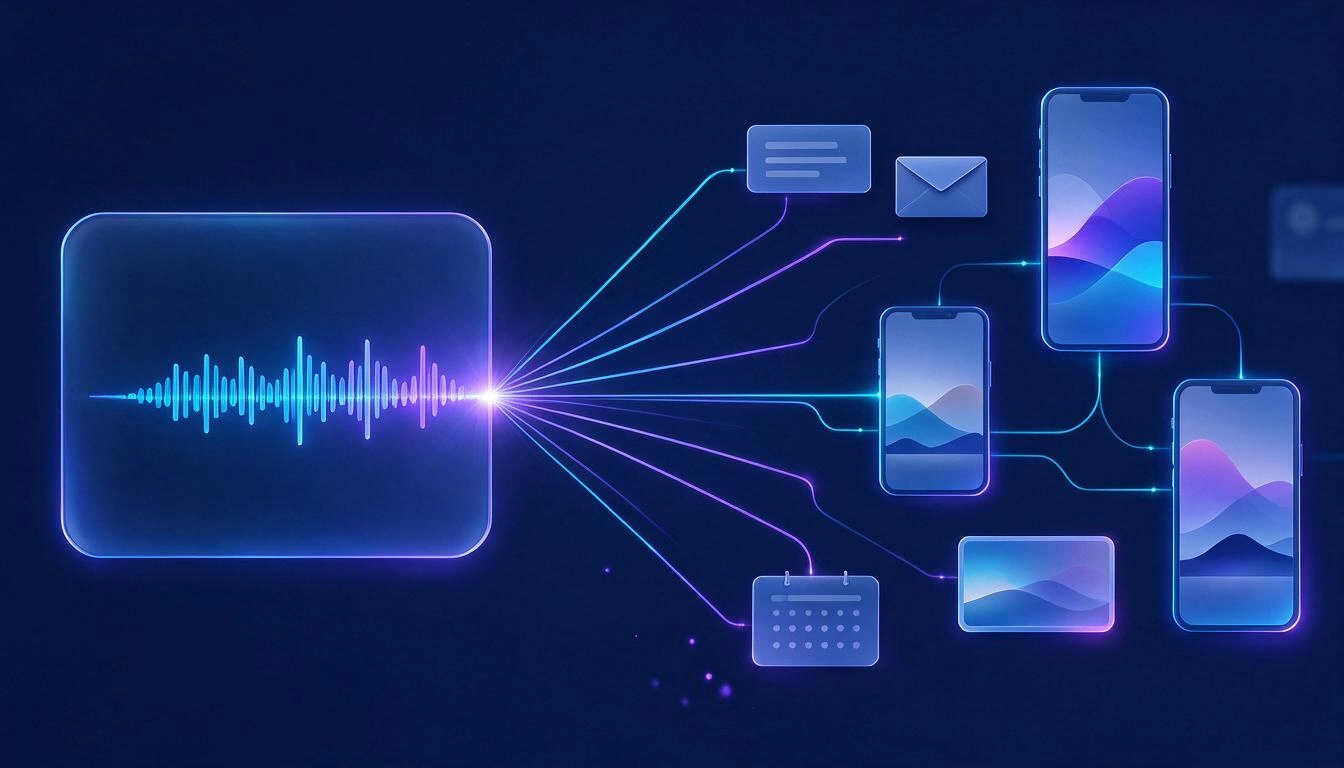
| Piece | How many come from an episode | What the app delivers |
|---|---|---|
| Short clips | 5-12 | Start and end times, textual opening phrase, on-screen text (max. 60 characters), caption, hashtags, CTA, potential score 0-100 and the reason. Configurable duration (default 30-90 s) |
| Clip subtitles | 1 per clip | Downloadable SRT file, ready to import into the editor |
| Copies per platform | 1 per channel | Title, alternative titles, description, copy, hashtags, CTA, and on-screen text for YouTube, podcast, TikTok/Reels, LinkedIn, X, newsletter, and blog |
| Long pieces | up to 5 | Show notes with resources and timestamps, article of 900-1,600 words, newsletter with subject and CTA, X thread of 6-10 tweets, and carousel of 7-10 slides |
| Thumbnail concepts | 4 | Visual concept, proposed text, style and emotion; you can render the image of one of them |
| Calendar entries | 1 per post | Date, time, channel, copy, recurrence, and reminder |
The count matters: the production cost is spread across all those pieces, not just the episode.
What AI can automate and what it cannot, without euphemisms
Today AI covers text and analysis well, and does not cover audio processing or publishing. This is the real frontier, and it's important to know it before choosing a tool, because this is where the industry's inflated promises concentrate.
| Task | Does AI do it today? | The fine print |
|---|---|---|
| Propose and score ideas | Yes | It depends entirely on the context you give it: without your topics and tone, they come out generic |
| Write outline and script | Yes | A solid draft comes out, not a final script; you provide the opinion and your own examples |
| Research a guest | Partial | A language model does not browse: you need to verify data and dates before recording |
| Transcribe with voice separation | Yes | Very reliable and cheap; quality depends on the source audio |
| Detect clips and write their texts | Yes | It returns the cut and the texts; does not edit the video |
| Generate clip subtitles | Yes, in SRT | Burning and animating them is done in the editor |
| Automatically reframe to 9:16 | No in this app | Requires video processing |
| Remove filler words, silences, and noise | No in this app | Requires an audio pipeline (Auphonic, Cleanvoice, Descript, and similar) |
| Clone or dub voices | No in this app | No dubbing engine connected |
| Automatically publish on social media | No in this app | Requires OAuth and the publishing APIs of each platform |
| Bring metrics via API | No in this app | Metrics are entered manually and do feed the system |
Transcription is already a commodity; what remains expensive is deciding and writing
Voice recognition has ceased to be the bottleneck. The public rate of Deepgram for Nova-3 in pre-recorded mode is $0.0043/minute with fixed language and $0.0052/minute with automatic detection (deepgram.com/pricing, consulted on October 25, 2026): a 45-minute episode costs about $0.19 for raw transcription.
Two practical consequences:
- Always transcribe, even if you don’t publish the transcription. It is the raw material for clips, chapters, the article, and the internal search engine. Not doing so is throwing away 70% of the episode's value.
- Set the language if you know what it is. Automatic detection costs about 20% more and you almost never need it.
What remains expensive is the same as always: having something to say, deciding the angle, and writing it.
How AI Podcast Channel fits into this flow
AI Podcast Channel organizes the nine phases around a file per episode: each episode has its own tab for strategy, hooks, outline, script, questions, recording, files, transcription, clips, marketing, creatives, and metrics. It is not a collection of loose generators: what you decide in one tab conditions the next.
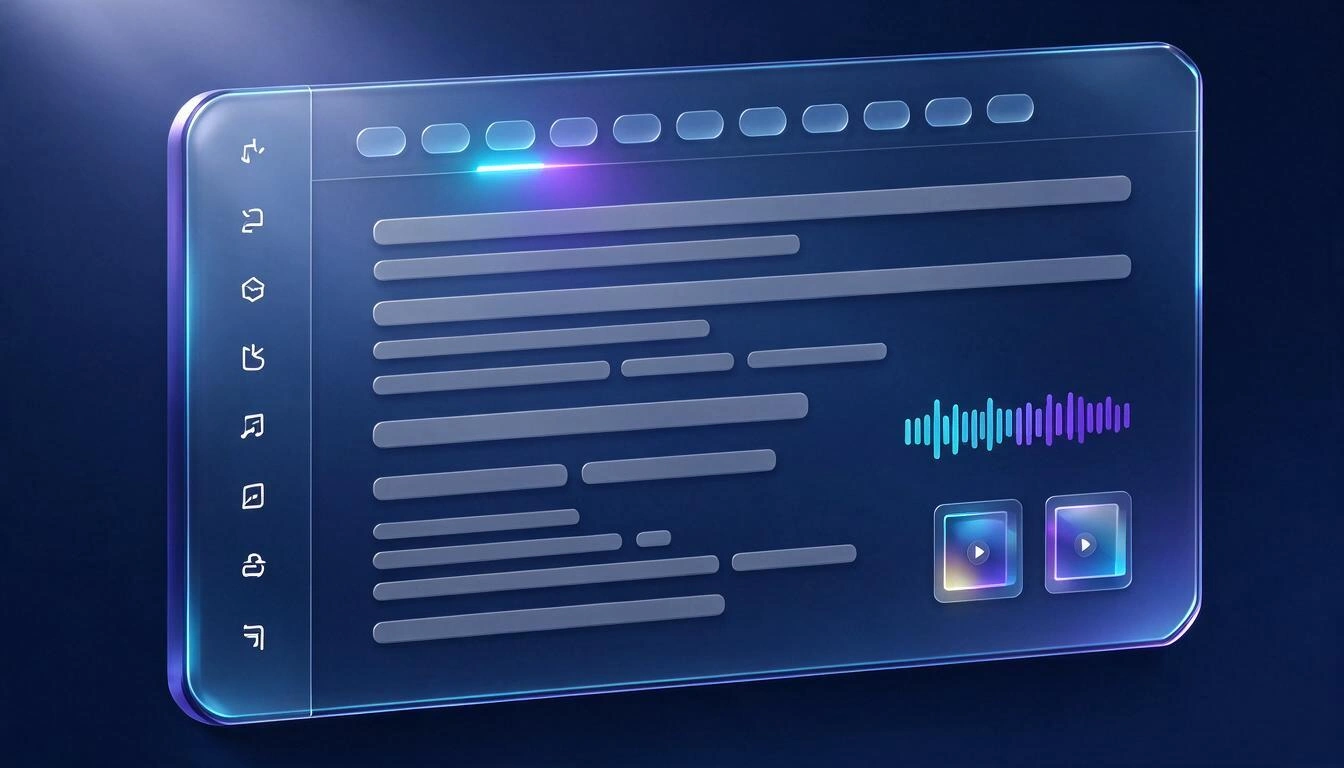
Three things worth knowing about how it is structured:
- It learns from your decisions, not from a generic profile. The ideas you validate and those you discard enter the context of the next generation, just like the conclusions from your manual metrics analysis.
- There is a chained mode. You can launch strategy → hooks → outline → script → copies → creatives all at once for the same episode, and review later, instead of requesting piece by piece.
- Everything comes out of the app in open formats. Markdown, copy to clipboard, print to PDF,
.srtfor each clip,.txtfor the transcription, and.icsfor the calendar. Nothing is locked inside the tool.
There is also an advisory chat with the context of your account, which understands requests like "give me ideas for this week", "create a script for my latest validated idea", "analyze my last episode", or "when did I last talk about automation?".
A realistic weekly plan for a 45-minute episode
Spreading the work into short blocks throughout the week is what prevents podfade. This is a realistic distribution for a weekly episode where the decision and text part is assisted and the audio and video part remains manual.
| Day | Block | Approximate Time |
|---|---|---|
| Monday | Generate ideas, review scores, and validate one | 20-30 min |
| Tuesday | Strategy, hooks, and outline; adjust blocks and durations manually | 30-45 min |
| Wednesday | Script in the chosen style, self-review, and rehearsal with teleprompter | 45-60 min |
| Thursday | Checklist, recording, and uploading the file | 60-90 min |
| Thursday | Transcription and analysis (chapters, highlights, quotes) | 10-15 min for review |
| Friday | Editing audio or video outside the app | 1-2 h |
| Friday | Clips, SRT subtitles, copies by channel, and scheduling in the calendar | 30-45 min |
The block that does not decrease is that of Friday morning: editing. Any honest calculation of savings has to leave it out.
What AI Podcast Channel does not do
To be clear, so that no one arrives with the wrong expectation: it does not record, does not edit audio or video, does not assemble vertical clips, does not burn subtitles, does not publish on your networks, does not connect via API with YouTube or Spotify, and does not dub into other languages. It records and edits with the tools you already use, uploads the file, and the app takes care of the creative part, the breakdown, and the organization.
That boundary is deliberate: we prefer to state it than to sell an "all-in-one" that then breaks in the first real episode.
Frequently Asked Questions
Can a whole podcast be made with AI?
Whole, no. Today AI can help you decide the topic, structure it, write the draft of the script, transcribe what has been recorded, and break it down into clips and texts. The voice, opinion, personal examples, and audio editing remain human work, and they are exactly the parts that people listen to a podcast for.
Does AI write the script for me or just give me an outline?
Both, depending on what you ask. In AI Podcast Channel, the outline (blocks with duration) and the script are separate steps, and the script is generated in six different styles, from developed bullets to word-for-word text for teleprompter. What comes out is a draft to edit, not a text to read blindly.
Does the app clean the audio or remove filler words?
No. There is no audio processing: no noise reduction, no removal of filler words or silences, no leveling, no voice cloning. That is done in your usual editor, and then you upload the already edited file to transcribe and break it down.
Does it provide the already edited vertical clips for TikTok?
It does not edit the video. It gives you, for each clip, the exact moment (start and end), the phrase it starts with, the on-screen text, the caption, the hashtags, the CTA, a potential score, and the SRT file with the subtitles. You do the cutting and re-framing to 9:16 in the editor.
Does it publish automatically on my networks?
No. There is no connection with the publishing APIs of YouTube, Spotify, TikTok, Instagram, or LinkedIn. The app leaves you the copies by channel and the scheduled date in the editorial calendar, which you can export in .ics; you do the publishing.
Where does it get the trends from? Does it search the internet in real-time?
It does not browse. The current mode uses the knowledge of the language model to describe trends and open debates in the niche, and it is expressly instructed not to invent figures, dates, or specific headlines. Each idea comes tagged with its window of opportunity and with where the topic is being discussed, but it is advisable to verify it before recording.
How much audio can I transcribe at once?
Up to 3 hours per file, with speaker separation and time stamps. If your episode is longer, divide it; and if you already have it transcribed, you can paste the text or import a .srt or .vtt without going through automatic transcription.
Is it useful if I make YouTube videos and not an audio podcast?
Yes. In the settings, you define your channels with their format and target duration —long YouTube, Shorts, TikTok, Reels, LinkedIn, X, newsletter, or blog— and the scripts, clips, and copies adapt to each one. In fact, the "short video" format is one of the six script styles.
How much time will it really save me?
It depends on your format, and no honest person can give you a guaranteed figure. What can be specified is where savings occur: in pre-production (1-5 h per episode according to the breakdown from Red11 Media) and in notes, descriptions, and publication copies (1-2 h). The recording and editing of audio do not decrease, because the app does not touch either of the two.
AI Podcast Channel is the mini app of AIsToHire that turns an idea into a published episode and all its derived pieces: scored ideas, strategy, outline, script, teleprompter, transcription with speaker separation, clips with their subtitles, copies by channel, and editorial calendar. It does not record, does not edit audio, and does not publish for you; everything else in the journey, yes. It is at AI Podcast Channel
Define your topics in three minutes and generate the scored ideas for your next episode with AI Podcast Channel.
Define your topics in three minutes and generate the scored ideas for your next episode with AI Podcast Channel.Keep reading
View all articles →
YouTube doubles monetization requirements on February 1, 2027: how to meet the deadline with your video podcast

Discussing via WhatsApp or talking in person: what science says about couple conflicts through messages

Mind map, concept map, and outline: differences and when to use each one