AI Podcast Channel · From a loose topic to a published episode
For podcasters and content teams who spend more time deciding what to talk about and putting the promotion together than recording. Ideas, script, transcription, clips, and copy in one place.
Do you have things to say, but every episode gets spent deciding the topic, writing the script, and then putting the promotion together?
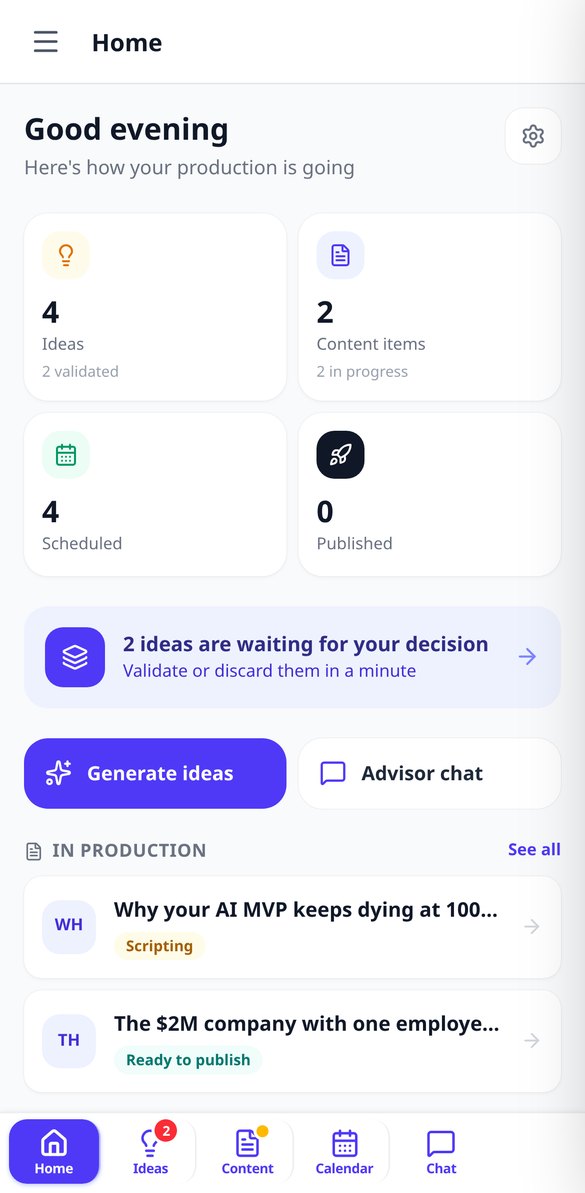
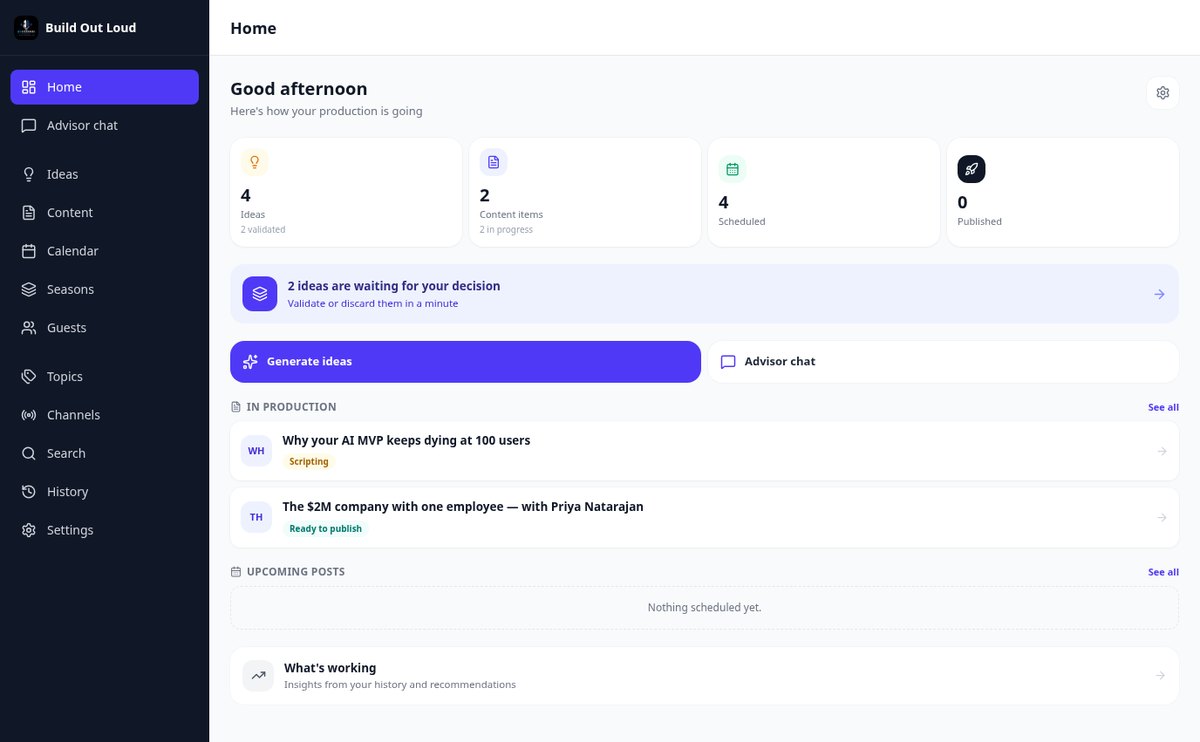
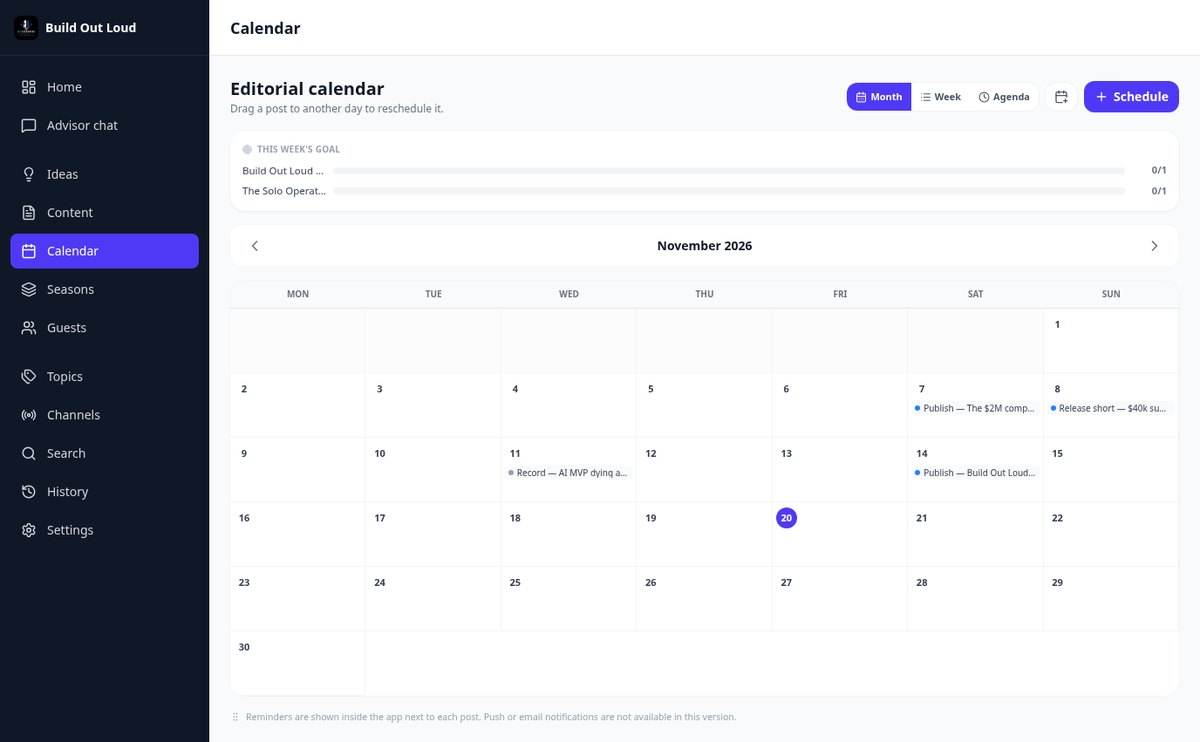
AI Podcast Channel brings that entire journey together in a single app: an AI advisor that knows your topics and your tone suggests ideas and scores them, turns them into strategy, outline, and script, and after you've recorded, it gives you back the transcription, clips with subtitles, copy for each network, and the date on the calendar.
Start free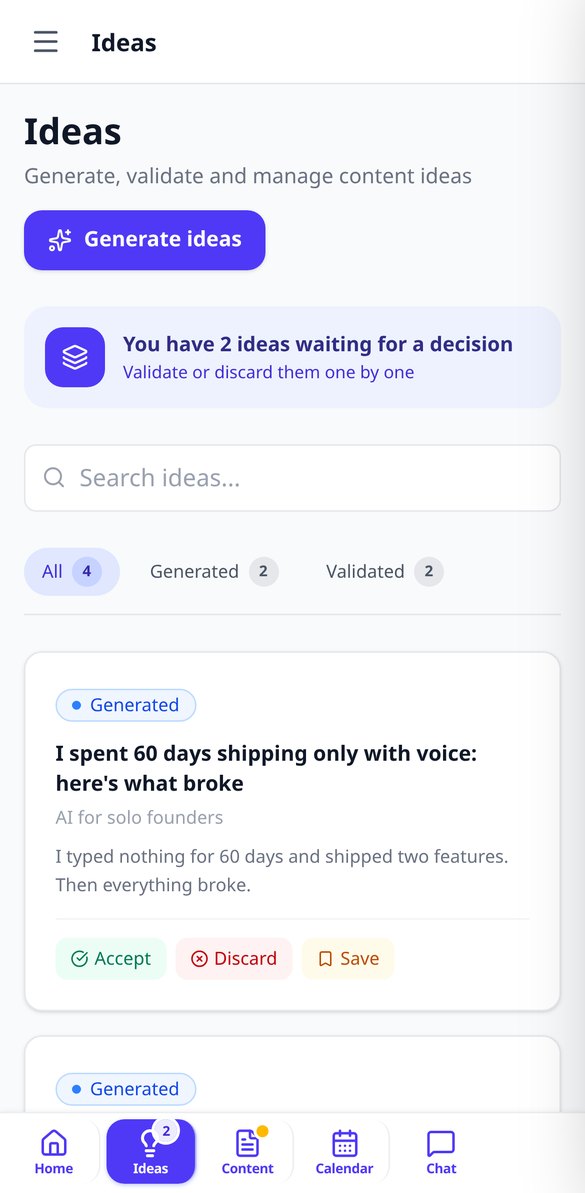
Discover every feature in detail

AI Podcast Idea Generator | AI Podcast Channel
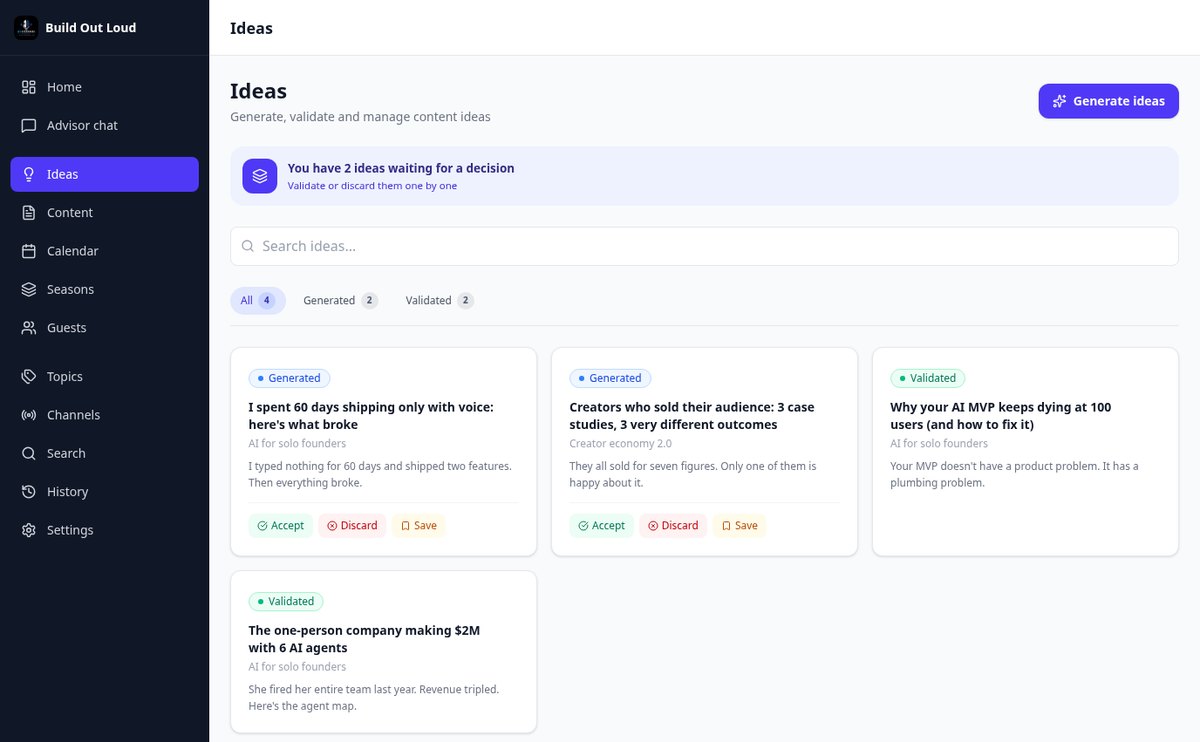
Generate podcast ideas by topic, with free prompts or based on trends in your niche. Each idea is rated on 7 criteria and does not repeat what you have already accepted or rejected.
View feature
Prepare a podcast episode in one click with AI | AI Podcast Channel
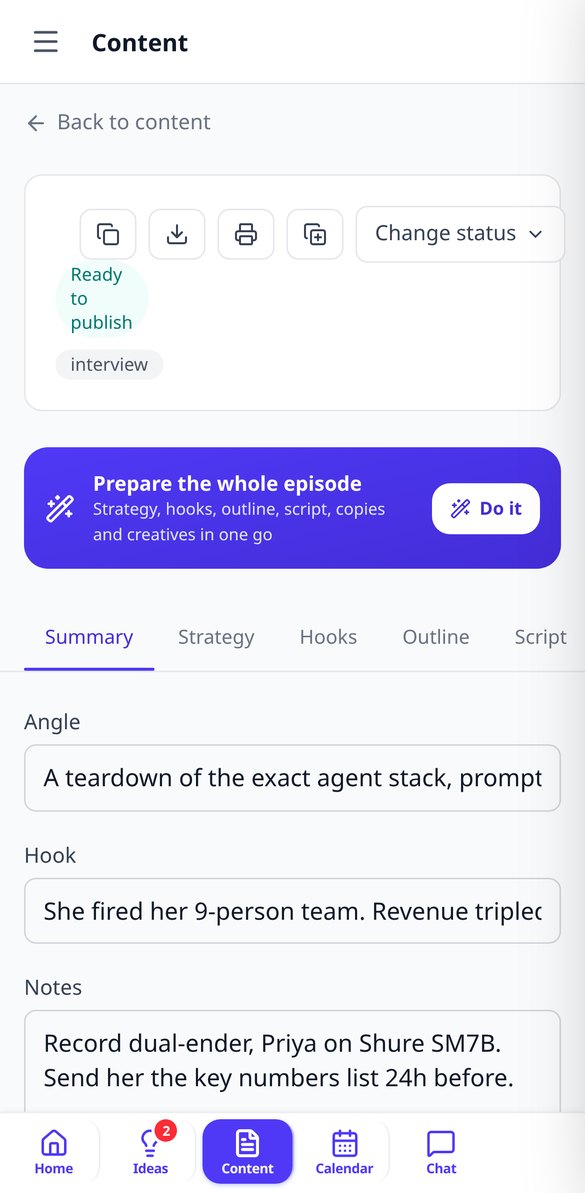
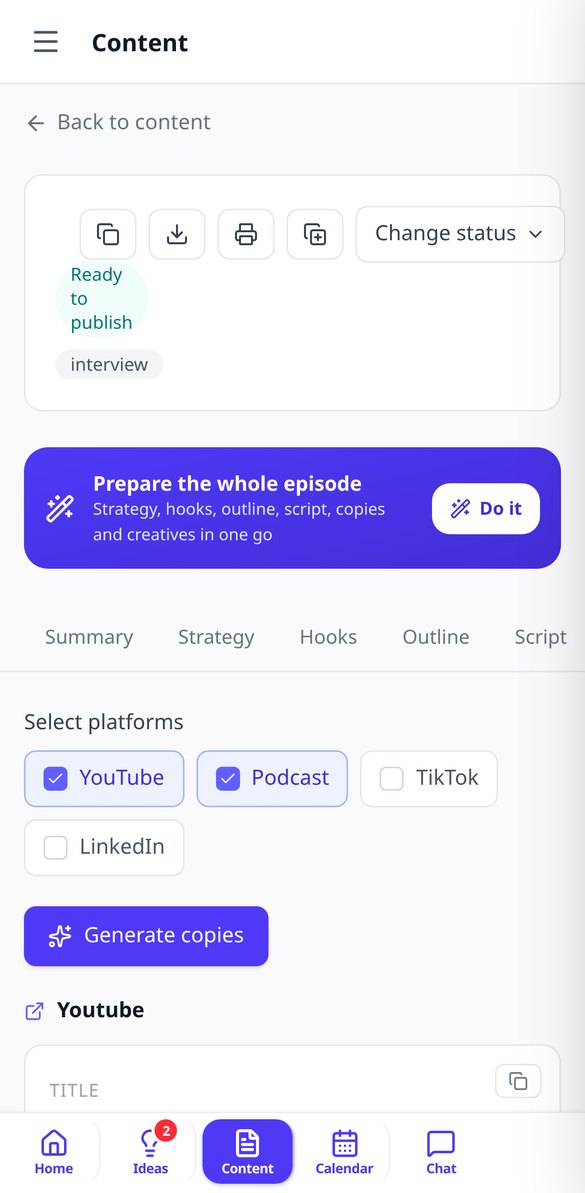
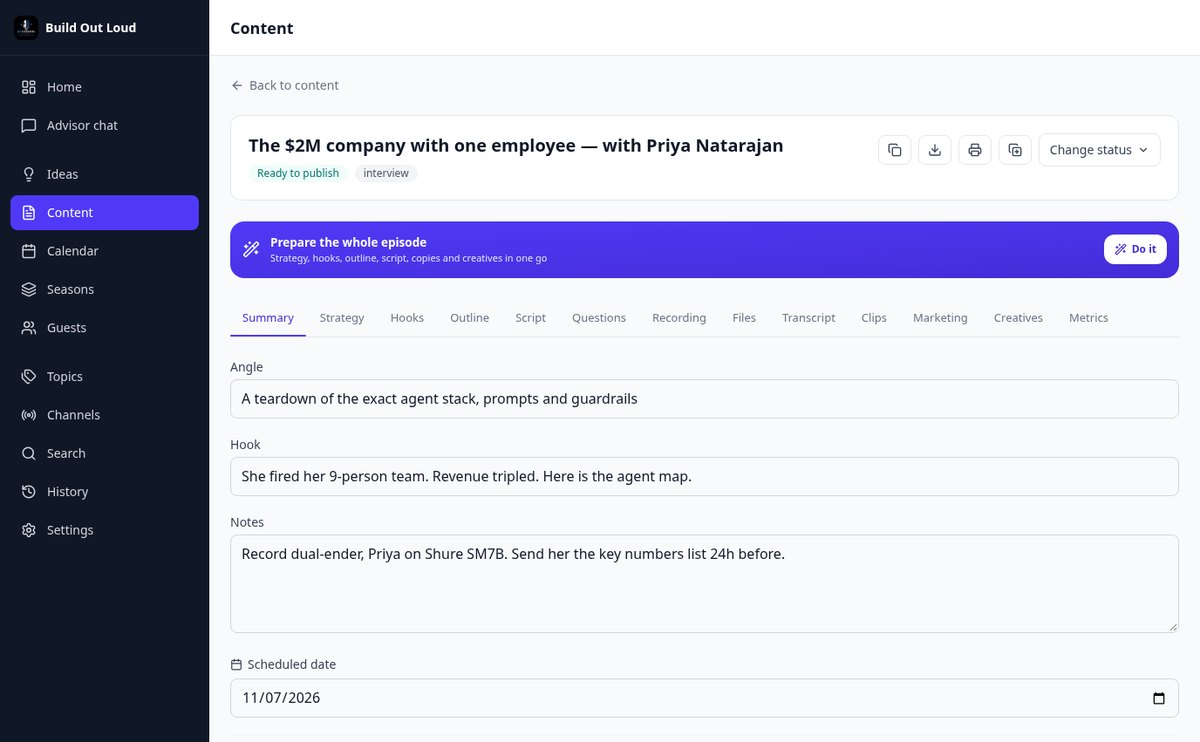
One button chains strategy, hooks, outline, script, social media copies, and thumbnail concepts for the same episode. If one step fails, the previous ones are preserved.
View feature
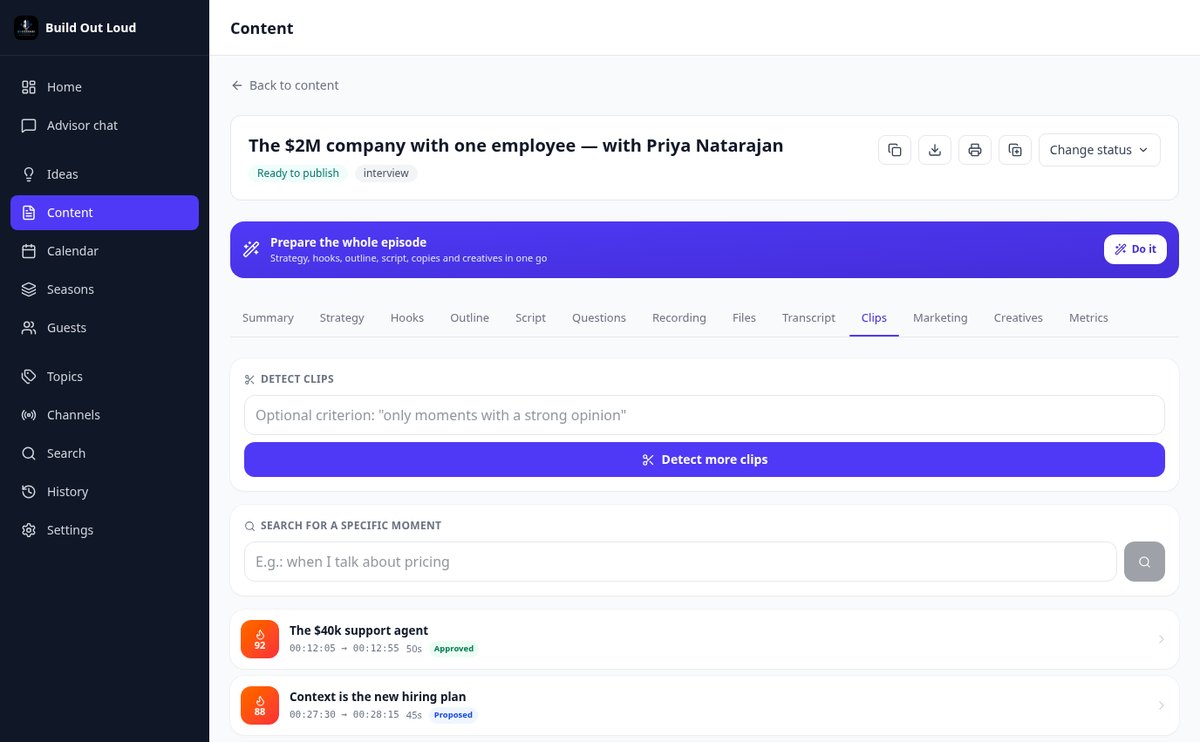
Detect viral clips from a podcast with AI and viral score | AI Podcast Channel
The AI reads the transcript of your episode and suggests 5 to 12 clips for TikTok, Reels, and Shorts with timing, viral score from 0 to 100, on-screen text, caption, hashtags, and SRT subtitles.
View feature
Transcribe a Podcast with AI: SEO Chapters, Quotes & Highlights | AI Podcast Channel
Upload the audio or video of your episode and get the transcript with timestamps and speaker diarization, YouTube-optimized chapters, 5-10 scored highlights, text quotes, and executive summary. You can also import your .srt file.
View feature
AI Podcast Script: 6 Styles & 8 Narrative Templates | AI Podcast Channel
Generate your episode podcast script with AI: block-by-block episode rundown with minutes applying one of 8 narrative templates (hero's journey, AIDA, story spine, problem-solution…) and complete podcast script in 6 styles, from verbatim to short-form video. Editable, exportable, and with teleprompter.
View featureThe entire episode, start to finish
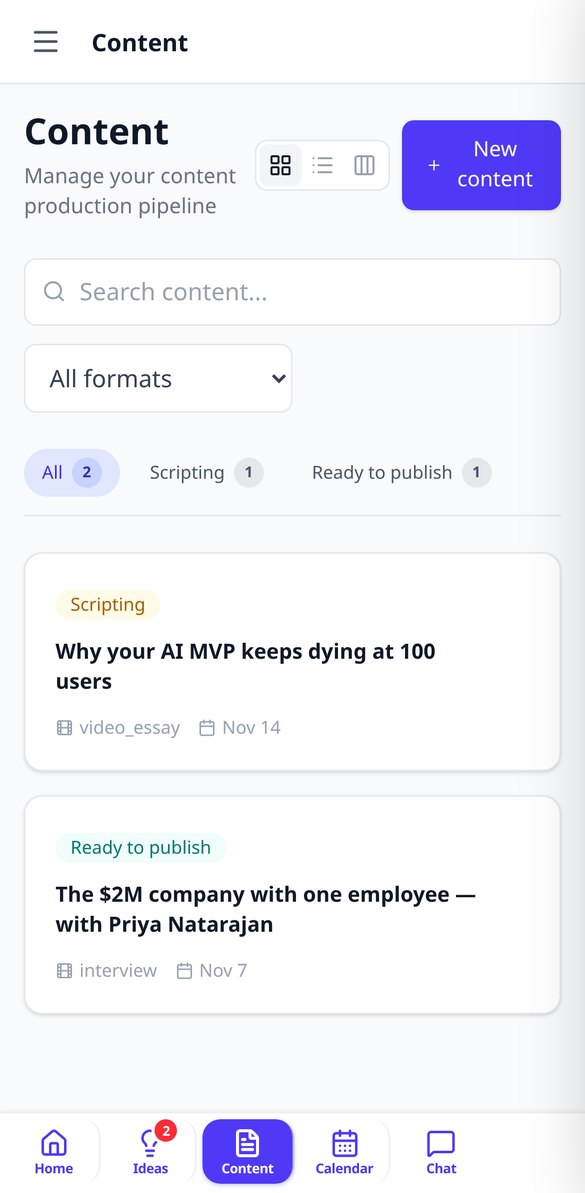
Each episode has its own page, and everything is inside: strategy, hooks, outline, script, questions, recording, transcription, clips, marketing, and metrics.

Ideas you can stand behind
It generates ideas from your topics, from free text, or connected to trends. Each one comes scored on seven criteria (interest, virality, depth, ease, fit, timing, and clip potential) and you can ask for variations that are more controversial, educational, personal, viral, or deep.
Script ready to record
Episode strategy, alternative hooks, block-by-block outline with durations, and a full script in six styles, from word-for-word to short video. If there's a guest, the AI researches their profile and prepares the questions. Then, teleprompter and recording checklist.
One episode, many pieces
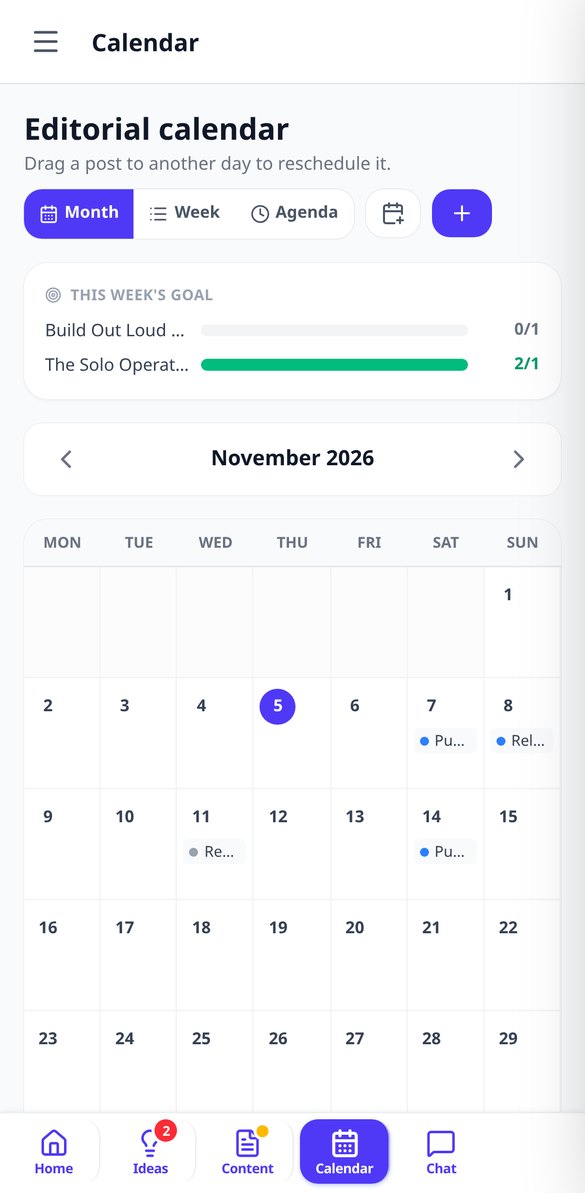
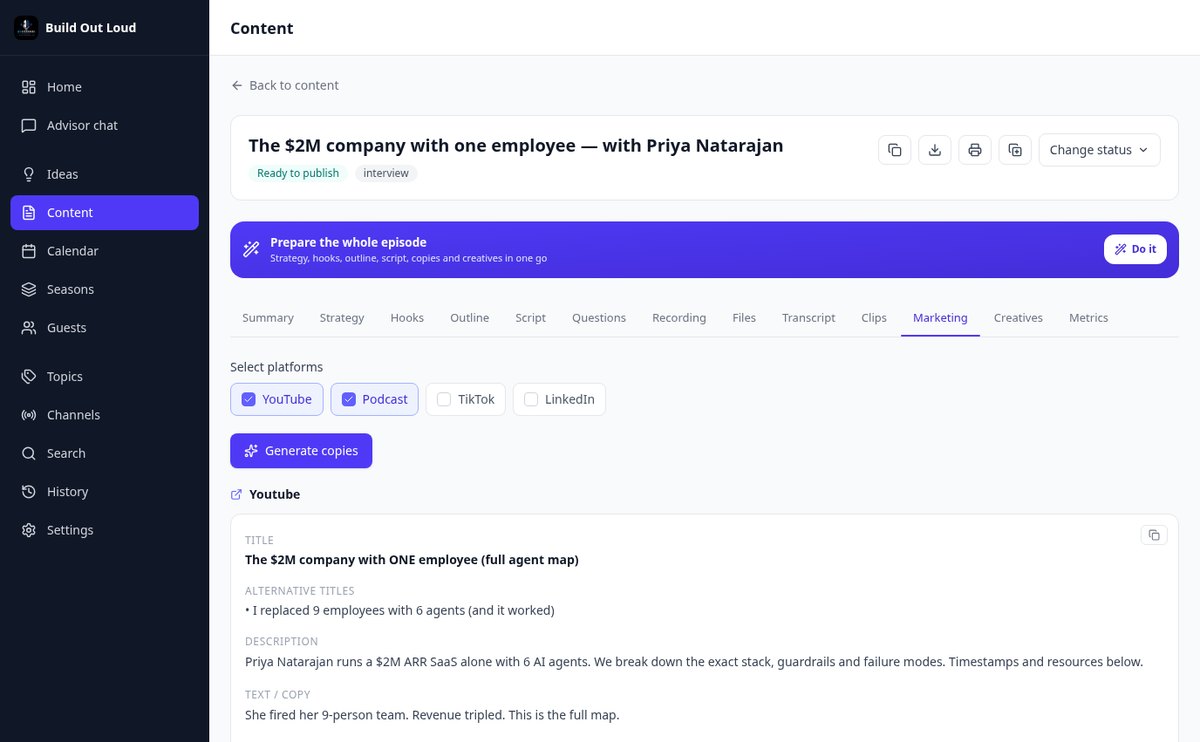
Upload the audio or video and the app transcribes it with speaker separation, detects the clips with the most potential and generates their SRT, writes the copy for each network, the newsletter, the article, and the show notes, suggests thumbnails, and schedules it in your editorial calendar.
Get started in three steps
Tell us what you talk about
You define your topics, your tone, and the channels where you publish. From there, everything the AI generates comes out in your voice.
Choose the idea and develop it
Ask the advisor for ideas, keep the one that scores highest, and turn it into strategy, outline, and script.
Record and multiply
Rehearse with the teleprompter, upload the recording, and get transcription, clips, copy, and calendar from the same episode.

Who is it for?
Built for these profiles
Frequently Asked Questions
Latest blog articles
Guides and news to get more out of it
YouTube doubles monetization requirements on February 1, 2027: how to meet the deadline with your video podcast
YouTube requires 8,000 hours of watch time starting February 1, 2027. Figures, dates, and a seven-week plan for your video podcast.
How long does it take to produce a podcast episode (and what part can AI really do)
A podcast episode takes between 4 and 10 hours of work. Breakdown by phases with data from 2026 and what part AI can really do (and which it cannot).
Your next episode starts here
Create your free account and put together your first episode end to end.