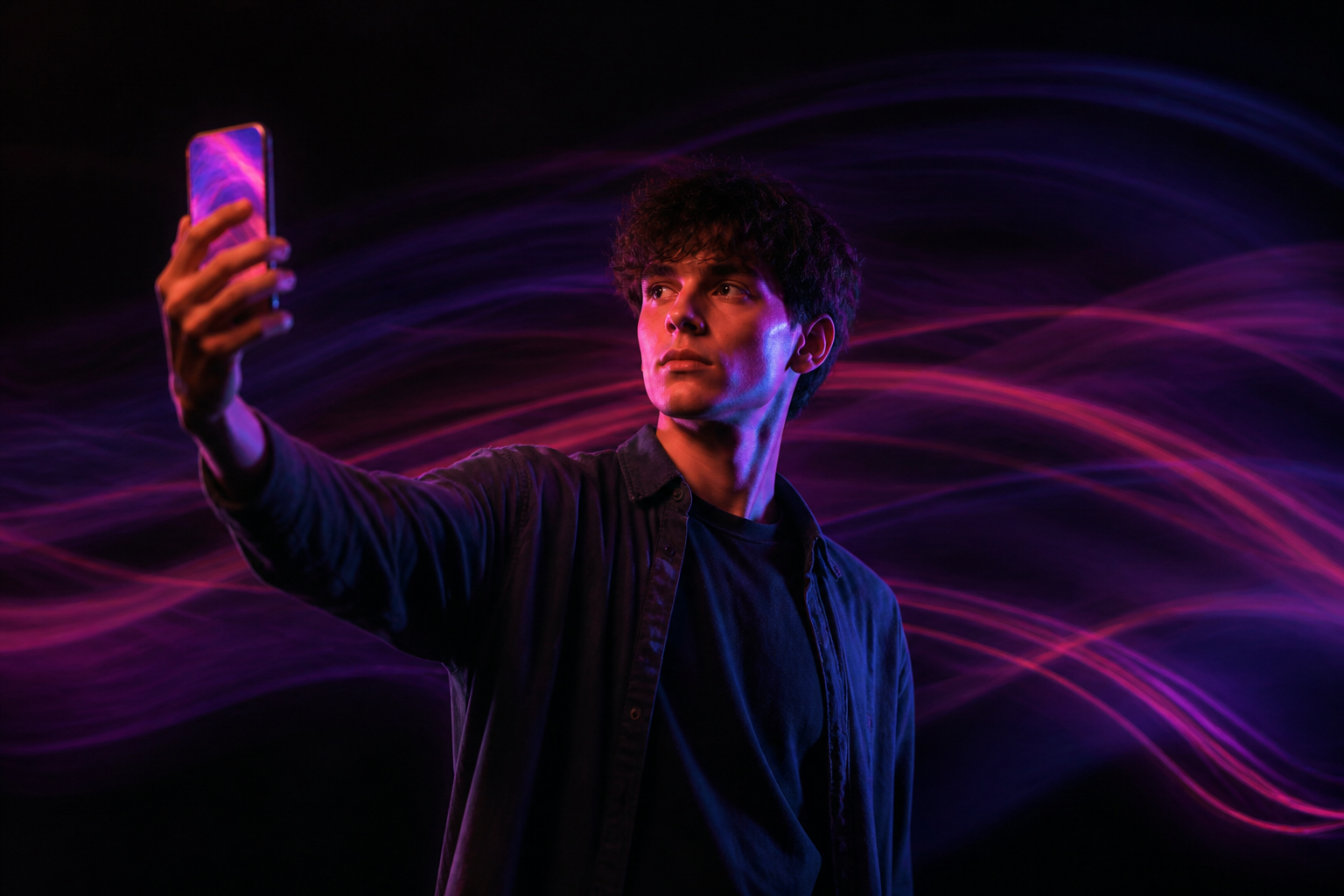
Video Effects · Turn a photo into a video with effects

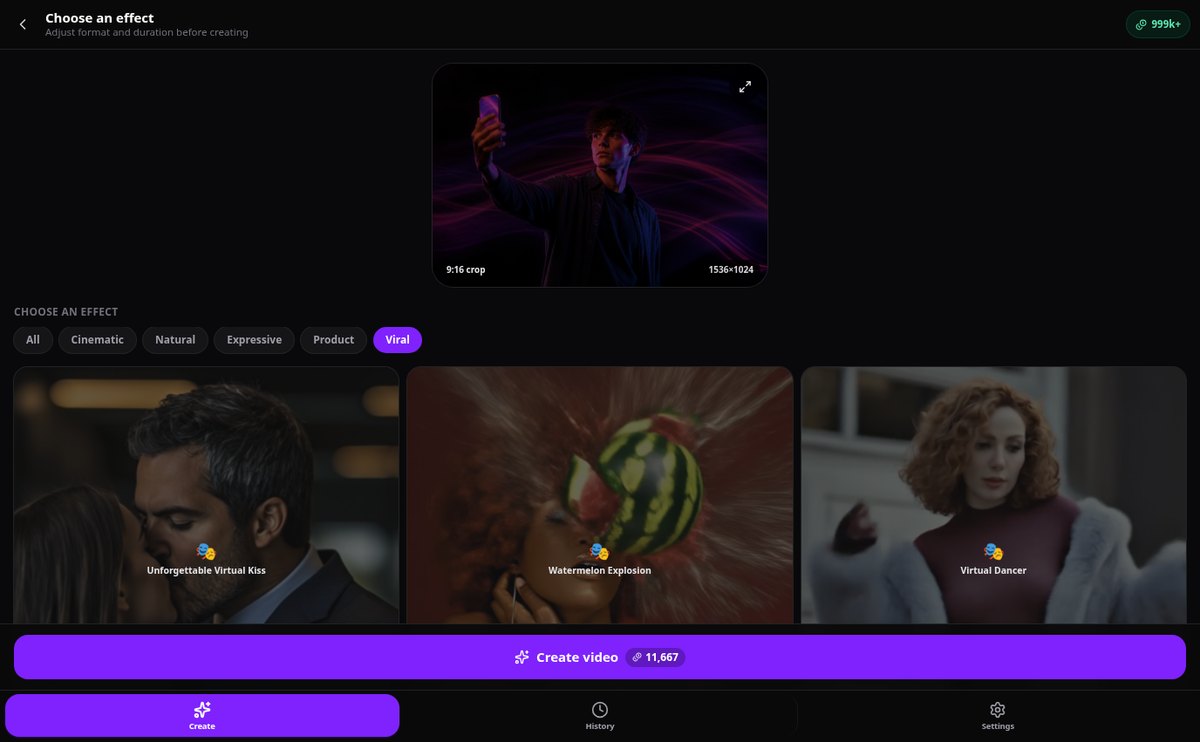
Upload an image, choose one of the 57 effects, and receive your video ready to publish. No editing and no writing prompts.
Do you want videos with effects but don't know how to edit or write prompts?
Video Effects applies the effect and AI: you just choose the photo and the effect you like. In just over a minute, you have the video ready, ready to download or share.
Start for free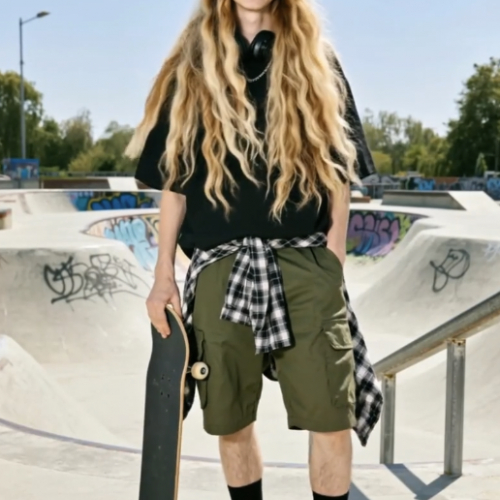
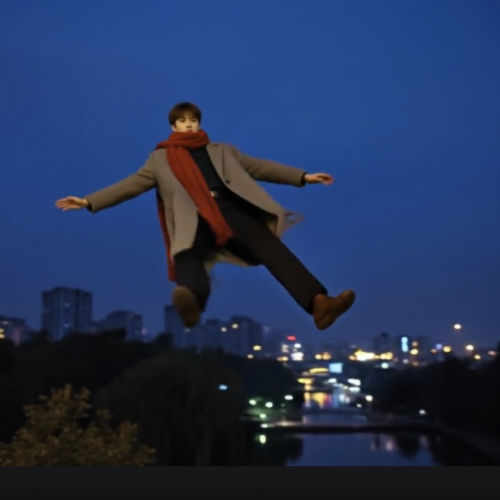
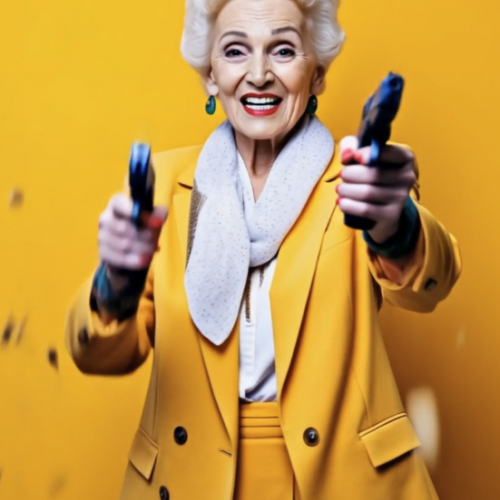
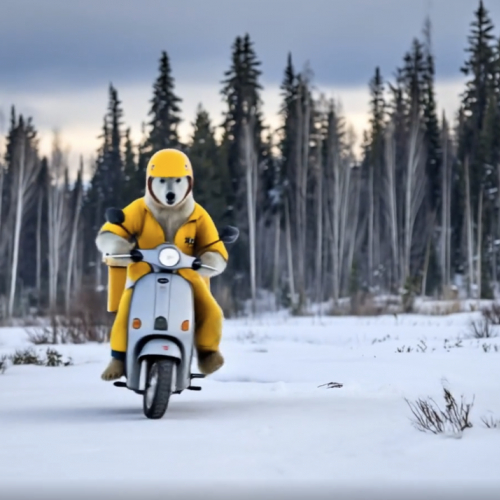
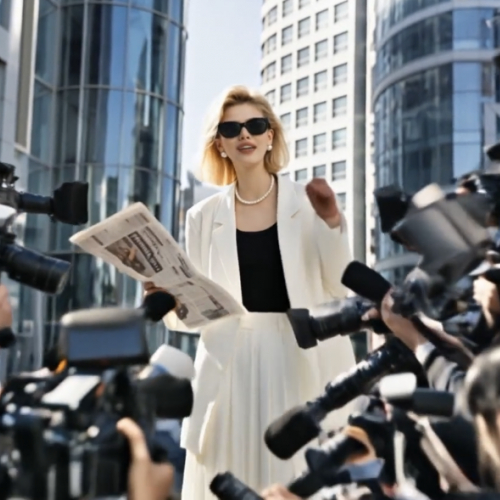




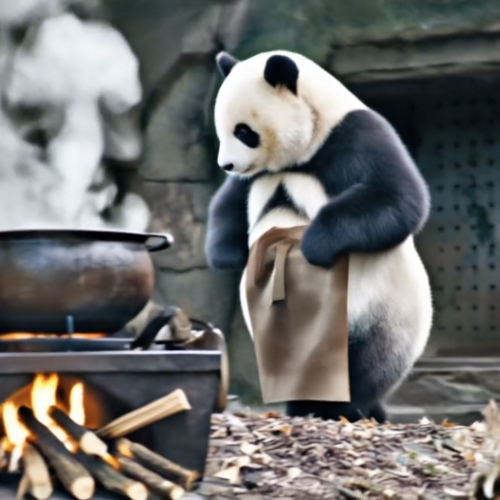
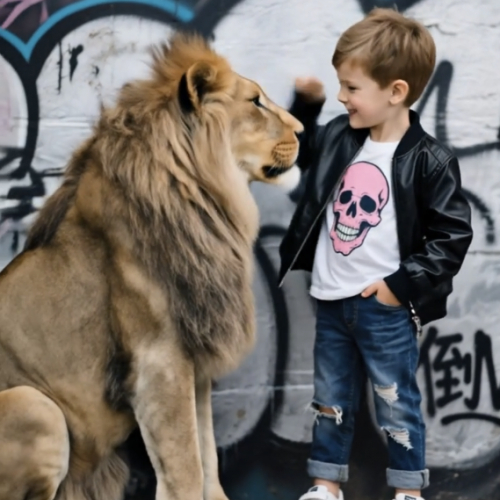
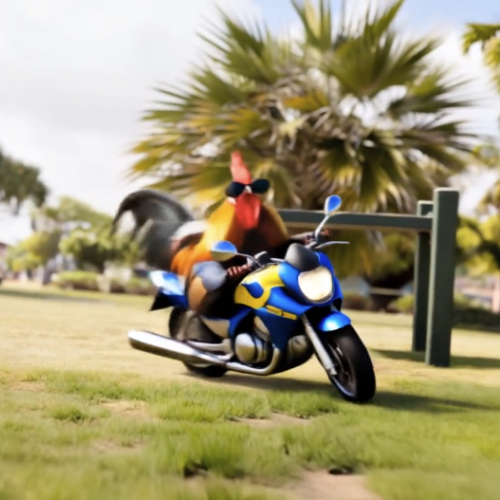





Discover every feature in detail
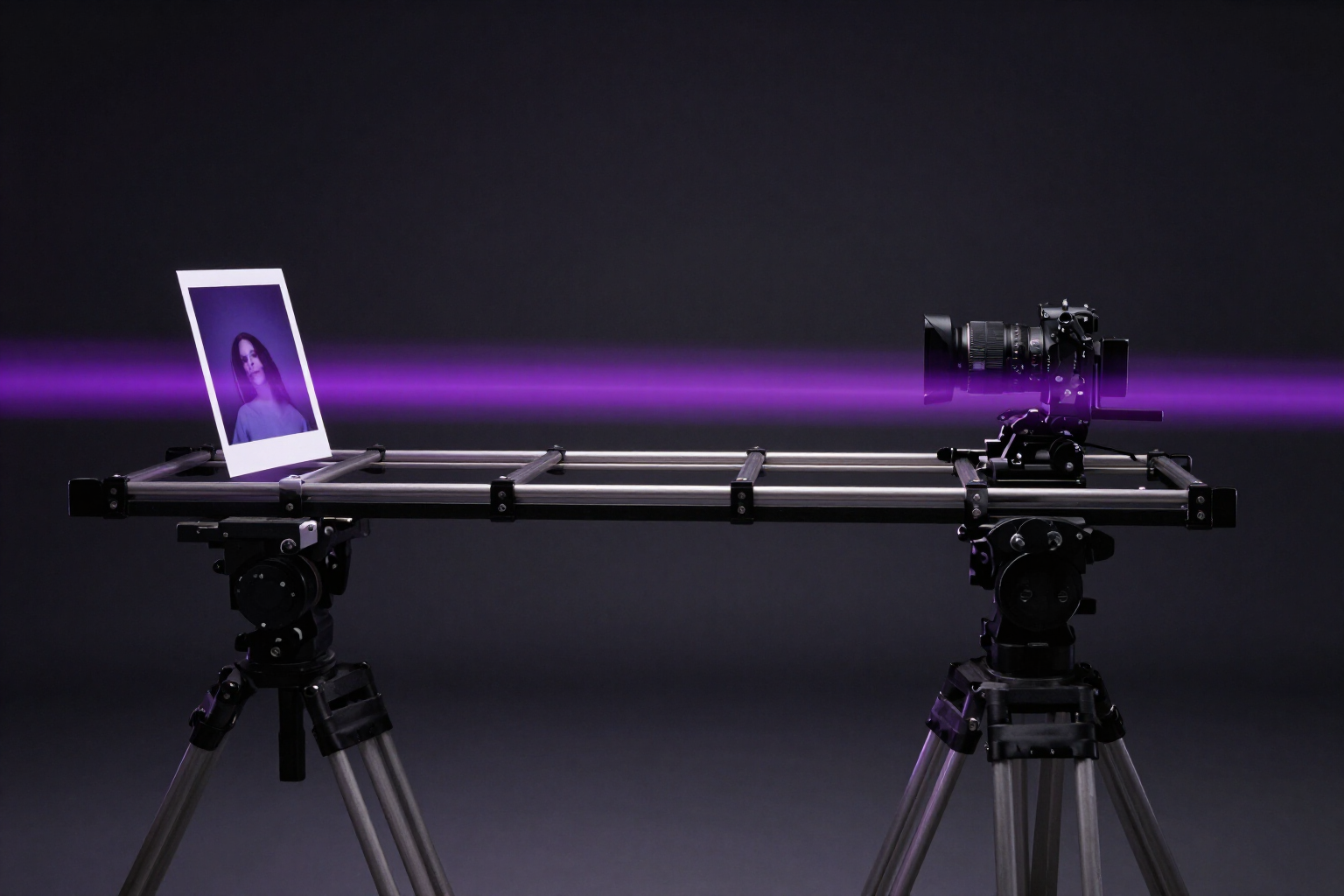
Camera and Motion Effects to Animate a Photo | Video Effects
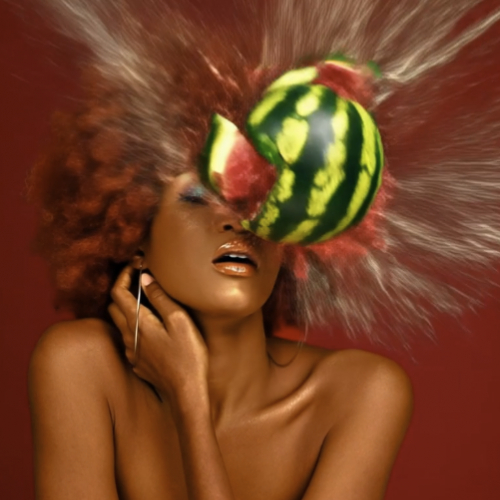
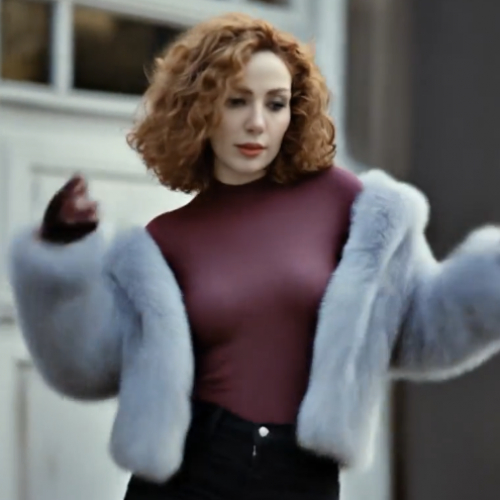
22 camera and motion effects with pre-written prompts: zoom, orbit, 3D parallax, hair blowing in the wind, 360 rotation. Animate your photo in 5 or 10 seconds without writing prompts.
View feature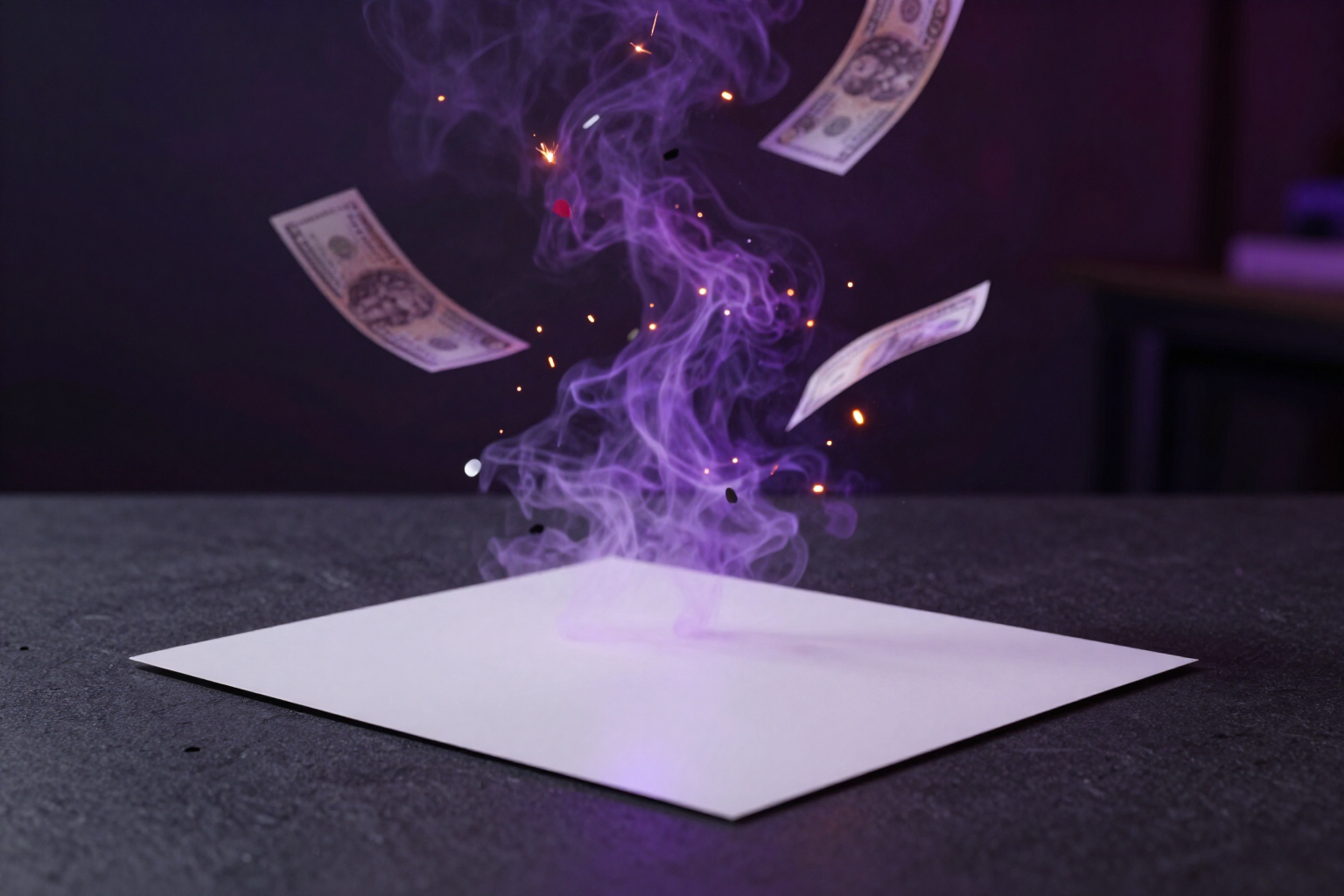
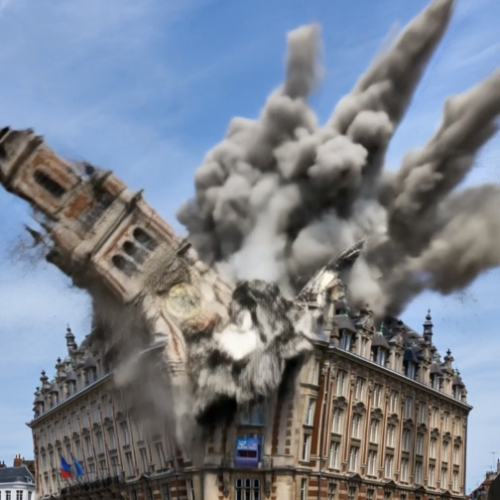
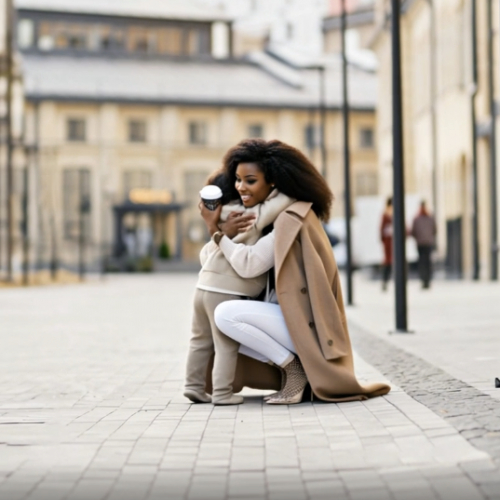
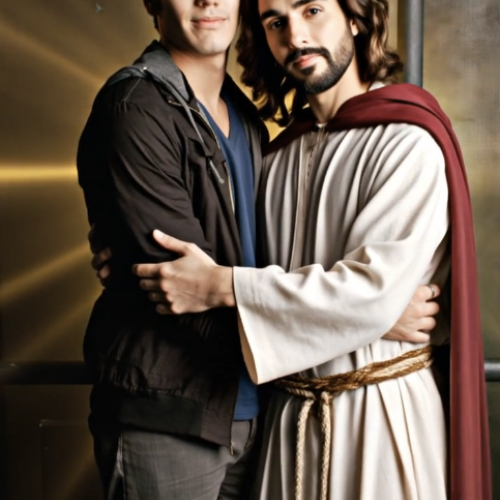
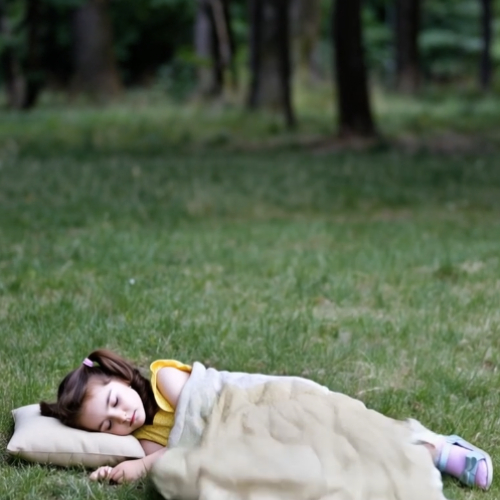
Viral Effects for Photos: 35 Ready Scenes | Video Effects
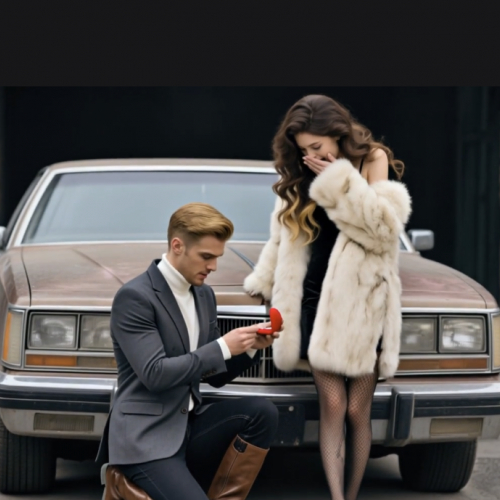
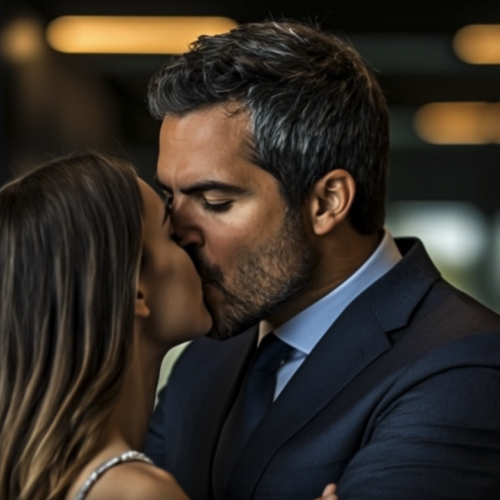
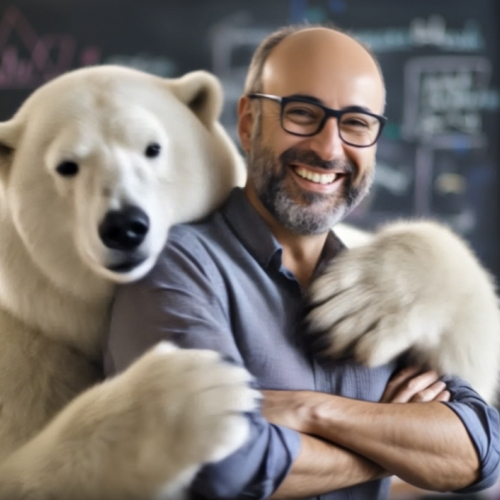
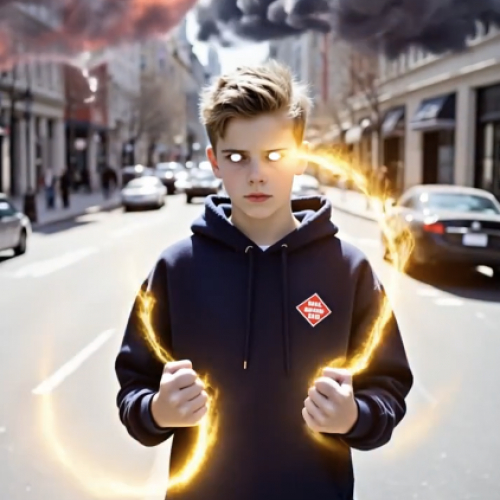
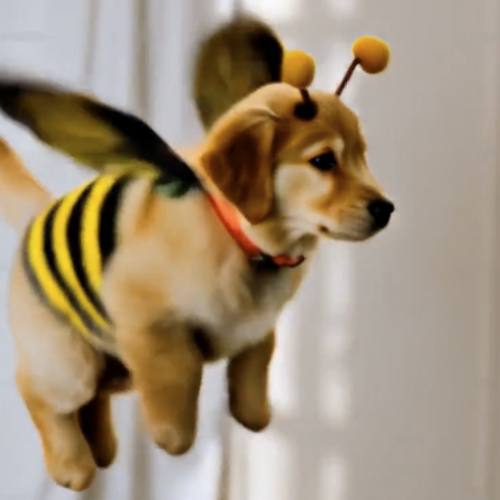
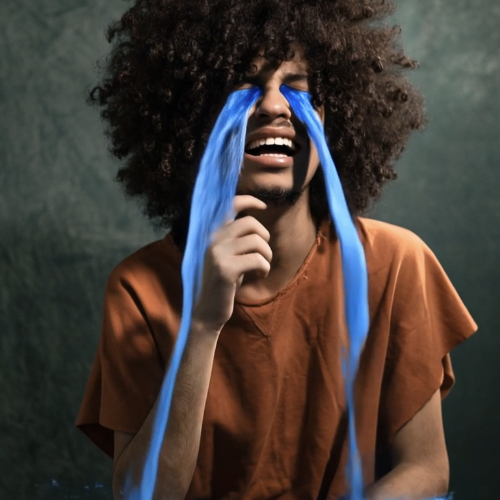
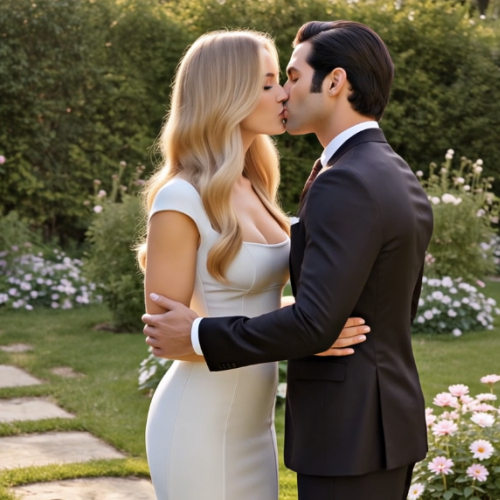
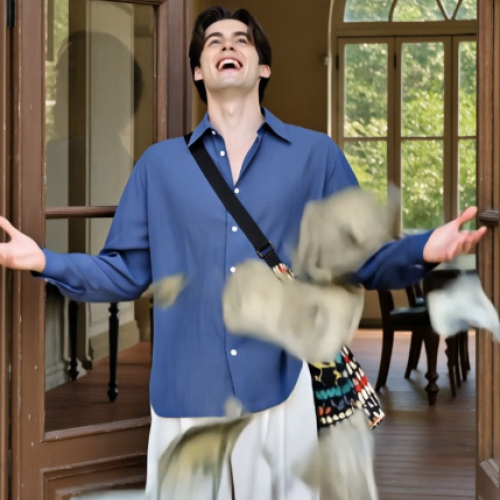
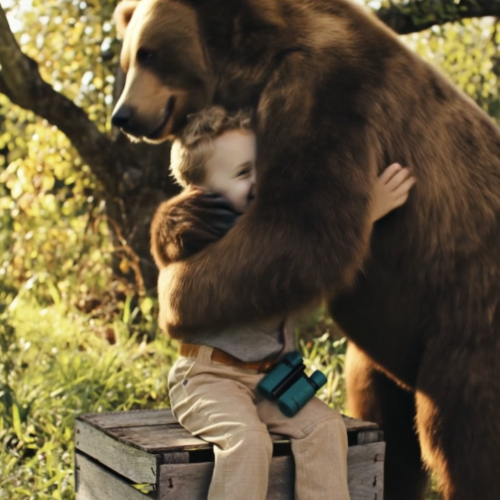
Choose from 35 viral effects —bear hug, dollar rain, magic pet, marriage proposal— and turn your photo into a 5-second video for TikTok and Reels.
View feature
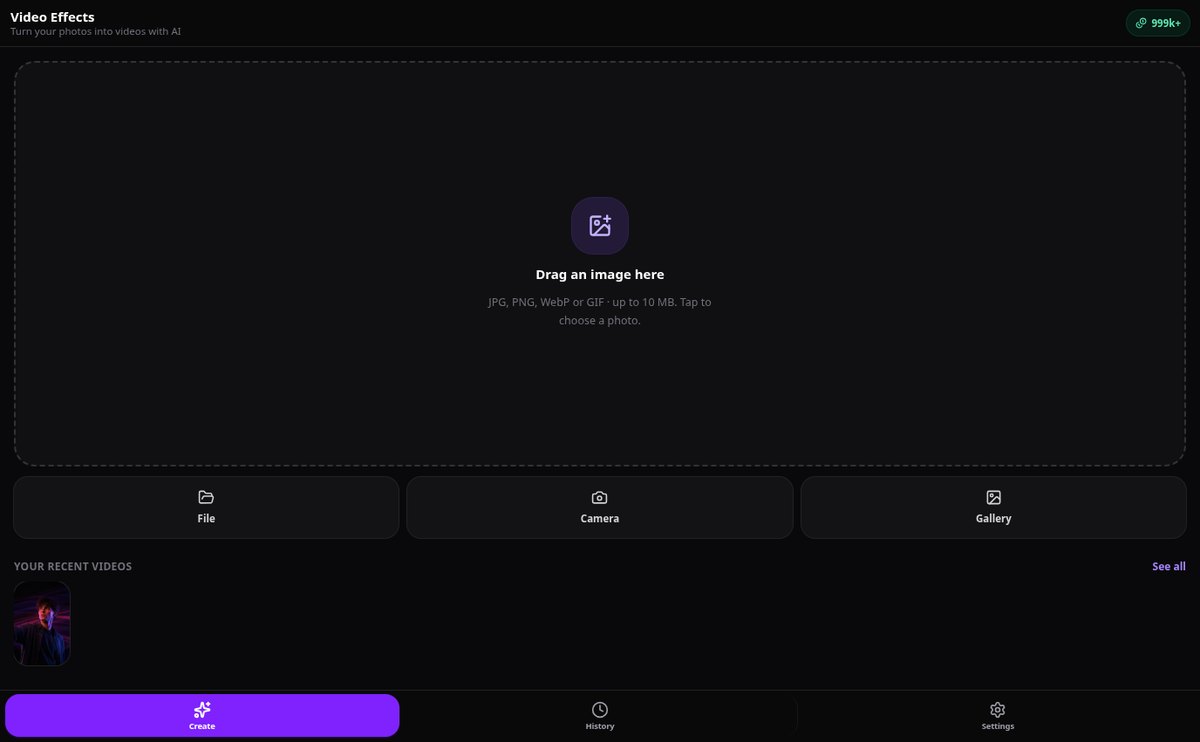
Upload a photo to animate it: drag, camera, or camera roll | Video Effects
Upload the image however you prefer: drag it to the browser, choose it from your files, open it from your phone’s camera roll, or take it with the built-in camera. JPG, PNG, WebP, and GIF up to 10 MB.
View feature
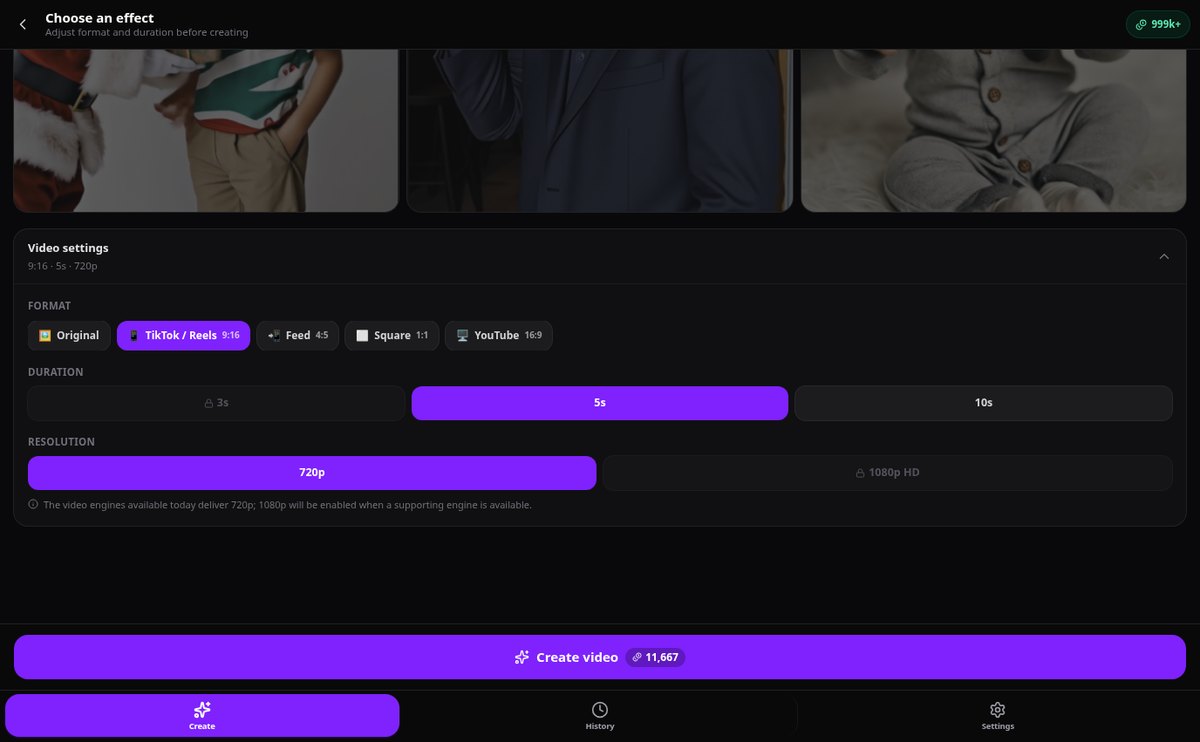
Crop a photo to 9:16, 4:5, 1:1 or 16:9 for video | Video Effects
Choose the aspect ratio before generating: 9:16 for TikTok and Reels, 4:5 for the feed, 1:1 or 16:9 for YouTube. A mask shows you the crop in the preview and the image is cropped before creating the video.
View feature
Token cost before generating | Video Effects
See the exact price in tokens for your video based on the effect, duration, and resolution before generating it. Balance always visible and tokens refunded if you cancel.
View feature
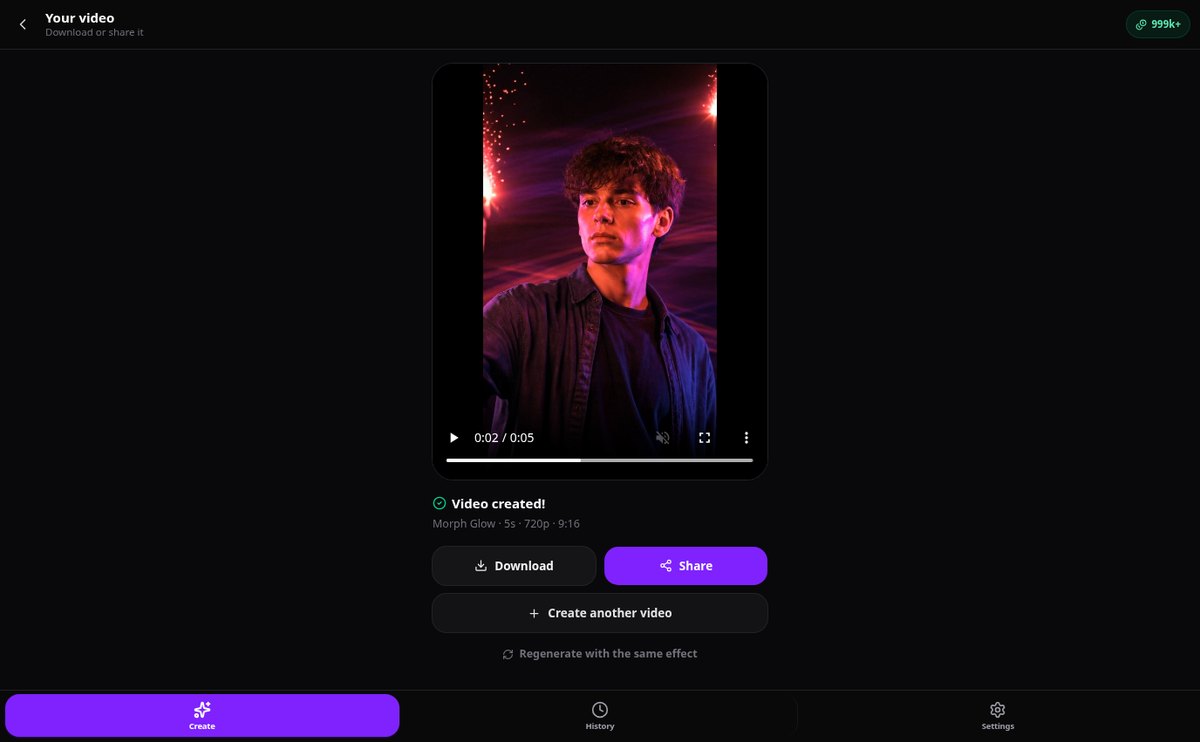
Share Video on Social Media and Save to Photos | Video Effects
Your video plays automatically when finished: download it, save it to Photos, or share it on Instagram, TikTok, and WhatsApp using your phone’s native share sheet. Includes a fallback copy link option.
View featureFrom a photo to a publishable video
Everything you need to turn any image into a video with effects.
57 ready-to-use effects
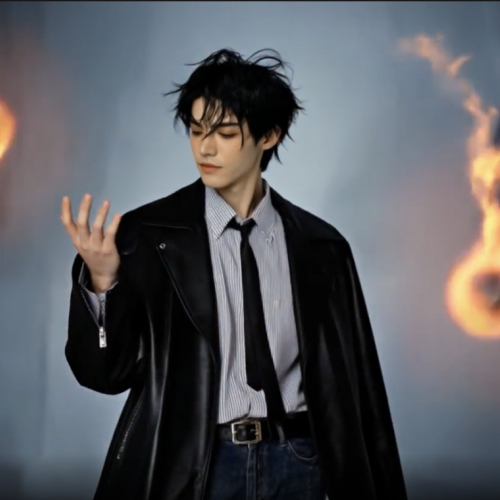
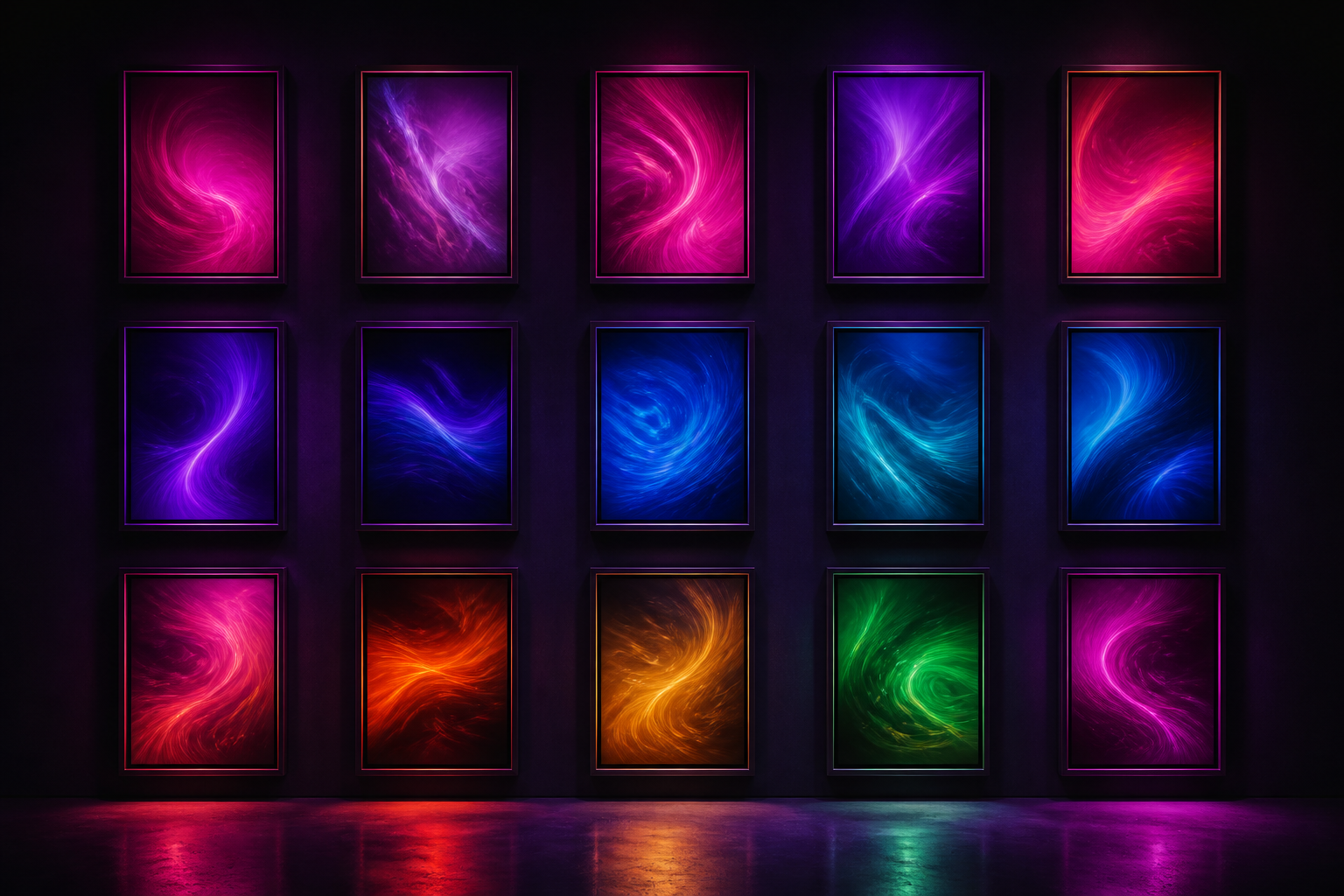
22 motion effects —slow zoom, orbit, 3D parallax, wind-blown hair, flame, breathing, product rotation— spread across cinematic, natural, expressive, and product, plus 35 viral scene effects. You choose the effect; the prompt is already written.
Your photo, from wherever you have it
Drag it, upload from your files, select it from the gallery, or take it with the camera without leaving the app. The format is validated, orientation corrected, and automatically optimized up to 10 MB.
Format ready for social media
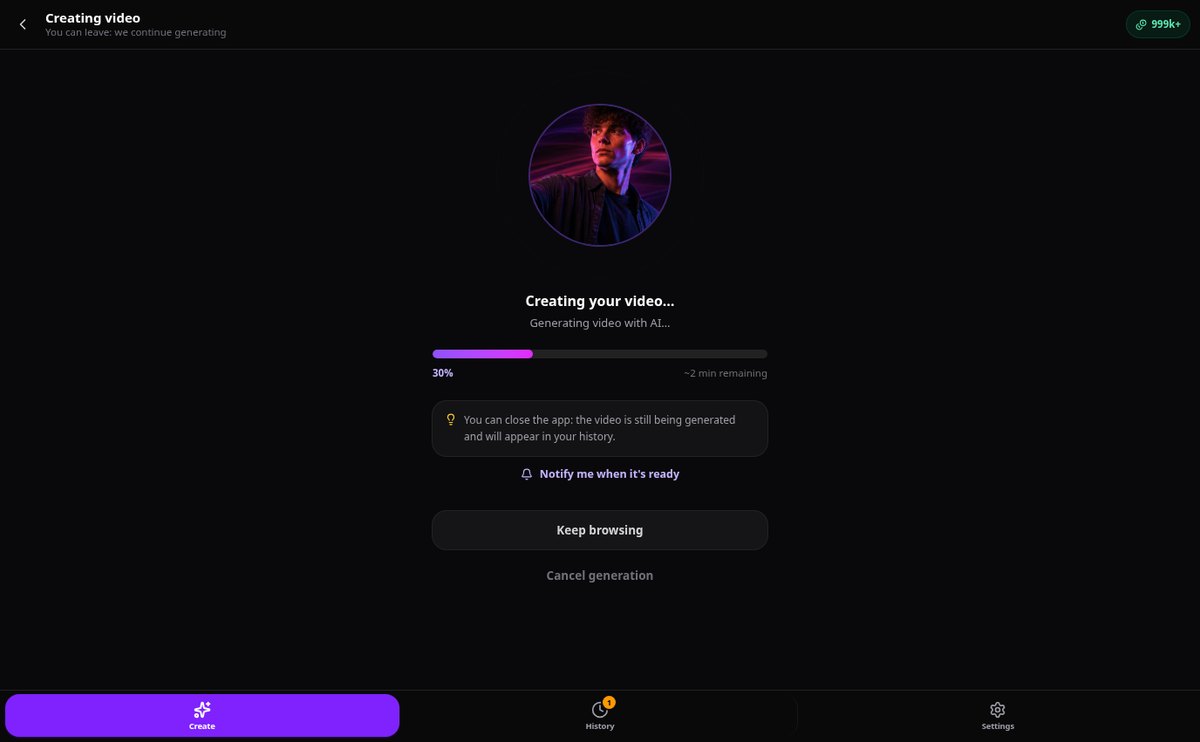
Choose original, 9:16, 4:5, 1:1, or 16:9 and the photo is cropped before generating. You follow the real progress with the remaining time and upon completion, you can play, download, or share the video with one tap.
Your video in three steps
Sign up
Create your free account in seconds and enter the app.
Upload your photo and choose effect
From mobile or computer. Adjust format and duration and see the exact cost before generating.
Download your video
Follow the generation in real-time and, when finished, play, download, or share it. It is saved in your history.
Who is it for?
Built for these profiles
Frequently Asked Questions
Latest blog articles
Guides and news to get more out of it

Mandatory Labeling of AI-Generated Content: What Changes for Social Media Publishers
Mandatory labeling of AI-generated content starting August 2, 2026: who Article 50 applies to, what a machine-readable mark is, and penalties.
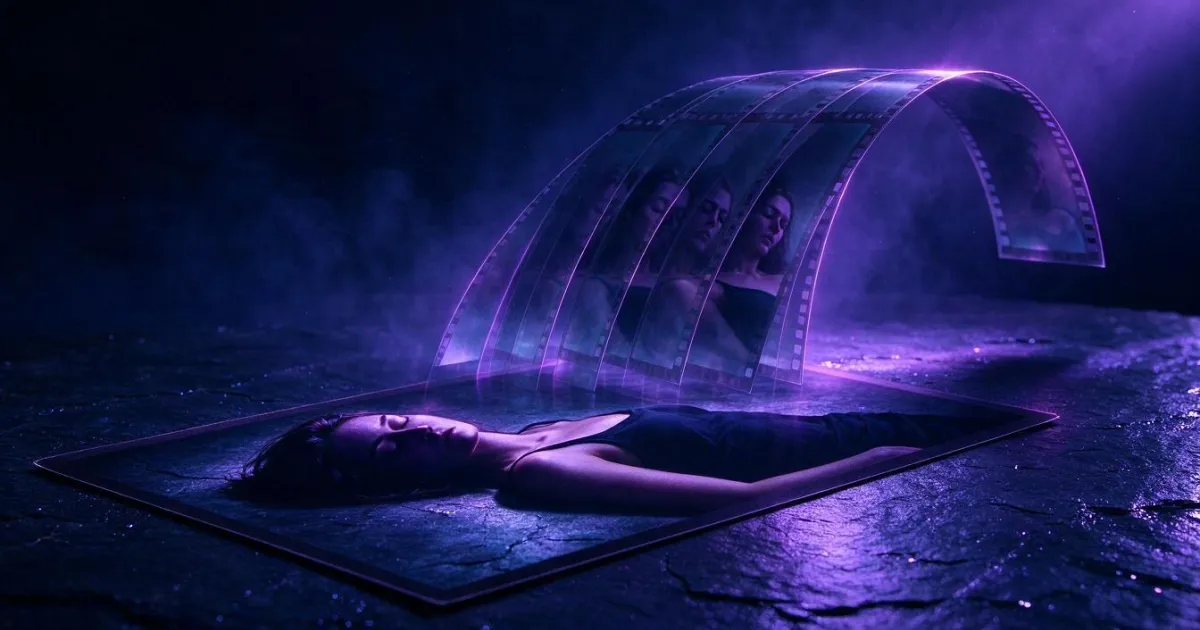
How to animate a photo with AI and turn it into a video: which effect to choose based on the photo you have
Practical guide to animating a photo with AI: which photo works, which effect to choose among 57, what format to crop before generating, and what real limits exist.
Turn your first photo into a video
Create your free account and try the effects with your own photos.