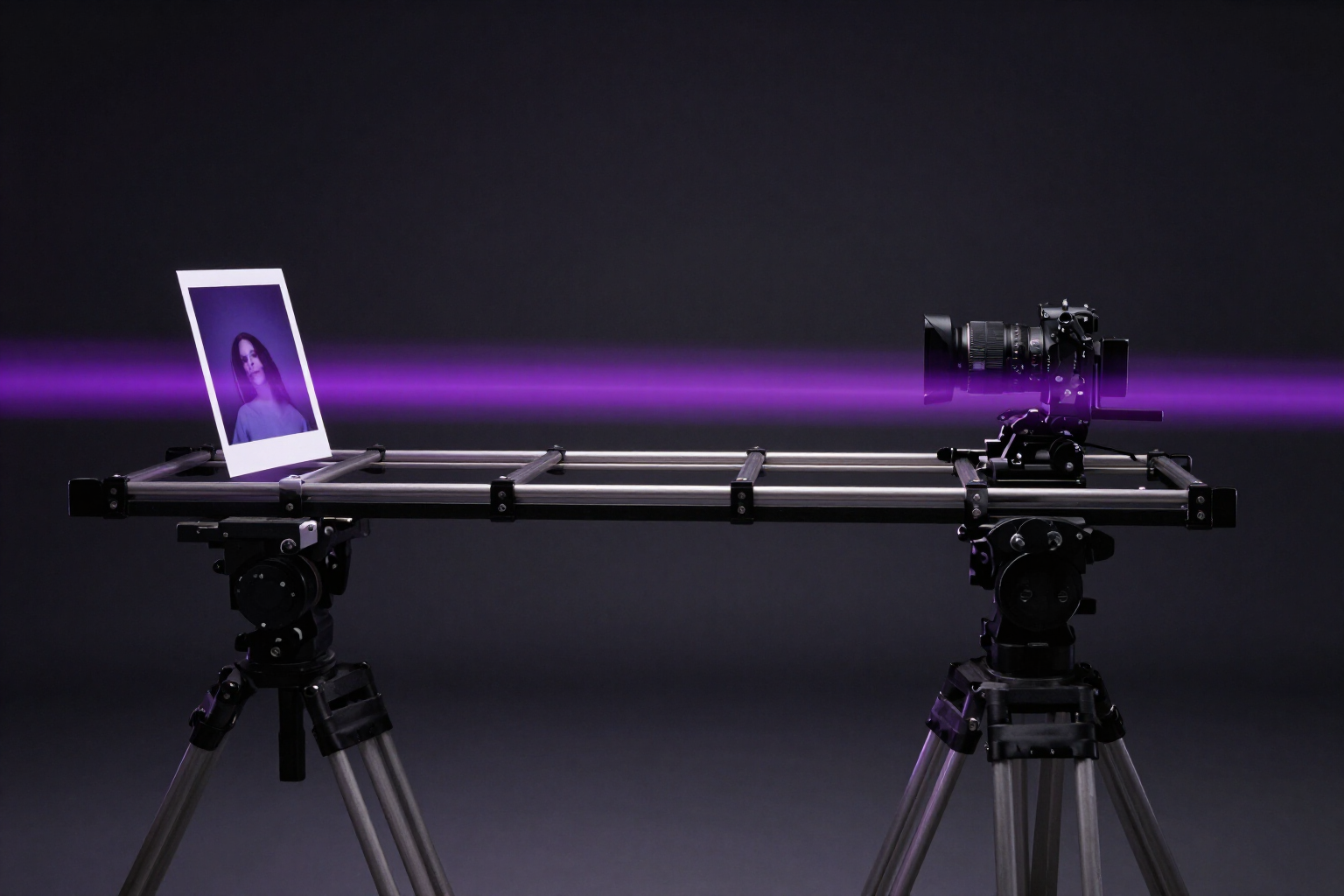
22 Camera and Motion Effects with Pre-written Prompts
Choose the motion you want—slow zoom, orbit, Parallax 3D, hair blowing in the wind—and Video Effects animates your photo. You don’t write any prompt.
Motion isn’t improvised: it’s chosen from a catalog.
Animating a photo with AI often fails for the same reason: the prompt. You write «slow, cinematic zoom» and the model returns a distorted face, a melting background, or a camera that doesn’t move. Video Effects solves that part for you: it comes with 22 pre-written, tested, and fine-tuned camera and motion effects in English for KlingAI’s image-to-video engine, with instructions that keep the subject stable and recognizable while only what needs to move actually moves.
The catalog is divided into four categories. Cinema (6): Zoom In, Zoom Out, Ken Burns, Dolly Push, Orbit, and Parallax 3D, camera motions with real depth between foreground and background. Natural (6): hair blowing in the wind, clothes waving, rippling water, moving leaves, advancing clouds, and flickering flame. Expressive (6): breathing, blinking, forming smile, head turn, glow, and glitch. Product (4): 360 rotation, focus sweeping across the item, levitation, and unboxing-style reveal.
Each visual effect comes with its icon, a description in your language, and its intended uses (portraits, landscapes, fashion, e-commerce, packaging…). In the grid, you can filter by category and long-press a visual effect to read what it does before spending anything. You choose the format—original, 9:16, 4:5, 1:1, or 16:9—and duration of 5 or 10 seconds, and the app shows you the exact cost in tokens before generating. While the video is being created, you see the real progress with the remaining time, and you can cancel (recovering the reserved tokens) or retry without re-uploading the image.
The result is a 720p MP4 in the format you chose, ready to play, download, or share, and saved in your history. Video Effects is AIsToHire’s mini app that converts a photo into a video with effects: it’s available at https://aistohire.com/video-effects-ai-photo-to-video-104.
Benefits of Camera and Motion Effects
Curated prompt per effect
each of the 22 visual effects comes with its pre-written instruction in English, fine-tuned for the engine. You choose the motion; nobody asks you to describe it.
Four families, one catalog
cinematic, natural, expressive, and product. Six camera motions, six natural motions, six expressive motions, and four studio motions for e-commerce.
The subject does not deform
the prompts include commands that preserve identity and face, so that what should move, moves, and the rest remains still.
You know what to choose before spending
each visual effect shows an icon, description, and suggested uses, and a long press explains it without leaving the grid.
You set the format and duration
original, 9:16, 4:5, 1:1 or 16:9, in 5 or 10 seconds. The photo is cropped on the server before generation.
Cost visible and reversible
you see the exact platform tokens before generating, track progress with remaining time, and can cancel, releasing the reservation.
No editor and no installation
it works in your mobile or computer browser, and each video remains in your history to download or share whenever you want.

Choose the motion and let the app handle the prompt
Create your free account on AIsToHire, upload a photo, and try Video Effects’ 22 camera and motion effects.