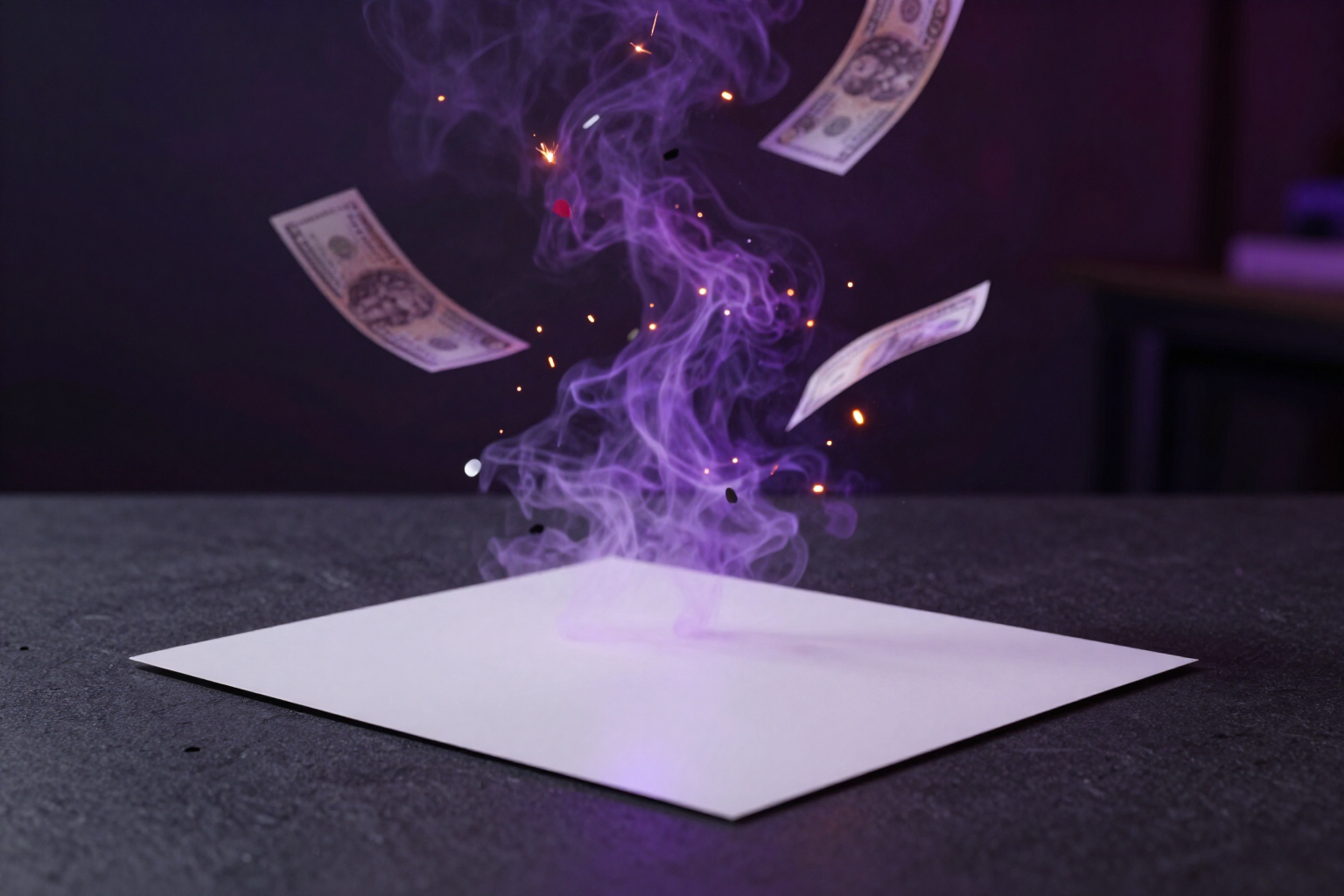
35 viral scene effects to turn your photo into a video
Bear hug, dollar rain, magician pet, marriage proposal… choose a viral scene from the catalog and Video Effects applies it to your photo in a 5-second video.
The effects you see on TikTok aren’t typed: they’re chosen from a list.
A viral effect is not a prompt: it’s a pre-built scene. When you want someone to appear hugging a bear, for bills to rain down, or for your dog to turn into a magician, describing it with words doesn’t work. Video Effects —AIsToHire’s mini video effects app, at https://aistohire.com/video-effects-ai-photo-to-video-104— solves it in reverse: it offers a catalog of 35 pre-made viral scenes, and you just choose which one you want on your photo.
In the effects grid, the «Viral» tab shows these 35 scenes with their thumbnail and description. You tap one, upload or take a photo, choose the output aspect ratio, and generate. There’s no free text field: the app sends the scene to KlingAI’s video effects model and returns a 5-second 720p MP4.
Internally, each scene is a service preset with its own code. When you tap an effect, the server looks it up in the catalog by that code and only then sends the scene to the engine: an effect name written from outside is never accepted. This means that what you see in the grid is exactly what is generated, and that the catalog expands without you needing to update anything.
The rest of the flow is like the full app: you see the exact cost in tokens before generating, follow the progress with the remaining time, can cancel by releasing the reservation, and each video remains in your history to play, download, or share.
Benefits of Viral Scene Effects
35 ready viral scenes
hugs (polar bear, brown bear, Santa Claus), dollar rain, power beam, fireball, marriage proposal, press interview, flight, long hair, baby head with heart gesture, and a dozen more for pets.
Zero prompts and zero guesswork
the scene comes with everything defined. You choose the effect on the grid, and the app sends it to the engine with your photo.
See the effect before you spend
each viral scene has its thumbnail on the grid, and a long press expands it with its description, so you choose knowing what you’ll receive.
Server-verified catalog
the effect is resolved by its code against the service’s catalog; an effect name sent from the client is not accepted, so what you tap is what gets generated.
Honest duration
these scenes last 5 seconds because the provider sets them, and the app tells you this in the panel instead of offering a duration that doesn’t exist.
Aspect ratio ready for social media
original, 9:16 for TikTok and Reels, 4:5, 1:1, or 16:9. Your photo is cropped on the server before generation, so the video comes out in the aspect ratio you publish.
Your pets have their own block
dancer, chef, delivery driver, lion, biker, warrior, wizard, or little bee. You upload a photo of your pet, and it appears as them, not a generic animal.
No installation or editing needed
works in your mobile or desktop browser. Token cost visible, progress with remaining time, cancel or retry, and download or share from history.

Choose the viral scene and upload your photo
Create your free account on AIsToHire and try the 35 viral scenes of Video Effects with your own photos.