 TipsterCircle
Wishlist: how to save what you want to buy without losing it in the WhatsApp group
Team at TipsterCircleWritten with AI assistance18 min readIn summary
- A group chat organizes links by arrival time, never by price or category, and if that chat has disappearing messages enabled (24 hours, 7 days, or 90 days, depending on the WhatsApp setting) the link is deleted along with the rest of the conversation.
- A recommendation is only useful six months later if you keep eight pieces of information: link, title, photo, store, price with the date you saw it, category, your note, and who recommended it to you.
- Almost all of that information is already published on the store's own page, in the Open Graph tags (
og:title,og:image,og:site_name) and in the schema.org structured dataProduct/Offer. That's why a card can be filled in automatically from the link. - We verified this on October 25, 2026, across 29 real pages: 12 returned usable metadata and 17 did not. Amazon, Zara, El Corte Inglés, Decathlon, IKEA, PcComponentes, Fnac, and Carrefour block automatic reading. And the price was only found in the metadata in 5 of those 12.
- TipsterCircle, the mini-app of AIsToHire, does just that: you paste the link, it fills in the card, you write your opinion, and choose who sees it (only you, your followers, or a circle). What it does not do: notify of price drops, track price over time, or verify that the reviewer purchased the product.
We all have a chat where someone wrote "look at this deal" with a link, and we have all tried to find it three months later without success. The problem is not your memory: it’s that a chat is a mailbox, not an archive. This article explains what data to keep from a link so it remains useful months later, where that data comes from without typing it, which stores allow reading and which do not (with a real test of 29 pages conducted on October 25, 2026), and how to set up that system in fifteen minutes with TipsterCircle, the social network for discoveries from AIsToHire.
We are writing this now for a practical reason: Black Friday 2026 falls on Friday, November 27 and Cyber Monday on Monday, November 30. That is, just over a month from today. The difference between arriving with an organized wish list and arriving with 40 unread messages is several hundred euros and many purchases one regrets.
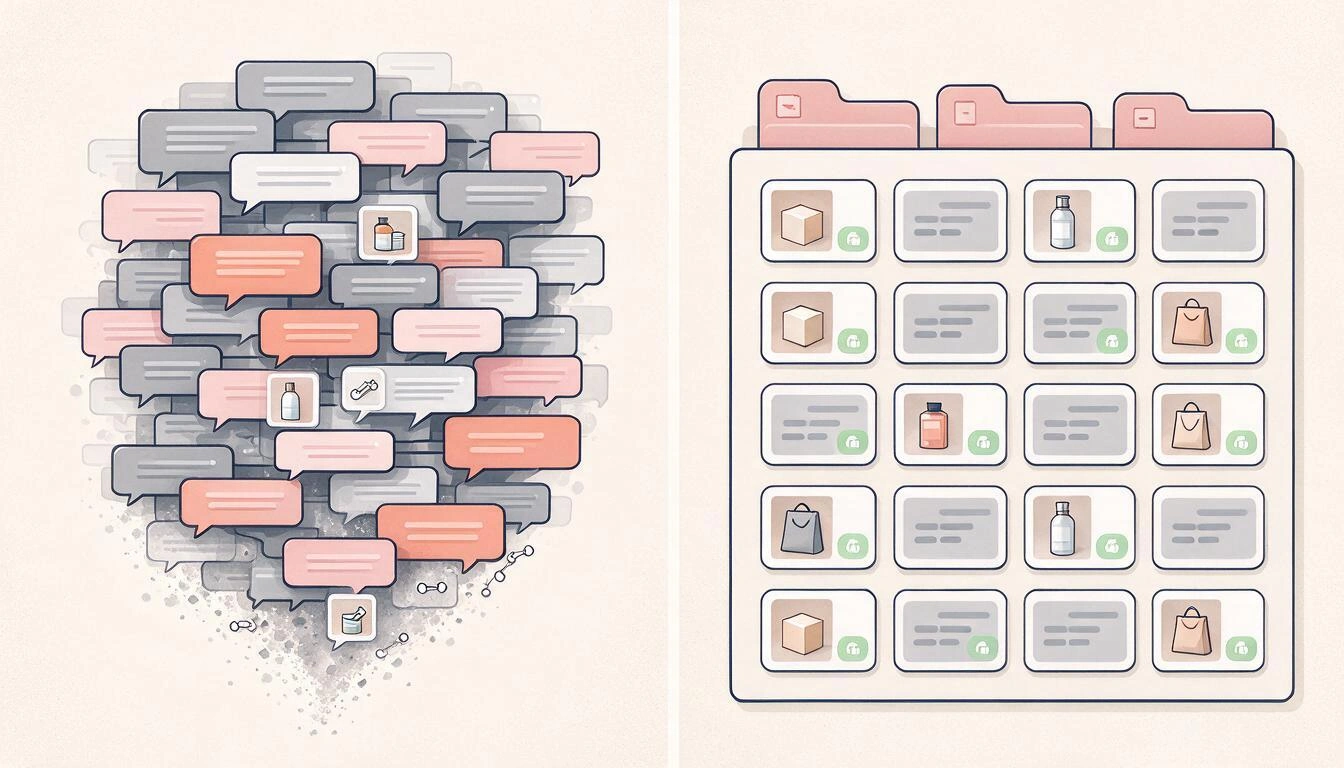
Why the WhatsApp group is the worst place to keep what you want to buy
Because a chat keeps messages in chronological order and nothing else: you cannot filter by price, nor by category, nor see links from five different conversations together. And if the chat has disappearing messages enabled, the link is deleted automatically: WhatsApp offers three durations —24 hours, 7 days, or 90 days— and since 2025 it allows setting one of them as default for all new conversations.
The four specific failures, in case you haven’t stopped to look at them:
- The order is by arrival, not yours. A link to sneakers from February 2 and one to a restaurant from August 2 are 6,000 messages apart, even if they are the same plan.
- There is no price, nor price date. The preview generated by the chat brings photo and title, almost never the amount. When you return, you don’t know if the €89 you remember was before or after the discount.
- Missing is the only thing that is not automatic: why it was recommended to you. "This is great" is not an opinion. What you need months later is "I bought it in March, it holds up well in the wash, it runs small".
- The link tab is by chat. WhatsApp groups links within each conversation (in "Multimedia, links, and documents"), but it is a flat list of that specific chat: without notes, without price, without categories, and no way to merge it with the one from the next group.
Added to this is a silent detail: previews are generated once, at the moment of sending. If the store changes the page, what you see in the chat remains the old photo pointing to a URL that may no longer exist.
What a saved link must contain to be useful in six months
Eight fields. If one is missing, the recommendation degrades to become useless, and almost always the one that is missing is the same: your own note. This is the minimum list and what breaks when it’s not there:
| Data | What it truly serves for | What happens if it’s missing |
|---|---|---|
| Link (URL) | It’s the only thing that takes you to buy it | You have the name and can’t find it on Google because the store calls it something else |
| Title | Identify it at a glance in a long list | You end up opening six cards to see which one it was |
| Photo | Recognize it without reading; it’s 80% of visual memory | The list becomes a wall of text that no one reviews |
| Store | Know if you’re buying from a place you know | You can’t distinguish the official store from the reseller |
| Price with the date you saw it | Compare later and detect the rise before the discount | A "it was €89" without a date is worthless |
| Category | Filter: fashion, travel, restaurants, finance, news, shopping | Everything mixes and the list stops being consulted |
| Your note or opinion | It’s the only data not on the internet | You’re left with the brand’s ad, not with the criteria |
| Who recommended it | Weighs more than any anonymous star | You lose the only trust signal you had |
The first six can be filled in automatically. The last two cannot: they are the human work, and they are precisely what turns a link into a recommendation.
Where the title, photo, and price come from without typing anything
From the store's own page. Since 2010, when Facebook published the Open Graph protocol (specification at ogp.me), practically every website that wants to look good when shared includes in its <head> some tags with its title, description, image, and site name. And many stores also add structured data from schema.org (Product, Offer) in a application/ld+json block, which is what Google uses to display the price in the results.
A well-tagged product sheet contains something like this:
<meta property="og:title"     content="MT100 Trail Shoes">
<meta property="og:description" content="Mountain shoe with sole...">
<meta property="og:image"     content="https://tienda.example/img/mt100.jpg">
<meta property="og:site_name" content="Example Store">
<meta property="product:price:amount"   content="59.99">
<meta property="product:price:currency" content="EUR">
From there, each field of the sheet comes:
| Field of the sheet | Where it is read from | Who usually publishes it |
|---|---|---|
| Title | og:title → twitter:title → <title> → <h1> | Almost all websites |
| Description | og:description → twitter:description → meta description | Almost all |
| Photo | og:image → twitter:image → link rel="image_src" → image from JSON-LD | Almost all |
| Store | og:site_name, and if not, the clean domain | Majority |
| Price | og:price:amount / product:price:amount → itemprop="price" → Offer from JSON-LD | Minority |
| Category | Does not exist as a tag: it must be inferred | Nobody |
That last row explains why the price is the field that fails the most, and why the category cannot be "read": there is no standard tag that says "this is fashion" or "this is a restaurant". In TipsterCircle, that classification is proposed by a language model based on the title, description, and store, with the six fixed categories of the app (fashion, finance, restaurants, travel, news, and shopping); if in doubt or it fails, it simply does not pre-select anything and you choose it yourself.
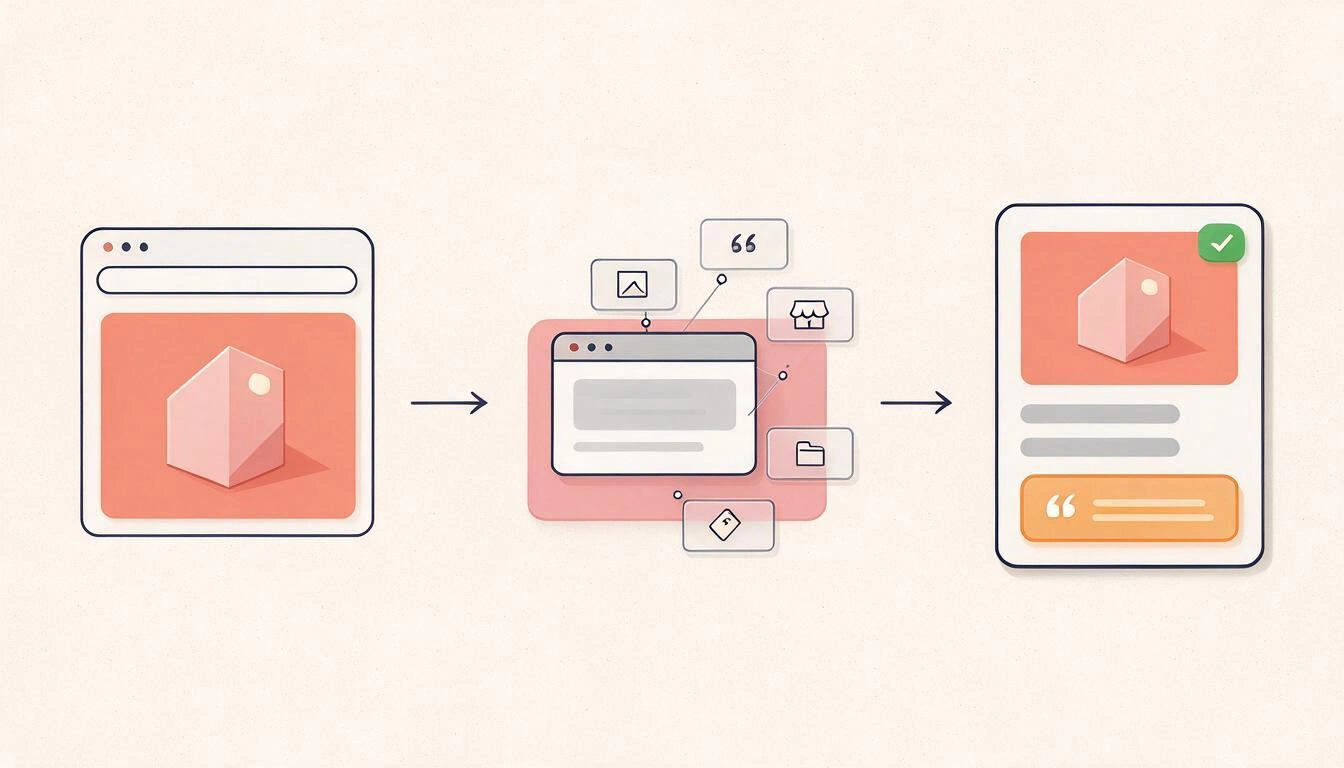
We tested 29 pages on October 25, 2026: 12 are readable and 17 are not
Out of 29 real pages consulted on October 25, 2026, 12 returned usable metadata and 17 did not: eleven responded with a 403 Forbidden, Amazon with a 503, Zalando closed the connection, Booking returned an anti-bot challenge (202), and Temu responded 200 but without a single Open Graph tag. Of the 12 that can be read, only 5 had the price in the metadata.
How the test was done, so you can repeat it: a GET request from a server, without cookies or logged-in session, with browser headers (User-Agent from Chrome, Accept-Language: es-ES) and counting the og:* tags, product:price:*, and the application/ld+json blocks from the response. It is exactly what any automatic link reader sees. A 403 to a server does not mean the website is broken: on your mobile those stores work just as well. It means they do not allow a program to read the sheet for you.
Readable (12):
| Page | Response | Title and photo | Price in metadata |
|---|---|---|---|
| Allbirds (Shopify) | 200 | Yes | Yes (product:price:amount) |
| Gymshark (Shopify) | 200 | Yes | Yes (Offer in JSON-LD) |
| Nike (product sheet) | 200 | Yes | Yes (JSON-LD) |
| App Store (Apple) | 200 | Yes | Yes (JSON-LD) |
| Steam | 200 | Yes | Yes |
| AliExpress (sheet) | 200 | Yes | No |
| Miravia | 200 | Yes | No |
| Casa del Libro | 200 | Yes | No |
| Goodreads | 200 | Yes | No |
| YouTube | 200 | Yes | No |
| GitHub | 200 | Yes | No |
| Wikipedia | 200 | Yes (without description) | No |
Not readable (17):
| Page | Response | What it means |
|---|---|---|
| Amazon.es | 503 | Service not available for automatic readers |
| Zalando.es | no response | Connection closed before answering |
| Zara, El Corte Inglés, MediaMarkt | 403 | Anti-bot blocking |
| Decathlon, PcComponentes, IKEA | 403 | Anti-bot blocking |
| Fnac, Worten, Carrefour, ManoMano | 403 | Anti-bot blocking |
| Leroy Merlin, Etsy, Bandcamp | 403 | Anti-bot blocking |
| Booking.com | 202 | Anti-bot challenge instead of the page |
| Temu | 200 | Responds, but without Open Graph tags |
The practical conclusion is uncomfortable but useful: no honest tool can promise you that it will fill out the sheet for any store. Those that promise it either use paid scraping services that rotate IP addresses, or they silently give up and leave you with a blank card. The reasonable expectation is that the tool will try, and when it cannot, it will let you write it by hand in half a minute without losing anything you have already put.
What to do when the store won't let you read: the manual entry in 30 seconds
Filling in manually is not the humiliating plan B; it's half of the cases. With this order, it takes less than half a minute:
- Paste the link anyway. Even if nothing is extracted, the URL is the important data.
- Copy the product title as is from the browser tab, cutting out the marketing noise. "MT100 50 L trekking backpack" is fine; "SALE! MT100 50 L trekking backpack free shipping 24h" is not.
- Take a screenshot of the photo and upload it as the image for the post. TipsterCircle allows up to 4 images per post.
- Write the price with the date. Literally:
€59.99 (seen on 25/10/2026). The field accepts the format you want, and that tail is what will save you in November from a "discount" that isn't one. - Put the store name by hand. Two words.
- Write your opinion. This field never fills in on its own, and it is what makes the entry worth more than the link.
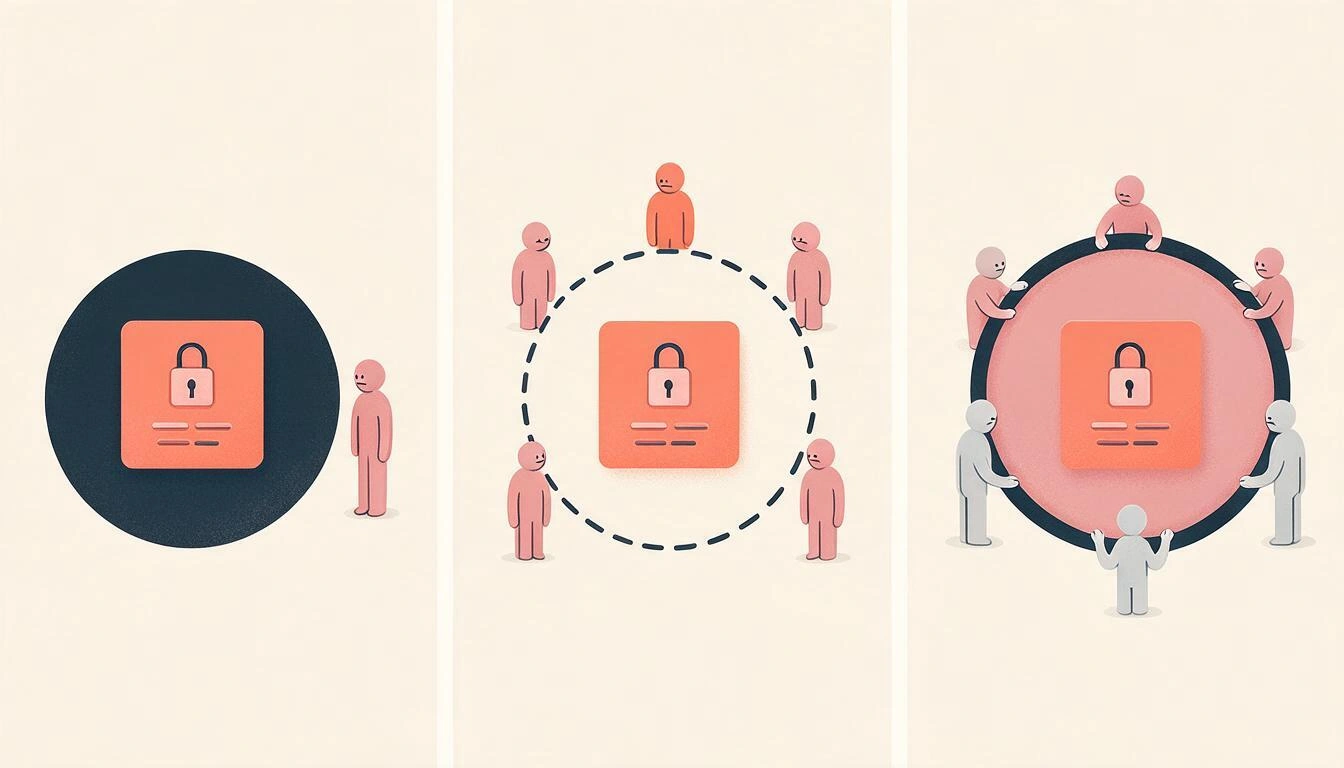
Three levels of visibility: just you, your followers, or your circle
Saving and recommending are not the same, and putting everything in the same place is what makes people end up not publishing anything. In TipsterCircle, each post has its own level of visibility, chosen when creating it and can be changed later by editing it:
| Level | Who sees it | Where it appears |
|---|---|---|
| Private | Only you | Only in your profile, marked with a padlock. It does not appear in any feed, not even yours |
| Followers | Those who follow you | Your profile and your followers' feed |
| Circle | Active members of that circle | That circle's feed |
And above that is the wishlist, which is another thing: a strictly private list, seen by no one but you, not even those who follow you. It is fed in two ways: saving someone else's post with a tap (the card marker) or adding something manually with a title, link, price, and a note.
Regarding circles, the rules are simple and it's good to know them before setting one up:
- A public circle admits anyone who wants to join: subscription is automatic.
- A private circle is by invitation only, and only the creator can invite, change the cover, or delete it.
- The feed and member list of a private circle are only served to its members.
- A public circle can be shared by link; a private one, intentionally, does not have that button.
How to set up your system in 15 minutes with TipsterCircle
Order matters: first your own list, then the people. Building the community before having content is the classic recipe for quitting within a week.
- Log in and complete your profile (2 min). Visible name, photo, and a short bio. This is what they will see alongside each of your recommendations.
- Publish your first find (3 min). Press the central button "+", paste the link and wait a second: if the store lets you read, the title, description, photo, store, price, and suggested category fill in automatically. Only fill in the empty fields, so what you have written never gets overwritten.
- Write "Your opinion" (1 min). This is a separate field from the description, with its own highlighted box on the card, and the auto-extractor never touches it. Here goes the criteria: why, for whom, what is lacking.
- Choose who sees it (10 s). Private while you think; followers when you want to recommend it; circle when it’s for a specific group.
- Create a circle or join one (3 min). A private one for the three friends with whom you share deals, or a public one if you want people to join. From "Explore" you can search for people, circles, and posts filtered by category.
- Save without publishing (rest of the time). What interests you from others, to the marker: it goes to your private wishlist. What you see outside the app, to the manual add button of the wishlist, with its link and price.
From there, the feed shows you your stuff, what the people you follow are posting, and what’s in your circles, in reverse chronological order. If something from another person seems so good that you want to share it, the recommend button republishes it in your feed or within your circle, maintaining attribution to the original author.
What Spanish law requires for online reviews (and what this app does not do)
Since May 28, 2022, the Royal Decree-Law 24/2021, of November 2 (BOE of November 3, 2021) is in force in Spain, which transposes Directive (EU) 2019/2161, the so-called "Omnibus Directive". Among other things, it requires those who provide access to product reviews to inform whether they guarantee that those opinions come from consumers who actually purchased or used the product, and to explain how they handle those opinions; publishing or commissioning false reviews is now considered an unfair commercial practice.
That said, and to avoid misunderstandings: this is general information, not legal advice. And it is important to be explicit about the limits of the tool:
TipsterCircle does not verify purchases, does not rate products, does not rank "best" and does not detect false reviews. It is not a review platform: it is a network where recommendations are signed by specific people you have chosen to follow. Trust comes from knowing who writes, not from a verification seal.
That distinction is precisely the underlying argument: the useful question in front of an anonymous opinion is not "Will it have five stars?", but "Who wrote it and why should I believe them?".
What TipsterCircle Does and What It Doesn't
To ensure no one is surprised after registering, here is what exists today and what does not:
| Does | Does Not |
|---|---|
| Fills in the form from the link when the store allows it | Does not notify of price drops or track price over time |
| Suggests the category with AI among the 6 fixed ones | Is not a price comparison tool nor does it search for the cheapest store |
| Separates the product description from your personal opinion | Does not have direct messages between users |
| Three visibility levels per post, editable | Does not have hashtags or tag search |
| Public and private circles by invitation | Does not send push notifications |
| Private wishlist, saved from the feed or manually | The wishlist is not shared or collaborative: it is only yours |
| Likes, comments, and recommend (repost) | Does not verify purchases or detect fake reviews |
| Up to 4 images per post and posts without links (a restaurant, a place) | Does not include affiliate links or sort the feed by sponsorship |
Frequently Asked Questions
Where do I save links to things I want to buy?
In any place that keeps, besides the URL, the price with its date and a note from you. Mobile notes work for five links; after that, you need categories and a search function. TipsterCircle saves the post with a photo, store, price, category, and your opinion, and you can keep it private if you don’t want anyone to see it.
How do I make a wishlist that no one can see?
With the wishlist: it is private by design and no other person can see it, not even those who follow you. It can be added in two ways, with the bookmark of any post from the feed or manually with a title, link, price, and note. If you prefer the item to exist as a post, mark the visibility as private: it will only appear on your profile with a padlock and will not enter any feed.
Why does nothing get filled in when I paste an Amazon link?
Because Amazon blocks the automatic reading of its forms: in our test on October 25, 2026, it responded with a 503 error to a normal request. The same happens with Zara, El Corte Inglés, Decathlon, IKEA, PcComponentes, Fnac, Carrefour, or Etsy. It is not a fault of the app or your connection. The solution is to write the four fields manually, which takes half a minute, and the link still works to go shopping.
Can I save a restaurant or a place that doesn’t have a link?
Yes. The only mandatory field of a post is the title. You can publish a find without a URL and without an image: a restaurant, a route, a neighborhood store. What you cannot expect is for it to fill in automatically, because there is no page to read it from.
Do my friends see what I save in the wishlist?
No. The wishlist is strictly private and has no option to share it or for another person to collaborate on it. If you want someone to see something, it has to be a post with visibility for followers or for a circle.
What is the difference between a public circle and a private one?
Anyone can see and join the public one, and it can be shared via link. The private one is by invitation only: its feed and member list are not served to those who are not members, and only the creator can invite, edit the cover, or delete it.
Does the app notify me if the price of something I saved drops?
No. TipsterCircle saves the price you noted at the time of posting and does not check it again: there are no alerts, historical data, or tracking. That’s why we insist on writing the price with the date you saw it, which is the information that truly allows you to compare later.
Can I post something just for myself and share it later?
Yes. Visibility is chosen when creating the post and can be changed later by editing it: from private to followers, or to a circle of which you are an active member. It is the normal flow for someone accumulating gift candidates and deciding at the last minute what to show and to whom.
Do I need to install anything?
No. TipsterCircle is a mini-app from AIsToHire that works in the browser with an account from the platform; it starts free from its public page.
TipsterCircle, in a nutshell
TipsterCircle is the mini-app from AIsToHire for saving and sharing finds: you paste the link of something you found, the form fills in automatically with a photo, store, and price when the store allows it, you add your opinion and decide whether everyone sees it, just those who follow you, a specific circle, or no one but you; additionally, you have a private wishlist for what you don’t want to show yet. It is available at TipsterCircle — The social network to share and discover finds.
It does not replace a price comparison tool or a verified review platform, and does not intend to do so: it solves the previous problem, that of not losing the good things you find and the good things that people you trust recommend to you.
Cited sources: Open Graph protocol (ogp.me, published by Facebook in 2010) · Product/Offer vocabulary from schema.org · WhatsApp Help Center, disappearing messages (24 hours, 7 days, and 90 days) · Real Decreto-ley 24/2021, of 2 November (Spanish royal decree-law) (BOE 3-11-2021), in force since May 28, 2022, which transposes Directive (EU) 2019/2161 · own test of metadata extraction on 29 pages, conducted on October 25, 2026.
Create your wishlist and your circle of recommendations on TipsterCircle: paste the first link, let the form fill itself, write your opinion, and decide who sees it. Creating an account is free and starts from the browser.
Create your wishlist and your circle of recommendations on TipsterCircle: paste the first link, let the form fill itself, write your opinion, and decide who sees it. Creating an account is free and starts from the browser.Keep reading
View all articles →
Black Friday 2026 Discounts: Why Only 54% Believe Them and How to Know if an Offer is Real

Why Your Car Insurance Increased in 2026: Average Premium of €1,412 and Historic Record

Discussing via WhatsApp or talking in person: what science says about couple conflicts through messages
