RoomStyle Studio — AI Interior Design · Redesign any room with a photo

For anyone who wants to renovate their home without construction work: upload a photo of your living room, bedroom or kitchen, choose a style, and the AI gives it back to you decorated with real furniture you can buy.
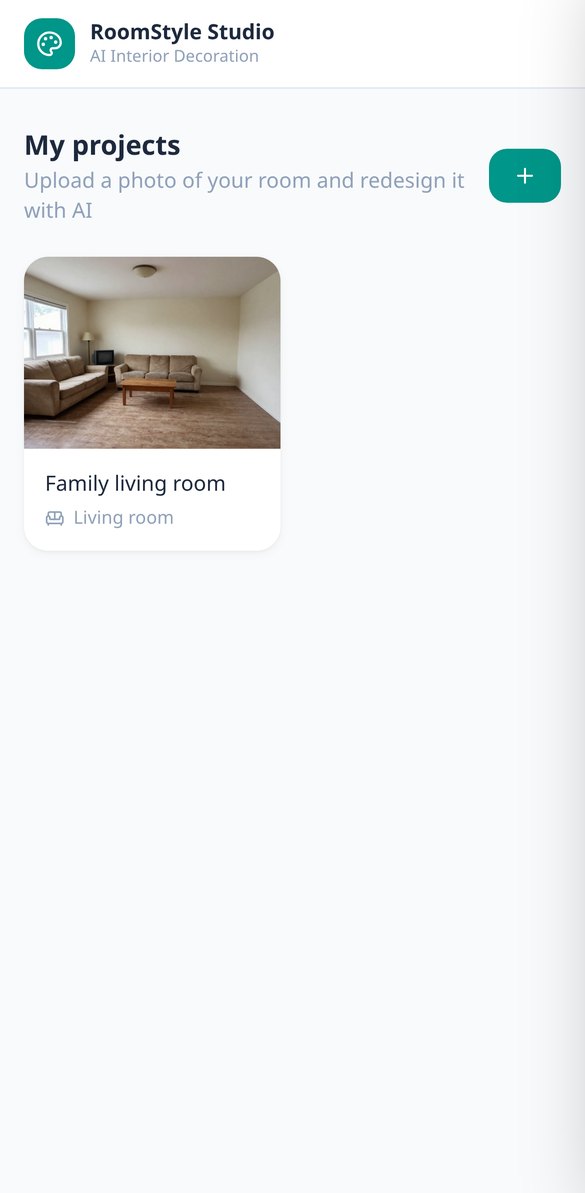
Want to renovate your home without construction work, but don't know how it would look or how much it would cost?
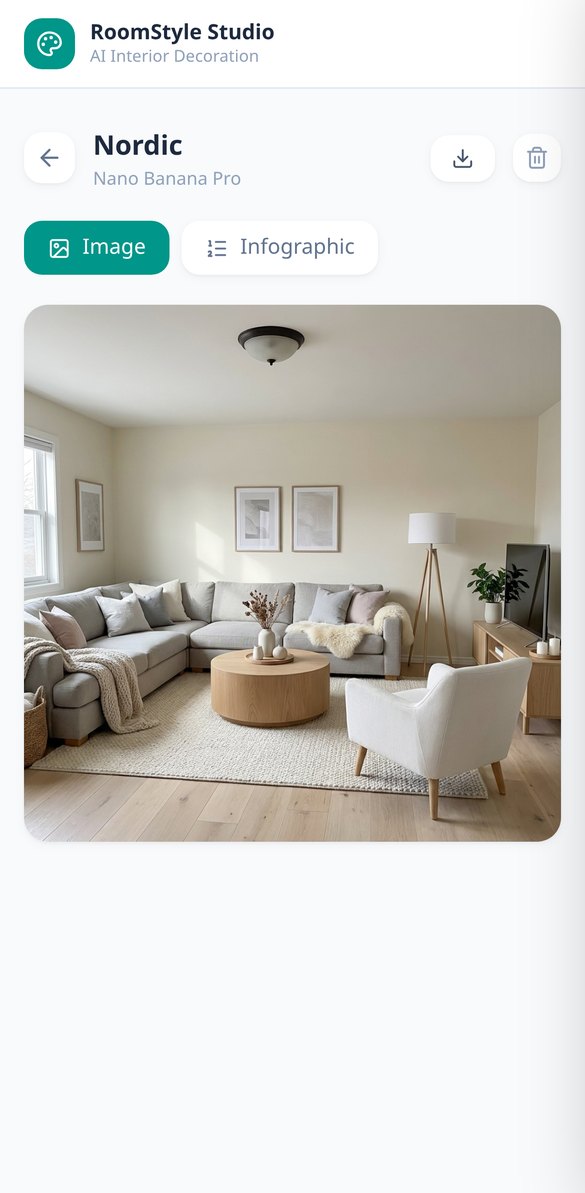
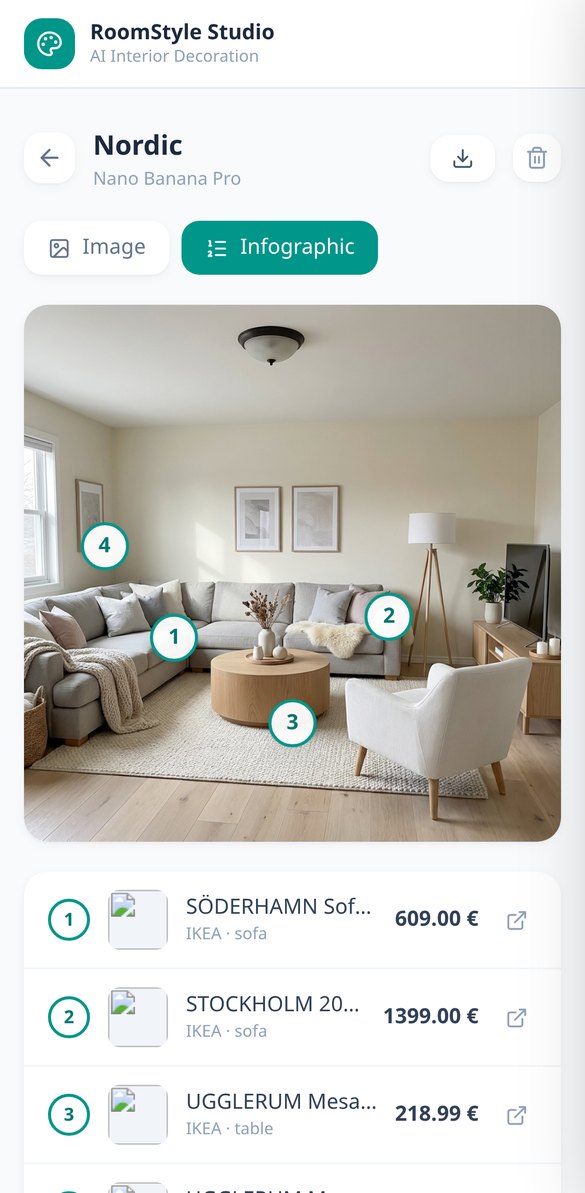
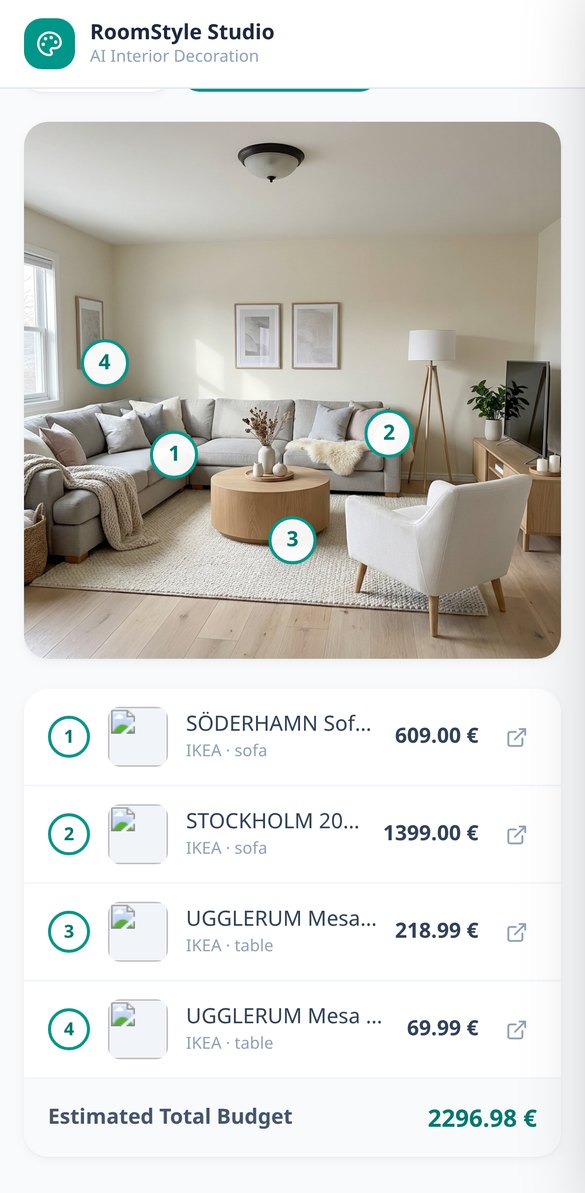
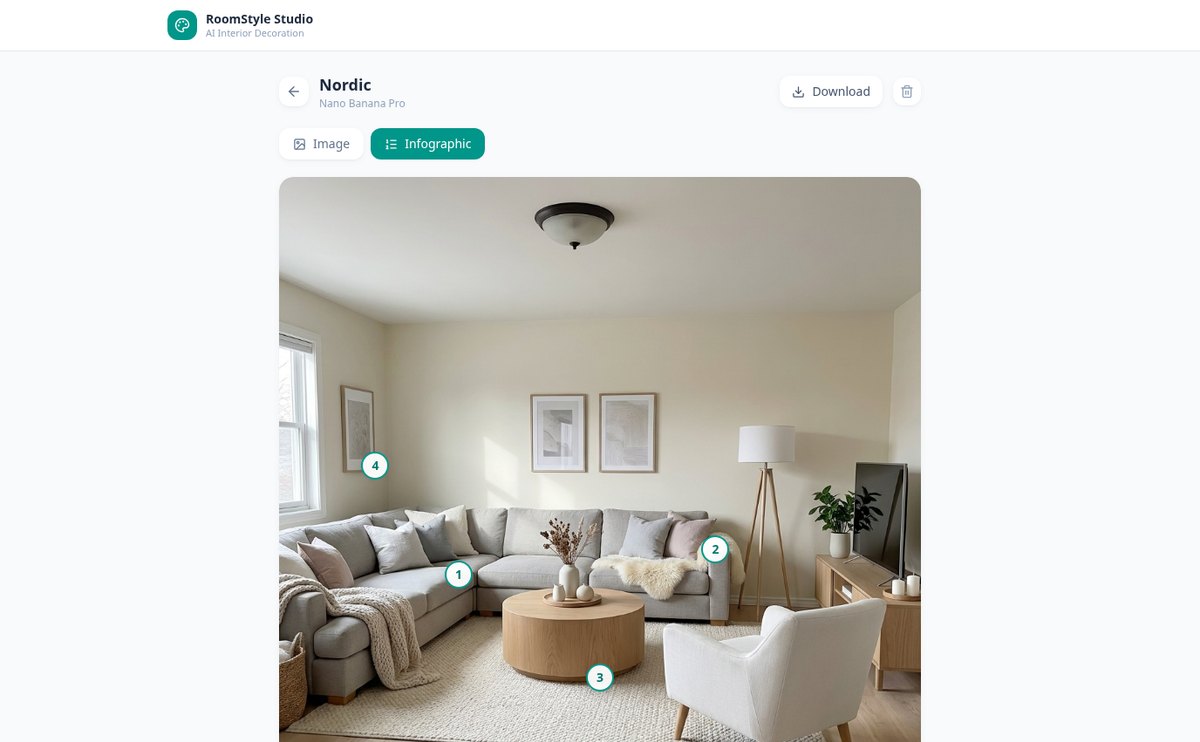
RoomStyle Studio starts from the real photo of your room and gives it back to you decorated in the style you choose, keeping the walls, windows and perspective. With Shopping Mode, the furniture you see in the image is real IKEA and Sklum products: the infographic marks each one with its store, price, link and the total budget.
Start for free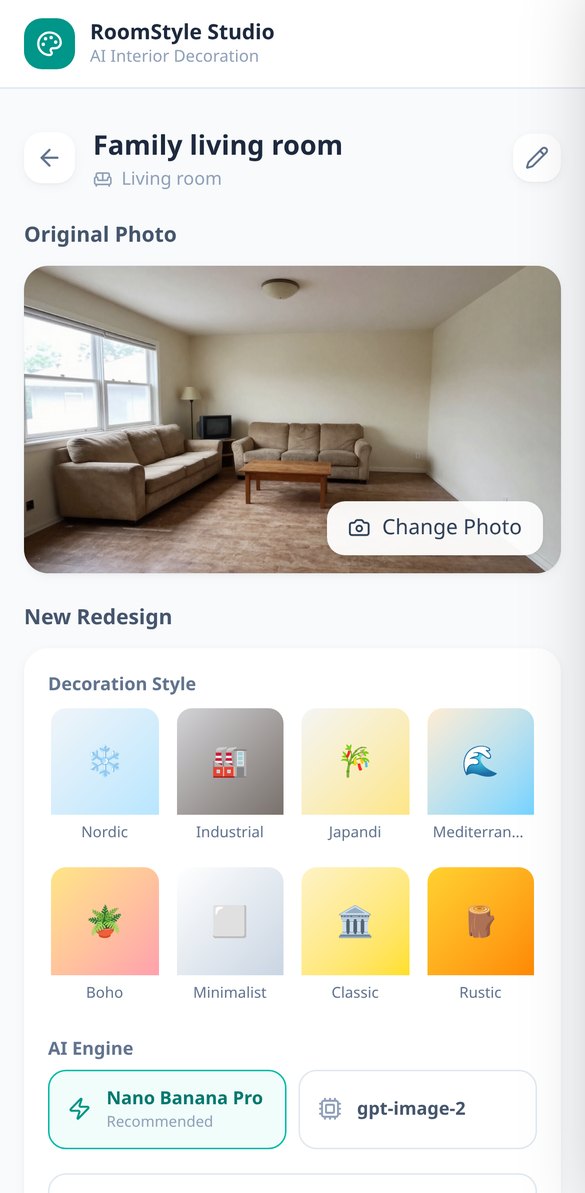
Discover every feature in detail
Redecorate a Photo of Your Room with AI | RoomStyle Studio
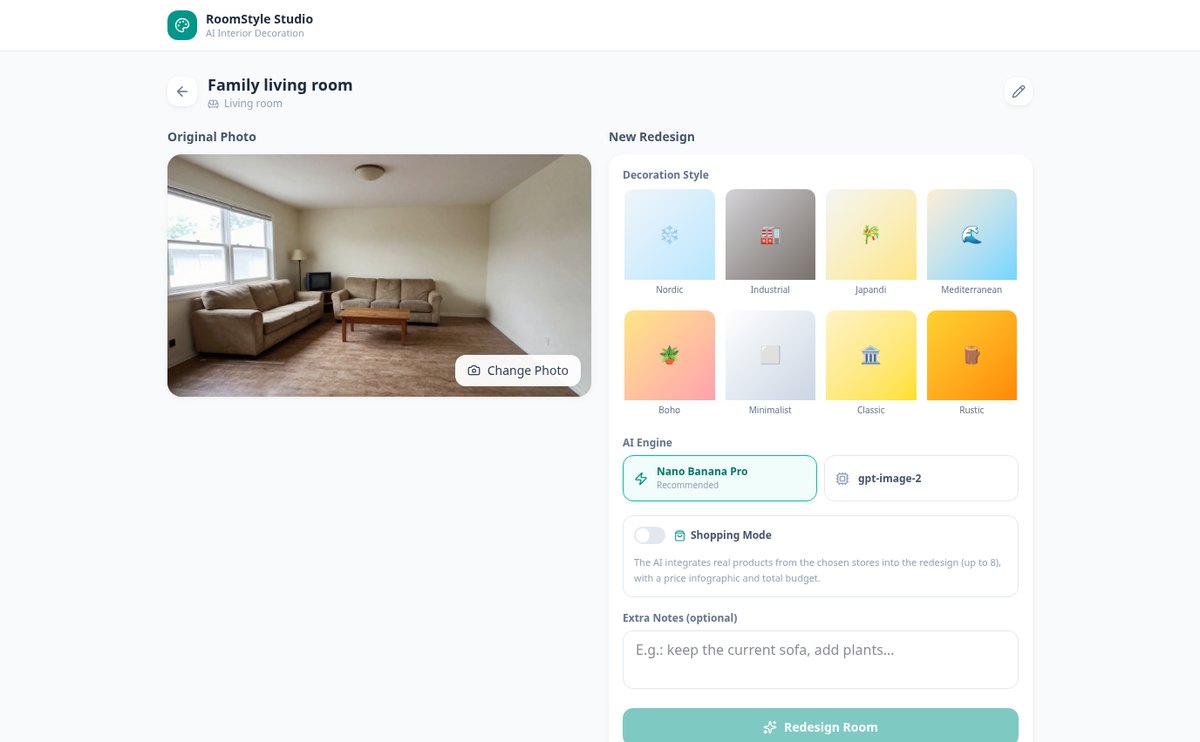
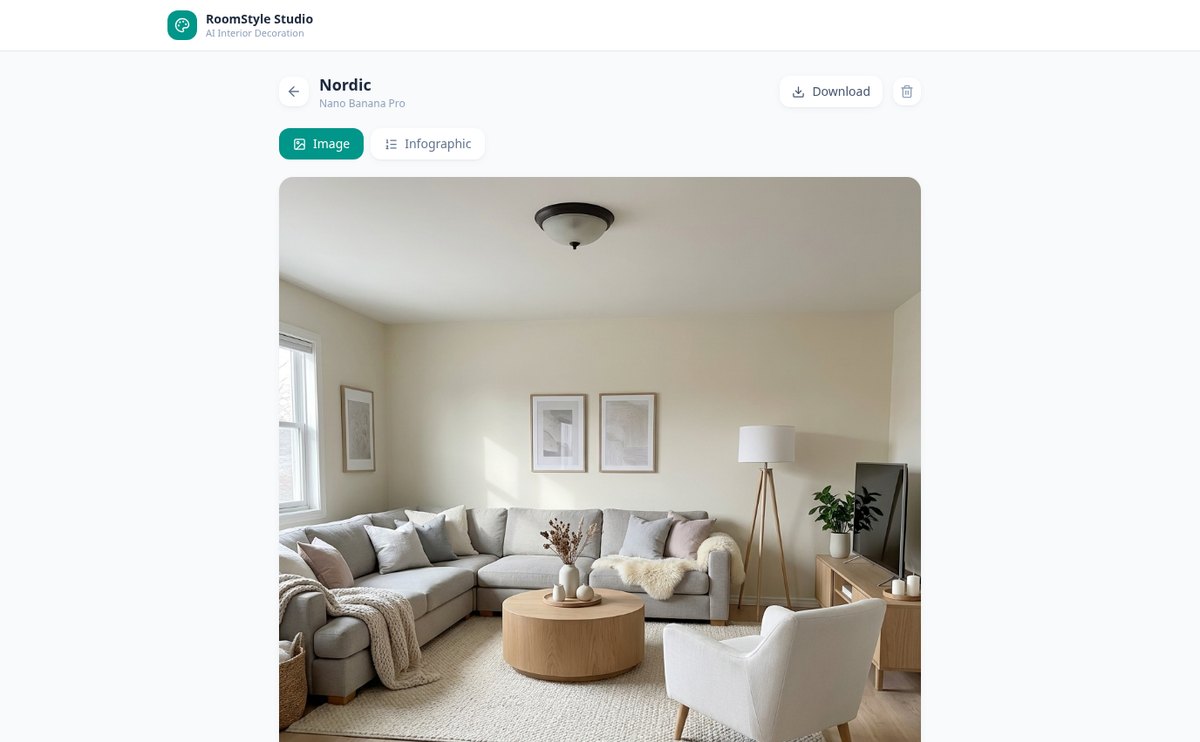
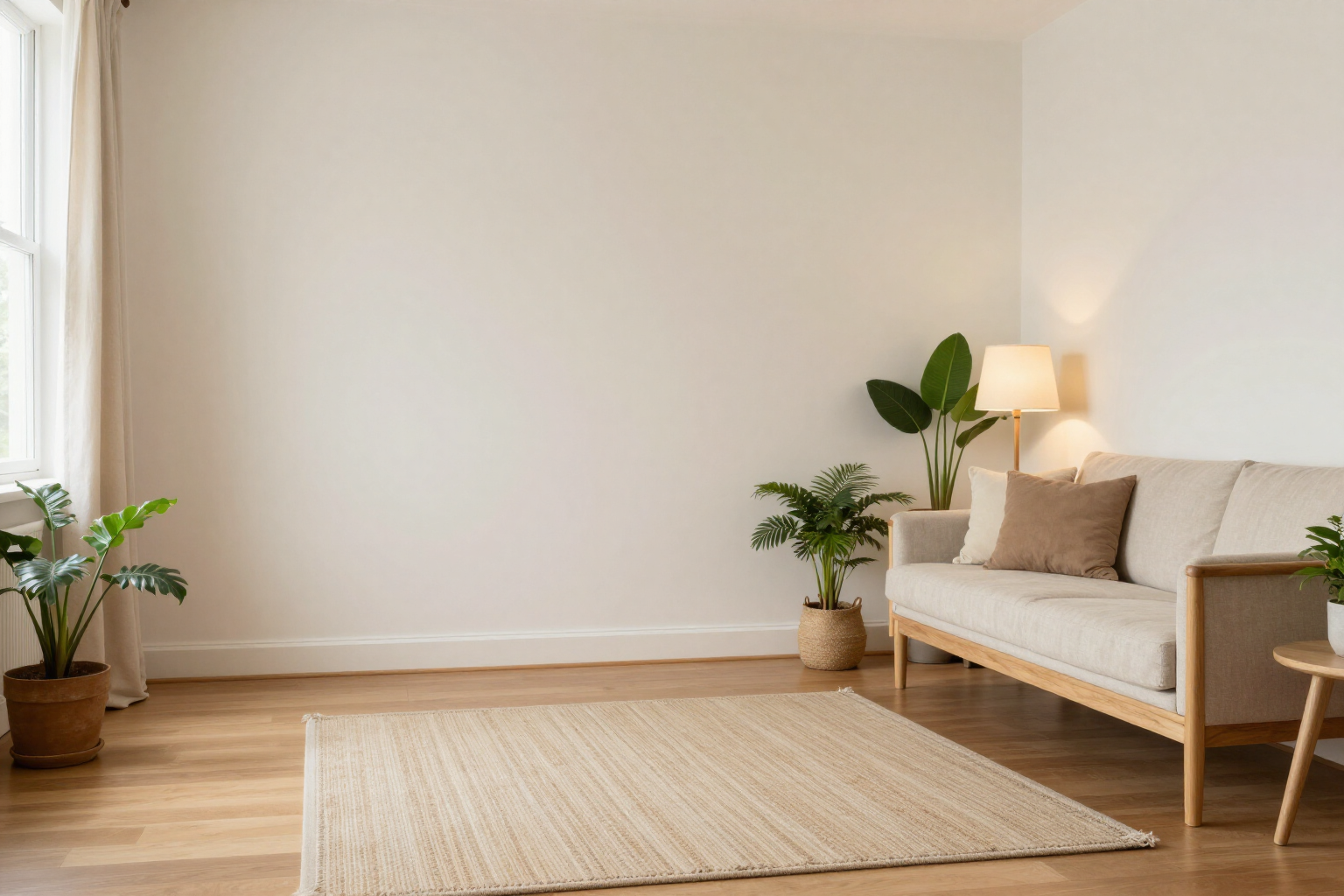
Upload a photo of your living room, bedroom, or kitchen, and AI redecorates it, maintaining walls, windows, and perspective. 8 styles, 8 room types, and a downloadable photorealistic result.
View feature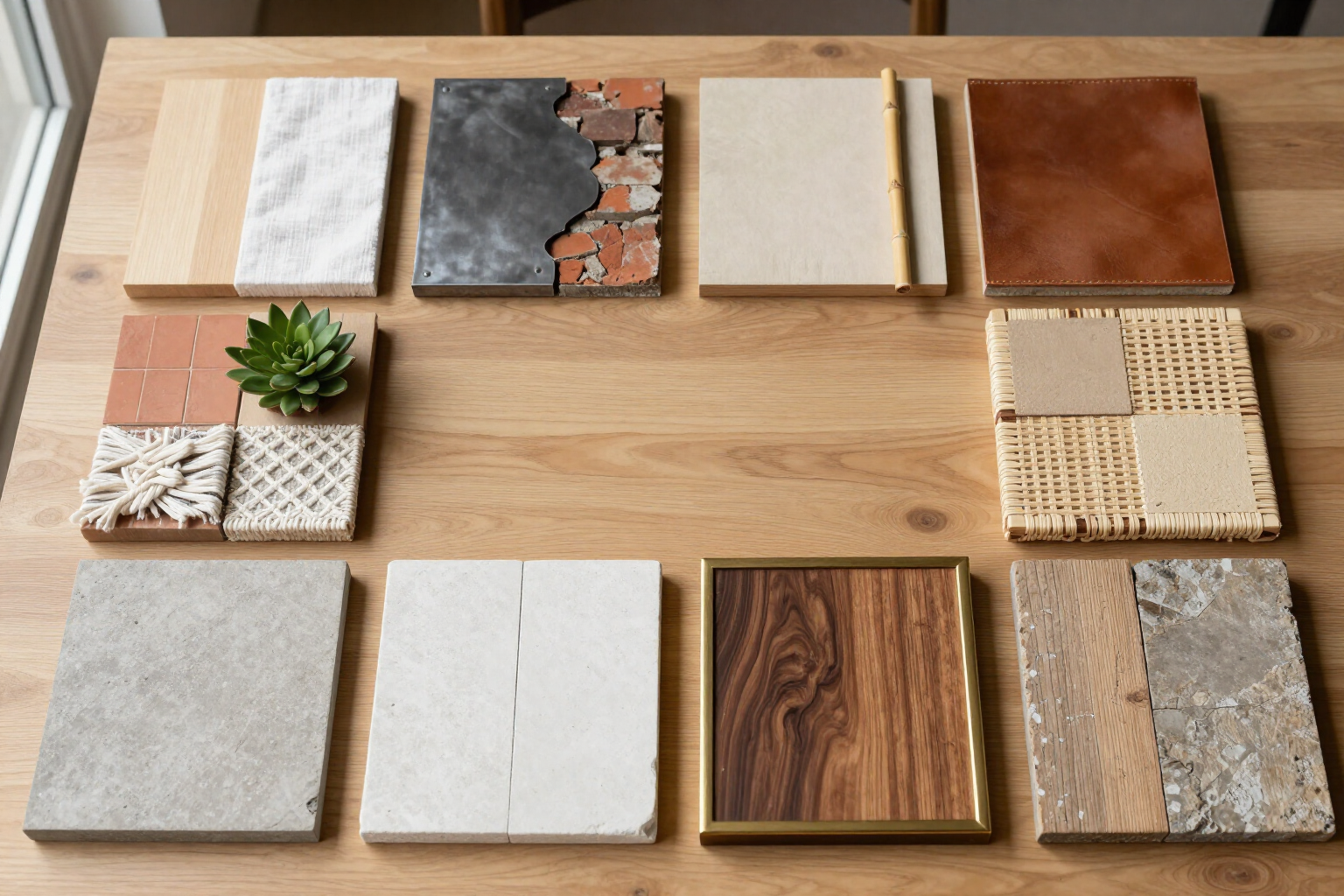
8 AI Interior Design Styles: Nordic, Japandi, Boho… | RoomStyle Studio
Choose from 8 decoration styles (Nordic, Industrial, Japandi, Mediterranean, Boho, Minimalist, Classic, Rustic) and AI will redesign your room’s photo with that palette, materials, and furniture.
View feature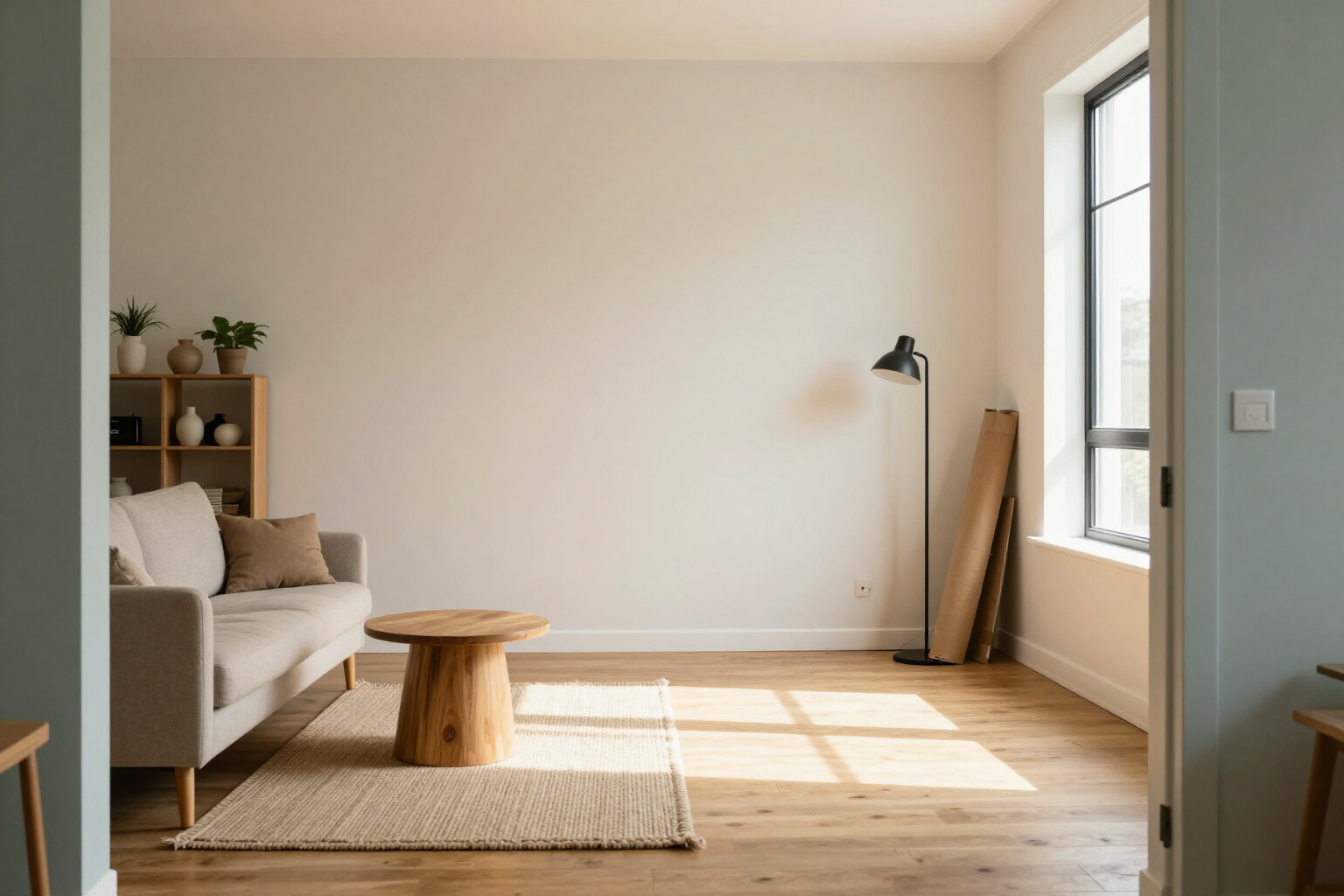
Decorate with real furniture from IKEA and Sklum using AI | RoomStyle Studio
RoomStyle Studio’s Shopping Mode: AI redesigns your room by integrating real furniture from IKEA and Sklum, complete with numbered markers, prices, store links, and the total cost.
View feature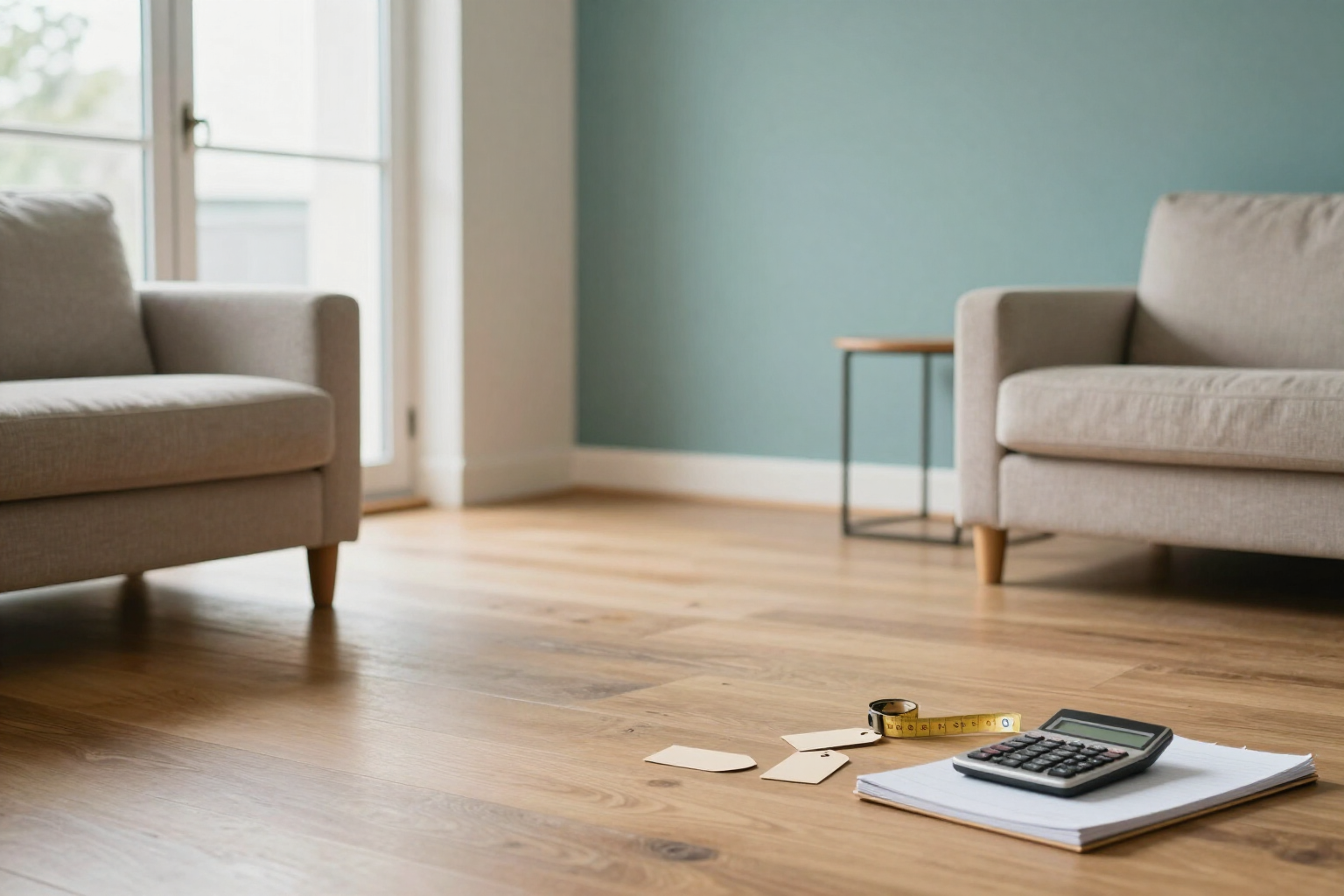
AI-powered decoration infographic with prices and total budget | RoomStyle Studio
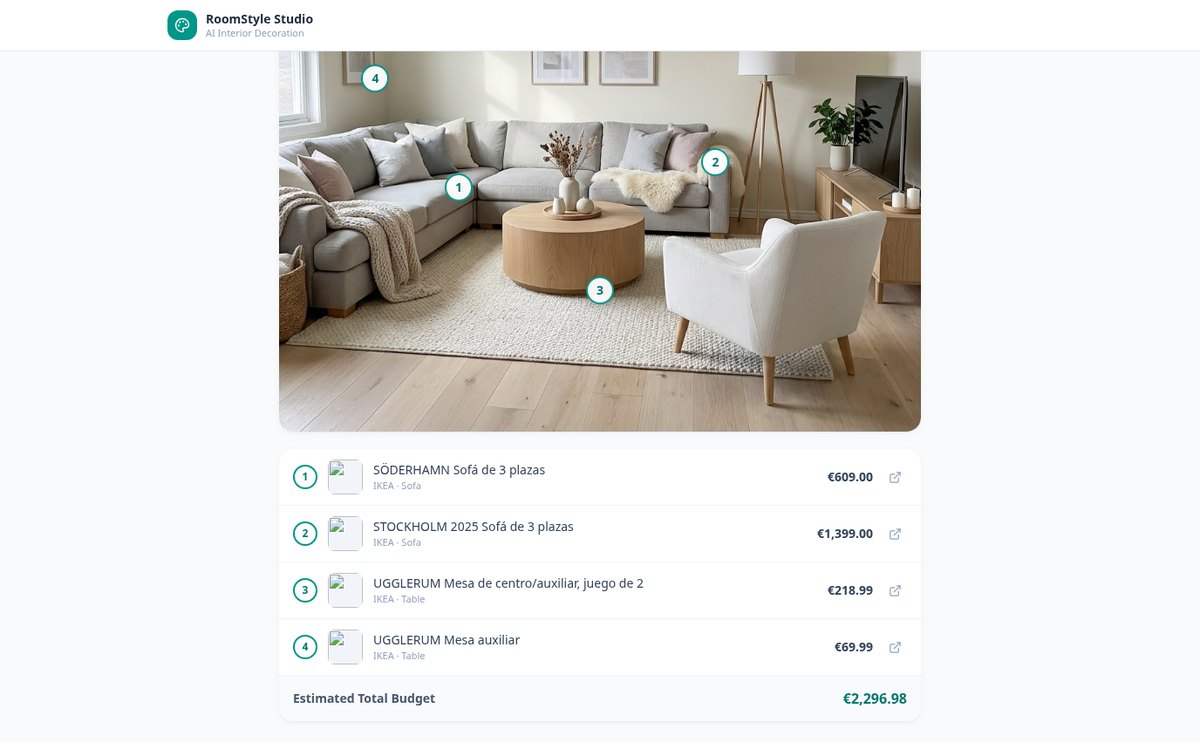
RoomStyle Studio numbers each piece of furniture in the redesign and displays a table below with the name, store, unit price, and estimated total budget. Click a marker or a row, and they highlight each other.
View feature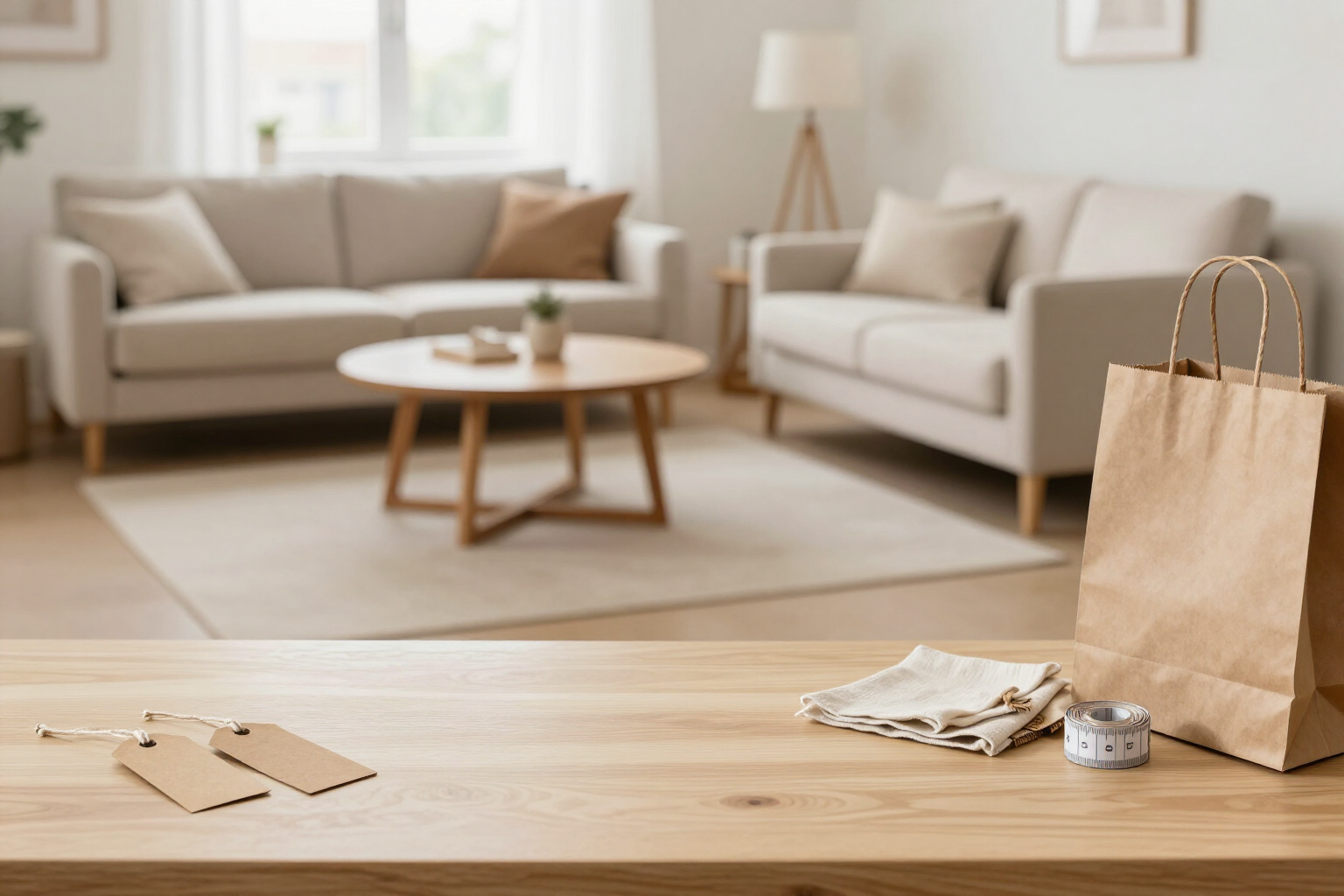
Where to buy the furniture from your room redesign: direct links to IKEA and Sklum | RoomStyle Studio
RoomStyle Studio generates the shopping list for your room redesign with AI: thumbnail, store, price, and direct link to the product detail page at IKEA or Sklum. One click from the infographic to the store, with an estimated total budget.
View featureFrom photo to shopping list
Three things that don't usually go together: a variety of styles, respect for the home you already have, and furniture you can actually buy.
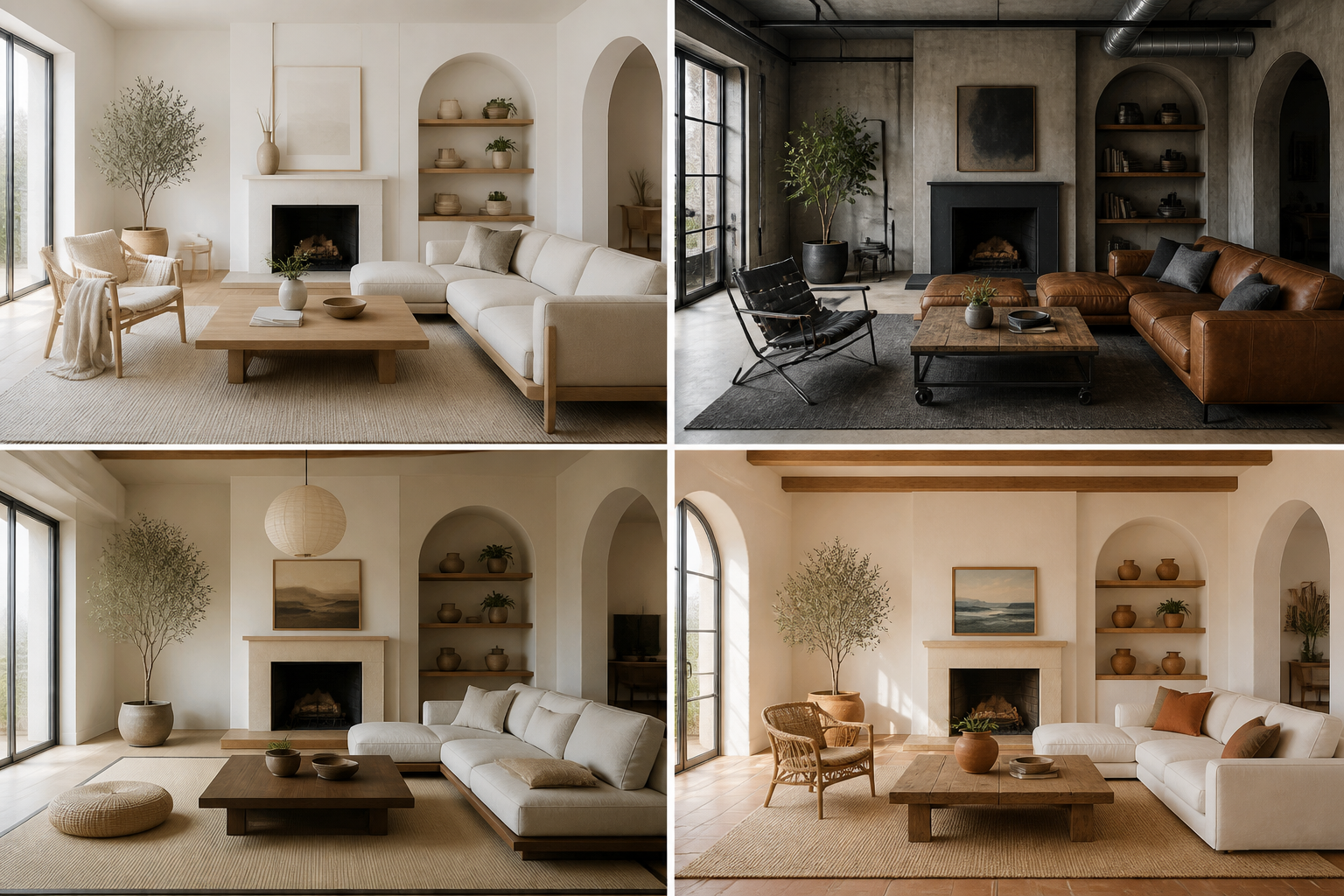
8 styles, 8 room types
Nordic, industrial, japandi, Mediterranean, boho, minimalist, classic and rustic — applicable to living rooms, bedrooms, kitchens, bathrooms, offices, dining rooms, kids' rooms or outdoor spaces.
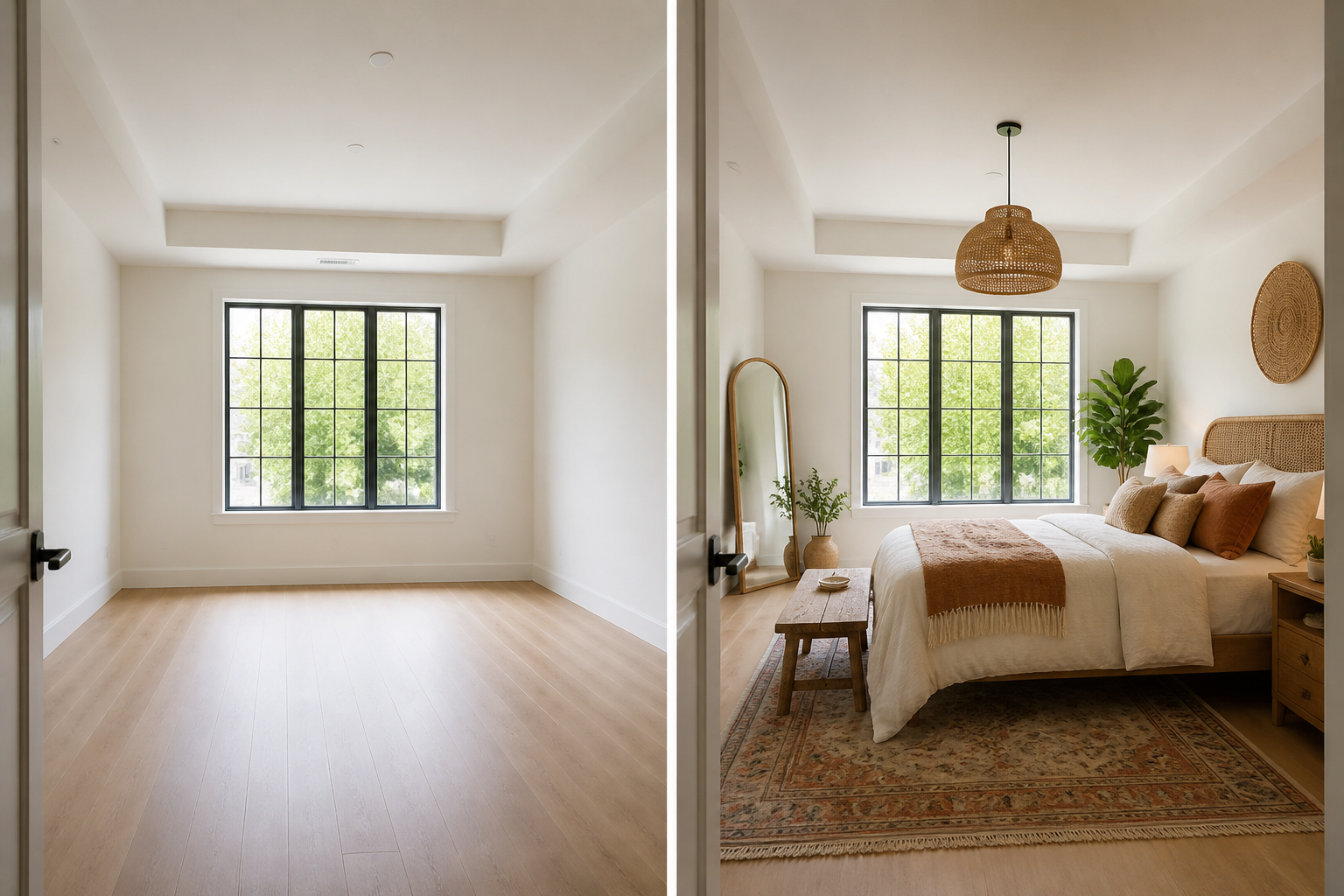
Respects your architecture
The redesign starts from your photo and keeps the walls, windows, doors and perspective. The furniture, materials, color and light change — the room is still yours.
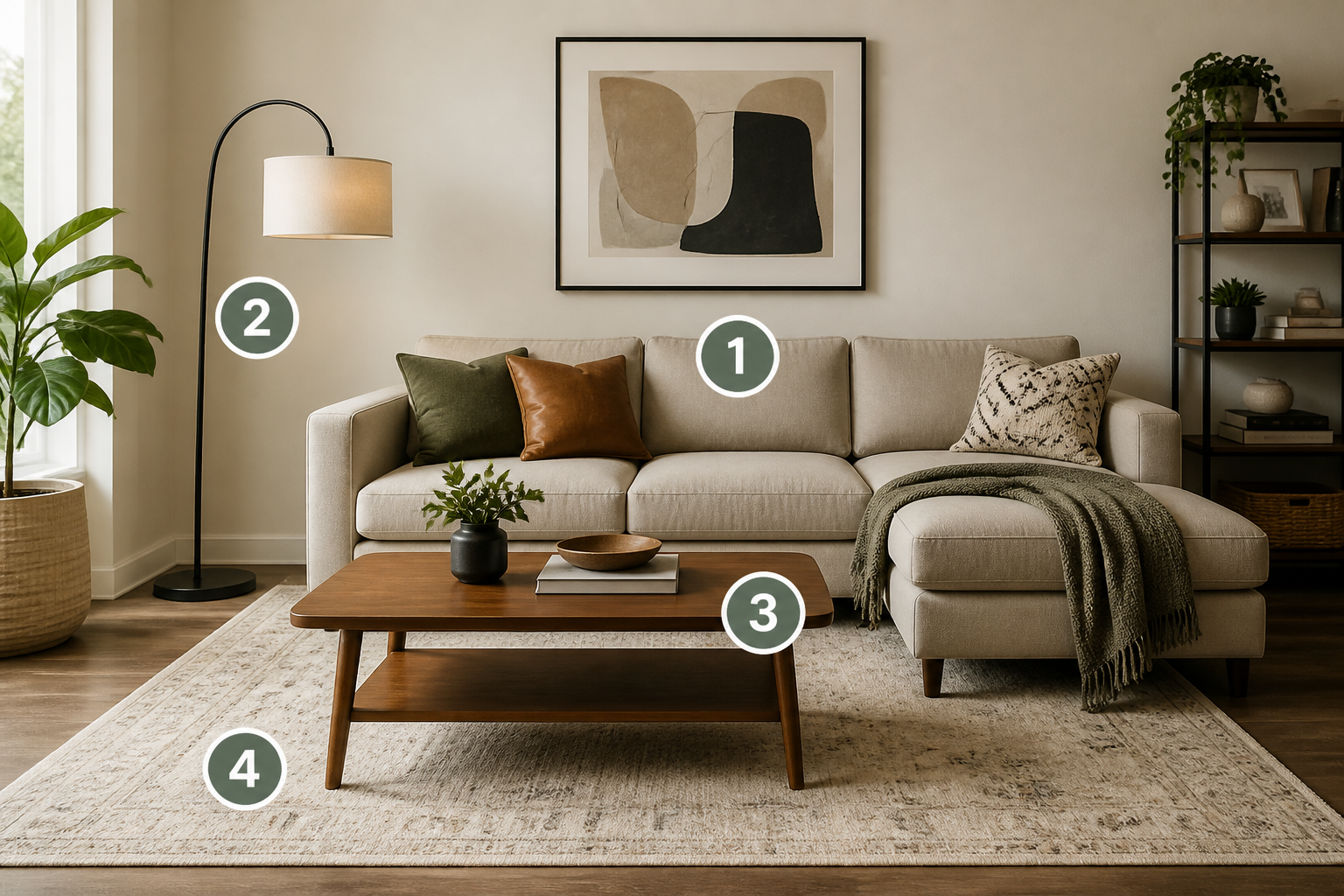
Shopping Mode: real furniture and budget
The AI integrates real IKEA and Sklum products into the image. Each one is numbered on the scene and listed with its store, price and link, with the total budget added up and downloadable.
Your room redesigned in three steps
Upload the photo
Create a project, choose the room type, and upload the photo from your mobile.
Choose a style and Shopping Mode
Select one of the 8 styles, turn on Shopping Mode with the stores you want, and add extra notes if you like.
Get your redesign
In under a minute you get the redesigned room and, with Shopping Mode, the infographic with products, prices and budget.

Who is it for?
Built for these profiles
Frequently Asked Questions
Latest blog articles
Guides and news to get more out of it
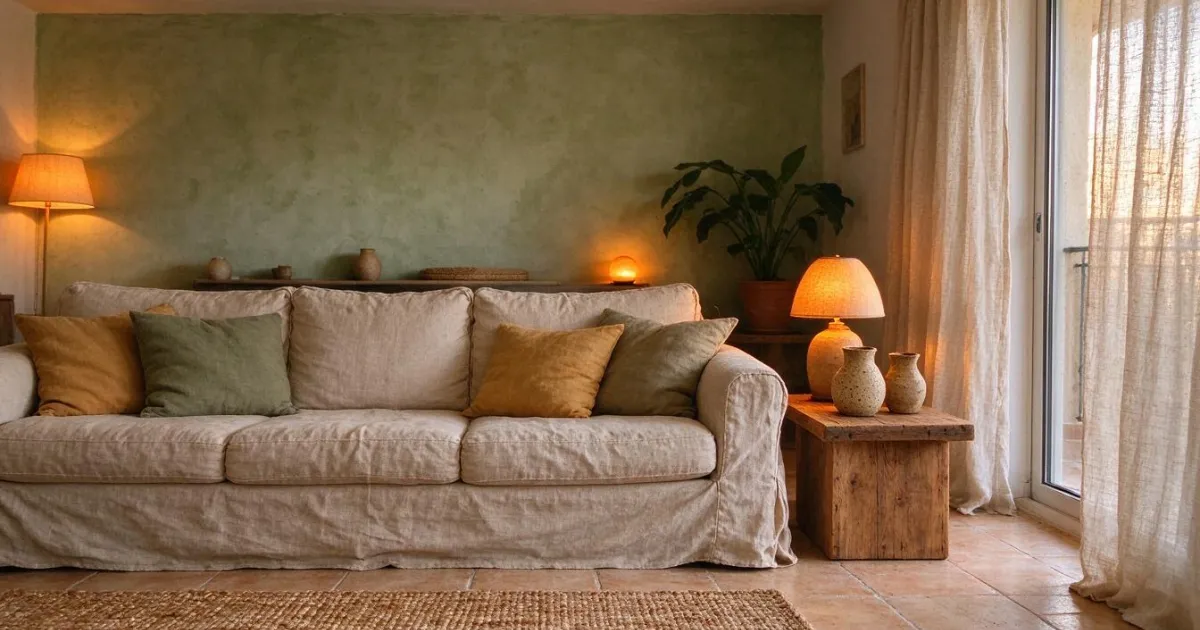
2027 Decoration Trends: How to Turn Your Living Room into a 'Refuge Home' Without Renovation (and What It Really Costs)
The 5 key decoration trends for 2027 applied to a rental living room without renovation, with prices from IKEA and Sklum and three budgets: €300, €800, and €1,500.
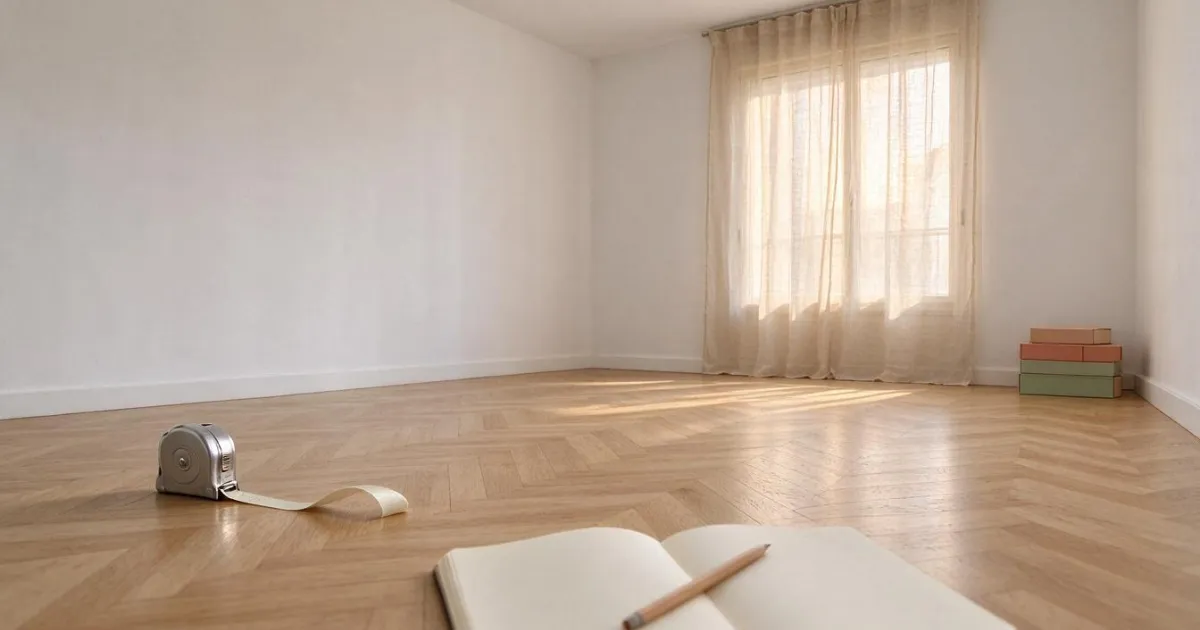
How much does it cost to furnish a living room: real prices, measurements that fail, and how to see it in your own photo
How much does it cost to furnish a living room from scratch: sofa, table, rug, and lamp with real prices from IKEA and Sklum, what measurements to check, and how to see it in your photo.
See how your home would look before spending a single euro
Create your free account and redesign your first room today.