8 room decoration styles, at a touch
Nordic, industrial, japandi, Mediterranean, boho, minimalist, classic, or rustic: you choose one from the gallery and the AI redecorates your room’s photo with that palette, those materials, and that furniture.
Choosing a style shouldn't be an exercise in imagination: here you choose it and you see it.
In RoomStyle Studio, style isn't written, it's selected with a touch. When generating a makeover, a gallery of 8 tiles appears (one per style), and with a single touch, you define the entire character of the room: Nordic, industrial, japandi, Mediterranean, boho, minimalist, classic, and rustic. There’s no need to know interior design vocabulary or describe anything.
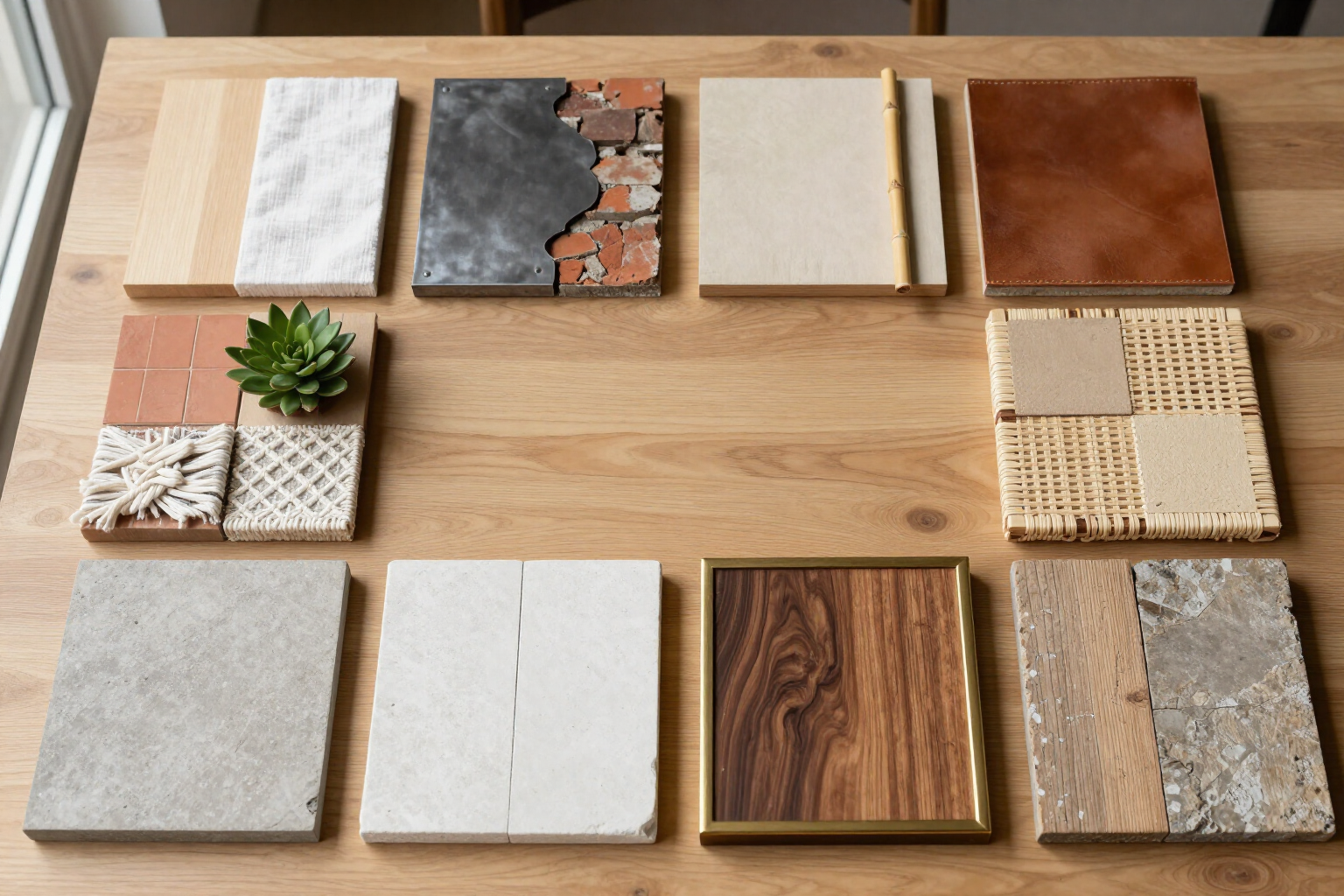
Each style is not just a label: it has a predefined set of color palettes, materials, and furniture types that are sent to the image engine. Nordic calls for light woods, soft whites and grays, warm textiles, and functional furniture with clean lines; industrial, exposed brick, metal, leather, raw wood, and factory lighting fixtures; japandi blends Japanese minimalism with Scandinavian warmth, low furniture, and earthy tones; Mediterranean brings terracotta, sand, white walls, natural fibers, ceramics, and rattan; boho, layered textiles, rugs, plants, macramé, and eclectic colors; minimalist leaves only the essentials, a neutral palette, and clear surfaces; classic opts for traditional furniture, moldings, and symmetry; and rustic, for aged wood, stone, and craftsmanship.
Since the style is applied to your own photo and the room’s architecture remains untouched, the 8 results are comparable: it’s the same corner, viewed from the same point, eight times. Each room project saves multiple makeovers, so you can generate a Nordic, a japandi, and an industrial version of the same living room and decide by seeing them, not imagining them.
The 8 styles work in all 8 room types in the app: living room, bedroom, kitchen, bathroom, office, dining room, children’s room, and terrace or outdoor space. And if you activate Shopping Mode, the style you've chosen is also used to filter the real product catalog from IKEA and Sklum that is suggested within the makeover.
Benefits of 8 Interior Design Styles
A touch, not a prompt
the gallery of 8 tiles replaces any written description. You select the style, and that’s it.
Each style is truly defined
behind each tile is a specific palette, materials, and furniture type, not just a loose word sent to the AI.
The 8 styles are comparable
applied to your own photo, keeping walls, windows, and perspective, you can see the same corner in eight distinct styles.
No interior design knowledge needed
if you can't tell Japandi from Nordic, it doesn't matter; just try them out and choose based on the image.
Multiple versions per room
each project saves all makeovers, so no style you try is ever lost.
Applicable throughout the house
the 8 styles can be applied to living rooms, bedrooms, kitchens, bathrooms, offices, dining rooms, children's rooms, and even terraces or outdoor spaces.
Style also filters shopping
in Shopping Mode, the chosen style guides the selection of real IKEA and Sklum products proposed for your makeover.
Refine with your words
beyond the style, you can add extra instructions in natural language («light wood», «fewer furniture», «more plants») and choose between two image engines.

See your room in Nordic, Japandi, or Industrial before deciding
Upload a photo, tap a style, and compare them. No renovations, no samples, and no need to imagine anything.