Aistube · Build a YouTube channel without showing your face

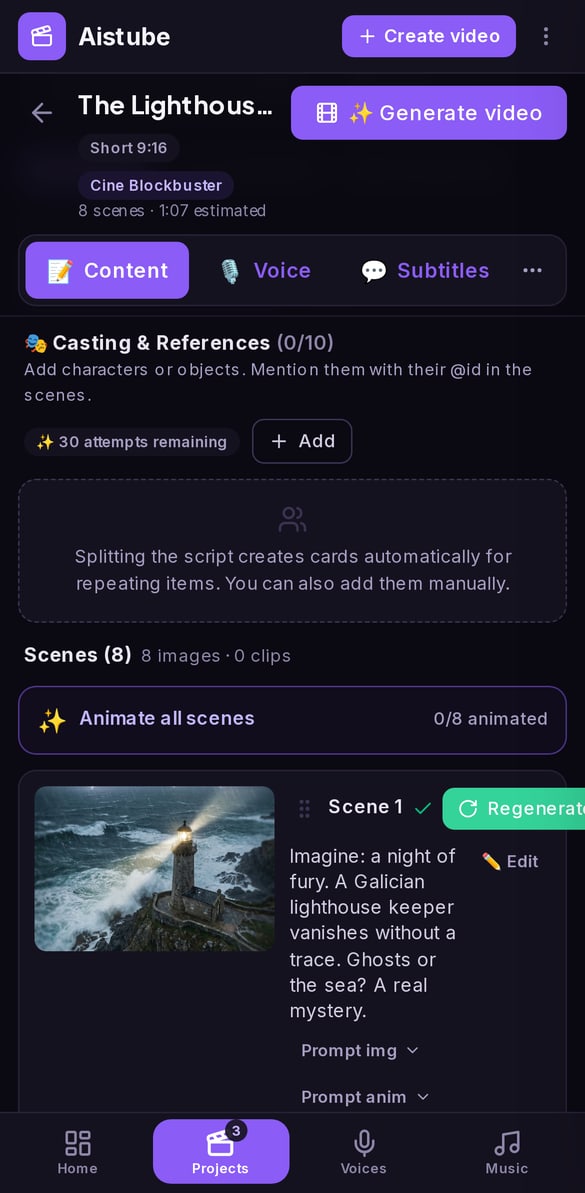
Aistube takes each video from idea to script, storyboard, images, and clip, keeping your characters identical across every scene. For creators, entrepreneurs, and agencies that want to produce at scale without appearing on camera.
Are you producing faceless videos by jumping between five tools, with a main character whose face changes in every scene?
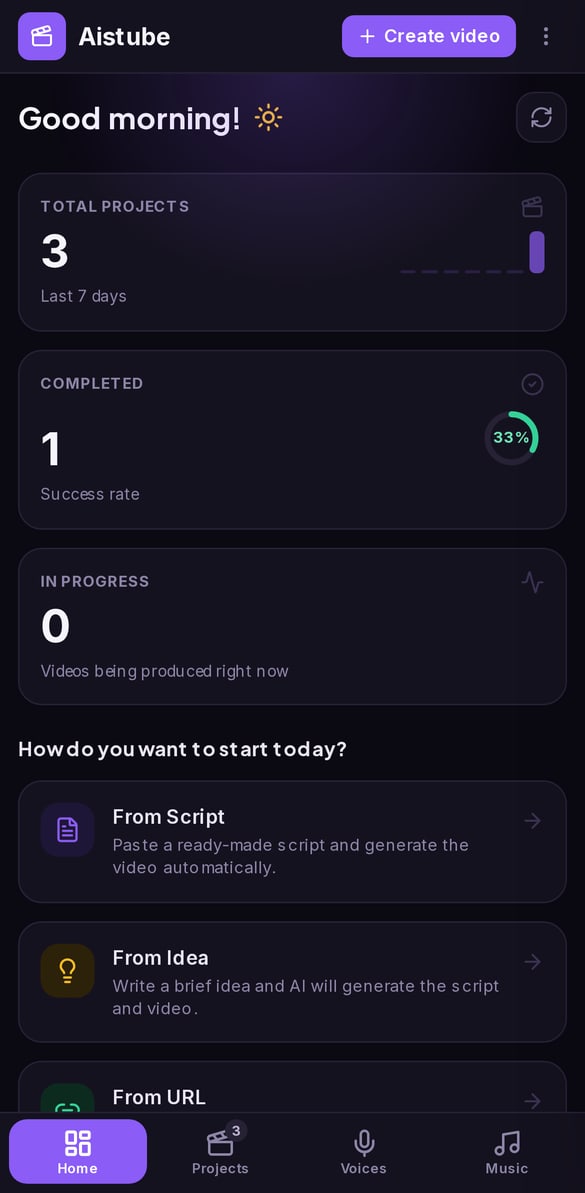
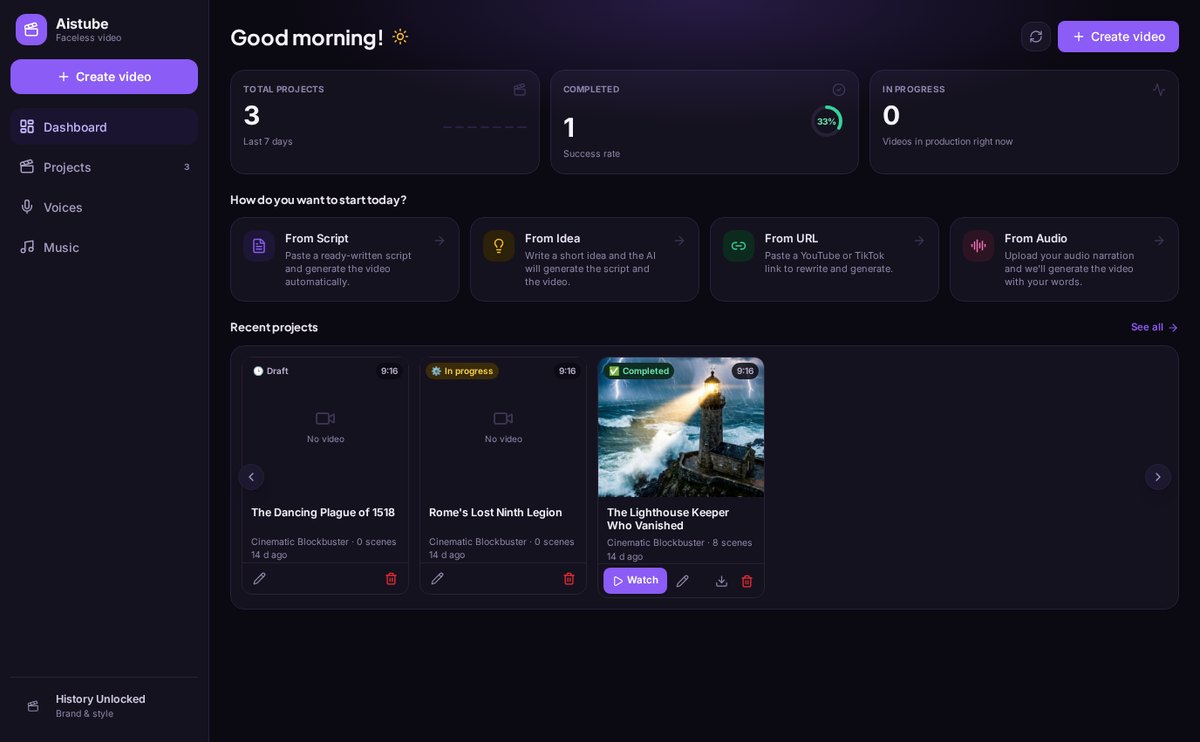
Aistube brings the entire process together in one place: you generate ideas for your niche, write the script by acts, turn it into a storyboard, illustrate each scene with the characters from your visual bible, animate whichever ones you want, and take away the package with thumbnail, metadata, and publish date. Each channel keeps its niche, language, format, and style, so everything you generate comes out with the same look.
Start for free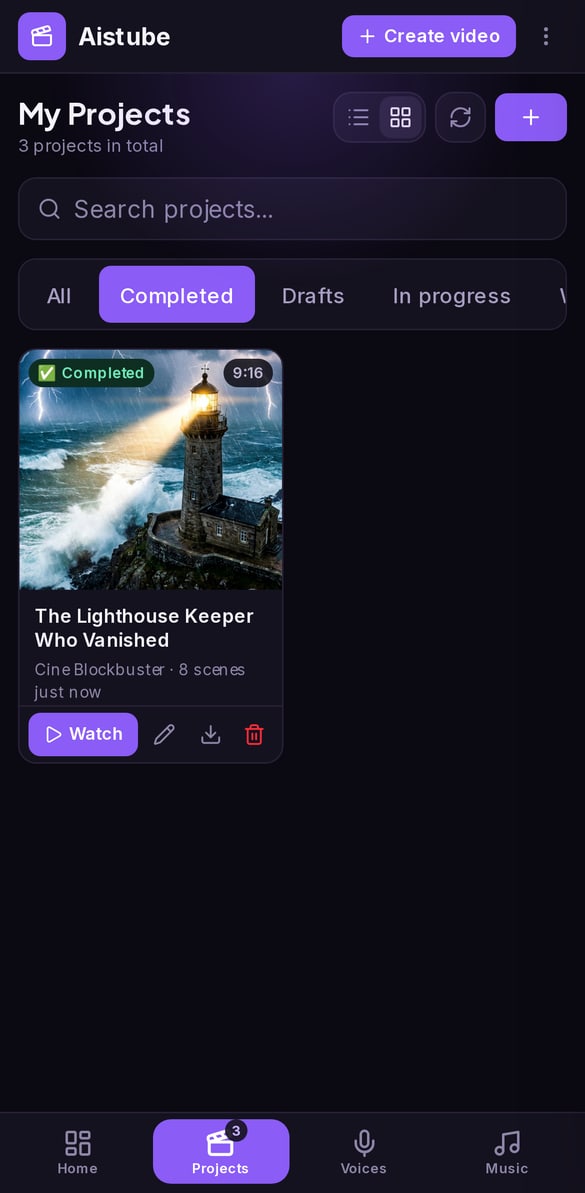
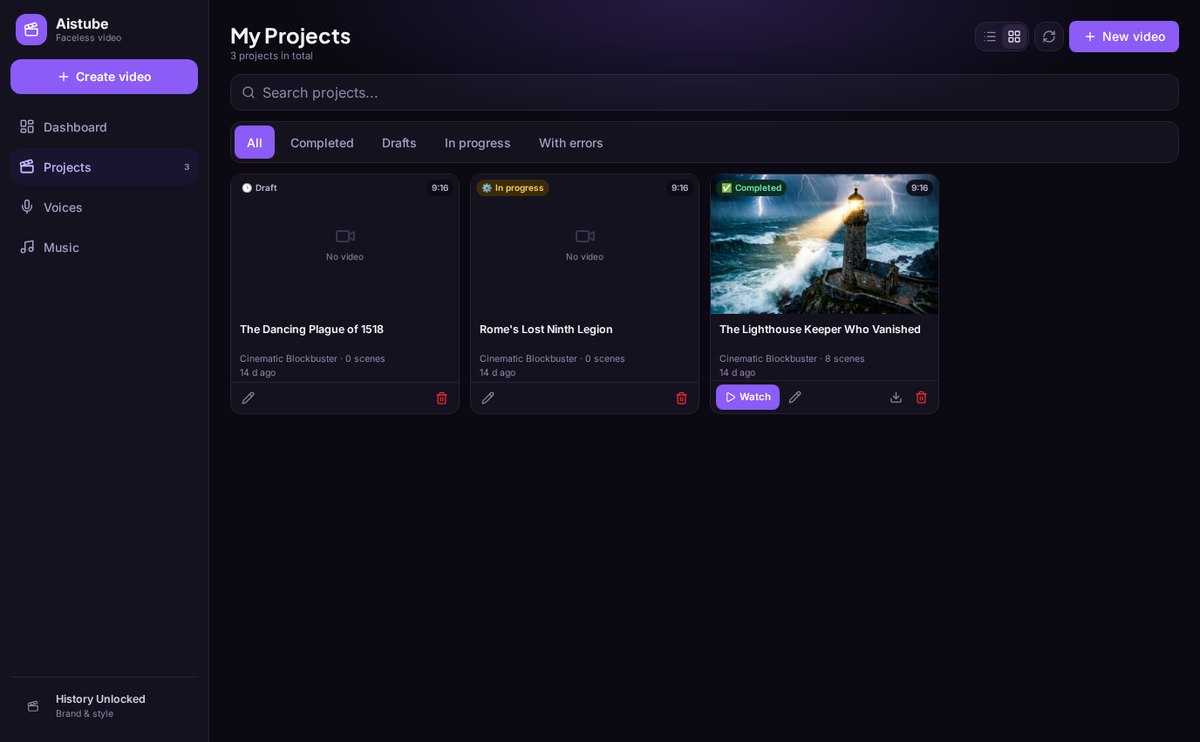
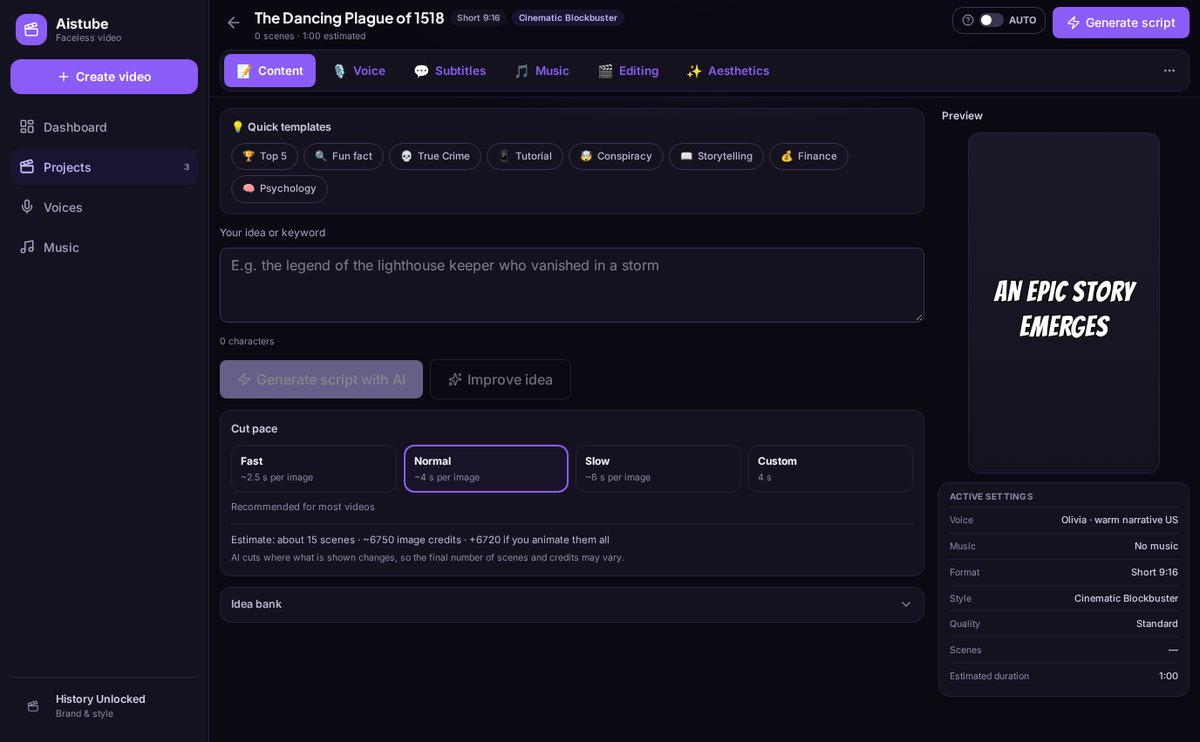
Discover every feature in detail
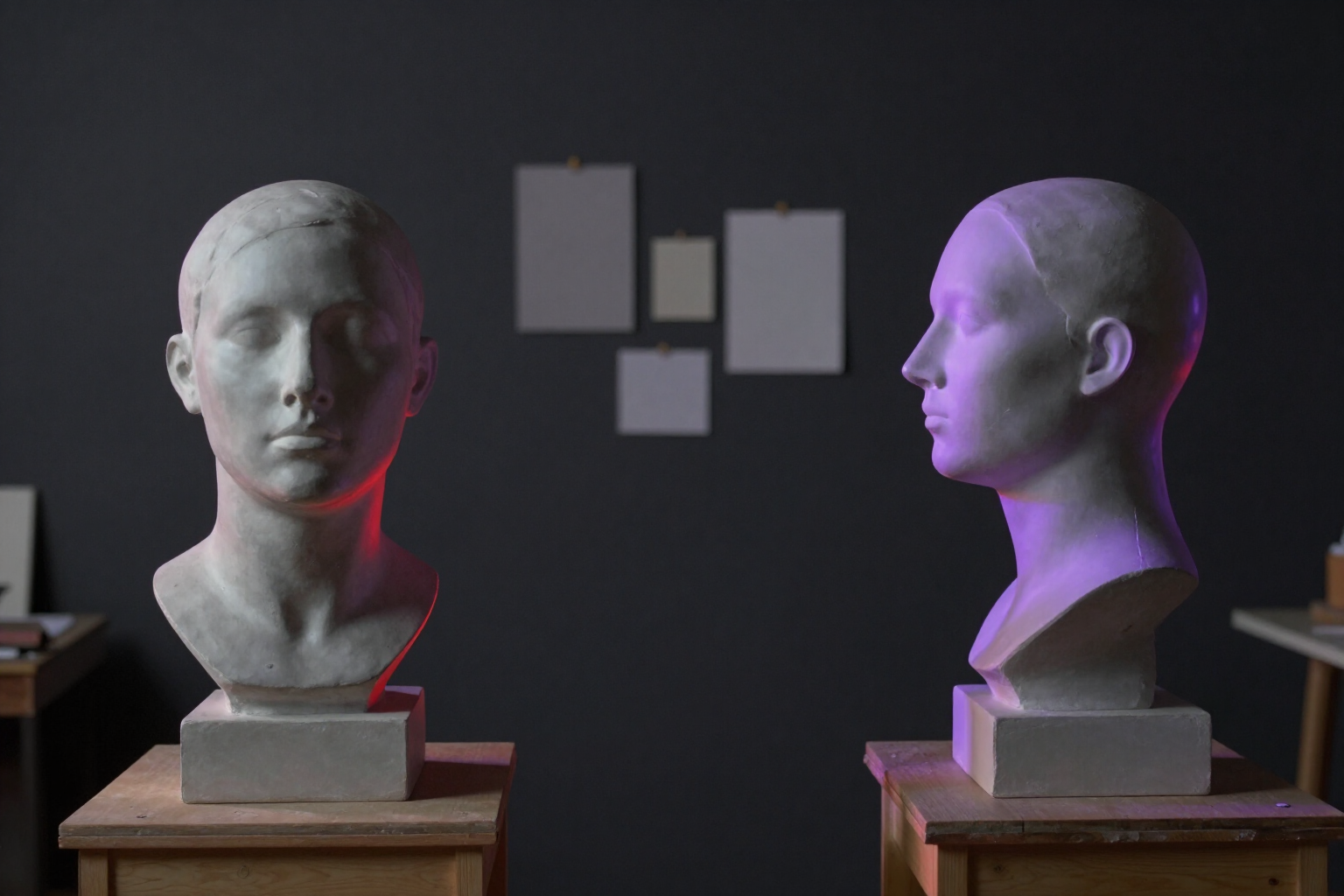
Consistent characters in AI videos: channel visual bible | Aistube
Describe your characters, scenes, and props once, and Aistube keeps them identical across all scenes: unchanging anchor description, reference sheet in two views, and style lock.
View feature
AI Script Generator for Faceless YouTube Videos | Aistube
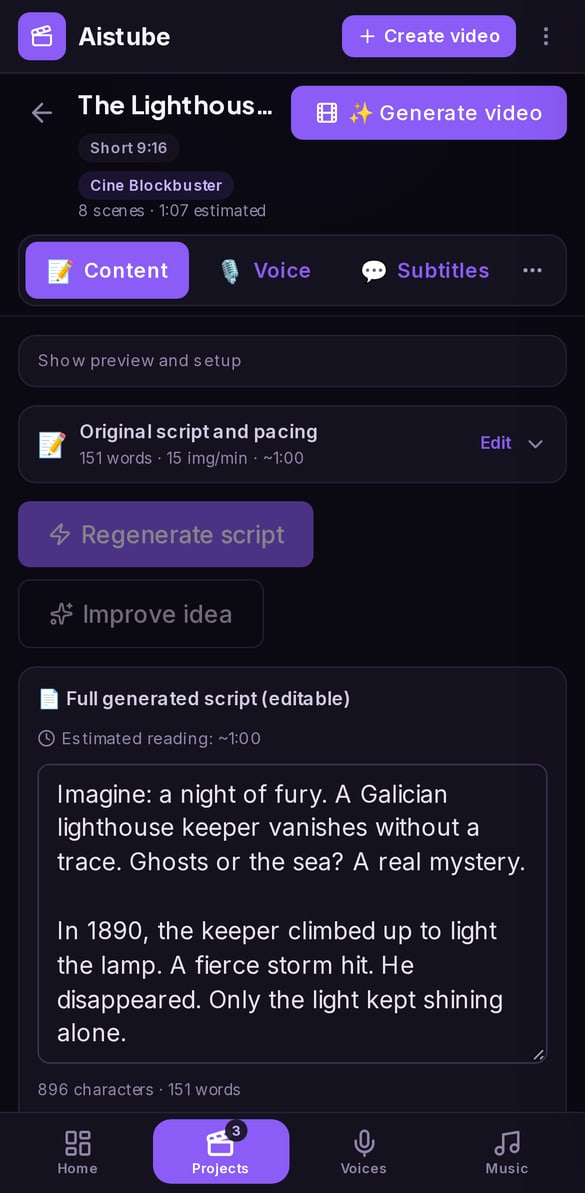
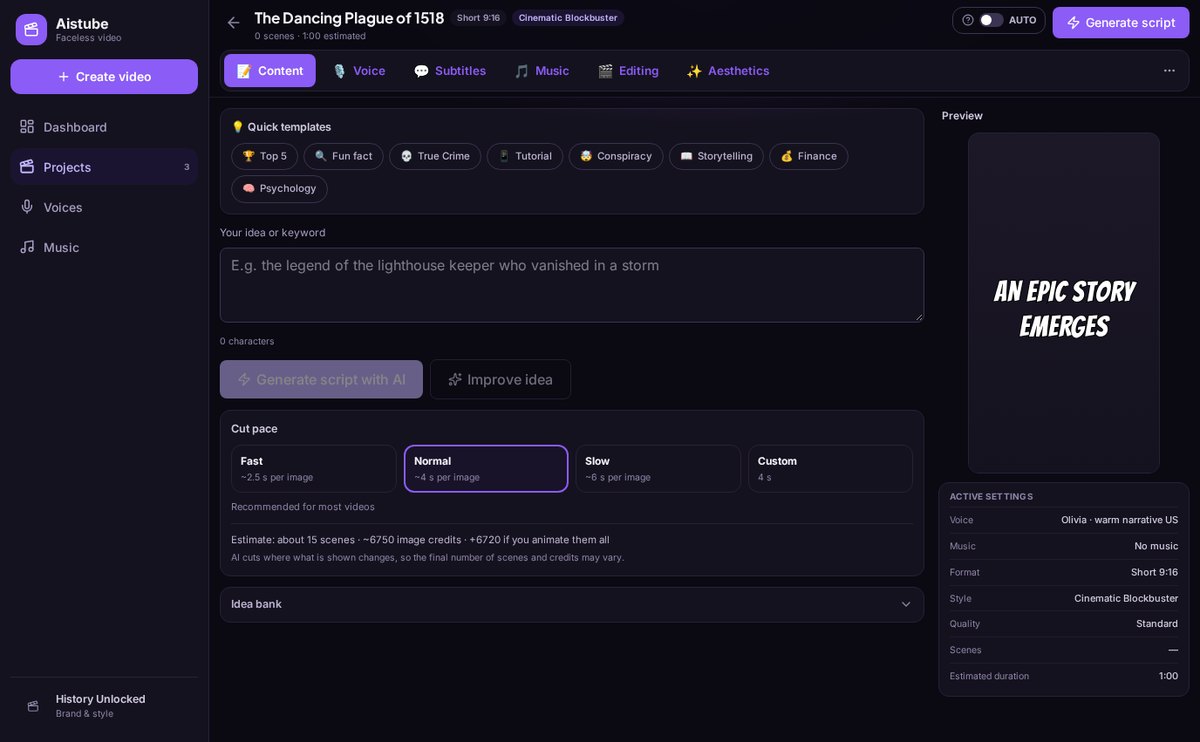
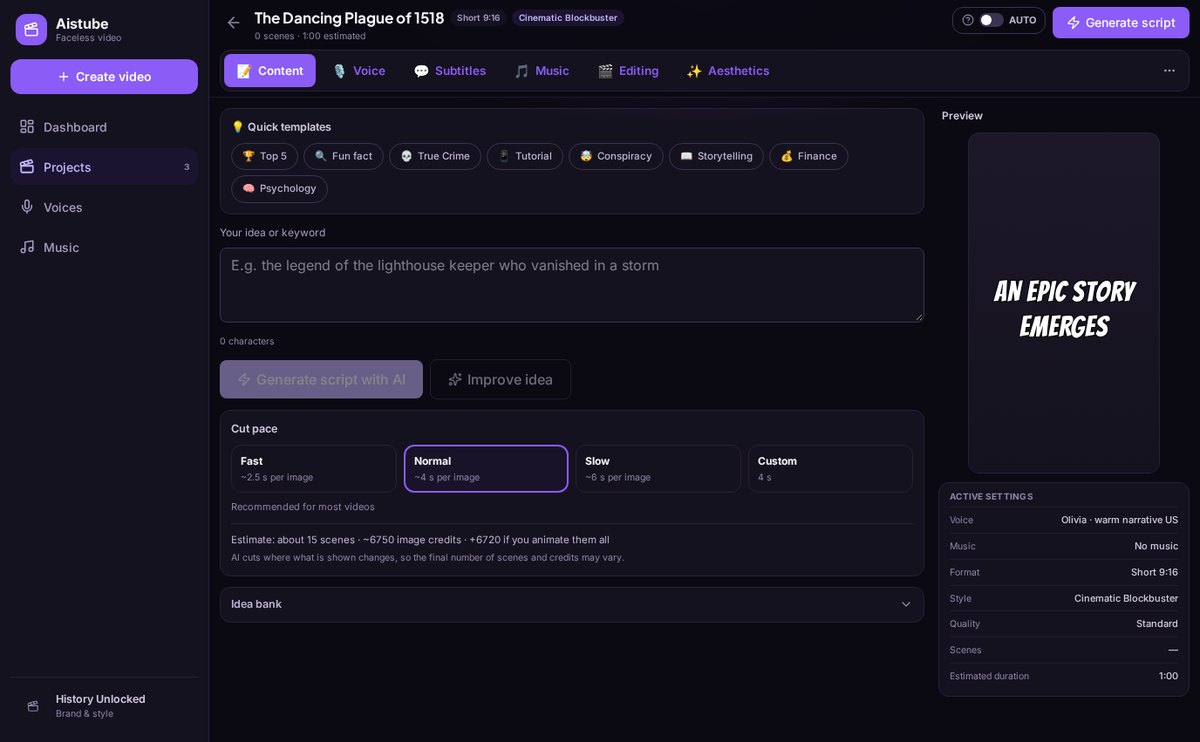
Choose the duration and Aistube writes the script with its word budget at 150 wpm, divided into scenes and structured in hook, development, and closing. With your characters and 8 templates.
View feature
AI Storyboard: framing, prompt & image per scene | Aistube
Aistube turns your script into a storyboard: a framing and English prompt per scene, and the generated image with your character references so they're identical in every shot. Up to 6 variants per scene.
View feature
Image to Video with AI: Animate Each Scene of Your Video | Aistube
Convert each scene's image into an AI clip: camera motion prompt or 20 curated video effects, parallel scene processing, and clip-by-clip status. With Aistube.
View feature
AI YouTube Video Idea Generator, No Repeats | Aistube
Aistube generates video ideas for your faceless channel with a topic, hook, summary, and angle, tailored to your niche, language, and market, and automatically discards those you had already proposed. With alternative hooks and an idea bank.
View featureFrom idea to finished video, without switching tools
This is what Aistube does with every video on your channel.
Visual bible: your characters don't change faces
Save characters, locations, and objects with an unchanging description that is injected into every scene where they appear, generate their reference sheet in two views —front and profile—, choose the main image among the variants, and lock the style so no regeneration alters it. Each scene is generated with that reference, so the same main character looks the same from the first shot to the last.
Script, storyboard, and images in a chain
Ask for ideas for your niche, turn them into a three-act script adjusted to the duration you choose —up to 30 scenes— and rewrite, split, merge, or reorder each scene with AI. The storyboard assigns framing and a visual prompt to each one, and from there the images are generated in the channel format: 16:9, 9:16, or 1:1, with several variants so you can keep the best one. If you change a narration, the scene is marked as outdated so you know exactly what to regenerate.
Clips, thumbnail, metadata, and calendar
Animate the scenes you want with one of the 20 curated video effects, generate thumbnails in batches of three and ask the AI to analyze them, get the title, description, and tags for YouTube and a caption with hashtags for TikTok, schedule each video on the channel calendar according to your cadence, and download the complete package: script, scenes with their prompts, images, clips, and thumbnail.
Your channel in three steps
Create your channel
Define niche, language, format, visual style, palette, and cadence in a three-step wizard. Everything you generate afterward will carry that identity.
Build your bible and choose an idea
Create your characters and locations with their reference sheet, generate ideas for your niche, and turn the one you like most into a video project.
Produce and schedule
Script, storyboard, images, clips, thumbnail, and metadata step by step. When you're done, you set a date in the calendar and download the package to upload it.

Who is it for?
Built for these profiles
Frequently Asked Questions
Latest blog articles
Guides and news to get more out of it
Faceless Channel with AI in 2026: What Demonetizes YouTube and When You Are Required to Tag Your Videos
YouTube does not penalize the faceless format or AI, but the template. The three non-monetizable groups and the mandatory tagging of Article 50.
How to Create a Faceless YouTube Channel with AI in 2026 (and What YouTube Requires to Monetize It)
How to set up a faceless YouTube channel with AI step by step, what YouTube requires to monetize it in 2026, and how to maintain the same character in all scenes.
Start your first faceless channel today
Create your free account and put together your first video from start to finish.