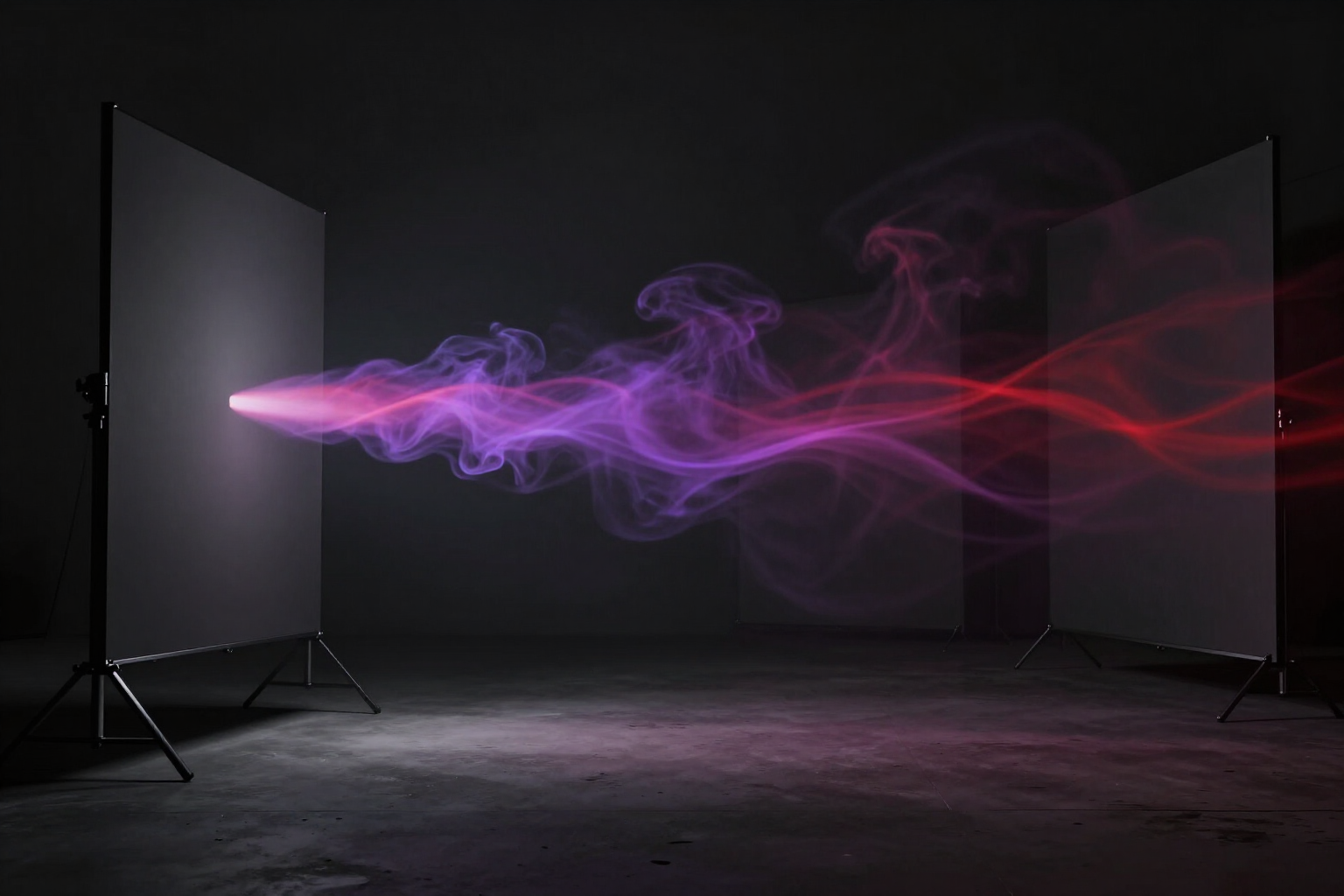
Convert each scene’s image into an AI video clip
Aistube animates the image you already selected for each scene: you direct the camera with a motion prompt or apply one of the 20 video effects from the catalog, and you see the status clip by clip without leaving the editor.
You already have the illustrated storyboard, and the usual question arises: how do I go from still images to something that moves, without setting up a video pipeline or losing the characters that were so difficult to establish?
In summary: each scene in your project has an «Animate» button. Aistube takes the main image of that scene —the one you already approved, with your characters and your palette— and converts it into a video clip via image-to-video. A new video is not generated from text: your image is animated, so what moves is exactly what you had approved.
You have two ways to decide the movement. The first is the animation prompt: you write in English what the camera does and what moves in the shot (up to 500 characters), with a default template —a slow dolly-in with parallax— so you don't start from scratch. If cards from your visual bible appear in the scene, you mention them with @ and Aistube injects their name and invariable description into the clip's prompt. The second is the video effect catalog: 20 closed video effects verified against the engine (smoke, fireball, lightning, money rain, collapse, flying, thumbs up, marriage proposal…), which is what is used when the project's quality package points to an engine that only accepts video effects or when the scene does not include a motion prompt.
You don't have to choose blindly: when generating the storyboard, the AI already suggests for each scene the video effect from the list that fits what is happening in it, and leaves it pre-selected. And there's no need to go one by one: the «Animate All Scenes» bar launches the complete batch with up to 15 clips in parallel and a counter of how many scenes you have animated.
The video engine is decided by the project's quality package (by default, Kling via the platform's aggregator), not by you: you choose quality once and the animation is paired with the image. While the clip is being processed, the scene shows that it is animating and Aistube checks the status every few seconds until it notifies you with a «Clip ready»; it then records the clip's actual duration so you can compare it with the narration. The previous clip is kept until the new one arrives, you cannot launch two animations of the same scene at once, and if you later change the image or the narration, the scene marks its clip as outdated so you know what to re-animate. Each clip is downloaded in MP4 from the scene and travels within the final video package.
Benefits of Image to Video by Scene
Animates your image, not a new one
the clip starts from the scene's main image, so the characters, camera framing, and palette you approved in the storyboard are what move. No need to take a chance again with a generation from scratch.
You direct the camera with words
the animation prompt accepts up to 500 English characters to describe what moves and how —slow zoom, parallax, ambient movement— and comes with a default cinematic template so you don't start with an empty box.
Your characters remain themselves in the short video clip
if you mention with @ the entries from your visual bible that appear in the scene, their name and unchanging description are injected into the video prompt, just like in an image.
20 closed and verified video effects, not a list of promises
smoke, fireball, lightning, money rain, crying, collapse, flying, jazz, interview, thumbs up, heart gesture, marriage proposal, and more. All checked against the engine, so none fail due to an invented name.
AI pre-selects the video effect for you
when generating the storyboard, each scene receives the video effect from the list that matches what happens in it (fire, storm, money, wedding, office…). You can change it, but you don't have to choose from scratch 20 times.
One button for the entire video
«Animate all scenes» queues the batch with up to 15 short video clips in parallel and shows you how many scenes have been animated out of the total. Scenes without an image are automatically excluded.
Real-time status in the scene itself
Aistube checks the work every few seconds, notifies with a «Clip ready», saves the short video clip's actual duration to compare it with your narration, and flags the error in the scene if the engine doesn't deliver. No need to refresh or guess.
You don't lose work when retrying
the previous clip remains until the new one arrives, the same scene cannot be launched twice, and if you change its image or narration, the clip is marked as outdated. Each clip is downloaded in MP4 and included in the final video package.
Bring your next faceless video to life
Aistube is AIsToHire’s tool that converts each scene’s image into an AI video clip —with a motion prompt or one of its 20 curated video effects— and is available at https://aistohire.com/aistube-faceless-youtube-channels-ai-121. Create your account, assemble a video, and animate its scenes.