Visual Bible of the Channel: Your Characters and Scenes Don't Change Faces
Describe each character, location, and prop of your faceless channel once, and Aistube keeps them identical in all scenes of all your videos.
The problem with AI-generated videos is not creating beautiful images: it's ensuring the protagonist is the same in scene 1 and scene 24.
In summary: the visual bible is the casting file for your channel. Each character, location, and prop is stored with an unchanging anchor description of up to 600 characters — age, build, hair, clothing with specific colors, materials, era — and that description is literally injected into the prompt of each scene where it appears. It does not rewrite itself or dilute: it is the appearance contract of your channel.
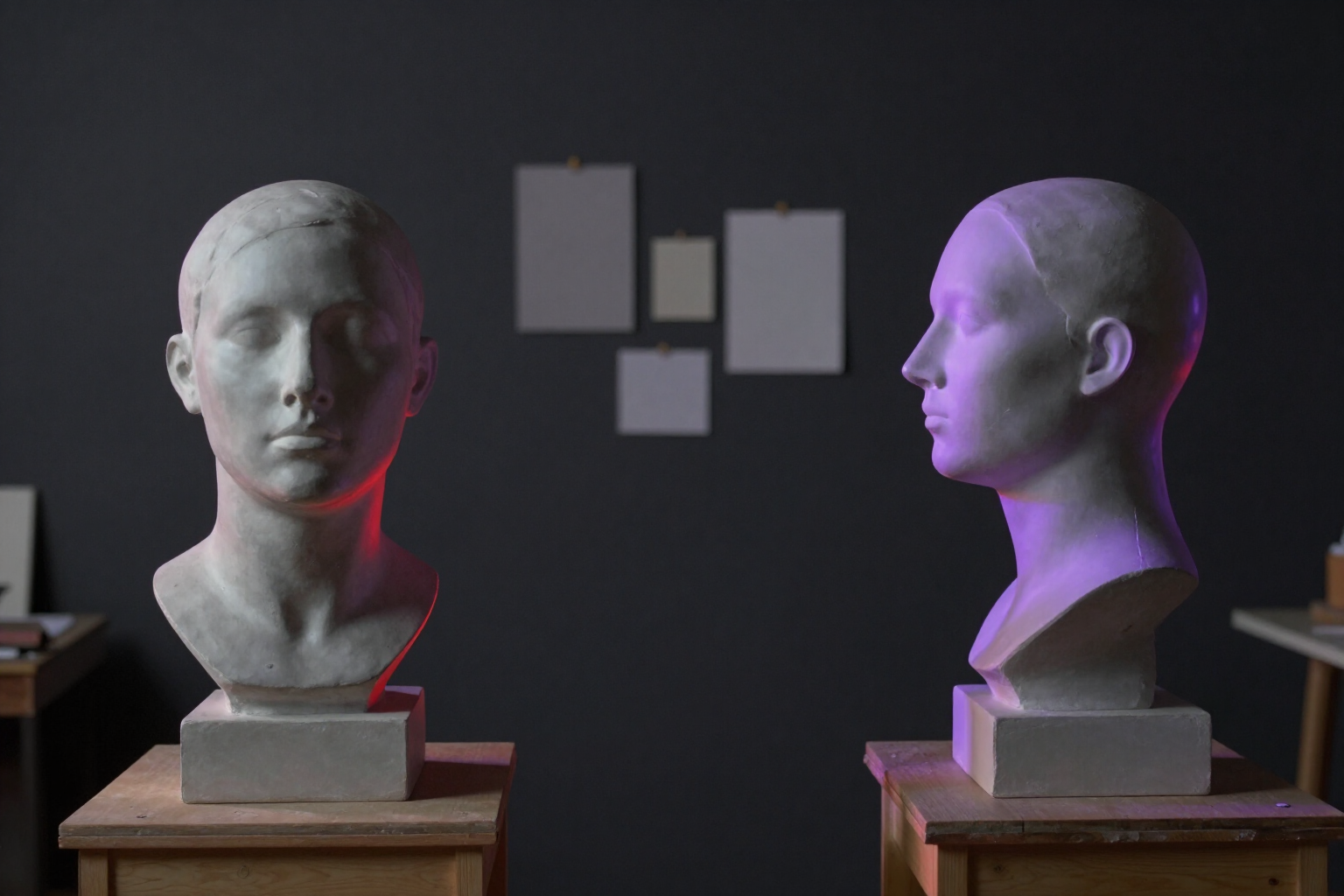
With the description ready, Aistube generates the reference sheet of the entity in two views: front and profile if it is a character, general view and alternative angle if it is a location or a prop. If one of the two views turns out bad, you regenerate only that one. You can accumulate up to ten images per entity between generations and your manual uploads, and you choose which is the main image: that is the one that travels as a visual reference to each scene you generate, not the first one in the gallery.
When you are satisfied with an entity, you lock its style. From that moment, the backend prevents any changes to the anchor description and protects the main image, so no subsequent regeneration changes the protagonist mid-series. And if you edit the anchor before locking it, Aistube marks the existing images as potentially outdated so you know exactly what to regenerate.
The bible belongs to the channel, not to a video: it is always generated with the default quality of the service, so the character sheet and the scenes that copy it come from the same engine, and the face does not fluctuate when increasing or decreasing the quality of a single video. The script and storyboard also receive the list of characters and locations with their anchor, so the AI writes about your actual cast. And when duplicating a channel, you can take the entire bible to the new one. Aistube is a mini-app of AIsToHire and this functionality is used from https://aistohire.com/aistube-faceless-youtube-channels-ai-121/f/consistent-characters-ai-visual-bible
Benefits of Visual Bible of the Channel
Unchanging anchor description
up to 600 characters that are injected into all scenes where the entity appears, in the script and in the storyboard. The appearance is written once and is always respected.
Reference sheet in two views
front and profile for characters, general and alternative angle for locations and props, against a neutral studio background. If one view fails, you only regenerate that one.
Gallery of up to ten images per entity
mix AI generations with your own manual uploads and keep the one that best represents the character.
Main image as a consistency reference
the one you mark as main is the one passed to each scene, ahead of the fixed reference in the scene or the entity detected by the storyboard.
Style lock
once the entity is approved, the backend prevents editing its anchor description and deleting its main image. No one disrupts the continuity of the channel by accident.
Discrepancy notice
if you change the description with already generated images, the entity is marked so you know which sheets need to be regenerated.
Three types of entities
characters, locations, and props. The set and recurring objects also remain the same, not just the faces.
Reusable cast
the bible lives in the channel and can be copied when duplicating, so opening a sibling channel does not require redoing the casting.

Set up your cast once and use it in all your videos
Create your account on Aistube, describe your first character, and generate their reference sheet in two views. Then, every scene you generate will feature them.