aiGrocery · Discover where your supermarket money goes

For anyone who notices the shopping bill rising every month and doesn't know where: photograph the receipt and aiGrocery breaks it down product by product, shows you where your money goes and tells you how to spend less.
Do you know how much you spent on groceries last month, and on exactly what?
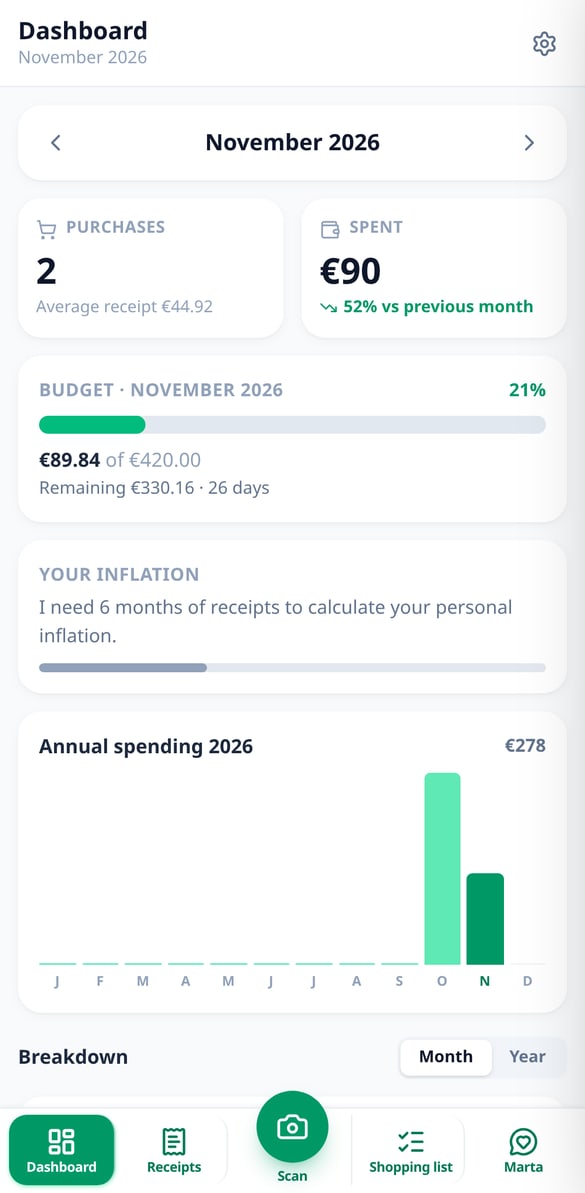
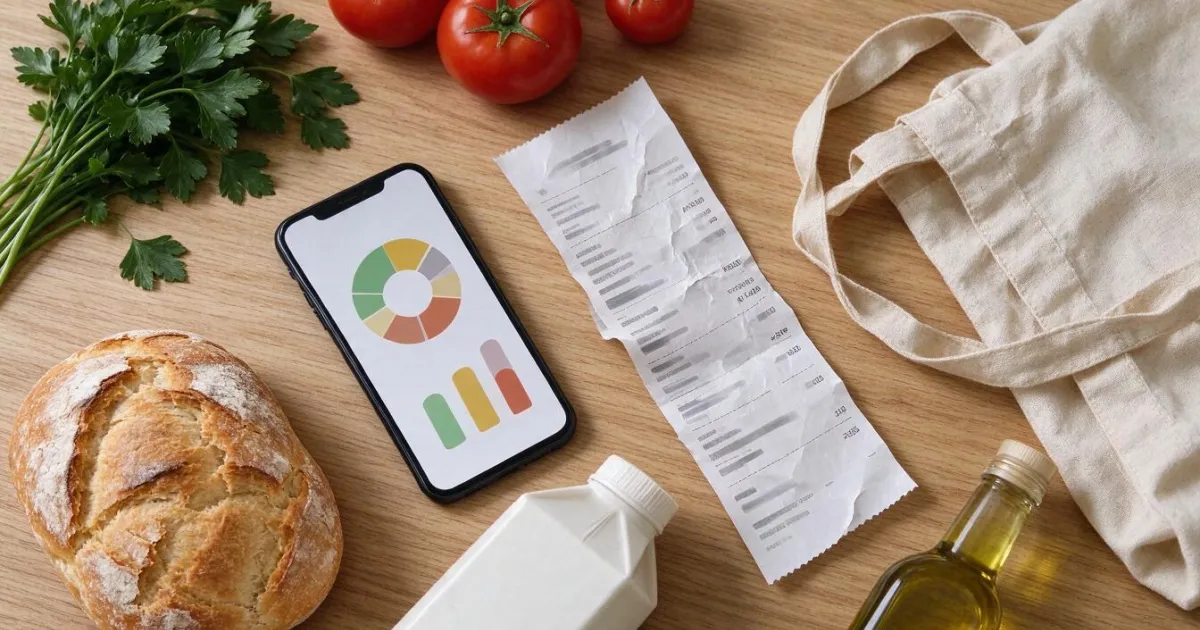
Your bank tells you that you left €412 at the supermarket, but not on what. aiGrocery reads your receipts and turns them into data: how much goes to fruit, meat, snacks or cleaning products, which store you spend most at, which products you buy over and over, and which have gone up in price. With that you set a budget, get alerts before going over, and Marta suggests concrete changes, each with how much it saves you per month.
Start for free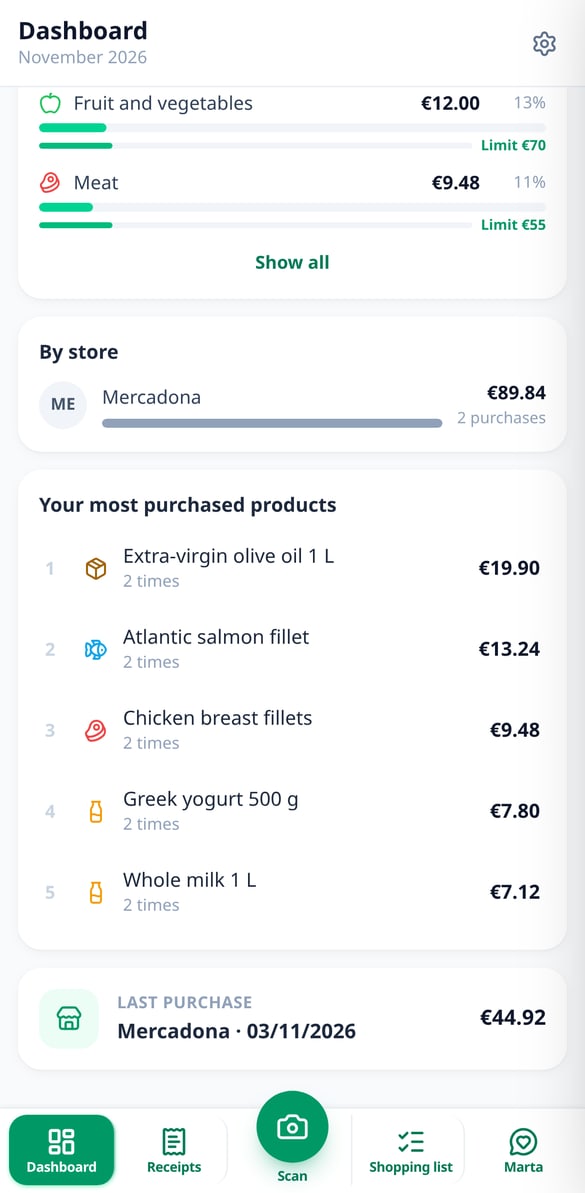
Discover every feature in detail
Scan Supermarket Receipts with AI | aiGrocery
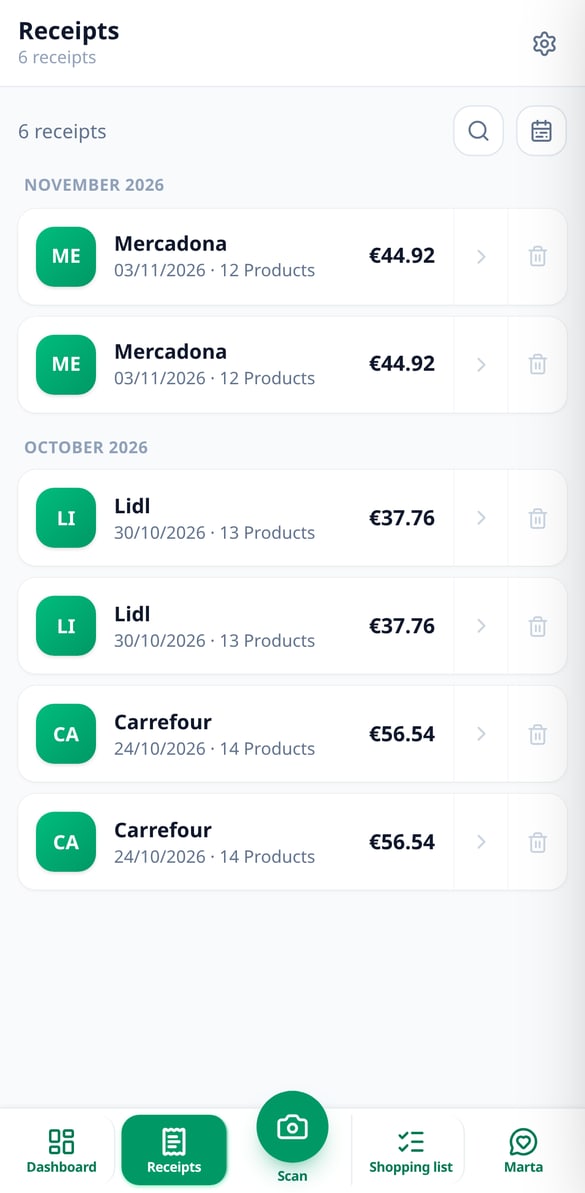
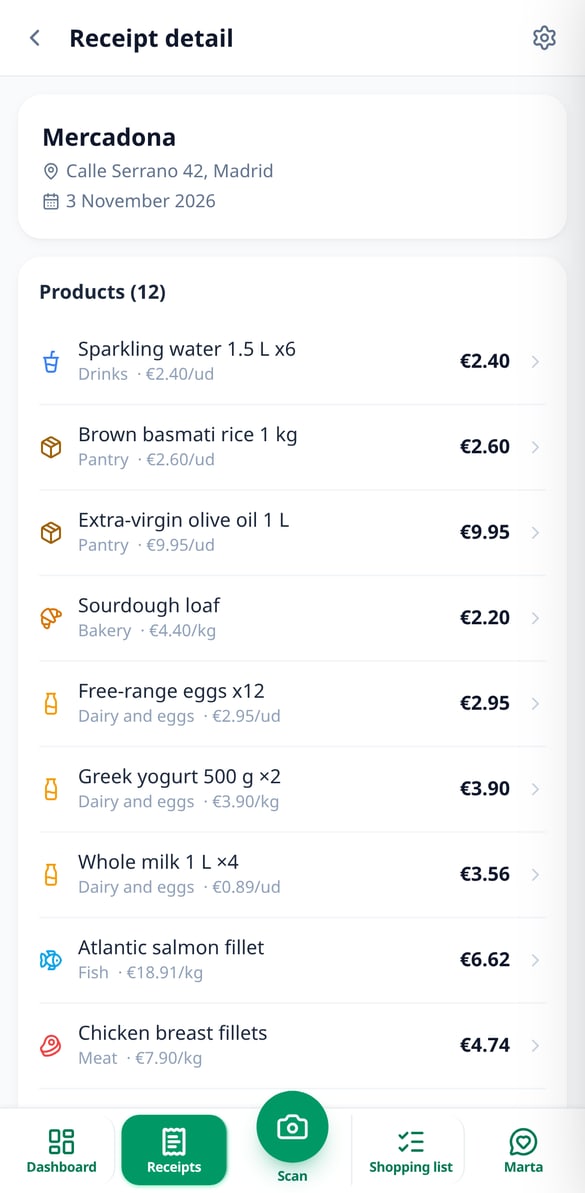
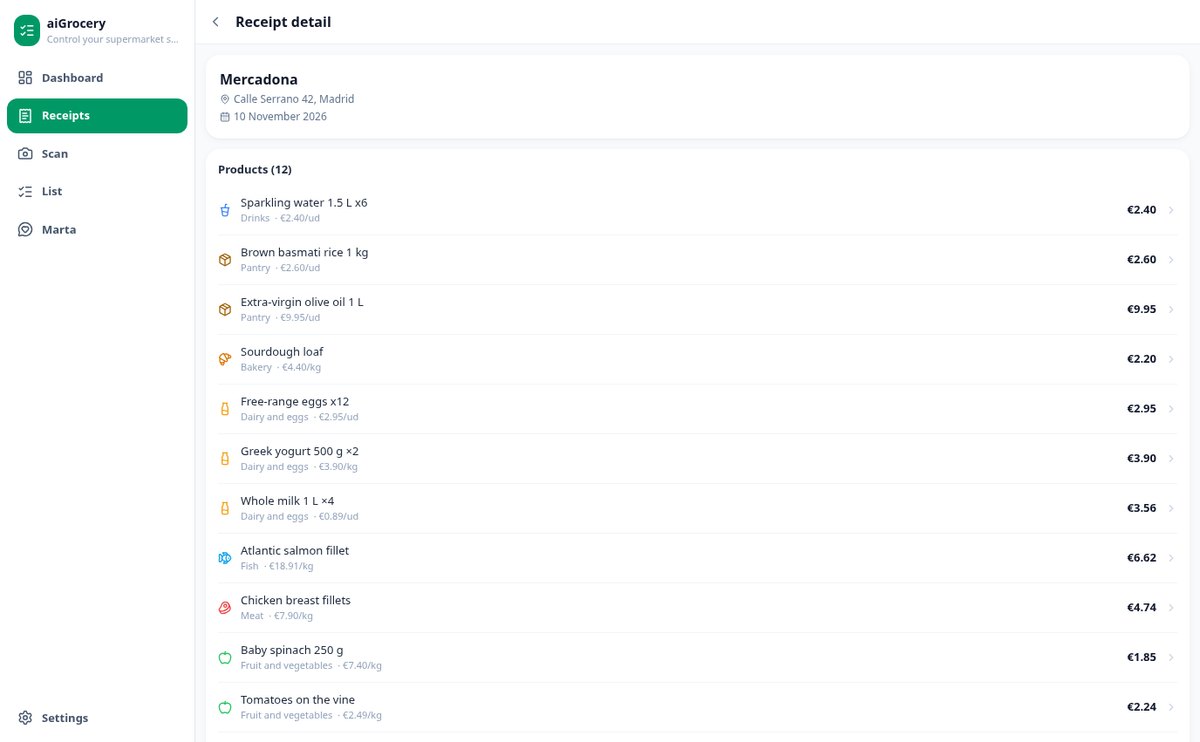
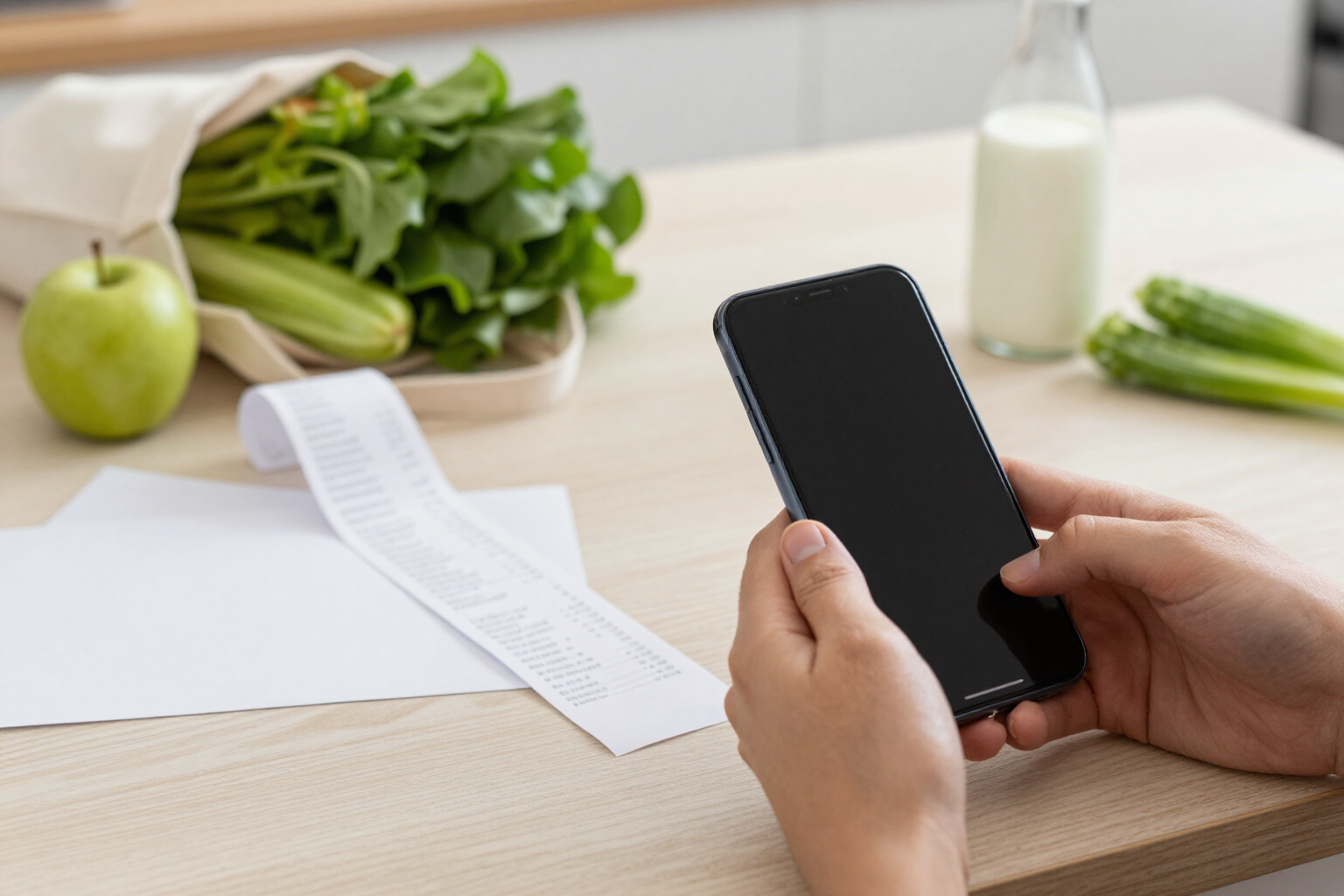
Take a photo or upload the PDF of the receipt, and the AI extracts the store, date, total, and each product with its quantity and price. Multi-page PDF, batch of 5 receipts, and editable draft before saving.
View feature
Monthly Grocery Budget with Spending Alerts | aiGrocery
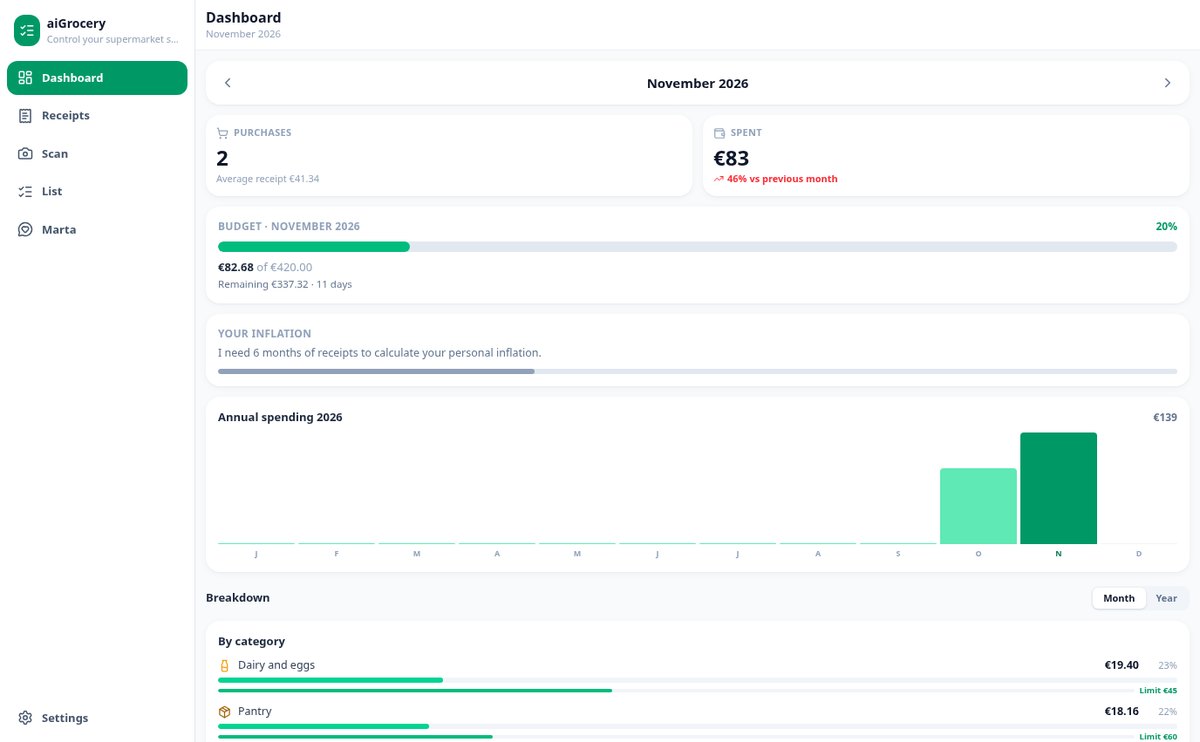
Set a monthly grocery budget with your preferred start day (1-28), see the forecast of how you'll end the budget cycle, and receive alerts at 75, 90, and 100% of the limit.
View feature
Shrinkflation: detect packages that shrink and increase in price | aiGrocery
aiGrocery compares the package size of each product with your previous purchase. If it shrinks by 5% or more and the price per kilo increases, it notifies you of the real percentage increase, even if the package price remains the same.
View feature
Supermarket Savings Tips with € Savings | aiGrocery
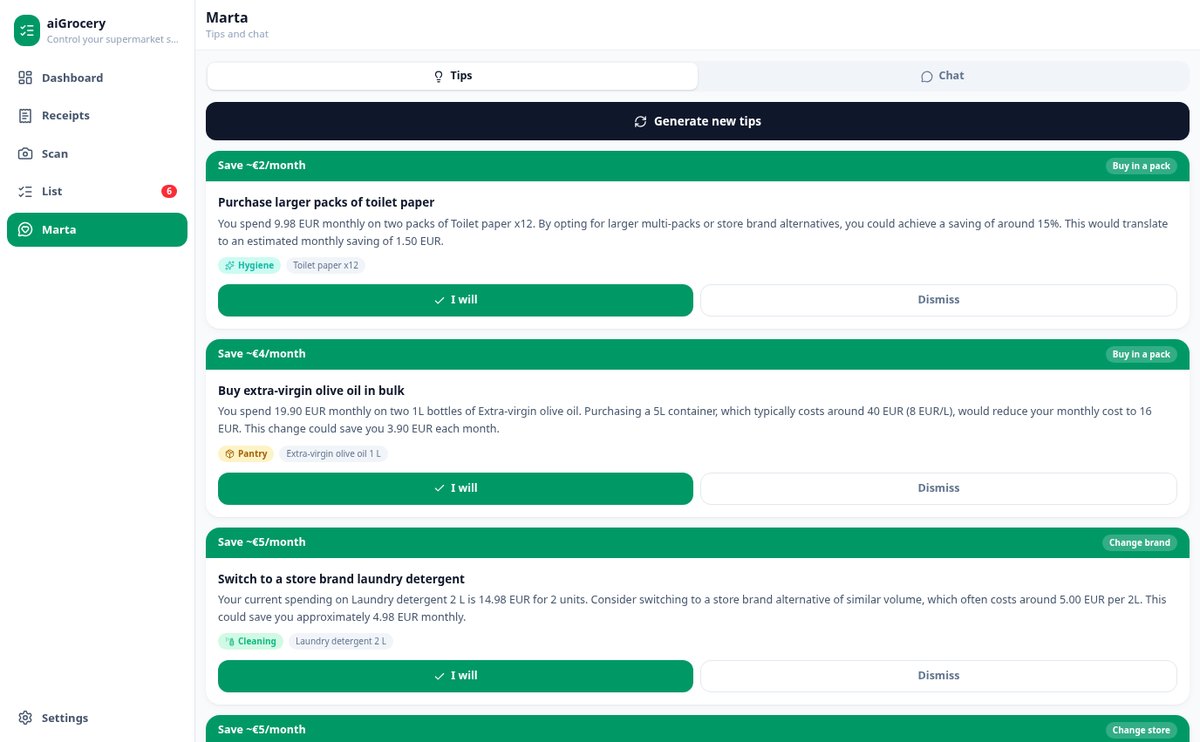
aiGrocery analyzes your receipts and suggests 3 to 6 actions to spend less on groceries, each with an estimated saving in euros per month or year. You mark the ones you apply and see the total.
View feature
AI Chat that tells you how much you spent at the supermarket | aiGrocery
Ask in natural language how much you spent in a category, store, or product, and aiGrocery's advisor consults your scanned receipts and responds with the exact figure. With one-tap actions.
View feature
Cheaper Alternatives for Your Supermarket Products | aiGrocery
Open the details of any product from your receipts, see its price per kilo or liter and its evolution, and get alternatives that save you more than 10%: from your own history or store brands with estimated prices.
View featureFrom the crumpled receipt to control over your shopping
Everything aiGrocery does with every purchase, from the moment you photograph the receipt.
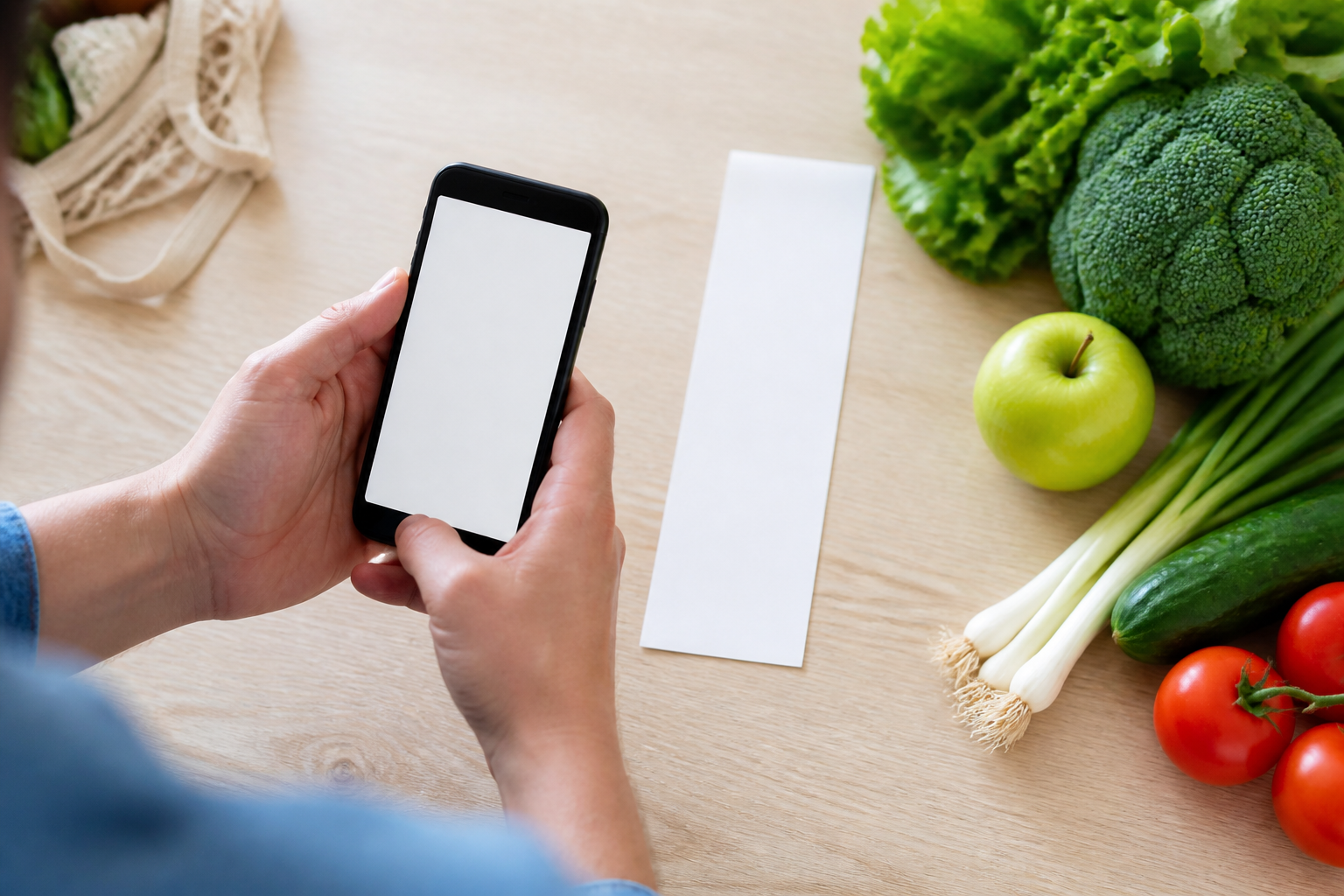
Scan the receipt and review it before saving
Take the photo with the camera, choose it from the gallery, or upload the e-receipt PDF: the AI extracts the store, date, total and every line with its quantity, price and category. Before saving anything you see the full draft and correct whatever you want; if the sum doesn't match the total, it warns you. You can chain up to 5 receipts in a row, add a second photo when the receipt is very long, and scan a product's barcode. Every category correction is learned for the next receipt.
Your spending, by category, store and product
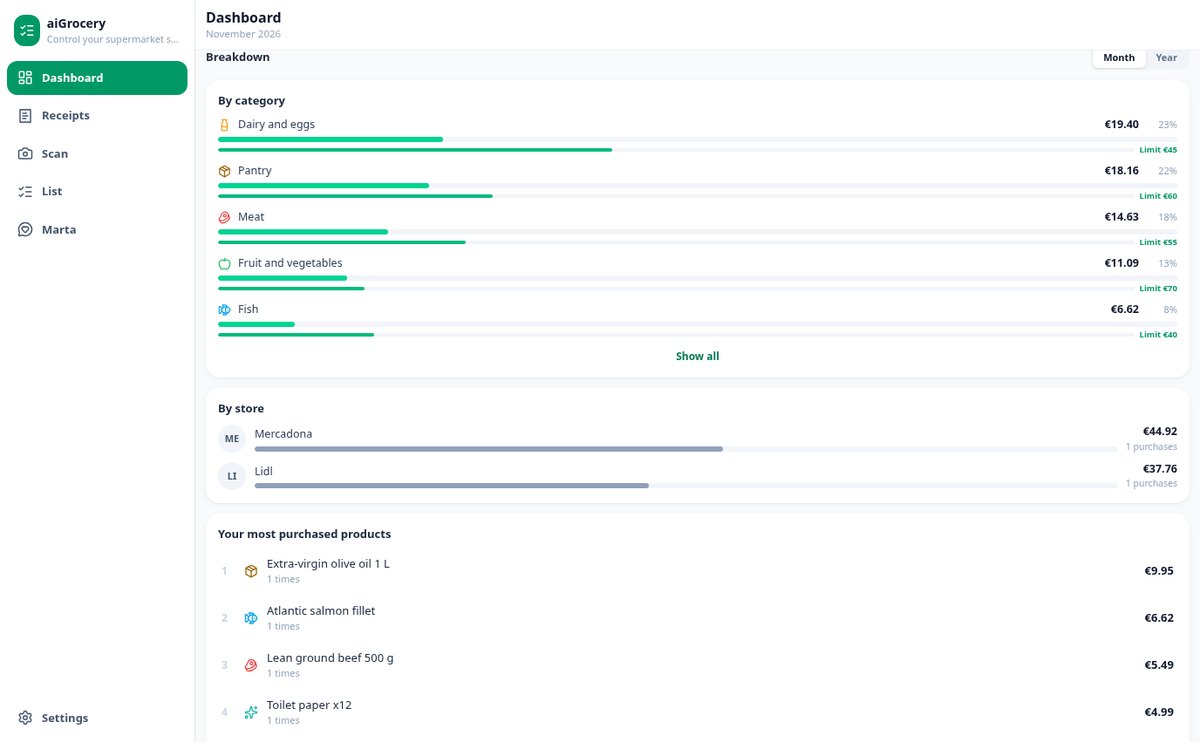
The dashboard gives you the month and the year: total, average per purchase, comparison with the previous month and the 12 months in a chart. Below, the breakdown by the 17 categories, by supermarket and the ranking of your products. You set a monthly budget with the start day that suits you and alerts at 75, 90 and 100%, with a projection of how you'll end the month. And for each product, its price history, which store is cheapest, whether the package has shrunk and your personal inflation.

The shopping list, and Marta, your advisor
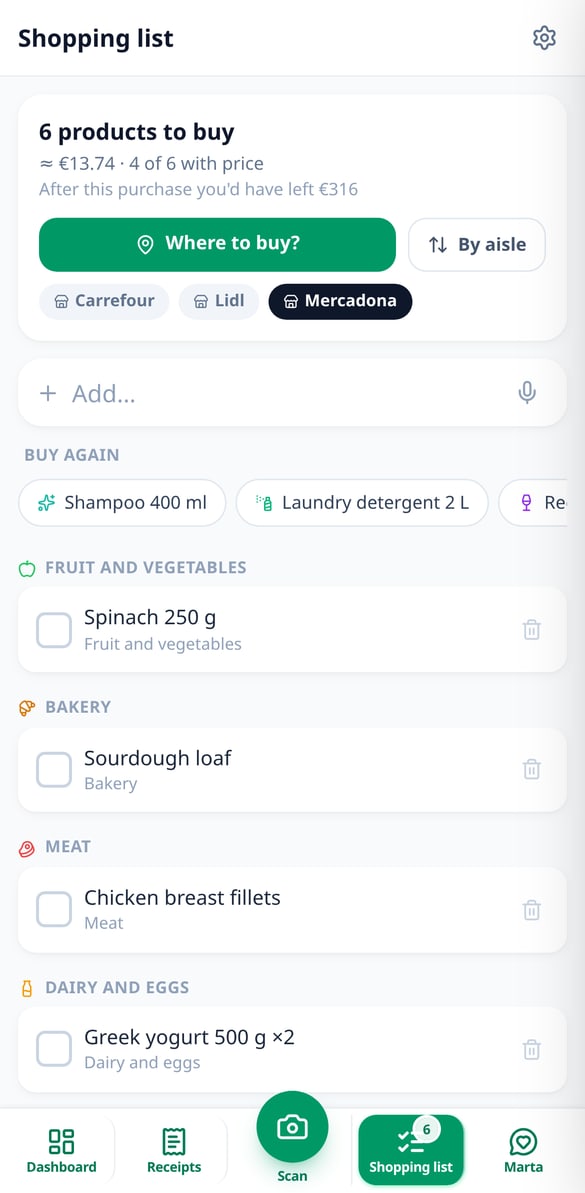
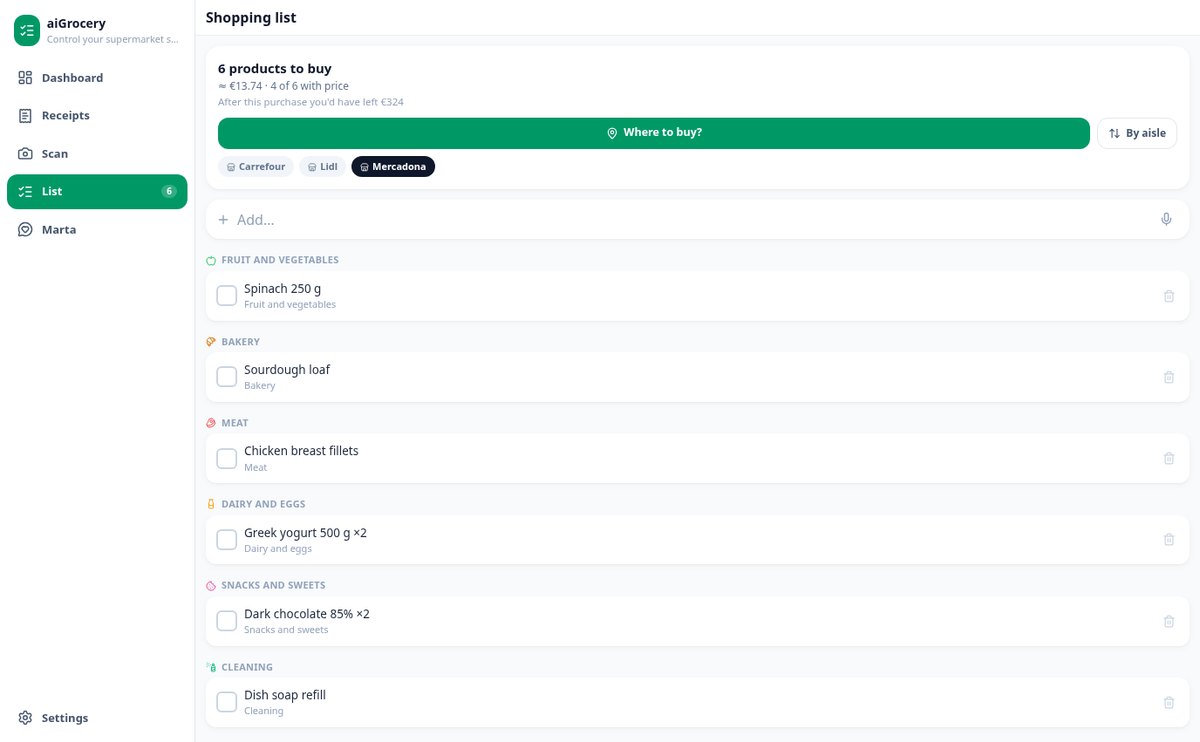
The list belongs to the whole household: whoever shares an account with you sees and edits it, it's sorted by aisle according to the store, tells you how much it will cost and where it's cheapest, and ticks itself off when you scan the receipt from that purchase. You add items by voice, by barcode or from your frequent products, and it warns you about what's running out. Marta generates savings tips with the amount in euros and answers your questions about your purchases in the chat.
Your shopping under control in three steps
Sign up and set your budget
Create your free account and tell Marta how much you want to spend on groceries each month. You can skip it and set it later.
Photograph your receipts
Photo, gallery or e-receipt PDF. You review the draft extracted by the AI, correct what's needed and save it.
Check the dashboard and save
See where your money goes, get alerts as you approach the limit, and apply Marta's tips on your next purchase.
Who is it for?
Built for these profiles
Frequently Asked Questions
Latest blog articles
Guides and news to get more out of it
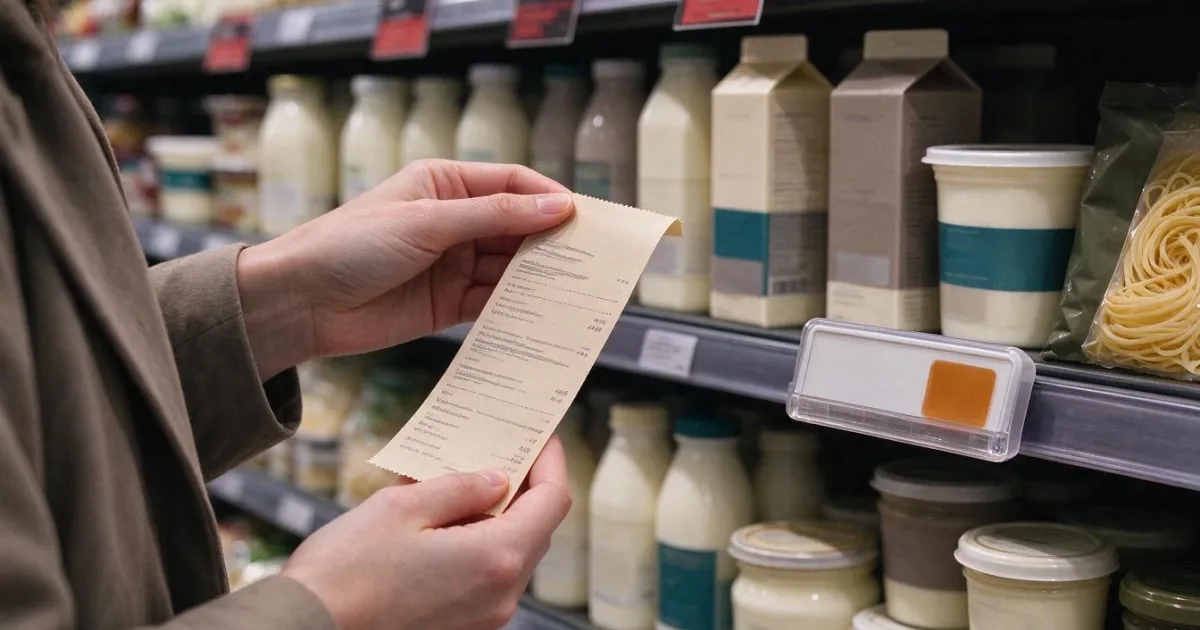
Fake discounts at the supermarket: how to check if the Black Friday deal is real (and how to claim)
The 30-day rule, the 4 typical tricks in food, how to verify a deal in 2 minutes, and how to claim before Black Friday 2026.
How much is spent on groceries per month in Spain (and how to know your actual figure in 4 weeks)
The Spanish household spent €5,626 on food in 2025 (INE). What that figure means, how to calculate your actual spending by categories in 4 weeks, and where the leaks are.
Start with the receipt from your last purchase
Create your free account, scan a receipt and see where your grocery money goes.