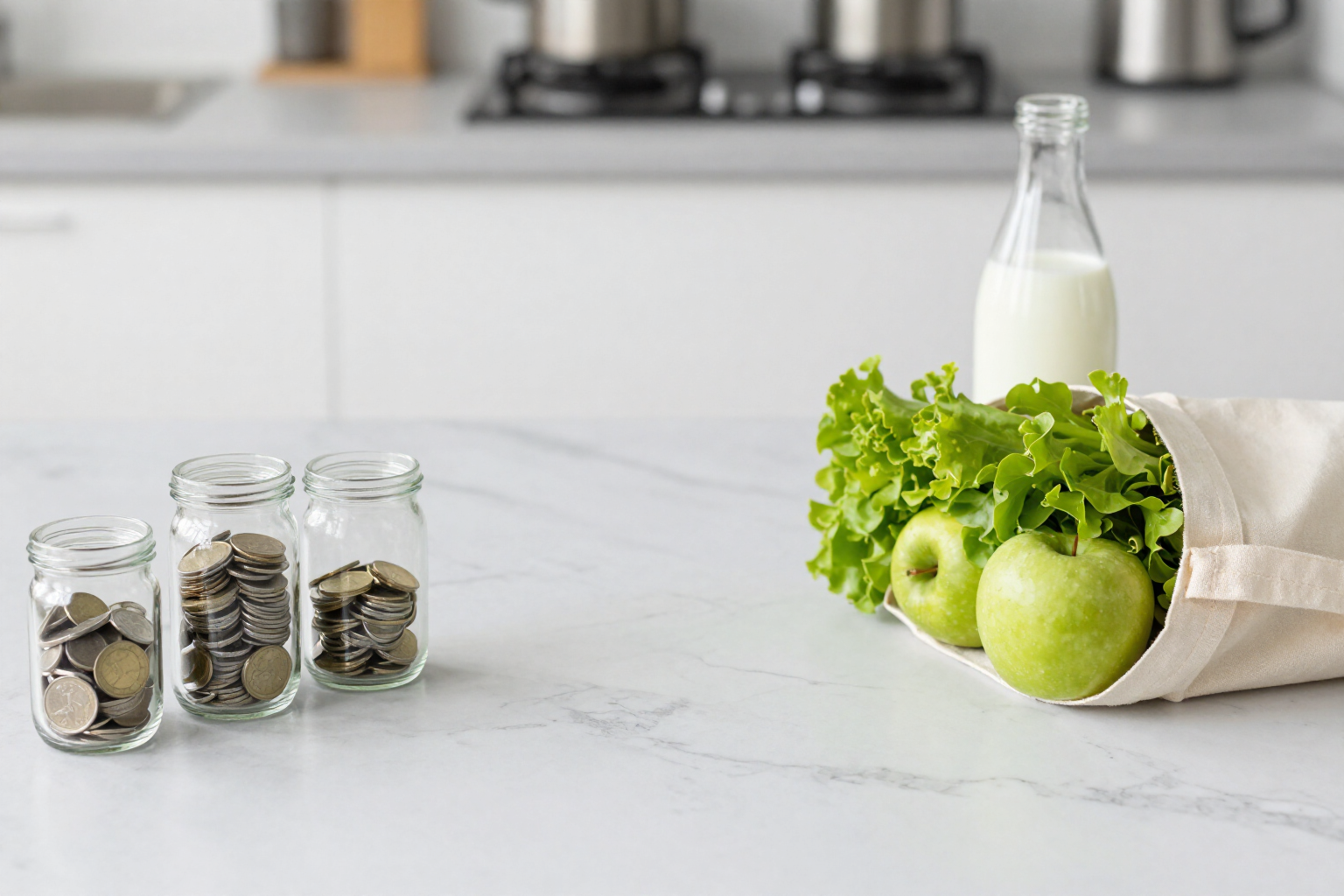
Set a budget for groceries and know before you overspend, not after
You define how much you want to spend monthly on grocery shopping and the day your budget cycle starts. aiGrocery keeps track, forecasts how you'll end up, and notifies you at 75%, 90%, and 100%.
The problem isn't overspending. It's finding out on the 30th.
aiGrocery is AIsToHire’s app for controlling your supermarket spending, and the budget feature is what turns control into an alert system. You set an amount —the form offers shortcuts for 200, 300, 400, and 600 €— and choose the day your budget cycle starts, from the 1st to the 28th. If you get paid on the 25th, your grocery month runs from the 25th to the 24th: when the start day isn't the 1st, the cycle is calculated across two calendar months, and spending is allocated correctly.
From then on, every grocery receipt you scan updates the dashboard bar. You see the percentage consumed, how much you've spent out of the total, how much you have left, and how many days remain until the cycle closes. The bar changes color automatically: green while you're below 75%, amber from there, and red when you exceed 100%.
On that same bar, a marker appears with the projection: what figure you'll reach by the end of the cycle if you continue shopping at this pace. This isn't a simple rule of three over the entire month, which can be skewed by a large purchase at the beginning: aiGrocery takes spending from the last 14 days, calculates the daily average, and multiplies it by the remaining days. It needs at least three receipts from the cycle to provide a figure, and it marks the projection as approximate if you have fewer than five.
Alerts arrive automatically when you confirm a receipt. When spending crosses 75%, 90%, or 100% of the budget, aiGrocery generates an alert that you see on the dashboard, on the confirmation screen, and on Marta’s tab. Each threshold triggers only once per cycle: it doesn't pester you with the same alert on every purchase. And each one is optional, with its own toggle in Settings, in addition to the general alerts toggle.
Benefits of Monthly Budget and Spending Alerts
Your cycle, not the calendar’s
You choose the start day between the 1st and the 28th. If your paycheck comes in on the 25th, your grocery month runs from the 25th to the 24th, and the app calculates the cycle across two months.
14-day rolling window forecast
It doesn't just extrapolate randomly. It takes your spending from the last 14 days, calculates the daily average, and projects it for the remaining days of your budget cycle.
Three unique notifications
At 75%, 90%, and 100%, an alert is triggered per budget cycle and threshold. If multiple thresholds are crossed simultaneously, only the highest one is notified, ensuring you never receive the same alert twice.
Each threshold is optional
In Settings, you'll find individual toggles for 75%, 90%, and 100%, plus a general switch. If you only want to know when you exceed your budget, simply activate the 100% threshold and nothing else.
Traffic light and clear figures on the dashboard
A green bar indicates below 75%, amber from there, and red when you exceed your budget. It displays the percentage, amount spent, remaining budget, and days left until the budget cycle closes.
Each budget cycle's budget is saved
If you adjust the amount, already closed budget cycles will retain their original budget. The historical data remains unchanged, ensuring comparisons stay valid.
Recalculated with each grocery receipt
Alerts are evaluated when you confirm a grocery shopping, based on what you've just scanned. If you delete a grocery receipt, the alerts for that cycle are reset to prevent false notifications.
In-app alerts, no spam
Alerts are displayed on the dashboard, when confirming the receipt, and on Marta's tab, and you can dismiss them anytime. aiGrocery does not send push notifications or emails.

Decide today how much you want to spend on groceries this month
Create your free aiGrocery account, set your amount and the start day of your budget cycle, and scan the receipt from your last grocery shopping to see the progress bar in action.