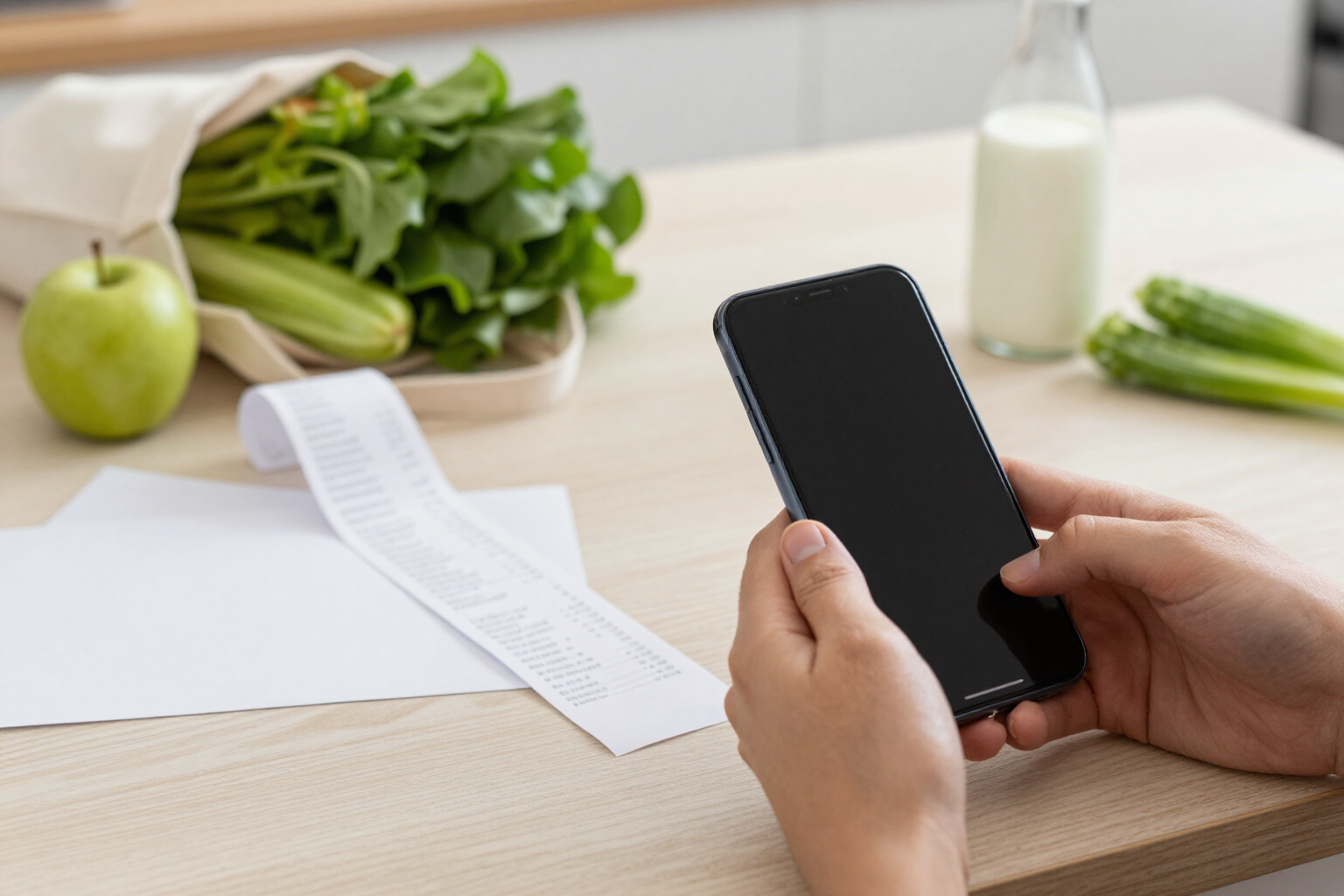
Scan your supermarket receipt and let AI read it for you
Take a photo or upload the e-receipt PDF: aiGrocery extracts the store, date, total, and each product line item with its quantity and price, in seconds.
Keeping receipts in a drawer is useless. Converting them into data, however, is.
aiGrocery is AIsToHire’s app to control what you spend at the supermarket, and it all starts here: with scanning the receipt. You open the app, choose the camera, gallery, or a PDF, and a vision AI reads the complete image. From the header, it extracts the store name, the address as printed, the purchase date, the total paid, the currency, and the language of the receipt. From each line item, it extracts the product name as printed, the quantity, the unit (units, kg, l), the unit price, the line item amount, the pack/package size that appears in the name (150 g, one and a half liters), and whether that line item is a discount or a promotion. Additionally, it classifies each product into one of the app's 17 categories, from fruit and vegetables to cleaning or pets.
You don’t need a perfect receipt. If the paper is too long and doesn’t fit in one photo, you take a second photo, and aiGrocery merges the two into a single draft without duplicating line items. If you have the e-receipt in PDF, you upload it as is: by default, the first page is read, and if the document has more, the app notifies you, and with a tap on «read all pages», it rasterizes up to five pages with GhostScript and combines the result into a single receipt. And if you arrive with a whole week’s shopping, you can queue up to five receipts in a row and review them one after another.
What the AI extracts is a draft, not a fait accompli: nothing is ever saved without your confirmation. On the review screen, you see everything editable line item by line item, with doubtful line items marked (illegible name, zero amount, or a multiplication that doesn’t match the unit price) and with the sum of the line items next to the printed total so you can spot at a glance if anything is missing. When you correct a product’s category, aiGrocery learns it, and it will be correct on the next receipt.
The receipt processing is fine-tuned for shopping in Spain: it recognizes 19 supermarket chains (Mercadona, Carrefour, Lidl, Dia, Alcampo, Eroski, Consum, Aldi, Ahorramas, El Corte Inglés, BonÀrea, Condis, Gadis, Froiz, Masymas, Covirán, Spar, BM, and Amazon orders) and unifies variants poorly recognized by OCR. But it’s not tied to Spanish: the AI returns the currency and language of the receipt, so a holiday receipt also works. The original file, photo or PDF, is saved and remains accessible from the purchase details in case you ever need the proof.
Benefits of Scan receipts with AI
Photo, gallery, or PDF
Shoot with the camera, choose existing photos, or upload the PDF of your online shopping e-receipt. Up to 20 MB per file.
Truly multi-page
If the PDF has multiple sheets, the app notifies you and with a tap, it rasterizes and reads up to five pages, merging all line items into a single receipt with a unique total.
Long receipts, in two photos
When the paper doesn't fit in the frame, you take a second photo from the review screen, and new line items are added without duplicating existing ones.
Each line item, with its details
Printed name, quantity, unit, unit price, amount, pack/package size, and discount mark. It's not just a loose total: it's the purchase broken down.
Automatically categorized, and it learns
Each product falls into one of the app's 17 categories. If you correct one, the correction is saved and applied starting from the next receipt.
Never saved blindly
The scan produces an editable draft. Doubtful line items are marked, and the sum of line items is compared with the printed total before you confirm.
Made for Spanish supermarkets
19 recognized supermarket chains and unified OCR variants, with weight and discount reading. And if the receipt comes in another language or currency, it also reads it.
Five receipts at once
Queue up to five receipts, let the AI process them, and review them one after another instead of one by one.

Start with your last purchase receipt
Create your free account on aiGrocery, take a photo of the receipt you have closest at hand, and watch how the AI turns it into a product list with prices.