 Ads Image Studio
Ad Image Sizes for 2026: Meta, Google Display, and LinkedIn (and why you shouldn't ask an AI for 728x90)
Team at Ads Image StudioWritten with AI assistance13 min readIn summary
- The nine ad image sizes that are actually used on Meta, Google Display, and LinkedIn are not nine designs: they are three format families —square, horizontal, and vertical— and, within each family, crops.
- No image AI generates a 728x90. The models work with a handful of fixed canvases; the adjustment to the exact pixel is done later, by cropping.
- Cropping within the family preserves between 78% and 84% of the image; jumping from family (from a square to a 1080x1920 for Stories) leaves 56% and often splits the product.
- The order that saves work is format first, language later: with 3 formats and 5 languages, there are 3 mockups to review, not 15.
- Ads Image Studio, the app from AIsToHire, works exactly like this: it generates in three orientations, re-mocks the same ad to the other two, and exports to the nine presets with smart cropping and without scaling up.
If you have searched for "ad image sizes", "image size for Facebook ads" or "Google Ads banner sizes", it is most likely that you already have the creative made and the problem is another: the same image has to come out in seven or eight different sizes and none fit. This article is the current size table, the account of how much image you lose in each crop, and the order of work that avoids having to redo everything. At the end, you will see how Ads Image Studio solves it, the static creative studio of AIsToHire: you can see it in the Ads Image Studio landing page, the app to create ad images with AI.
What size does each ad need? The nine that cover 90% of a campaign
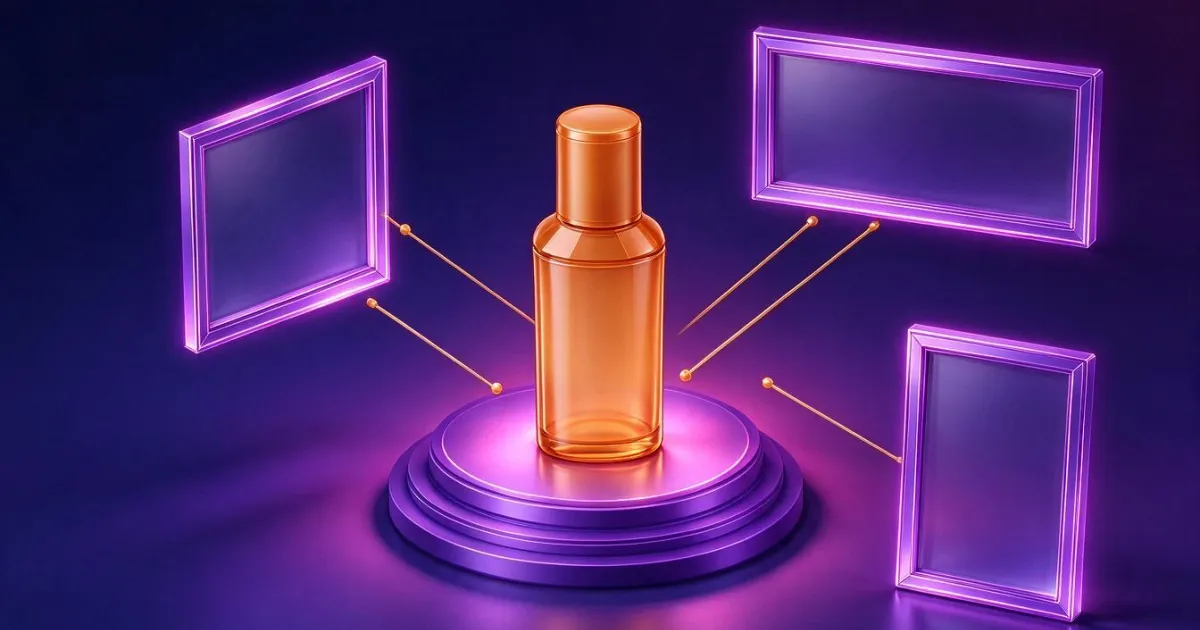
For a normal SME or ecommerce campaign on Meta, Google Display, and LinkedIn, nine sizes are sufficient. Not because there are no more, but because the rest are variants of the same proportions. This is the exact list, with the real ratio of each one:
| Size | Platform | Typical location | Ratio |
|---|---|---|---|
| 1080 x 1080 | Meta | Facebook and Instagram Feed | 1:1 |
| 1080 x 1350 | Meta | Vertical Feed (the one that takes up the most space on mobile) | 4:5 |
| 1080 x 1920 | Meta | Stories and Reels (static image) | 9:16 |
| 300 x 250 | Google Display | Medium Rectangle, the broadest inventory | 6:5 |
| 336 x 280 | Google Display | Large Rectangle | 6:5 |
| 728 x 90 | Google Display | Leaderboard (desktop header) | 8:1 |
| 970 x 250 | Google Display | Billboard | 3.9:1 |
| 160 x 600 | Google Display | Wide Skyscraper (side) | 4:15 |
| 1200 x 627 | Single Image Ad | 1.91:1 |
The five Google Display sizes in this table belong to the standard size set of the IAB, which concentrates the majority of the inventory. Google responsive display ads also require, at a minimum, a horizontal image of 1.91:1 and a square of 1:1 — that is, two distinct format families, not two sizes.
Source and date: these are the nine export presets that Ads Image Studio brings, taken from the specifications published by Meta, Google Ads, and LinkedIn and reviewed on October 25, 2026. Platforms change their specifications without notice: before a large campaign, confirm them in the help center of each.
The nine sizes are, in reality, three format families
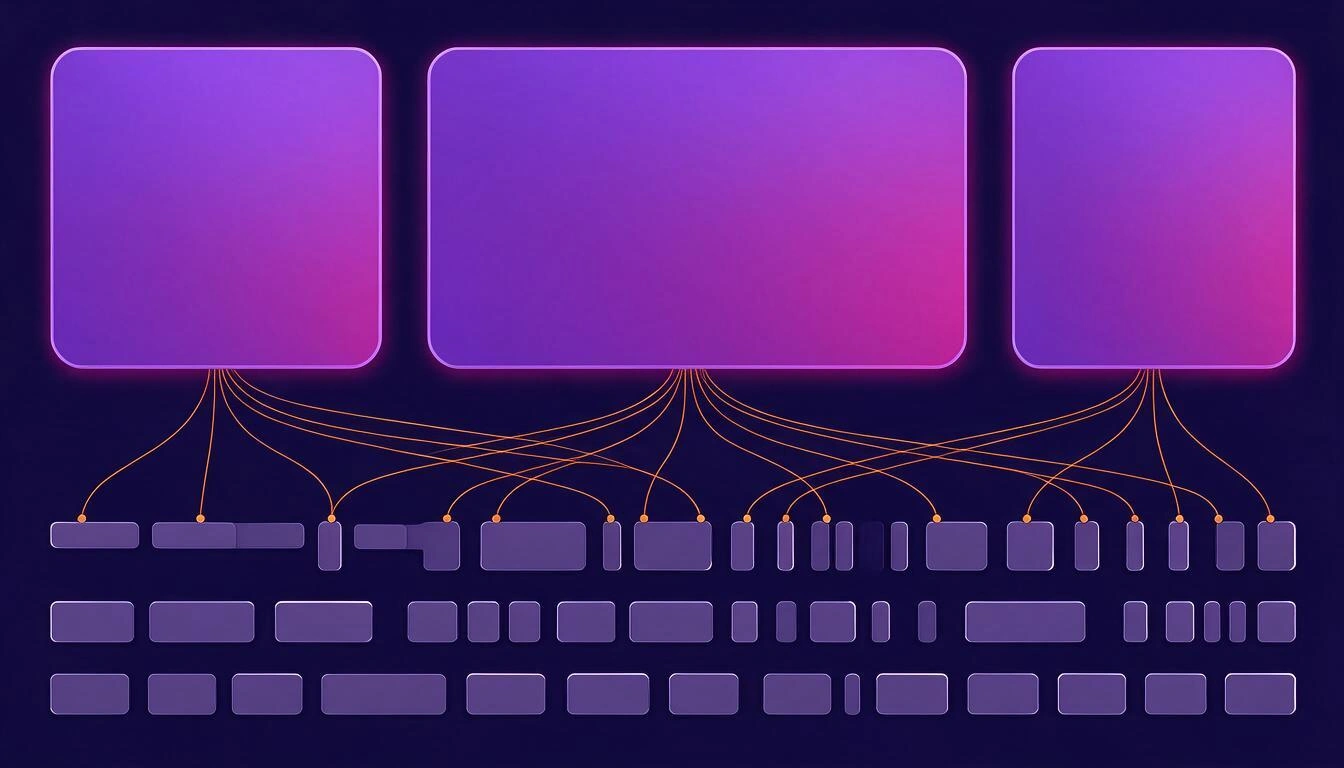
Group the previous table by proportion and the nine sizes collapse into three: square (1:1), horizontal (from 1.2:1 to 8:1), and vertical (from 4:5 to 4:15). That is the real unit of work: one design per family, and within each family, crops.
| Family | Reference Ratio | Sizes it feeds |
|---|---|---|
| Square | 1:1 | Meta 1080x1080; responsive square display |
| Horizontal | from 3:2 to 1.91:1 | Google 300x250, 336x280, 728x90, 970x250; LinkedIn 1200x627 |
| Vertical | from 2:3 to 9:16 | Meta 1080x1350 and 1080x1920; Google 160x600 |
The practical consequence is what saves money: you don’t need nine creatives, you need three. And the decision of what goes in each is not about size, it’s about composition — in a 9:16 the product goes up and the text goes down; in a 728x90 the product goes to one side or nothing fits.
Why does no image AI give you a 728x90?
Because image models do not generate to size: they generate in a closed set of canvases. The model used by Ads Image Studio (gpt-image-2) only produces three native sizes —1024x1024, 1536x1024, and 1024x1536— and that is what it is. If you write "make me a 728x90 banner", the model will return something that looks like that look, but not with those dimensions.
This is not a defect of a specific tool: it’s how image diffusion models work today. Therefore, the correct flow is always the same:
- Generate in the appropriate proportion family (square, horizontal, or vertical).
- Adjust to the exact pixel later, cropping to the final size.
And that’s why an honest creative app lets you choose orientation, not pixels. The exact sizes are resolved in the export.
How much image do you lose when cropping: the exact count
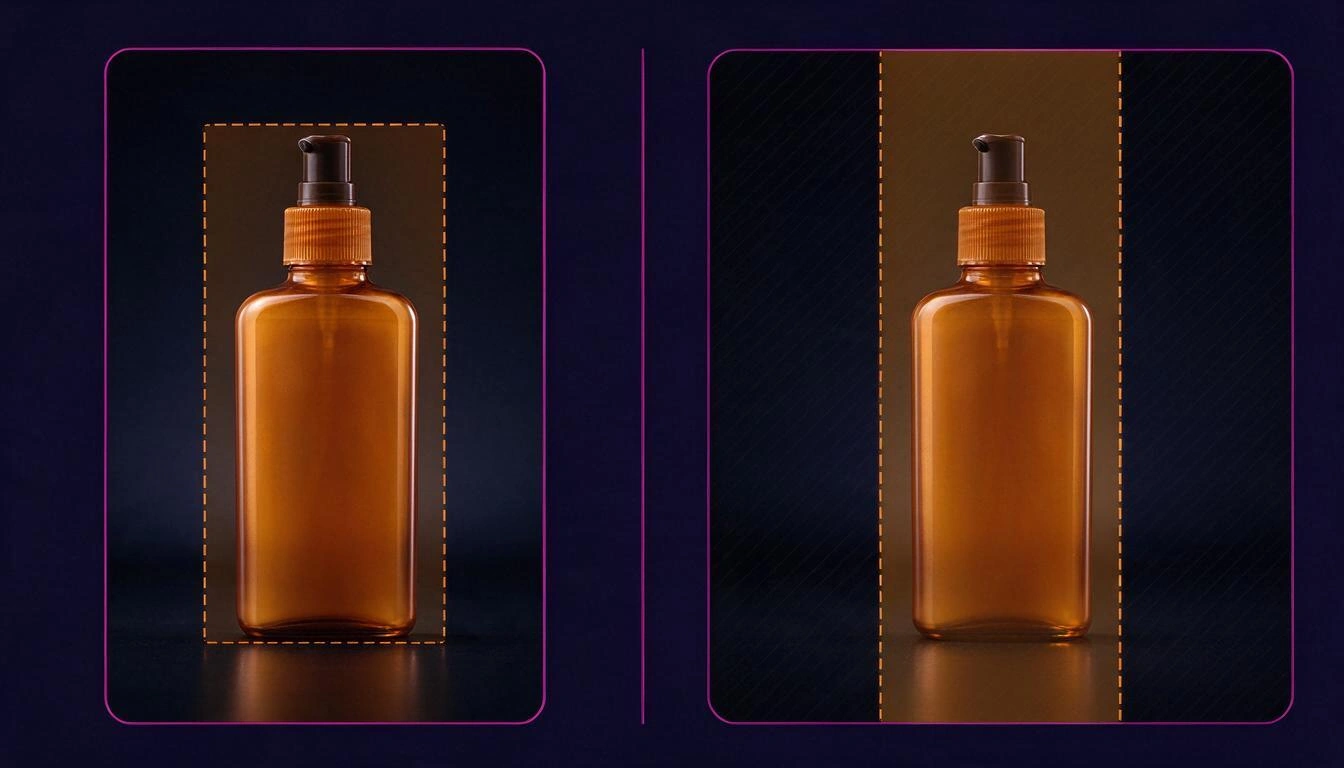
When you crop an image to a different ratio without distorting it (what is called a cover crop in design), the area you preserve is calculated as follows: preserved area = the lesser of (source ratio ÷ target ratio) and (target ratio ÷ source ratio), with the ratio expressed as width ÷ height. Everything outside is discarded.
Applied to the nine ad image sizes, the calculation is as follows (percentage of the original area that survives):
| Final size | From the correct format family | From a square 1:1 | From a horizontal 3:2 |
|---|---|---|---|
| Goal 1080x1080 | 100 % (square) | 100 % | 67 % |
| Goal 1080x1350 | 83 % (vertical) | 80 % | 53 % |
| Goal 1080x1920 | 84 % (vertical) | 56 % | 38 % |
| Google 300x250 | 80 % (horizontal) | 83 % | 80 % |
| Google 336x280 | 80 % (horizontal) | 83 % | 80 % |
| Google 728x90 | 19 % (horizontal) | 12 % | 19 % |
| Google 970x250 | 39 % (horizontal) | 26 % | 39 % |
| Google 160x600 | 40 % (vertical) | 27 % | 18 % |
| LinkedIn 1200x627 | 78 % (horizontal) | 52 % | 78 % |
Three readings that change how you work:
- The format jump is what hurts. A Stories 1080x1920 taken from a square preserves 56 % of the image: it eats almost half. Taken from a vertical, 84 %.
- Extreme formats crop a lot even if you hit the format family. A 728x90 preserves 19 % even starting from a horizontal. A leaderboard is not "your narrowest ad": it is another ad, and it's worth looking at them one by one.
- There are exceptions and it's good to know them. For the rectangles of 300x250 and 336x280, starting from a square preserves 83 % compared to 80 % from the horizontal. The difference is three points; what really decides there is where the product falls, not the arithmetic.
Format first, language second
If your campaign is going to multiple markets, the order of decisions matters more than any template: the format is an art decision and the language is a copy decision. Changing the format moves everything around; changing the language only changes the words on an already validated layout.
With 3 formats and 5 languages, order matters:
| Work order | Layouts to review | What you review in the end |
|---|---|---|
| Formats first, languages second | 3 | 15 pieces, but only the text |
| Languages first, formats second | 15 | 15 pieces, each one whole |
It's the same number of final images; what changes is how many times you have to look at a composition with an art director's eye. And there is a second effect, less obvious: if you translate before fixing the format, you end up with two different versions of the same headline in English —one for the square and another for the vertical—, the classic localization fail. Translating once per language and reusing that text across all formats avoids it.
How to cover the three format families without redoing the ad
This is the flow that Ads Image Studio follows, and it works the same if you do it manually with a designer:
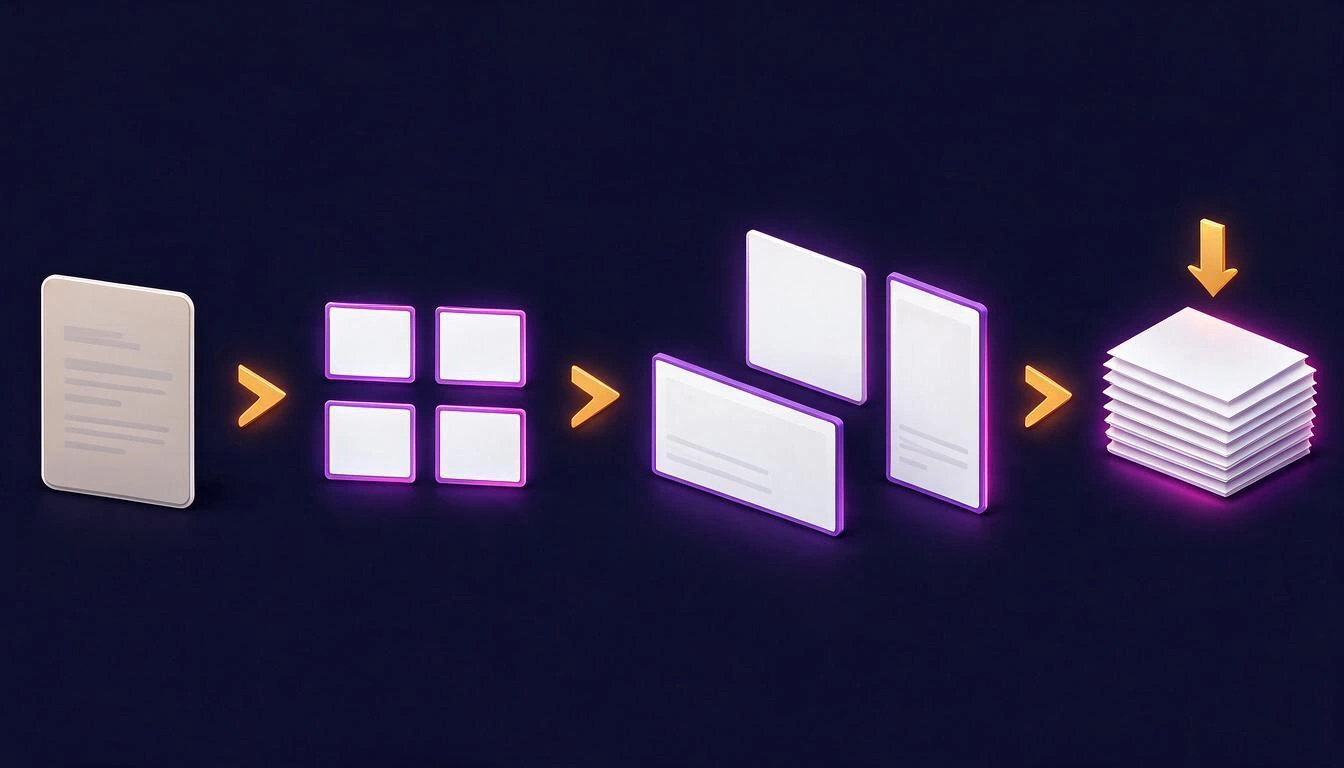
- One campaign per product. Description, audience, value proposition, logo, colors and tone, plus up to 6 real photos of the product. That context travels in all generations, so you don't repeat it in each brief. The photos are what makes the scene compose around your product instead of an invented one.
- One brief, four variants. You write what you want to advertise, choose orientation, language, and visual style, and the app generates 4 distinct images from that same brief (not four tweaks: four frames and compositions). You keep one.
- Edit the one that works. Each edit —another background, nighttime setting, another perspective— creates a new version hanging off the previous one, which remains in the history. Nothing is overwritten.
- Get the other two format families. On the finished image, you request the format you need. It's not a crop: it's a re-layout of the same ad on the other canvas, preserving the visual resource (a split screen, a before/after, a mock-up remain that in vertical).
- Translate. Up to 10 languages, keeping the art and changing only the text. The headline is translated once per language and all formats use that same translation.
- Export. Each preset is cropped from the image of its own format family, with smart cropping that looks for the area with content instead of blindly cutting through the center, and is downloaded separately or in a ZIP organized by orientation and language.
Two details worth knowing because they affect the result:
- No upscaling. If the preset calls for 1080x1080 and the original measures 1024x1024, the export comes out at 1024x1024: better a real pixel than an invented one. Always check the minimum required by the specific placement in the platform's specifications.
- The logo is not drawn by AI. It is stamped afterward on the already generated image, in the corner you choose, and is re-stamped on each crop so that it never gets cut off or distorted. It's the only way for a brand to appear true: image models distort logos and typography.
What to check before uploading each size
A short list that avoids most rejections and unreadable ads:
- Safe zone in 9:16. In Stories and Reels, the interface covers the top and bottom strips. Nothing important there.
- Text legible at actual size. A 300x250 looks at 300 pixels wide, not full screen. If the headline is not readable in the thumbnail, it won't be readable.
- Extreme formats, manual review. 728x90, 970x250, and 160x600 retain less than 40% of the image: check them one by one before publishing.
- Full logo not stuck to the edge. Ensure it remains whole in the most aggressive crop.
- Typos in the generated text. Image models still make mistakes. If the text comes out with errors, it needs to be redone or composed separately.
- File size and format. Each platform has its limit; check it in their help center before uploading the batch.
What Ads Image Studio does and does not do
To make the comparison useful, the limits upfront:
| Does do | Does not do |
|---|---|
| Generates 4 variants per brief in square, horizontal, or vertical | Does not generate exact pixel sizes: that is resolved at export |
| Composes the scene around your product photos (up to 6) | Without photos, the AI imagines the product — and the app warns you beforehand |
| Remakes the same ad in another format family | Does not convert one format to another "for free": each format is a new image |
| Translates while maintaining the art, up to 10 languages | Does not translate to any language: the list is closed |
| Stamps your logo clearly in 5 possible positions | The AI does not draw your logo or your trademarks |
| Exports to 9 presets of Meta, Google Display, and LinkedIn with smart cropping, and in ZIP (up to 40 images per batch) | Does not publish or connect with ad platforms: you download and upload |
| A "text on layer" mode that rewrites the headline with clear typography over a clean background | That mode is not available in fully composed ads (headline + subtitle + CTA + seal) |
| Saves each edit as a new version, without losing the previous one | Does not generate anything on its own: you request each image |
And an honest warning about the sector: no tool, neither this one nor another, guarantees that an ad will work. The correct sizes and a good crop prevent creativity from looking bad; what makes it profitable is the offer, the audience, and testing. The advertising policies of each platform (restricted sectors, result promises, use of images of people) are the advertiser's responsibility and should be read before launching.
Frequently Asked Questions
What is the correct size for a Facebook or Instagram ad?
It depends on the placement: 1080x1080 for the square feed, 1080x1350 for the vertical feed (takes up more screen on mobile), and 1080x1920 for Stories and Reels. These are three different ratios —1:1, 4:5, and 9:16—, so they are not the same cropped design: 4:5 and 9:16 work well from the same vertical original, but the square needs its own composition.
Can I ask an AI for an exact 728x90 image?
No. Image models generate on a closed set of canvases (in the case of Ads Image Studio, 1024x1024, 1536x1024, and 1024x1536) and do not accommodate arbitrary sizes. What is done is generating in the horizontal ratio and then cropping down to the exact 728x90. Keep in mind that this crop retains about 19% of the original image: a leaderboard should be checked manually.
How many different creatives do I need for a campaign?
At least three: one for each format family (square, horizontal, and vertical). With those three, you cover the nine usual sizes of Meta, Google Display, and LinkedIn by cropping within each family. If you are also going to several markets, multiply by languages, but translating over already approved mockups, not redesigning from scratch.
Is it noticeable if I crop a square for Stories?
Yes, quite a bit. A 1080x1920 taken from a 1:1 retains 56% of the area: you lose almost half of the image and it is common for the product to be cut off or off-center. Starting from a vertical original retains 84%, which is a soft crop.
Does the AI place the text correctly in the image?
Not always. Image models still make mistakes with text, especially in languages other than English. That’s why Ads Image Studio includes a "text on layer" mode that cleans the text from the image and rewrites it with clear typography on top — available for single-line headline pieces, not for complete formatted ads.
Does my real product show or an invented one?
Your product shows if you upload photos: the reference images for the campaign (up to six, different angles) travel in each generation so that the scene is composed around the real product. If you don’t upload any, the model imagines it, and the app warns you before generating.
Can I change the format of an already approved ad without losing it?
Yes. Requesting another format creates a new image based on the approved one, reformatted for the new canvas, and the original remains intact in the history. The same goes for each edit: a previous version is never overwritten.
Does this replace a designer?
Not for brand identity or for an author campaign. Yes for the repetitive work that usually bogs down a small business or a performance freelancer: producing the same idea in three formats and several languages, with the correct product and brand, without starting over each time.
Ads Image Studio is the tool from AIsToHire that turns your product photos into ad images: four variants per brief, editing without losing versions, the same ad in square, horizontal, and vertical, translation into up to 10 languages while maintaining the artwork, and export with smart cropping to the presets of Meta, Google Display, and LinkedIn. It is available at Ads Image Studio — Create Your Ad Images with AI
Create your first campaign in Ads Image Studio and generate the same ad in square, horizontal, and vertical formats, ready to export to the sizes for Meta, Google Display, and LinkedIn.
Create your first campaign in Ads Image Studio and generate the same ad in square, horizontal, and vertical formats, ready to export to the sizes for Meta, Google Display, and LinkedIn.Keep reading
View all articles →
Labeling AI-generated ads: what the law requires in 2027 and how to mark your creatives without hurting conversion

Why Your Car Insurance Increased in 2026: Average Premium of €1,412 and Historic Record

Discussing via WhatsApp or talking in person: what science says about couple conflicts through messages
