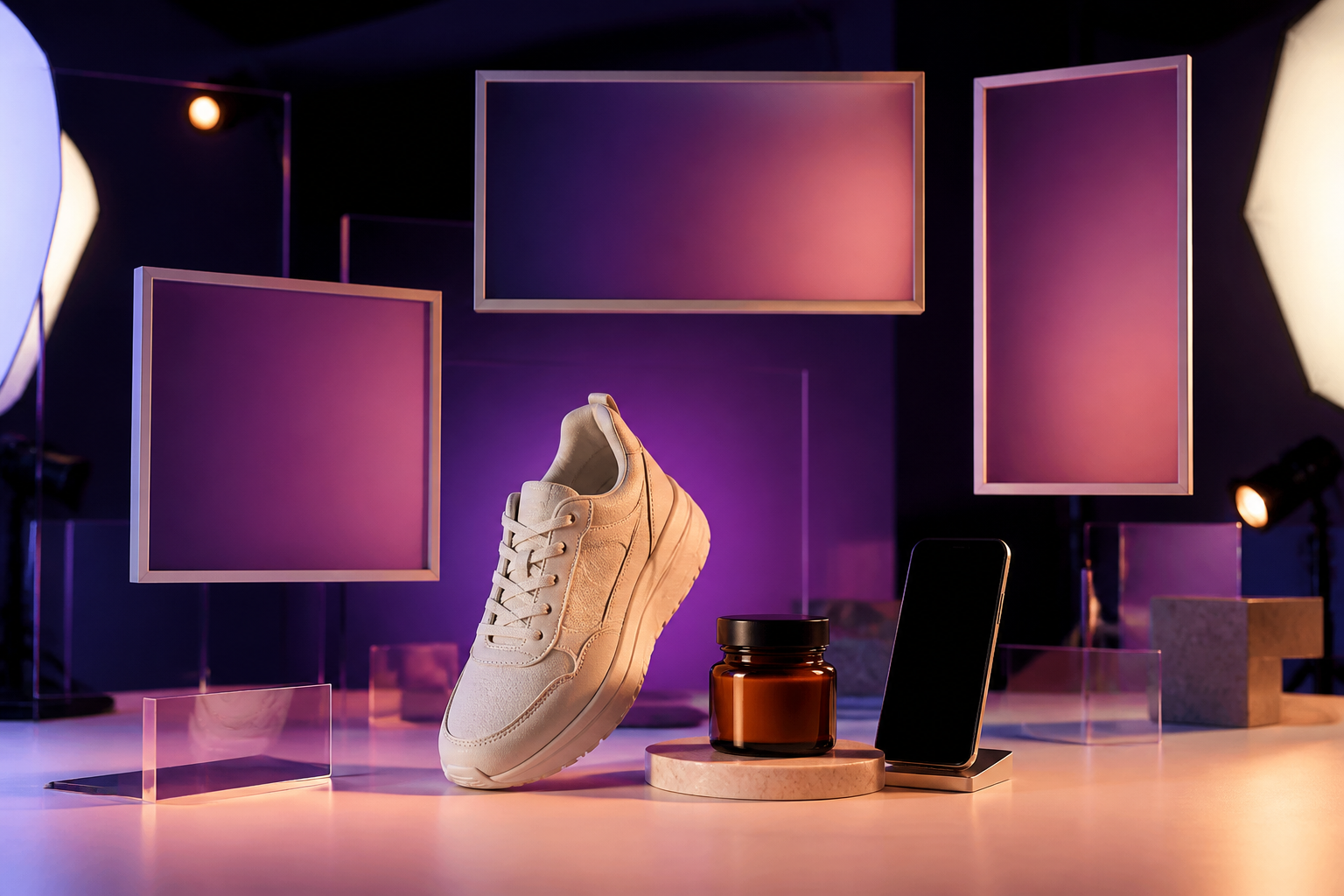
Ads Image Studio · Your product ads, ready today

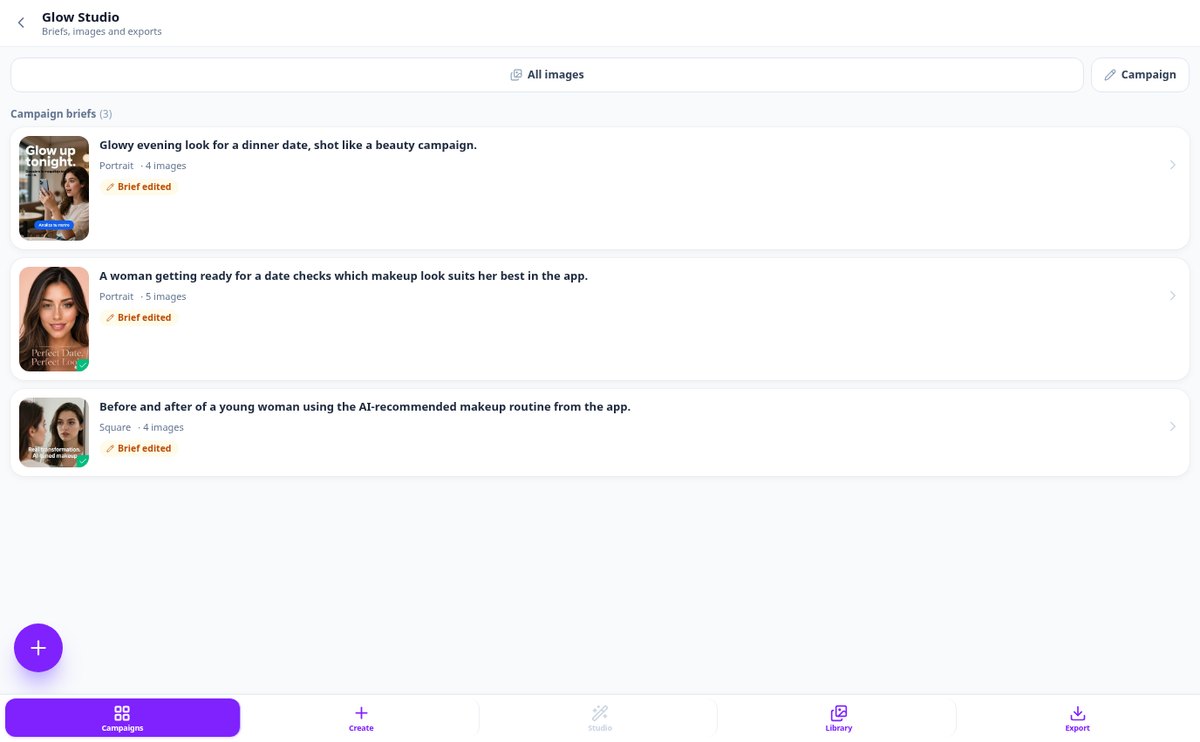
For small businesses, ecommerce, and agencies that need creatives but don't have a design team: describe what you want to advertise and get ad images with your product and brand, in square, horizontal, and vertical formats, and in up to 10 languages.
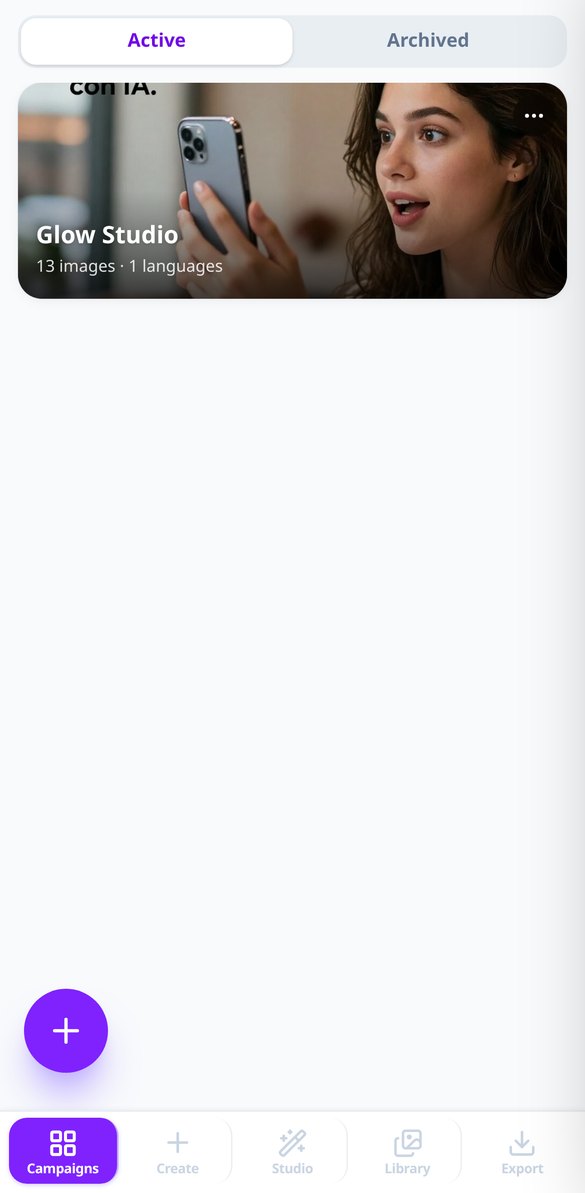
Does each campaign force you to redo the same creative in three formats and five languages?
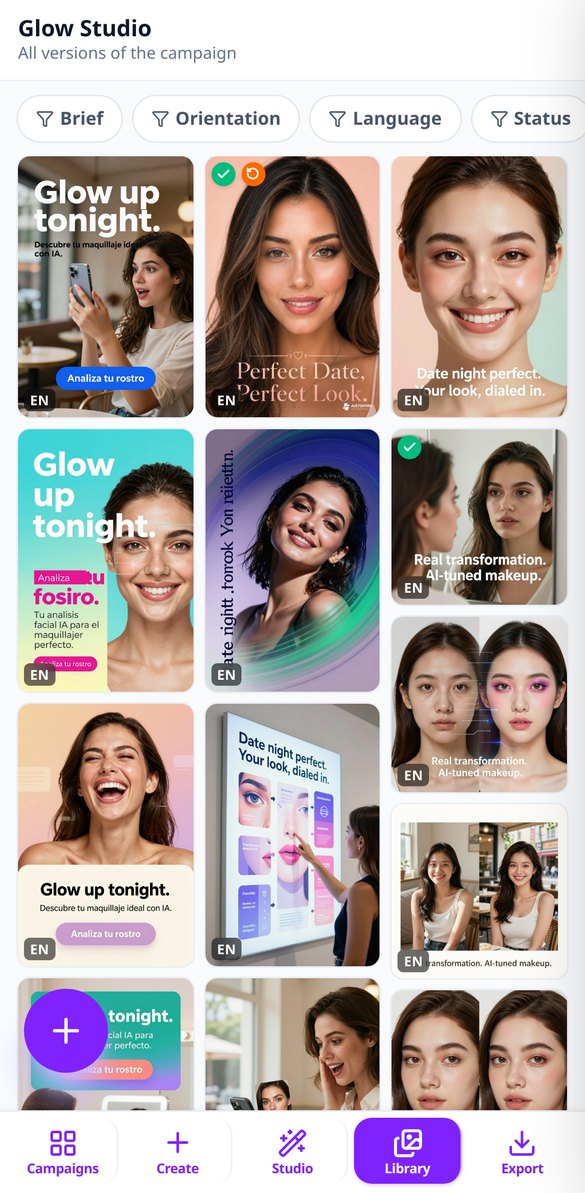
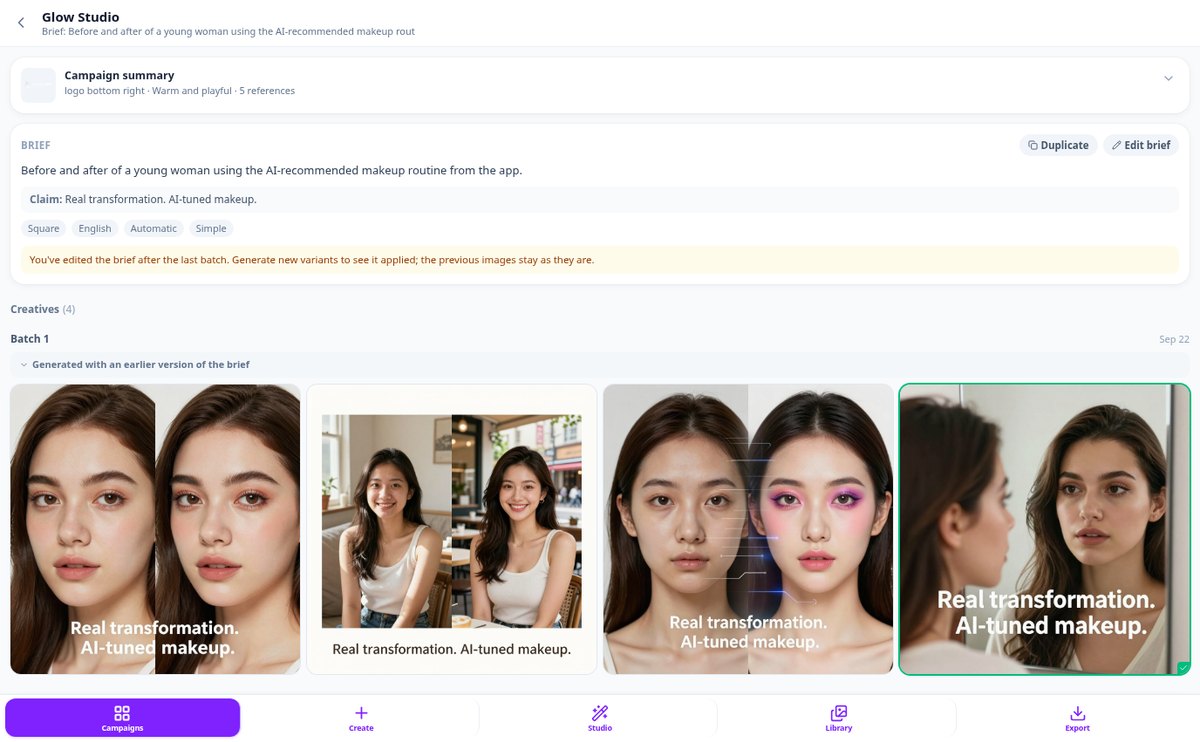
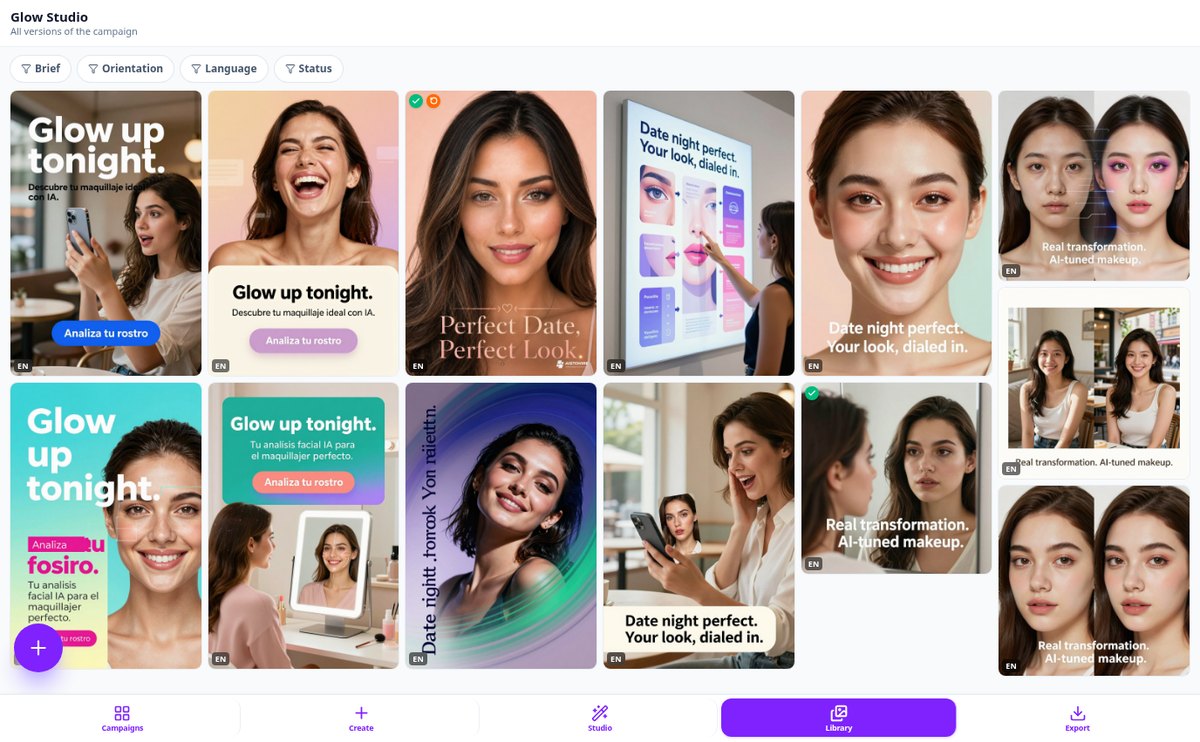
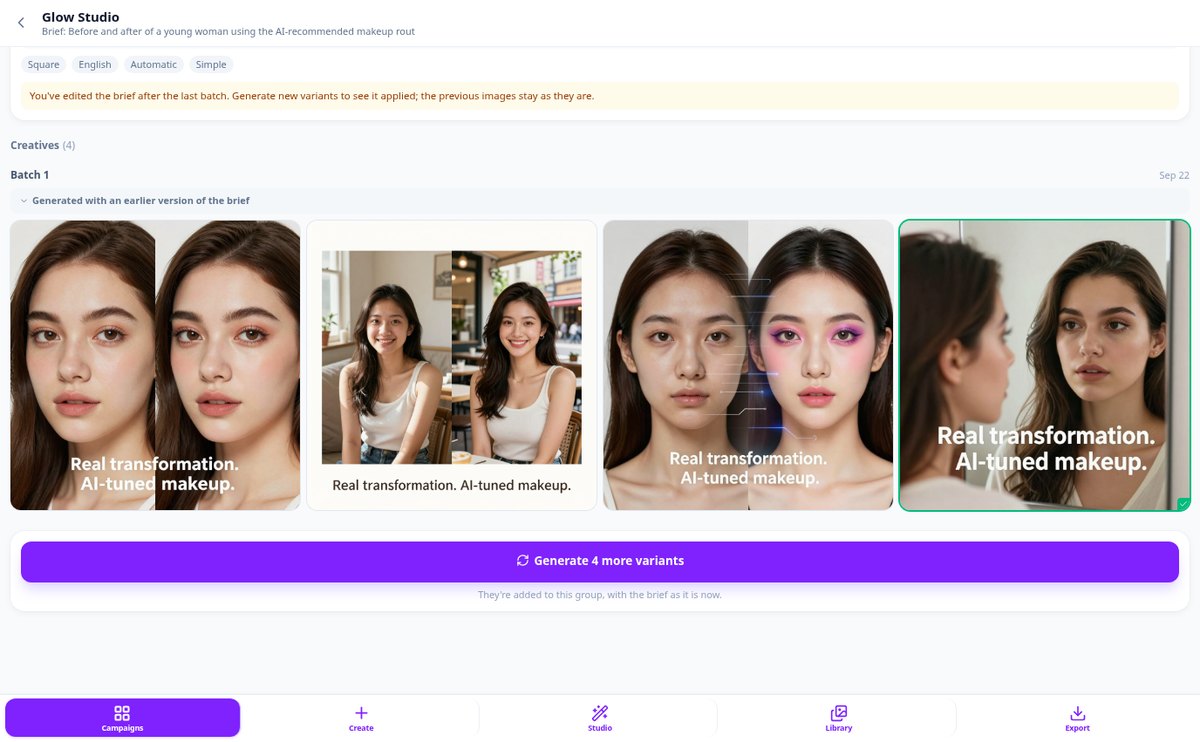
Ads Image Studio starts with real photos of your product, generates four variants of your ad, and lets you keep one. From there, you can edit it, output it in the format you need, or switch to another language while preserving the art. Nothing is generated automatically: you request each image.
Start for free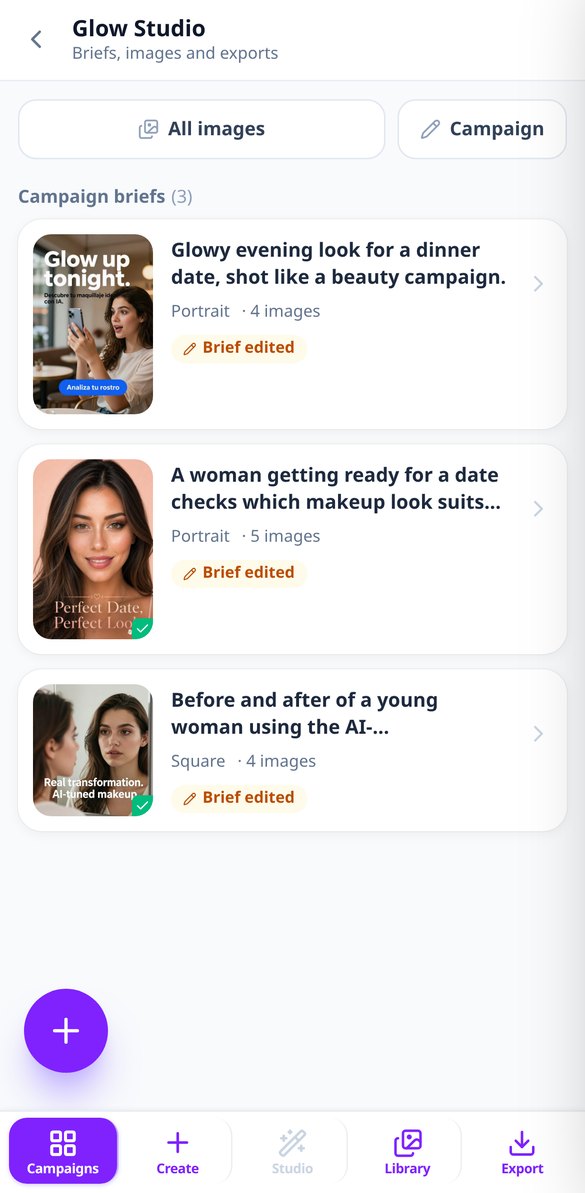
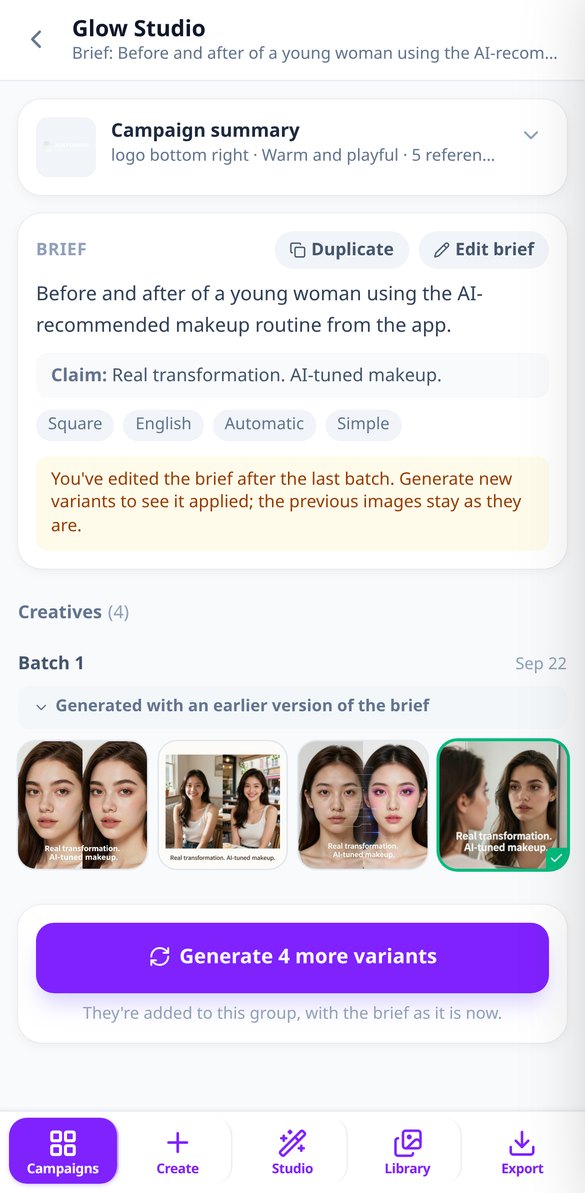
Discover every feature in detail
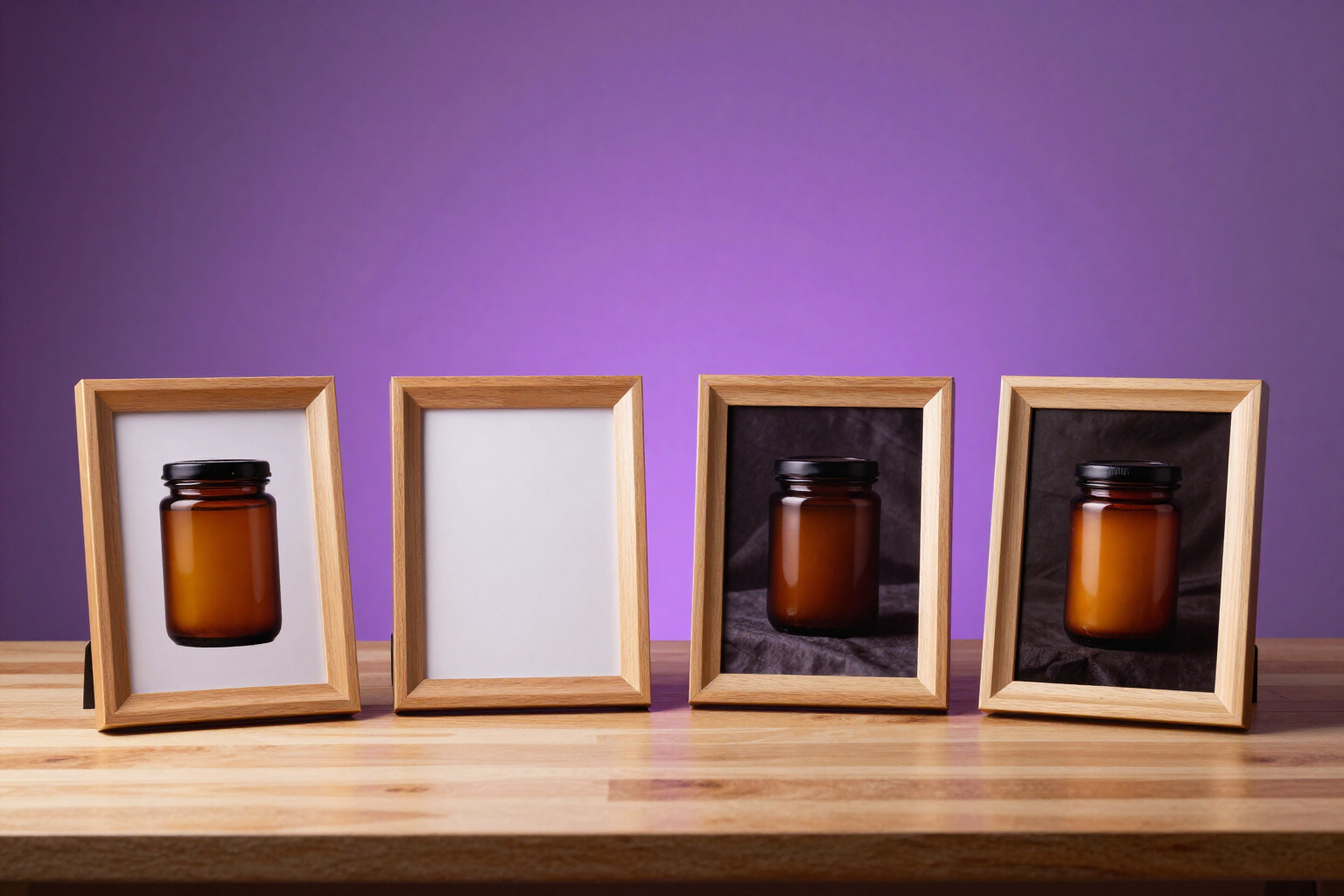
4 ad variants per brief with AI | Ads Image Studio
Generate four distinct ad images with each brief and compare them side by side: framing, background, composition, and perspective truly change. Choose one and edit it, adapt it, or export it. Ads Image Studio by AIsToHire.
View feature
Edit ads with AI without losing versions | Ads Image Studio
Edit any ad image by requesting changes in natural language: the AI only touches what you mention and saves each edit as a new version in a navigable tree. Go back to any point and open parallel branches. Ads Image Studio, by AIsToHire.
View feature
Adapt an ad to square, horizontal, and vertical | Ads Image Studio
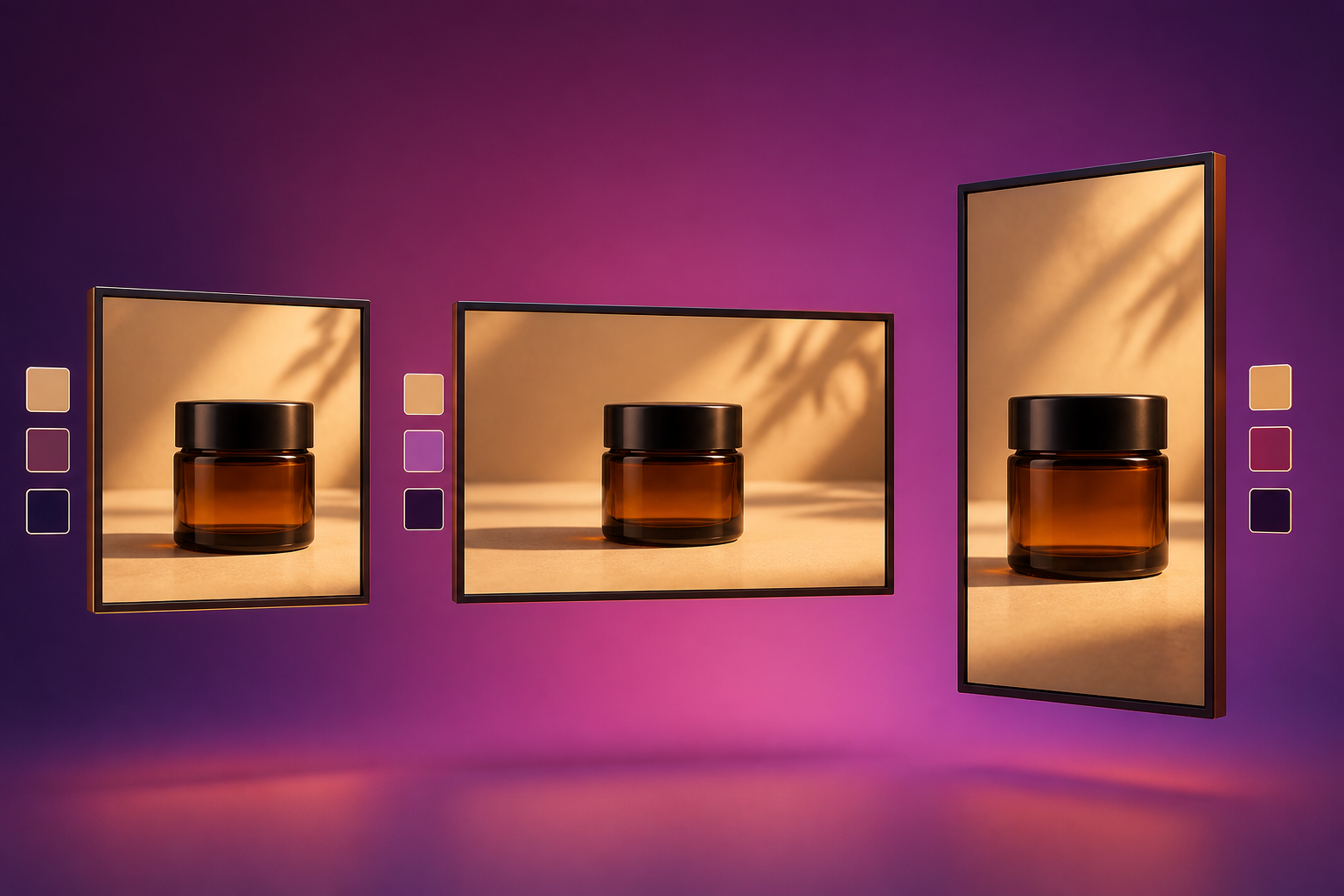
Get the same creativity in 1:1, 3:2, and 2:3 without cropping: the AI recomposes the scene for the new canvas and preserves product, palette, typography, and exact text. One or two formats per batch and one final image per format. In Ads Image Studio, by AIsToHire.
View feature
Translate an ad into 10 languages without changing the image | Ads Image Studio
Translate your ad's creativity into 10 languages (ES, EN, FR, DE, IT, PT, NL, PL, SV, DA) while maintaining scene, composition, and typography: only the copy changes. Non-literal advertising translation with the same text for all formats.
View feature
Create a formatted ad with headline, subtitle, and CTA with AI | Ads Image Studio
Complete Mode (Rich) of Ads Image Studio: each run returns four formatted ads with a dominant headline, subtitle, pill-shaped CTA button, seal, and bullets, across six layout archetypes that rotate by variant. Agency finish, not just a photo with text.
View feature
Put your logo on ads with AI, sharp and undistorted | Ads Image Studio
Upload your logo once and Ads Image Studio will print it sharply on every AI-generated ad, clear and in the corner of your choice, with your colors and brand tone saved in the campaign.
View featureFrom brief to publishable ad
What Ads Image Studio does with your campaign, from start to finish.

Four variants and an editing tree
Each brief generates four different images. You choose one and edit it as many times as needed —another background, another perspective, night setting—: each edit is a new version, and the previous one remains in the history, so you never lose the one you liked.
The same ad in another format and language
For any finished image, request the format you need (square, horizontal, or vertical) or the languages you need, up to 10. The art remains the same, and only what's necessary changes: the copy is translated once per language, and all formats use the same.
Your product and logo, just as they are
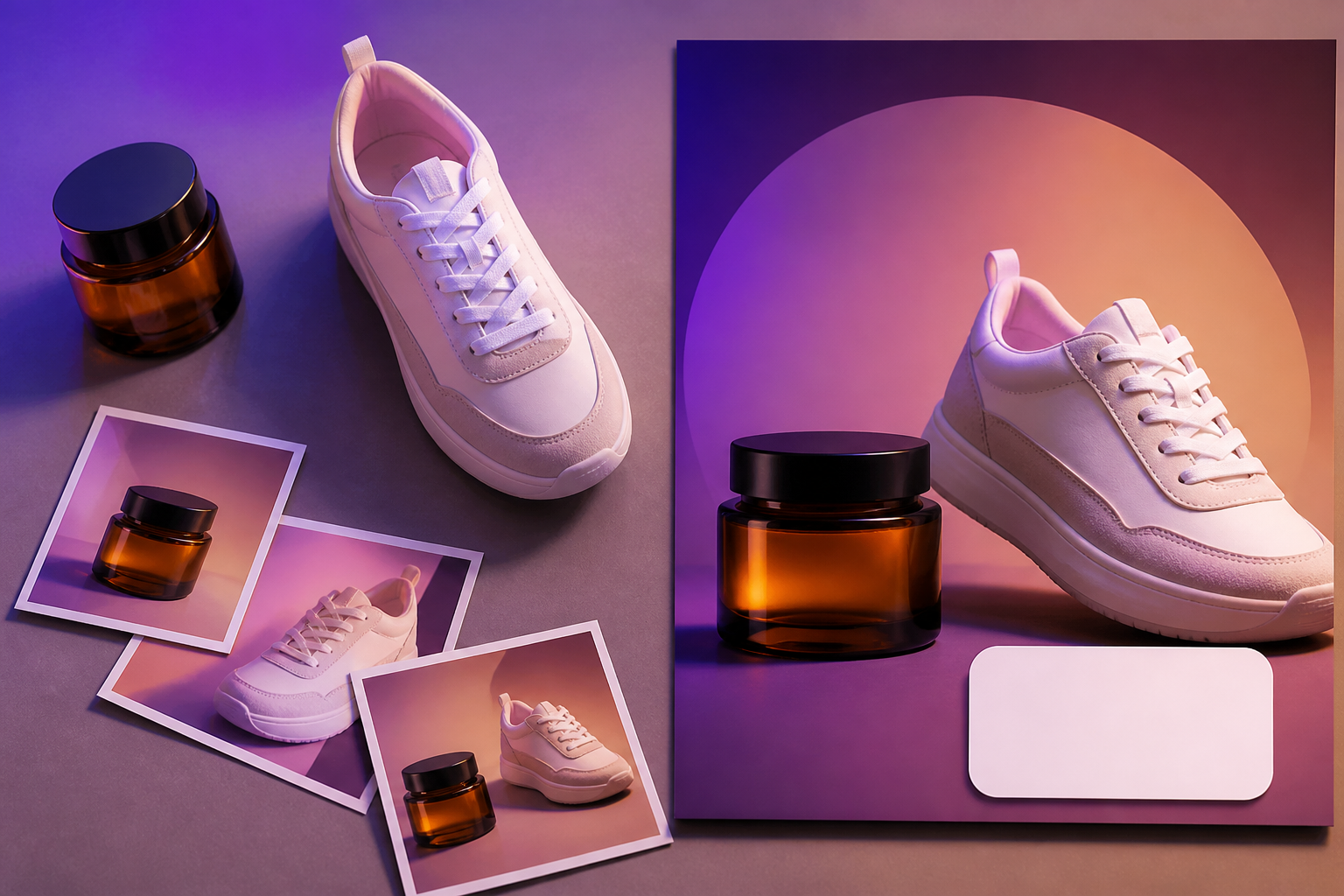
Upload up to six photos of the product, and the AI composes the scene around it instead of making it up. The logo isn't drawn by the AI: it's clearly stamped in the corner of your choice, alongside your colors and brand tone.
From idea to ad in three steps
Sign up
Create your account in seconds.
Create your campaign
One campaign per product: describe it, upload its photos, and add your logo, colors, and brand tone. This context travels with all its creatives.
Generate, adjust, and export
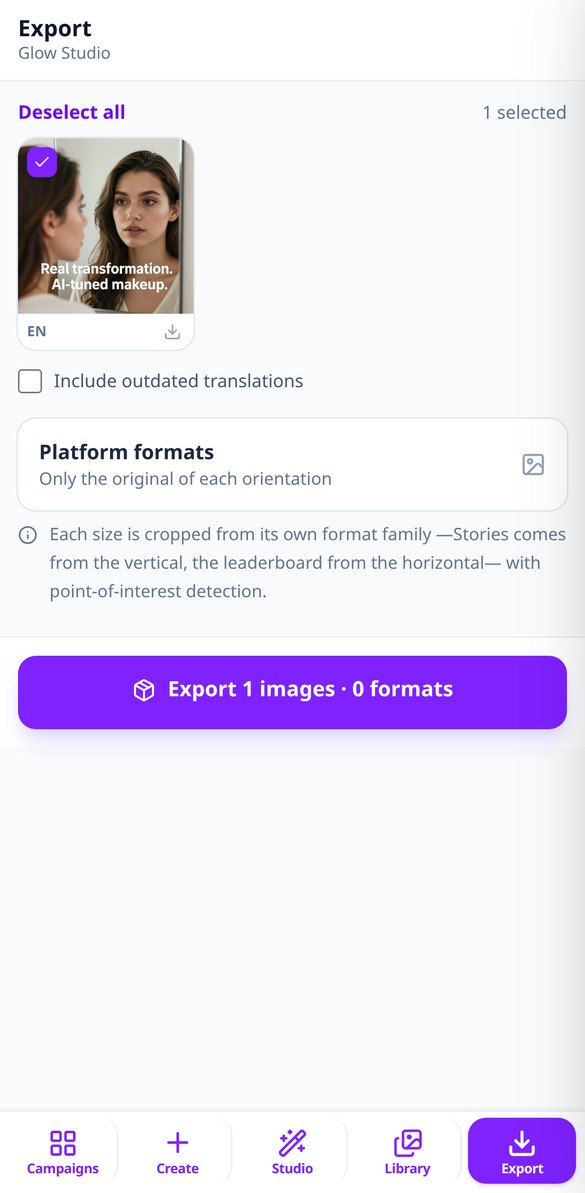
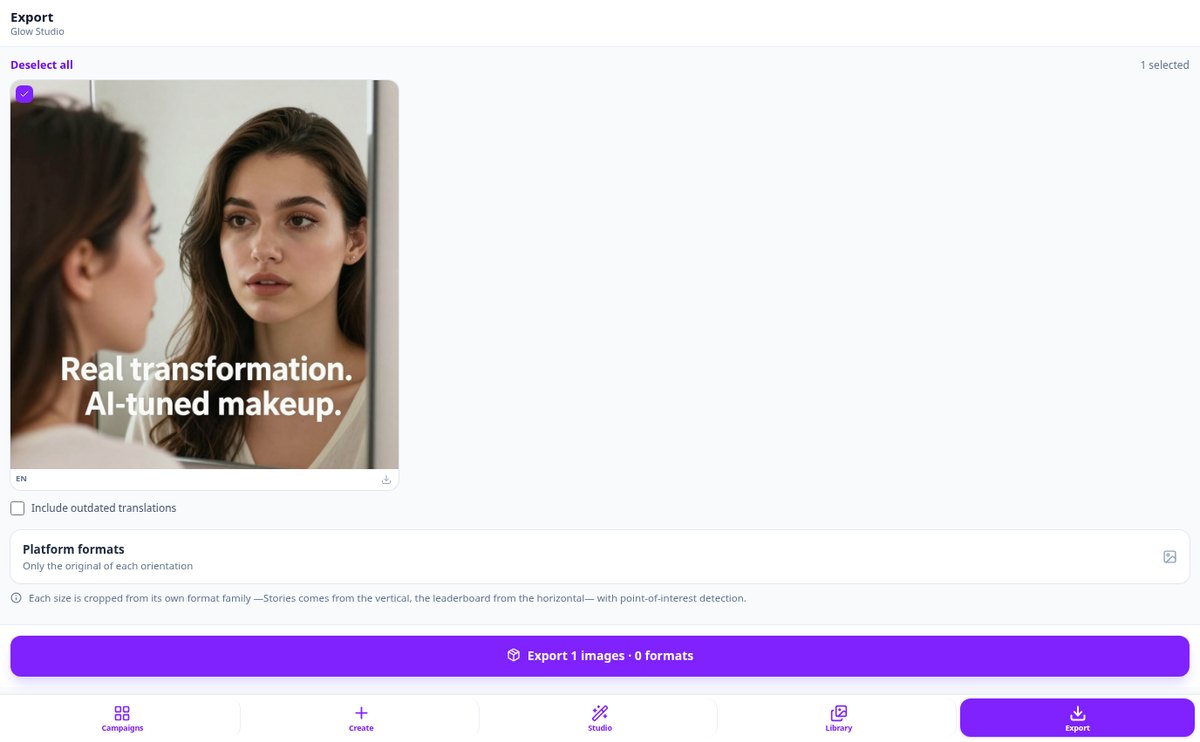
Write the brief —or request an idea—, choose orientation and style, keep the variant that works, and download it cropped to the sizes of Meta, Google Display, or LinkedIn.

Who is it for?
Built for these profiles
Frequently Asked Questions
Latest blog articles
Guides and news to get more out of it

Labeling AI-generated ads: what the law requires in 2027 and how to mark your creatives without hurting conversion
Practical guide: Article 50 of the AI Regulation, official EU icons, Pennsylvania and California, rules from Meta, TikTok, and YouTube, and a 6-step checklist.
Ad Image Sizes for 2026: Meta, Google Display, and LinkedIn (and why you shouldn't ask an AI for 728x90)
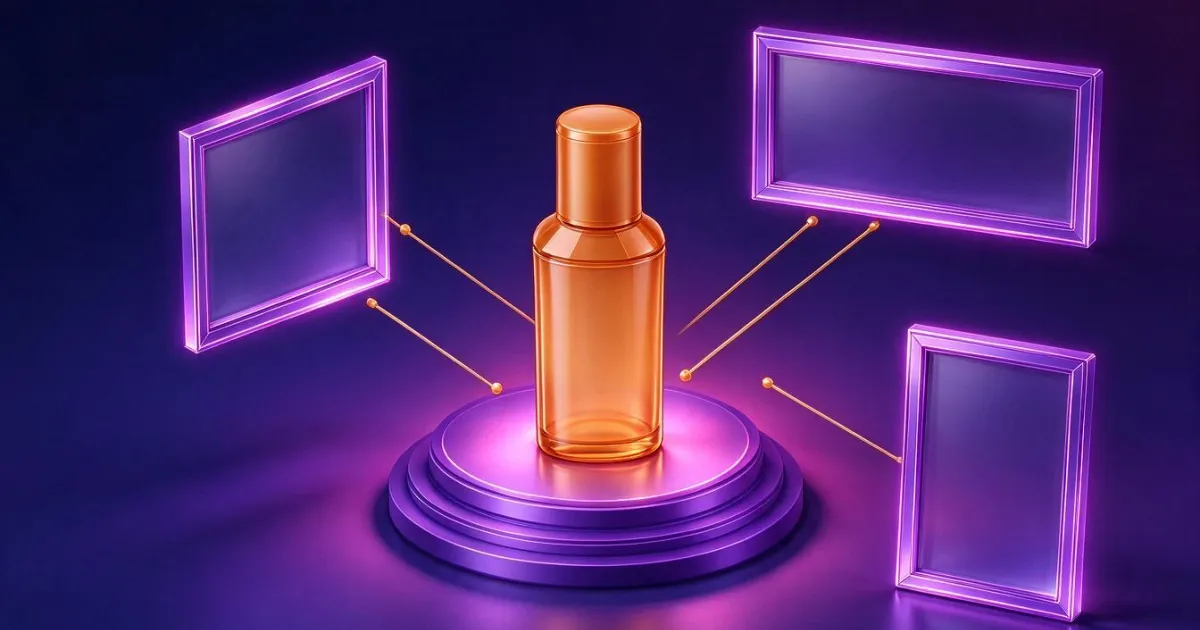
The 9 ad sizes for Meta, Google Display, and LinkedIn across 3 format families, how much image you lose when cropping, and how to cover them without redoing the ad.
Your next campaign, ready today
Create your first campaign and get your ads in all the formats you need.