The same ad in square, horizontal, and vertical, without redoing it
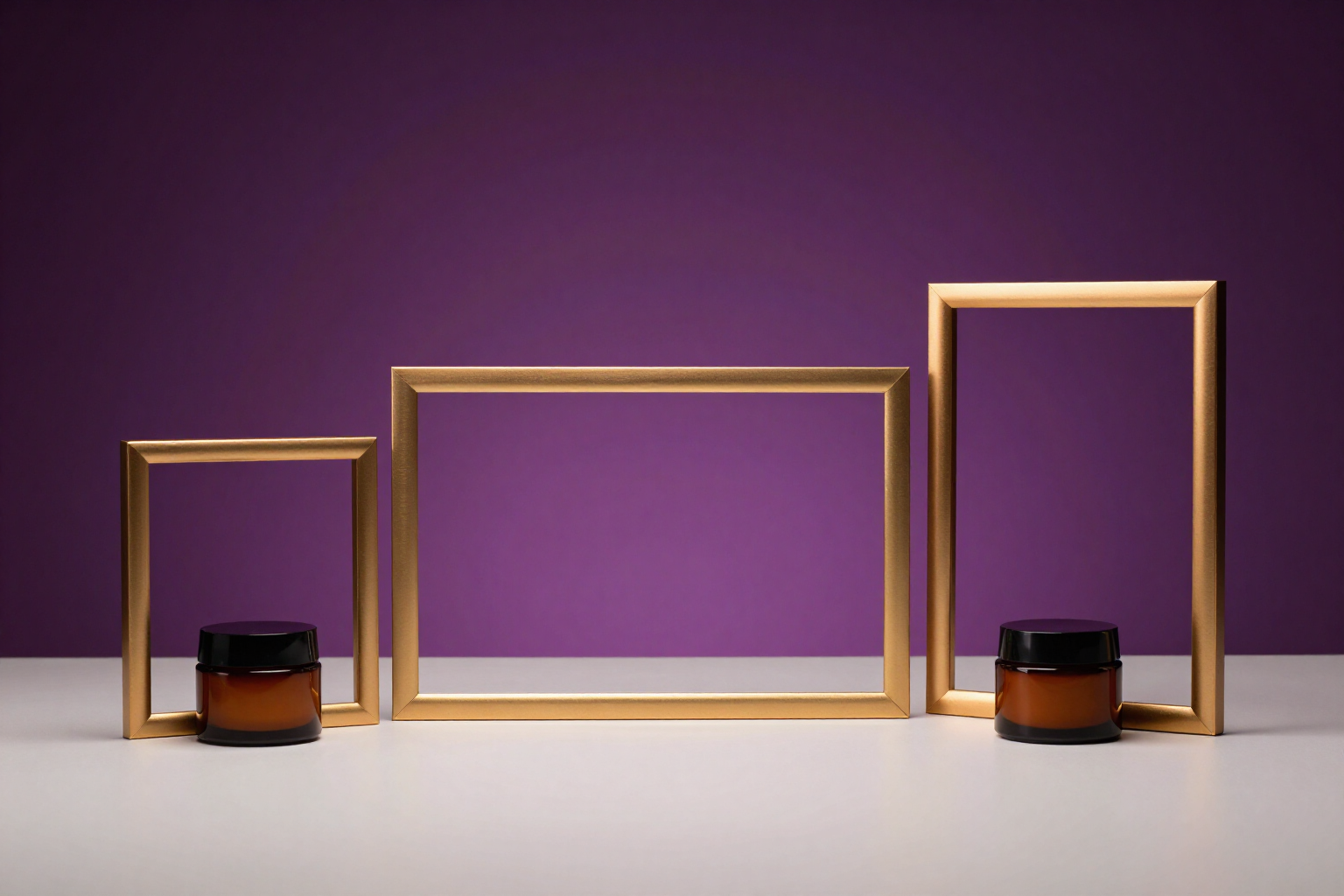
One brief and three native canvases: 1:1 for the feed, 3:2 landscape for banners, and 2:3 vertical for Stories. It's not a crop: the AI recomposes the scene for the new format while preserving the product, palette, typography, and exact text.
Cropping a square ad for Stories does not create a vertical ad: it creates a square ad with the product cut off and the claim out of frame.
Ads Image Studio works with three families of native formats, not a crop of the same image: square 1:1 (1024x1024), horizontal 3:2 (1536x1024), and vertical 2:3 (1024x1536). You choose one when writing the brief, and when you have the image that works, you request the missing formats from the ‘Get it in another format’ button: you can select one or both remaining in the same run.
The adaptation is a guided regeneration, not a reframe. The AI receives your finished image as the main reference, along with the actual product photos from the campaign, and an explicit instruction: the same product, the same scene, the same objects, the same palette, the same light, and the same style; the background is extended where the new canvas needs it, and the subject is repositioned so that nothing important gets cut off. No black bars, no frames, no empty stripes: the art bleeds to all edges.
The ad text is preserved word for word and in the same language. In clean mode, the claim is repositioned to breathe in the new canvas. In Rich mode —an ad formatted with a headline, subtitle, seal, and button— the entire set is reformatted for the new proportions without translating, rewriting, adding, or removing a single word, while maintaining the same typographic hierarchy and the same color blocks. And if you use the ‘text on layer’ mode, what gets recomposed is the clean background, and the app rewrites the copy on top with crisp typography on the new canvas.
Each format you generate enters the version tree as one more version, linked to the image from which it originated: you can edit it and approve it as the final version of its format. Thus, the square, horizontal, and vertical each have their master image, and the export to the nine channel presets always crops within the correct family.
Benefits of Native adaptation to three formats
Three native canvases, not a crop
1:1 for Meta and Instagram feeds, 3:2 for banners and LinkedIn, 2:3 for Stories, static Reels, and TikTok. Each is generated at its actual proportion.
The scene is recomposed, not cut
the background is extended and the subject is repositioned so that the product and claim fit entirely in the new canvas. No bars, frames, or empty stripes.
The text remains exact
same words, same language, same typography. In Rich mode, the entire ad is reformatted —headline, subtitle, stamp, and button— without adding or removing a word.
The visual resource of the ad is preserved
split screens, before/after, side-by-side comparisons, mock-ups, or hands holding the product are reproduced in the new format, and on the same side.
One or two formats from a run
mark the ones you need, and they are generated at the same time. Always at your request: the app does not adapt anything on its own upon approving a visual.
Each format has its final version
the adaptation enters the version tree, can be edited, and is approved as the master image of its format, without affecting the other two.
The logo does not degrade
the adaptation starts from the image without a logo, and the app reprints it clearly with sharpness in the corner of your Brand Kit, leaving that corner clear in the composition.
The export fits automatically
the nine channel presets (Meta Feed and Stories, Google Display 300x250 to 970x250, LinkedIn 1200x627) crop within the correct family, so the final adjustment is smooth.

One brief, three formats ready to upload
Ads Image Studio is AIsToHire's tool for creating ad images with AI: generate your creativity and export it in square, horizontal, and vertical formats without redoing it, at https://aistohire.com/ads-image-studio-create-ad-images-with-ai-166