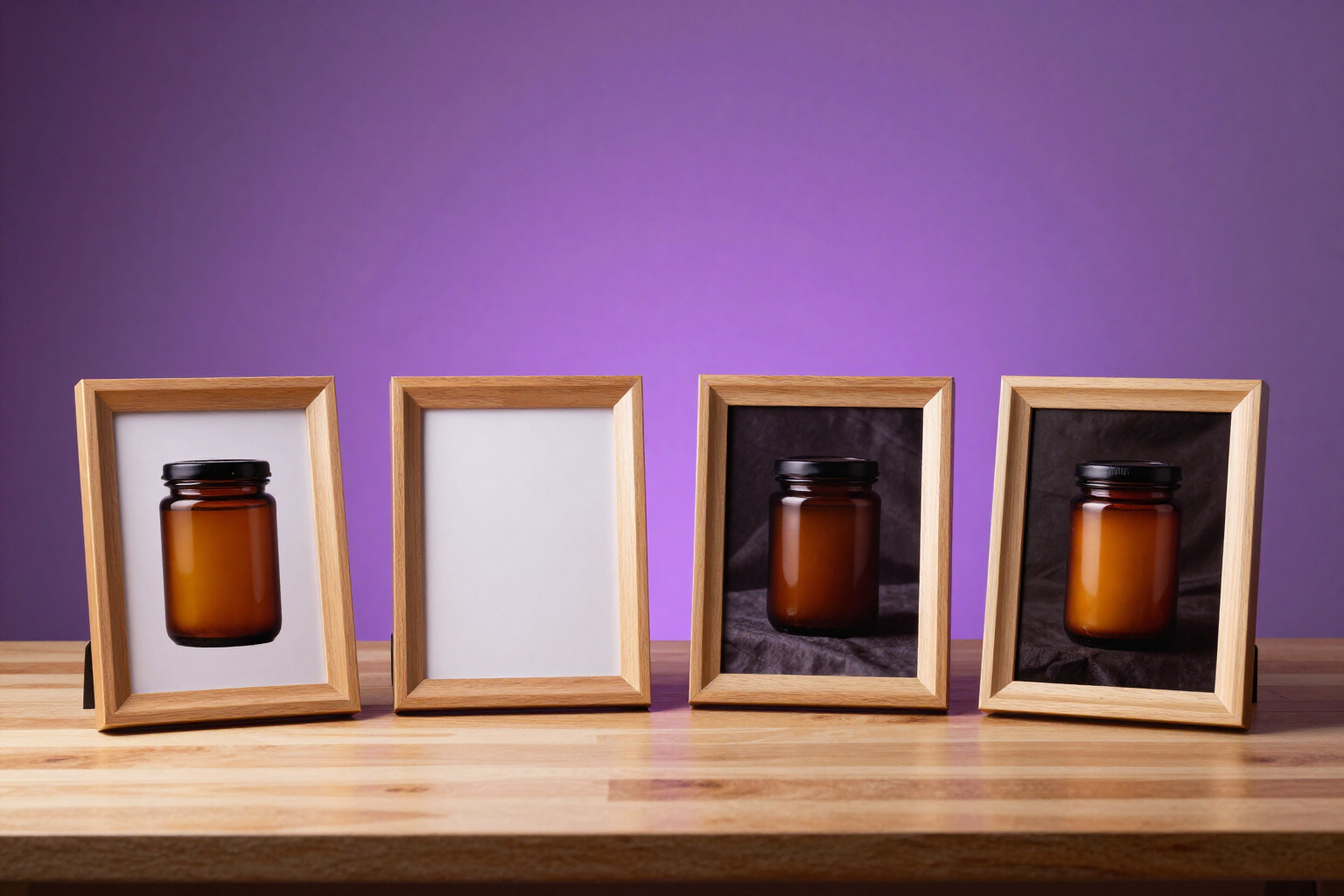
Four variations of your ad in each batch, to compare and choose
A single brief generates four distinct ad images —framing, background, composition, and perspective— and you see them together to pick the one that works.
Generating a single ad is betting on one card. Ads Image Studio deals four and lets you decide by looking at them.
When you write a brief in Ads Image Studio, it doesn’t produce one image: it produces four. The prompt engine turns your description into four distinct prompts and ensures they differ along specific axes —framing, background or setting, composition, and perspective— instead of returning four cosmetic variations of the same photo. If the brief already includes art direction, it respects that and varies within it.
The four variations are grouped in a "batch" and displayed in a row of four, all the same size and orientation, making comparison direct: you can see at a glance which one holds up better at feed size. Each batch retains the brief with which it was generated, so if you change the text and re-generate, the previous batches remain available for comparison.
The generation is asynchronous: the app indicates how many of the four are ready, and you can close it while it works. When you return, you have the complete batch. From any of the four, you follow the normal path: approve the visual, edit it to create a new version without losing the previous one, export it in another format, translate it, or export it to the channel's dimensions.
Ads Image Studio is AIsToHire's mini-app for creating ad images with AI from your product photos: https://aistohire.com/ads-image-studio-create-ad-images-with-ai-166
Benefits of Four variations per batch
Four paths, not four copies
the prompt engine diversifies framing, background, composition, and perspective, with the explicit instruction not to deliver cosmetic variations of the same shot.
Side-by-side comparison
the four are displayed in a four-grid layout, same size and orientation, allowing you to decide by looking rather than opening tabs.
Accumulated iterations
each iteration is recorded with the brief that generated it and its date; change the brief, re-iterate, and compare iteration against iteration.
Your product in all four
the reference photos of the campaign travel with each of the four generations, so the scene is composed around your actual product and not an invented one.
Material to test the same day
four creatives per brief are four candidates for an A/B test on Meta, Google Display, or LinkedIn without needing to restart.
Generated in the background
the app shows how many variants are ready, and you can leave while it works; nothing is lost when you close it.
Everything else comes from the chosen variant
you edit it, approve it, adapt it to square, horizontal, or vertical, translate it, or export it cropped to channel dimensions.

Write a brief and see four ads, not just one
Create your account, set up your product campaign, and launch your first batch of four variants in Ads Image Studio, AIsToHire's tool for creating ad images with AI.