 Activity Book Studio
How to Create a Hobby Book for Amazon KDP: Dimensions, Spine, and Pages (2026 Guide)
Team at Activity Book StudioWritten with AI assistance17 min readIn summary
- Amazon KDP does not reject a hobby book for its content: it rejects it for the dimensions. The three that always fail are the bleed (0.125" on all four sides), the interior margin depending on the number of pages, and the spine, which depends on the total number of pages and the paper.
- The spine is calculated with an official formula: pages × 0.002252" on white paper and pages × 0.0025" on cream paper (black ink). You cannot design the cover before finalizing the interior.
- A book of 60 hobbies with solutions is not 60 pages: it is 91. The calculation is
1 title page + 1 page per hobby + 1 page for every 2 solutions. - KDP requires a minimum of 24 pages. With one hobby per page and solutions at two per page, that means 15 hobbies at a minimum.
- If you use AI for the texts or the cover, KDP requires you to declare it when publishing. It is not optional and does not penalize, but omitting it violates their content guidelines.
Publishing a hobby book on Amazon KDP is, in theory, easy: you generate some word searches, make a cover, and upload two PDFs. In practice, people always get stuck at the same point: the interior uploads fine but the cover gives an error because the spine is wrong, or the file goes through and when reviewing the preview the hobbies appear cut off by the margin. This article provides the exact measurements, the calculations made, and the specific errors, verified against the official KDP documentation as of October 25, 2026. Activity Book Studio, the app from AIsToHire for creating hobby books, generates those files with these measurements already applied, but the calculations are valid if you assemble them manually in InDesign or Canva.
What follows is organized as real work is done: first the interior (because it determines the number of pages), then the spine, then the cover, and finally the money.
What measurements does Amazon KDP require for an 8.5 × 11 inch hobby book
The 8.5" × 11" format (21.59 × 27.94 cm, the American "letter") is the de facto standard of the hobby niche because it provides large and legible grids. KDP accepts it as a large trim size, with black ink on white or cream paper and a range of between 24 and 590 pages. These are the specifications that apply to that format, taken from the KDP paperback submission guidelines and its margins and bleed page:
| Specification | Official value for 8.5" × 11" |
|---|---|
| Page size (trim) | 8.5" × 11" — 612 × 792 PDF points |
| Bleed (only if ink reaches the edge) | 0.125" (3.2 mm) on all four sides |
| Minimum / maximum pages (black ink, white paper) | 24 – 590 |
| Minimum / maximum pages (black ink, cream paper) | 24 – 550 |
| Interior margin (spine) for 24 to 150 pages | 0.375" (9.6 mm) |
| Interior margin for 151 to 300 pages | 0.5" (12.7 mm) |
| Interior margin for 301 to 500 pages | 0.625" (15.9 mm) |
| Outer margin without bleed | ≥ 0.25" (6.4 mm) |
| Outer margin with bleed | ≥ 0.375" (9.6 mm) |
| Spine thickness, white paper | pages × 0.002252" (0.0572 mm) |
| Spine thickness, cream paper | pages × 0.0025" (0.0635 mm) |
| Text on the spine | only from 79 pages |
Two details that almost nobody looks at until they cause a problem. The first: the interior margin grows with the number of pages, because a thicker book "swallows" more paper in the binding. If you set up your template with 0.375" and then the book goes to 180 pages, the entire interior falls below the minimum. The second: bleed is only necessary if there is ink touching the edge. A centered hobby on white paper does not need bleed on the interior; the cover always requires it.
How many pages does a book of 60 hobbies actually take up
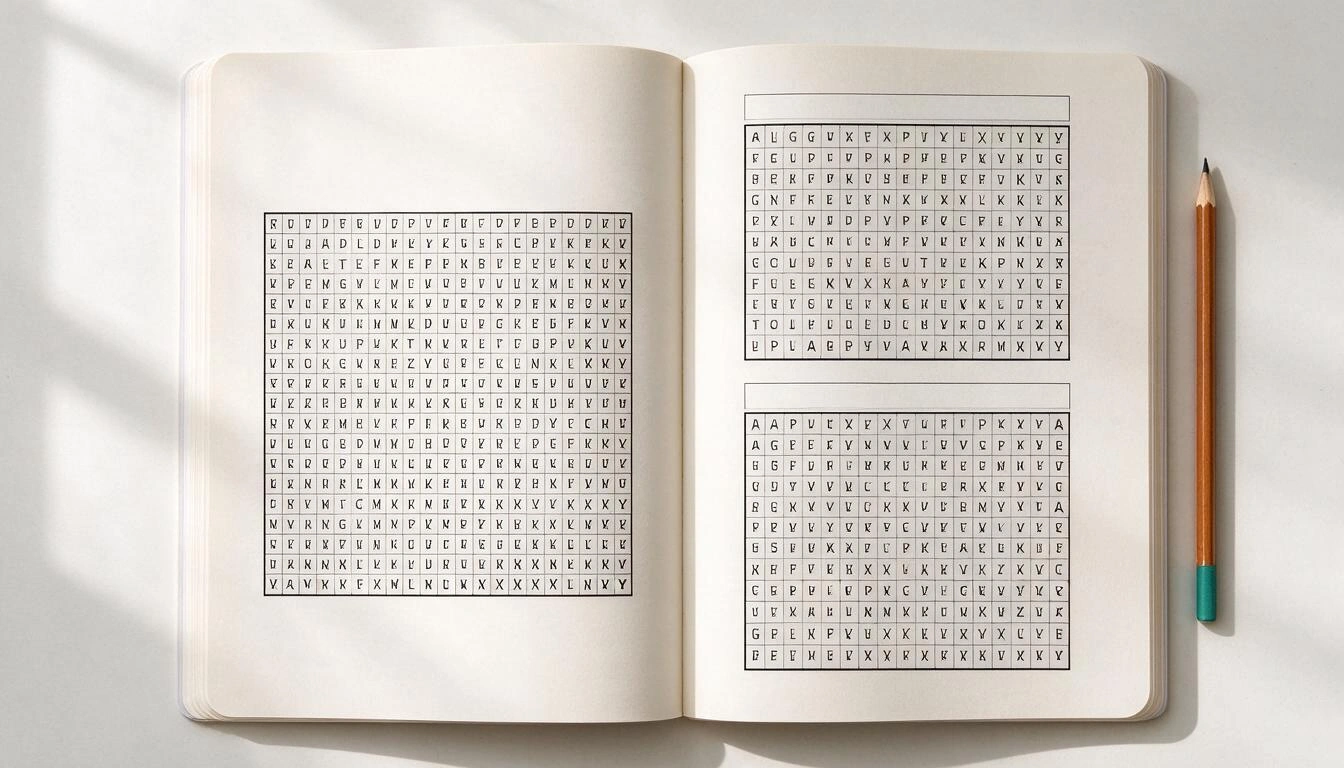
A book of 60 hobbies with solutions takes up 91 pages, not 60. The calculation is 1 cover page + 1 page for each hobby + 1 page for every 2 solutions, because the solutions are printed in miniature two per page at the end of the book. That number is what then dictates the spine, the interior margin, and the printing cost, so it is advisable to have it before designing anything.
Applied to the usual sizes in the niche:
| Hobbies | Interior pages | Does it meet the minimum of 24? |
|---|---|---|
| 10 | 16 | No |
| 15 | 24 | Yes, just at the limit |
| 20 | 31 | Yes |
| 30 | 46 | Yes |
| 40 | 61 | Yes |
| 50 | 76 | Yes |
| 60 | 91 | Yes |
| 80 | 121 | Yes |
| 100 | 151 | Yes, but it already requires an interior margin of 0.5" |
From here come three practical decisions:
- Fewer than 15 hobbies is not a book for KDP. With 10 hobbies you end up with 16 pages and the file does not meet the minimum of 24. Either increase the number of hobbies or add meaningful filler pages (instructions, note pages), which is what half the niche does.
- The jump of 150 pages is a real threshold. From 151 pages KDP raises the interior margin to 0.5". If your template is fixed, stay below or redo the margins.
- Connect-the-dots do not count as a solution. A connect-the-dots hobby does not have a programmatic solution, so a book of 60 connect-the-dots occupies 61 pages, not 91. Mixing types changes the count.
How the spine is calculated and why you can't design the cover before the interior
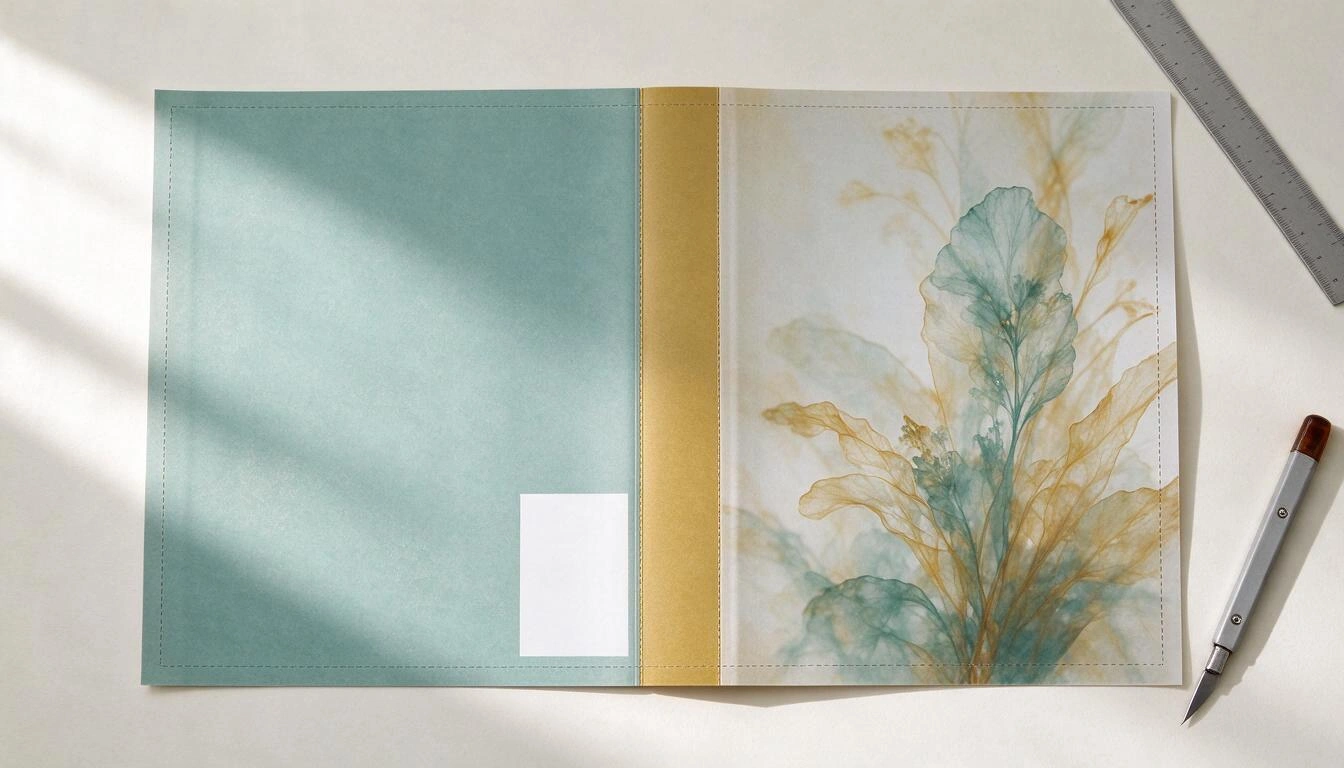
The spine is calculated by multiplying the number of pages in the interior by the thickness of a sheet: 0.002252 inches for white paper and 0.0025 for cream paper, according to KDP's official guidelines for black ink. Since the number of pages depends on how many puzzles you include and how many have solutions, the cover is always the last thing: if you add five puzzles after designing it, the spine changes and the file no longer fits.
The spine for the sizes above:
| Interior Pages | Spine in white paper | Spine in cream paper |
|---|---|---|
| 24 | 0.054" (1.4 mm) | 0.060" (1.5 mm) |
| 46 | 0.104" (2.6 mm) | 0.115" (2.9 mm) |
| 61 | 0.137" (3.5 mm) | 0.153" (3.9 mm) |
| 91 | 0.205" (5.2 mm) | 0.228" (5.8 mm) |
| 121 | 0.272" (6.9 mm) | 0.303" (7.7 mm) |
| 151 | 0.340" (8.6 mm) | 0.378" (9.6 mm) |
With the spine, you now have the entire cover, which in KDP is a single file with back cover, spine, and front cover in sequence:
- Width = 0.125" + 8.5" + spine + 8.5" + 0.125"
- Height = 11" + 0.125" + 0.125" = 11.25"
For the book of 60 puzzles (91 pages, white paper): width = 0.125 + 8.5 + 0.205 + 8.5 + 0.125 = 17.455" (44.3 cm) and height 11.25" (28.6 cm). If your cover measures exactly 17" because you forgot the bleed, KDP will reject it.
Add two areas that are not decoration:
- The barcode box. KDP prints the ISBN barcode in the lower right corner of the back cover, over an area of about 2" × 1.2". Leave that space clear: if you put text or a drawing there, it will be covered.
- The spine text. KDP only prints text on the spine starting from 79 pages, and requires at least 0.0625" (1.6 mm) of space between the text and the edge. Below that, a smooth spine.
What puzzles and what difficulty to include based on the target audience of the book
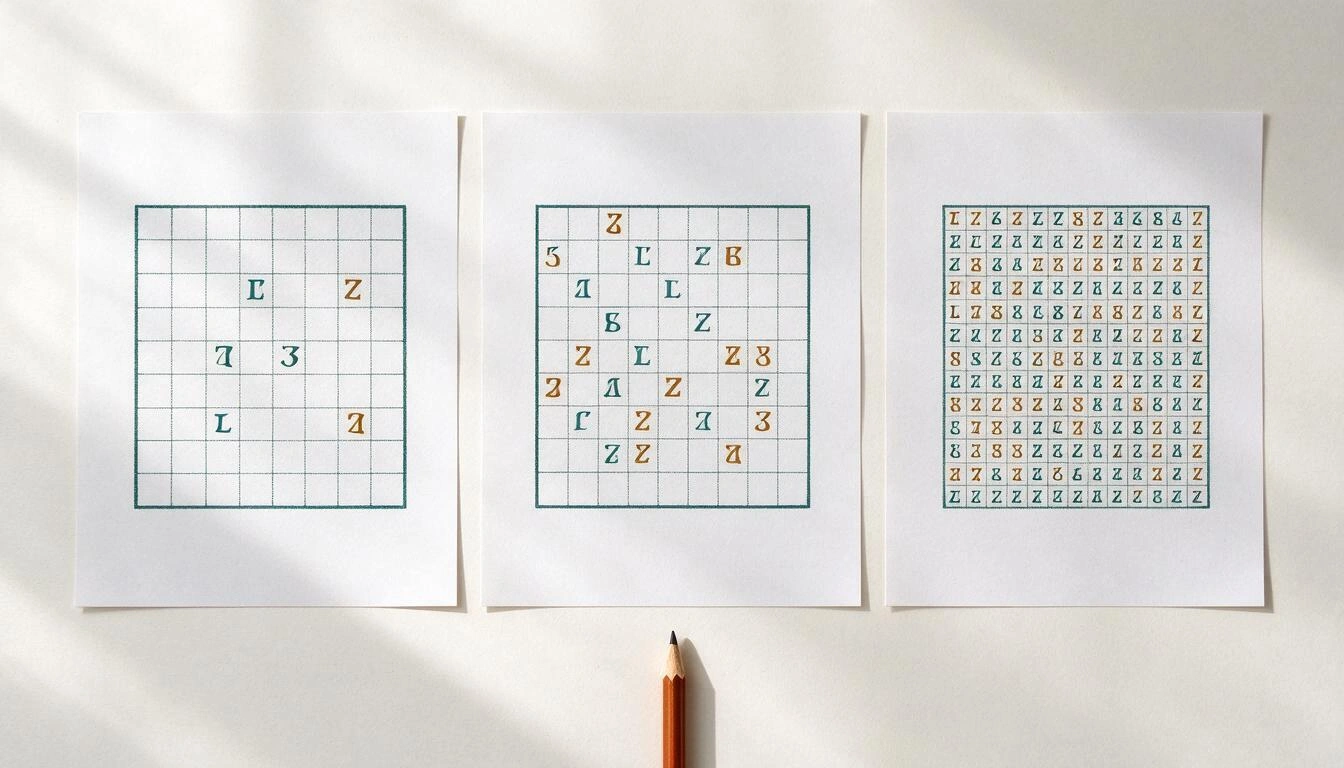
The difficulty in a puzzle book is not a label, it's concrete parameters: the grid size, how many words or definitions fit, how many clues a sudoku leaves, and in how many directions words can be hidden. This is the scale that Activity Book Studio uses when generating each type, and serves as a reference even if you create them by hand:
| Type | Easy | Medium | Hard |
|---|---|---|---|
| Word search | 12 × 12 with 8 words, only horizontal and vertical | 15 × 15 with 12 words, adds diagonals | 18 × 18 with 16 words, adds words backward |
| Crossword | 10 definitions | 14 definitions | 18 definitions |
| Sudoku | 40 initial clues | 32 clues | 26 clues |
| Maze | 15 × 20 cells | 25 × 33 cells | 35 × 46 cells |
| Connect the dots | ~30 numbered dots | ~30 numbered dots | ~30 numbered dots |
Two niche rules that can be deduced from the table:
- For senior audiences or large print, low difficulty is not "for kids": a 12 × 12 word search on an 8.5 × 11 page gives huge cells and is exactly what that buyer is looking for. The grid size, not the age, is what makes the book readable.
- Sudoku does not scale with the theme. A sudoku is identical in a dinosaur book and in a gardening one. If the entire book consists of sudokus and mazes, the theme of the title does not hold up when opened; mix word searches and crosswords, which are generated based on the vocabulary of the theme.
The five mistakes that most frequently cause files to be rejected in KDP review
These are the errors that force you to re-upload the file, in order of frequency in the puzzle niche:
- Cover without bleed. Designed at 17" × 11" instead of 17.455" × 11.25". KDP rejects it or scales it and misaligns the spine.
- Spine calculated with the number of puzzles, not with the number of pages. 60 puzzles are not 60 pages. The spine is calculated based on the total of the interior PDF, solutions included.
- Short inner margin when exceeding 150 pages. The file uploads, but the preview shows the grids sticking to the binding.
- Text on the spine of a thin book. Below 79 pages, KDP does not print text on the spine; if you add it, it gets lost or shifted.
- No solutions. This is not a KDP rule, it's a buyer's rule: a book of sudokus or crosswords without solutions gets one-star reviews. Leave the solutions at the end, in miniature, two per page.
What you need to declare in KDP if you use AI to generate content
KDP requires you to report AI-generated content —text, images, or translations— when publishing a new book or re-editing an existing one. This is stated in their content guidelines with an important distinction: it is "AI-generated" if the tool created the content, even if you have extensively edited it afterward; it is only "AI-assisted" if you created it yourself and used AI to correct or enhance it, and that does not need to be declared.
Applied to a hobby book made with a tool like Activity Book Studio, this practically means:
- The AI-generated cover is AI-generated content: it must be declared.
- The back cover text written by AI must be declared as well.
- The words and definitions proposed by AI for a word search or crossword are AI-generated text.
- The grid itself —where each letter falls, which sudoku boxes remain empty, where the maze goes— is not decided by AI: it is constructed by a deterministic algorithm. This is not AI-generated content in the sense of KDP's policy, but if a part of the book is, declare that part.
Declaring it does not penalize the book or mark it in the eyes of the buyer. Omitting it is a violation of KDP's content rules, and that does have consequences.
How much it costs to print a hobby book and how much you earn per copy
An 8.5 × 11 book in black ink of up to 110 pages costs €2.48 per copy in Amazon's European markets and $2.84 on Amazon.com, with a flat rate: a 30-page book costs the same as a 100-page one. From 111 pages onwards, it switches to a per-page rate. Figures from the official KDP printing cost table, consulted on October 25, 2026.
| Pages (large trim, black ink) | Amazon.es / .de / .fr / .it | Amazon.com |
|---|---|---|
| 24 – 110 | €2.48 fixed | $2.84 fixed |
| 111 or more | €0.75 + €0.016/page | $1.00 + $0.017/page |
And the effect on the minimum price and royalty, with the example of the 60 puzzles book (91 pages, €2.48 printing) on Amazon.es:
| Concept | Calculation | Result |
|---|---|---|
| Minimum sale price | printing cost ÷ 0.60 | ≈ €4.14 |
| Royalty at €7.99 | (7.99 × 0.60) − 2.48 | €2.31 |
| Royalty at €9.99 | (9.99 × 0.60) − 2.48 | €3.51 |
| Royalty at €9.99 with 151 pages | (9.99 × 0.60) − 3.17 | €2.83 |
The minimum price formula —printing cost divided by the royalty rate— is literal from KDP's help. Three warnings to avoid surprises:
- The royalty rate for paperback is 50% or 60% depending on the price and market; the expanded distribution rate is lower. The exact number for your book is provided by KDP's pricing form, which is the authoritative source.
- In European markets, the price the buyer sees includes VAT and may not match the list price you set. KDP pays based on the list price you configure.
- These rates change. Check the KDP table before setting prices; the one above is valid as of October 25, 2026.
None of this is financial advice or a sales forecast: these are the costs published by Amazon and the arithmetic that results from them.
How Activity Book Studio fits into this process
Activity Book Studio is the AIsToHire app that handles the three most time-consuming parts —generating the puzzles, designing the cover, and assembling the PDFs with the above measurements— without leaving your browser. The actual flow, as implemented:
- You create the book with title, subtitle, author, theme, and paper type (white or cream), which determines the spine thickness.
- You generate the puzzles. One by one, choosing type and difficulty, or requesting a batch of between 3 and 10: the AI proposes a mix based on your theme —with a limit of two sudokus and two mazes per batch— and you edit the proposal before generating it. The AI only provides the vocabulary and definitions; the grid is constructed by an algorithm, the sudoku is generated ensuring it has a unique solution, and the maze is saved with its solved path.
- You design the cover and back cover. You describe the cover in one sentence and the AI generates it; if it’s not what you wanted, you request a change and it creates a new version without deleting the previous ones, so you can go back and choose. The back cover leaves the central area clear for the sales text, which can also be written by the AI.
- You assemble the book by dragging the pages in the order you want. The counter tells you how many puzzles you have and how many interior pages result —the calculation of
1 + puzzles + solutions/2from this article. - You export. Three PDFs: the interior with title page, one puzzle per page, numbering, and answer key at the end; the full cover with back cover, spine calculated according to pages and paper, bleed of 0.125" and the barcode area reserved; and the entire book in a single PDF for review. Additionally, you download the cover and back cover separately in PNG.
There is also an advisor, Theresa, with whom you can consult niche, titles with keywords, mix and difficulty according to the audience, number of pages, prices, and categories before generating anything.
What Activity Book Studio Does Not Do
Just in case, the limits, which are as useful as the features:
- Does not upload anything to Amazon. It generates the files; you handle the KDP account, the upload, and the publication.
- Works only in 8.5" × 11". There are no other page sizes or hardcover options.
- Does not provide ISBN. KDP offers a free one when publishing in paperback; that is done in their panel, not here.
- Does not promise sales or rankings. Theresa provides guidance on niche and pricing, but does not invent sales figures or guarantee results.
- The connect-the-dots is generated as an image, so it does not go into the answer key and it is advisable to check the numbering before assembling it in the book.
- The fixed interior margin is 0.5", which meets KDP's minimum up to 300 pages. Above that number, KDP requires 0.625" and you would have to assemble the interior yourself.
Frequently Asked Questions
How many puzzles do I need for the book to reach KDP's minimum page count?
Fifteen, if all include solutions. With one puzzle per page and solutions on two per page, 15 puzzles provide exactly the 24 minimum pages required by KDP (1 title page + 15 + 8 for solutions). With fewer, you will need to add instruction or note pages.
How do I calculate the spine of my puzzle book?
Multiply the total number of pages in the interior PDF by 0.002252 if printing on white paper, or by 0.0025 if it is cream (black ink). 91 pages in white give 0.205 inches of spine. Note: the page count includes the answer key, not just the puzzles.
Which paper should I choose for a puzzle book, white or cream?
White provides more contrast for grids and a thinner spine with the same number of pages (cream is 11% thicker per sheet: 0.0025" versus 0.002252"); cream is associated with textbooks and is easier on the eyes for long readings, which is not the case for a puzzle book. In this niche, white is common. What you cannot do is choose it after designing the cover: it changes the spine.
Do I need to include solutions in the book?
KDP does not require it, but the buyer does. A book of sudokus, crosswords, or word searches without an answer key easily receives negative reviews. The convention in the niche is to place them at the end, in miniature, two or four per page.
Can I sell a book with puzzles generated with AI on Amazon?
Yes, but you must declare the AI-generated content when publishing: KDP requires this for text, images, and translations. The distinction they make is between content generated by the tool (it must be declared, even if you edit it later) and content assisted by AI, created by you and only corrected with AI (it does not need to be declared).
Does Activity Book Studio publish the book on Amazon for me?
No. It prepares the PDFs with KDP's dimensions —interior with answer key and cover with the calculated spine— and you download them. Uploading to your KDP account, setting the price, categories, and publishing is done by you in the Amazon panel.
Do I need to know how to design or layout to create a book like this?
No, if you use a tool that already applies the measurements. What you do need to know is what is in this article: how many pages you end up with, what the spine depends on, and which areas of the cover need to be left free. With that, you can review the KDP preview and catch a poorly assembled file before publishing it.
How long does it take to assemble a complete puzzle book?
The slow part is no longer generating the puzzles, but deciding on the niche, title, and mix. Generating in batches of 3 to 10 and refining the cover in two or three rounds, a book of 30 to 60 puzzles can be assembled in one session; what should not be rushed is reviewing the KDP preview before hitting publish.
Activity Book Studio, in a nutshell
Activity Book Studio is the tool from AIsToHire that generates puzzles, creates the cover with AI, and exports the interior with answer key and the cover with the spine already calculated for Amazon KDP, in 8.5" × 11" format. It is available at aistohire.com/es/activity-book-studio-crear-libros-pasatiempos-kdp-137. You download the files and upload them to your KDP account: the app does not publish on Amazon on your behalf.
Sources: softcover submission guidelines, margins and bleed, content rules, and Amazon KDP printing cost table, consulted on October 25, 2026. The rates and price minimums are set by Amazon and may change.
Create your hobby notebook with Activity Book Studio: generate the hobbies with their solutions, design the cover with AI, and download the PDF of the interior and cover with the spine already calculated for Amazon KDP.
Create your hobby notebook with Activity Book Studio: generate the hobbies with their solutions, design the cover with AI, and download the PDF of the interior and cover with the spine already calculated for Amazon KDP.Keep reading
View all articles →
KDP Publishing Limit: Only 2 Books Per Week and How It Changes the Strategy for Activity Books

Why Your Car Insurance Increased in 2026: Average Premium of €1,412 and Historic Record

Discussing via WhatsApp or talking in person: what science says about couple conflicts through messages
