
FlowBoard — Infinite Whiteboard for Diagrams and Ideas · The infinite whiteboard for drawing processes, ideas, and diagrams

Shapes, sticky notes, and arrows that snap automatically on an infinite canvas. For anyone who needs to see the whole process before explaining it: product, operations, consulting, or classroom.
 FlowBoard
Does explaining a process in writing feel like an uphill battle?
FlowBoard gives you an endless canvas where you place shapes, notes, and arrows with magnetic snapping, describe the process to AI so it draws the first draft, and take it with you in PNG, SVG, PDF, or Mermaid — or present it frame by frame.
Start for freeDescubre cada funcionalidad en detalle

Infinite online whiteboard with zoom and scrolling in FlowBoard
Infinite canvas in the browser with zoom from 5% to 400%, inertia scrolling, minimap, and fit to content. Up to 1,500 elements per board.
View feature
Create flow diagrams online with smart connectors in FlowBoard
Flowcharts in the browser: 20 types of elements, arrows that snap to 8 anchors, and straight, orthogonal, or curved paths that dodge the boxes.
View feature
Generate diagrams with AI from text in FlowBoard
Describe a process in natural language and FlowBoard's AI draws it on the board: meaningful shapes, labeled arrows, and layered placement.
View feature
Online Sticky Notes for Brainstorming on FlowBoard
Create sticky notes in ten colors on an infinite canvas: write, move, and group with multi-selection, and let the AI organize them by topic in frames.
View feature
Board templates: kanban, retro, and org chart in FlowBoard
Twelve ready-to-use templates on an infinite canvas: kanban, retrospective, org chart, user journey, flowchart, SWOT analysis, or Business Model Canvas. Just one click.
View feature
Export diagrams to PNG, SVG, PDF, and JSON in FlowBoard
Download the board in PNG up to 3x, editable SVG, single-page PDF or by frames, and reimportable JSON. All in your browser, no converters needed.
View featureEverything you need to think visually
A complete whiteboard and diagram editor, with nothing to install.

Infinite canvas with 20 element types
Geometric and flowchart shapes, sticky notes, formatted text, images, 120 icons, frames, tables, and cards. Zoom from 5% to 400%, minimap, snapping grid, and alignment guides.
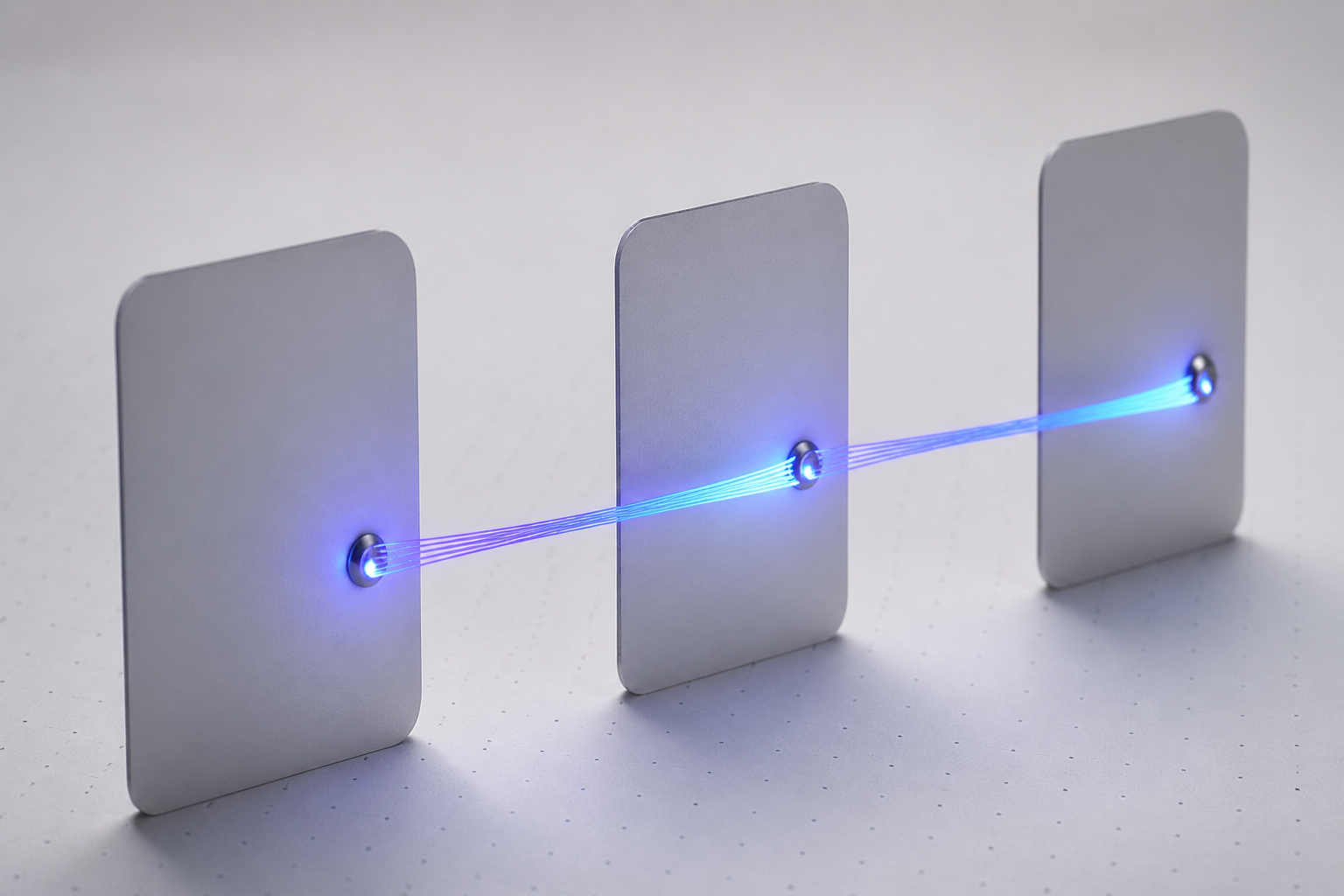
Connectors that snap automatically
Eight anchors per element plus free connection on the edge, with a visual magnet as you get close. Straight, angled, or curved paths, waypoints, labels, and a mode that avoids elements in between.

AI that draws the diagram for you
Describe the process in one sentence and AI turns it into a diagram on the canvas, summarizes the entire board for you, or groups your sticky notes by topic, each group in its own frame.
Get started in three steps
Sign up
Create your account in seconds.
Open a template
Start blank or with one of six templates: flowchart, kanban, retrospective, org chart, or customer journey.
Draw, export, or present
Place shapes and notes, connect them, and take it with you in PNG, SVG, PDF, JSON, or Mermaid — or show it full screen in presentation mode.

What people who already draw on FlowBoard say
“I put together a feature flow in ten minutes: notes, shapes, and arrows that snap automatically to the anchors. Then I export it as PNG and paste it into the ticket.”

“I describe the process to the AI, it draws the whole thing, and I just tweak it. Then I show it to the client in presentation mode, frame by frame, without leaving the app.”

“I import my Mermaid and draw.io diagrams, rearrange them on the canvas, and export them again. The version history has saved me more than once.”

Frequently Asked Questions
Open your first board
Create your free account and start drawing on the canvas in less than a minute.