 ThumbLab
Dynamic YouTube Thumbnails: How to Prepare the 3 Images Required by the New System
Team at ThumbLabWritten with AI assistance18 min readIn summary
- In the Made on YouTube on September 23, 2026, YouTube introduced dynamic thumbnails: upload up to three images for the same video and the platform "recommends the best of three options to different segments of your audience" (YouTube Blog, 09/23/2026).
- It's not the usual A/B test. The Test and comparison distributes up to three packages, judges them by watch time share over a maximum of two weeks, and ultimately selects one single winner for everyone. The dynamic thumbnail does not choose: it distributes and coexists.
- The rollout is gradual to eligible creators throughout the remainder of 2026, channel by channel, and YouTube has not yet published eligibility requirements or a firm date.
- The new task is not to create a better thumbnail, but to produce three with truly distinct hooks —face and emotion, object or result, before-after—. Three tweaks of the same frame do not give the system anything to distribute.
- Technical side: 16:9, minimum 640 px wide, JPG or PNG, up to 50 MB from computer and 2 MB from the mobile app, with 3840×2160 (4K) as the recommended resolution in YouTube help.
If you make between one and four videos a month and create your own thumbnails, dynamic thumbnails change the task: until now you produced one image and defended it; from now on you produce a set of three and each one has to win over a different audience. This article reviews what is known with sources from the feature, how to design a trio that the system can distribute, and how to test it before uploading it to Studio. In the end, you will see how ThumbLab, the laboratory for YouTube thumbnails with AI from AIsToHire, fits into that specific flow.
What are YouTube dynamic thumbnails?
Dynamic thumbnails are a feature announced on September 23, 2026 at Made on YouTube that allows you to associate up to three thumbnails with the same video and lets YouTube decide which image to show to each group of viewers, based on their estimated probability of click and interaction. There is no official image of the video: different people see different thumbnails, and they continue to do so while the video is published.
The literal description from the YouTube Blog is that you can "generate thumbnails tailored to the channel or use dynamic thumbnails for YouTube to recommend the best of three options to different segments of your audience." TechCrunch summarized it the same day as uploading several thumbnail options and letting the system automatically determine which version to show to each viewer based on their expected interaction potential.
There are two things to keep in mind before planning anything:
- Not available on all channels. The Miraflow rollout analysis describes a gradual rollout throughout the rest of 2026 that arrives "channel by channel, rather than being activated for everyone at once," the usual pattern of Studio's AI features.
- Public details are lacking. As of today, YouTube has not published eligibility requirements, a general availability date, or what metrics per variant you will see in Studio. Any guide that gives you specific distribution percentages is making them up.
What is clear is the creative task. And that can be prepared now.
How do they differ from the existing thumbnail A/B test?
The difference is the end of the story. YouTube's A/B test (Test and comparison) is an experiment with an expiration date: it distributes up to three title and thumbnail packages among random segments of your actual audience, ranks them by watch time and, after a few hours or up to two weeks, applies a single winner for all and removes the others. The dynamic thumbnail never ends and does not discard: it keeps all three alive and assigns each one to the segment that fits it best.
The metric data is from YouTube: when explaining the title A/B test, they said it optimizes for "total watch time versus other metrics like CTR," according to coverage by Search Engine Journal of the global rollout on December 4, 2025. And the accumulated volume explains why YouTube has continued to pull on this thread: creators have conducted over 40 million experiments with titles and thumbnails since the feature was officially launched in 2024 (YouTube Blog, 09/23/2026).
| A/B test (Test y comparación) | Dynamic thumbnails | |
|---|---|---|
| What you upload | Up to 3 titles, thumbnails, or combinations | Up to 3 thumbnails |
| How it's distributed | Random segments of the audience | By audience segment, according to expected fit |
| What it decides | Watch time | Not published; fit by segment |
| Duration | From a few days to 2 weeks | As long as the video is published |
| Result | One winner for all; the others are removed | All three coexist |
| Possible outcomes | Winner, "equal performance" or inconclusive | No single winner |
| Status (11/12/2026) | Global since 04/12/2025, desktop and long video | Gradual rollout to eligible creators |
The two features do not compete: the A/B test helps you discover which hook works, and the dynamic thumbnail helps to leverage that several hooks work with different audiences instead of throwing two out of three in the trash. YouTube is also pushing in the same direction in other ways: Ask Studio will be able, with your permission, to monitor the performance of thumbnails from old videos and create tests to refresh them, and in 2027 the A/B test will extend to three different cuts of a Short (TechCrunch, 09/23/2026).
The new problem: three thumbnails are not three versions of the same
The mistake that will cost the most is uploading three variants of the same frame —the same photo with a different filter, another background, or the arrow moved— and expecting distribution. If the three images promise the same thing, there's nothing to segment: the system cannot match each option with a different audience because all three speak to the same audience. The norm is that one will eat up the distribution and the rest will remain as decoration.
Think of it the other way around: you are not choosing between three images, you are writing three promises for three different click motivations.
- The subscriber who has been following you for two years clicks for you: your face, your reaction, what has happened to you.
- The unknown person from the feed clicks for the object or the result: what that thing is, how much it cost, how it turned out.
- The person arriving from search clicks for the transformation: the starting state and the final state in the same image.
They are three different readers of the same video. That is exactly the raw material that the dynamic thumbnail needs, and it is the kind of difference that does not come from retouching a single image.
The three hooks that do distribute: face, object, and before-after
For an average video, the trio that best covers different audiences is: (1) face and emotion, (2) isolated object or result and (3) split before-after. These are three compositions with distinct visual hierarchies —a person, a thing, a comparison— so they stand out even at a small size and appeal to non-overlapping motivations.
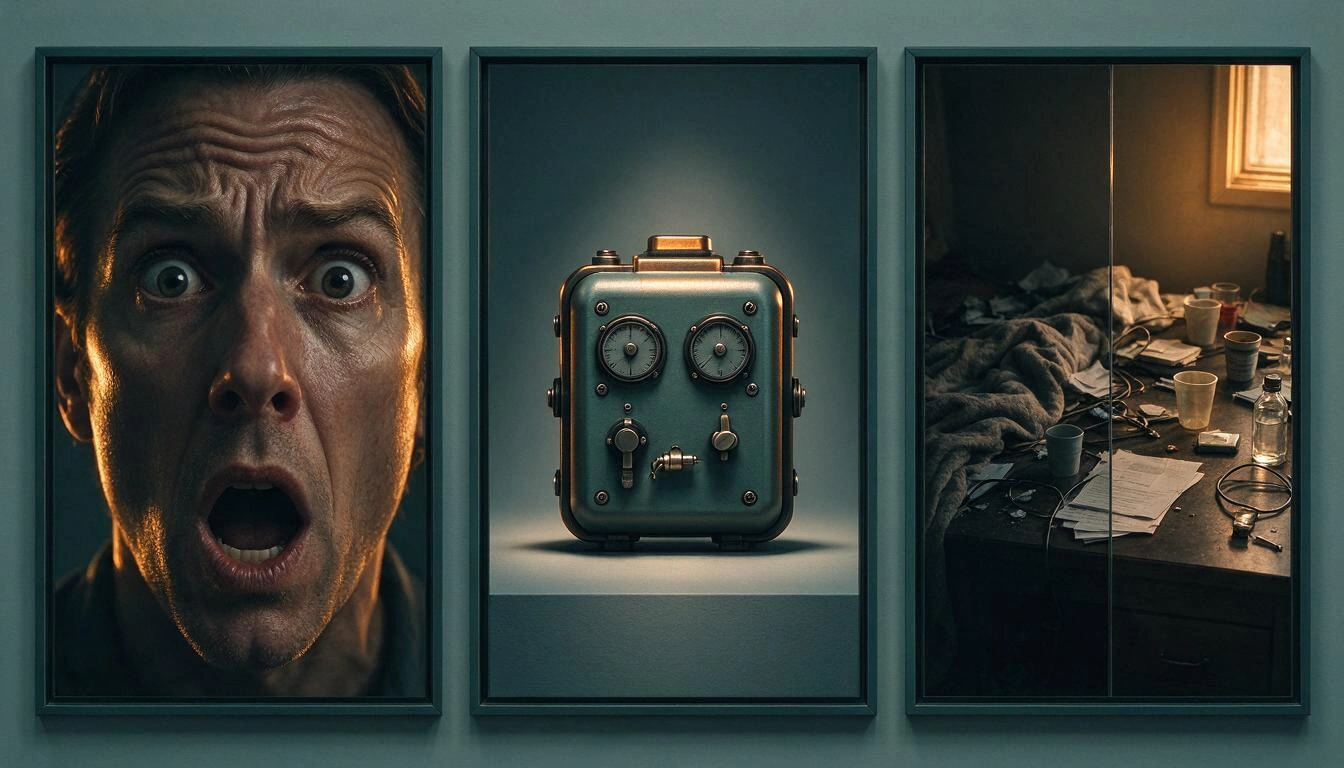
| Variant | What occupies the frame | Who it is aimed at | When it fails |
|---|---|---|---|
| Face and emotion | Close-up, clear expression, simple background | Audience that already knows you | Channels without a face or topics where you are not the hook |
| Object or result | The isolated object, clean, with directed light | Cold discovery in feed and suggested | When the object is not recognizable at 120 px |
| Before-after | Split composition, two contrasted states | Search and specific intent | If the two sides look too similar |
Two adjustments that matter more than they seem:
- That each variant has a distinct silhouette. At feed size, details are not read, the shape is read. If all three have the same dark spot in the center, visually they are the same thumbnail.
- That the promise does not repeat with the title. The image should add intrigue, not subtitle what the title already says. If the title already promises the result, the thumbnail that repeats the result is wasting half the space.
The rule of one variable per variant
If you want to be able to read the data, change only one dimension at a time. As soon as a variant changes frame, expression, background, and color at once, any performance difference becomes uninterpretable: you know that image performs better, but you don't know why, and you can't transfer the learning to the next video.
The dimensions worth isolating, from greatest to least usual effect:
- Subject: person, object, or comparison. This is the broad dimension that defines each of the three variants.
- Emotion: surprise, euphoria, curiosity, seriousness. It varies within the face variant.
- Framing: very tight shot versus shot with context.
- Background and dominant color: warm versus cool, clean versus cluttered.
- Overlaid text: presence, length, and position.
In practice, with three slots: the three variants change subject (dimension 1) and within each one, you keep everything else the same —same palette, same type of lighting, same text treatment—. This way, when you see one works, you'll know that the hook is what works and not the color filter. And don't mix the test with a title change at the same time: one variable per experiment, also between functions.
The three must hold up at 120 pixels
A thumbnail that only works in the editor does not work. The same image is served on the cover at a large size, in the suggested list at a medium size, and in the mobile feed at a width of just a few dozen pixels. If one of your three variants turns into a brown blob at that size, it's not competing: it's wasting a third of the distribution.
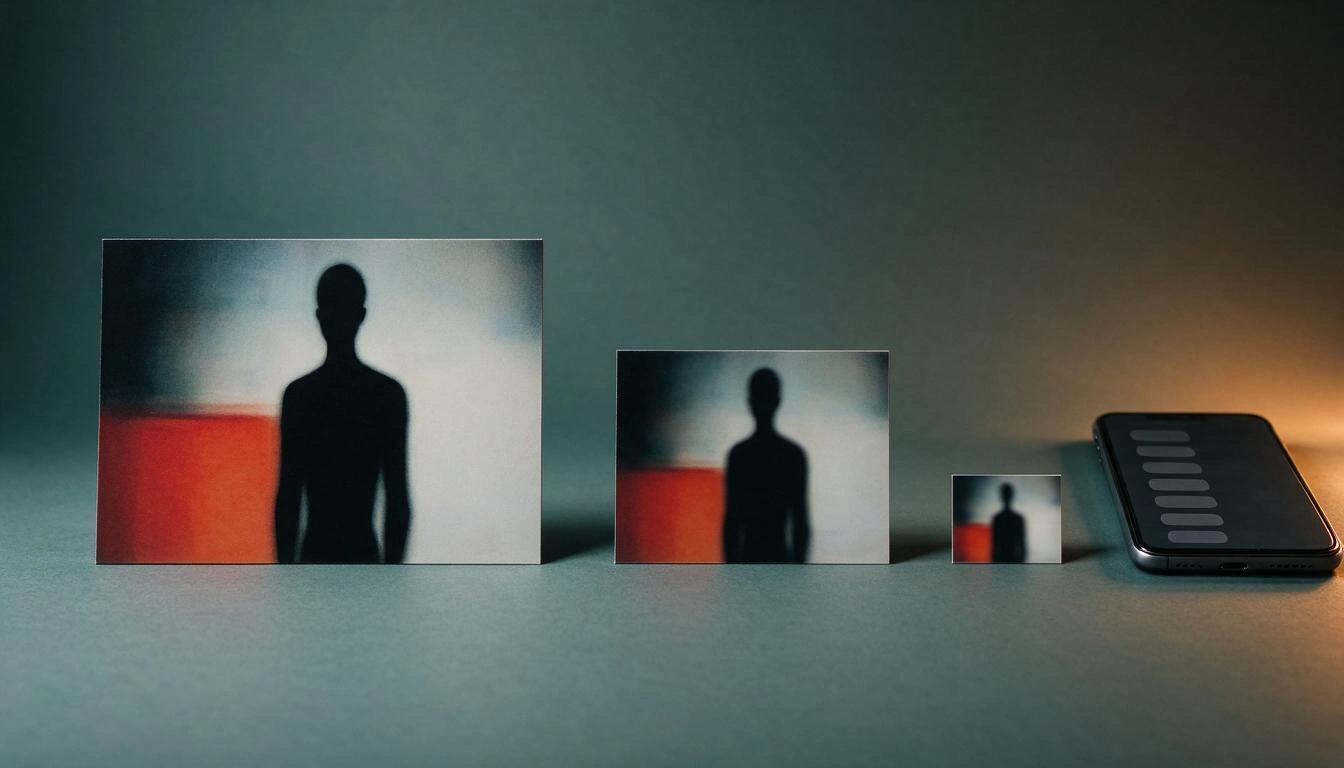
The range of sizes is also widening at both ends. YouTube is now the platform with the largest share of television time in the United States: a record of 15.8% in August 2026 according to Nielsen's Gauge, more than double that of Netflix (7.7%) and above the 14.2% of July (PPC Land, 10/22/2026). That is to say: the same image must be readable in a 55-inch living room and on a mobile feed chip. That's where the design is played out.
From there, two practical decisions:
- Test at actual size before uploading. Not with 100% zoom: reducing the image to the sizes your audience will see. If at the smallest size you can't distinguish what's happening in the image, discard it.
- Leave a clean area for the text instead of embedding it. A baked-in label within the image cannot be shortened, repositioned, or translated without regenerating the image. If the composition is born with a clear area —a corner, a side— the text goes on top as a layer and you can change it as many times as you want. With three variants in play and versions by language, that difference multiplies by three.
Add a formatting detail that catches many people off guard: on mobile, vertical videos with a 16:9 thumbnail are replaced by an auto-generated 4:5 thumbnail on home, explore, and subscriptions, and your custom image still appears in playback feeds and non-mobile platforms (YouTube Help). If you work vertically, account for that cropping.
Technical specifications: 16:9, 640 px minimum and up to 50 MB
The working reference remains 16:9, with a minimum width of 640 pixels and JPG or PNG format. What has changed is the ceiling: YouTube's help now recommends 3840×2160 (4K) and accepts files of up to 50 MB uploaded from a computer, compared to the 2 MB that still apply to uploads from the mobile app (YouTube Help).
| Parameter | Current value |
|---|---|
| Aspect ratio | 16:9 |
| Recommended resolution | 3840×2160 (4K) |
| Minimum width | 640 px |
| Formats | JPG, PNG |
| Maximum size (computer) | 50 MB |
| Maximum size (mobile app) | 2 MB |
What this means in day-to-day:
- 1280×720 is still sufficient and is the de facto standard in the industry: it meets the minimum and serves well on all surfaces. 4K will not give you more clicks in the feed.
- Where 4K is noticeable is on the television screen, which is the surface that has grown the most. If your channel is consumed a lot on TV, exporting in 3840×2160 is no longer a whim.
- The 50 MB is margin, not goal. A well-compressed JPG of 1280×720 weighs a few hundred kilobytes. Uploading a 40 MB PNG does not improve anything and complicates the flow if you upload from mobile, where the limit remains 2 MB.
- Export the same set of three in the same size and format. If one variant is in 4K and the other two are in 720p, you are introducing a variable you didn't want to measure.
What to do with metrics when there is no single winner
When there is no winner, the object of analysis shifts from the image to the hook. With an A/B test, the result is handed to you on a platter —winner, "equal performance," or inconclusive, according to the framework described by Search Engine Journal—. With dynamic thumbnails, there is no verdict: there are three images working at the same time and what you need to extract is what type of promise engages which part of your audience.
As long as YouTube does not publish what breakdown by variant you will see in Studio, it makes sense to set up your own record. A sheet with a row for each video and these columns will serve you from day one:
- Video and publication date.
- Hook of each variant (face / object / before-after) and a one-line note about the framing.
- What dimension you varied on purpose and what you kept fixed.
- CTR and complete video retention, at the video level.
- Breakdown by traffic source (search, suggested, feed, subscriptions), which is the closest you will get to seeing segments.
And three reading rules:
- Do not change criteria mid-season. With one to four videos a month, a useful sample takes months. If each video tests something different, you will never have anything to compare.
- Look at the whole, not the variant. The right question is not "which one won?", it is "did this trio bring more qualified clicks than the previous video with a single thumbnail?".
- Reuse the hook that repeats, not the image. If "isolated object" works in your niche for three videos in a row, what you have learned is a composition recipe, not a file.
How ThumbLab fits into this flow
Producing three thumbnails with different hooks and testing them at full size is, in essence, the flow for which ThumbLab is built, the laboratory of YouTube thumbnails with AI from AIsToHire. Specifically, the four pieces that this article requests:
- Variants from your own references. You upload up to 6 images and tell each one its role —your face, the product, the background, a style reference— and the AI composes from there, in 16:9 or 9:16 for Shorts. Each run gives two comparable A/B variants, so you set up the trio of three hooks in two runs by changing the subject, which is exactly the dimension you are interested in isolating. You can save up to 10 people with their photos so you don't have to upload your face in every video again.
- Area retouching, without redoing the image. You mark an area on the thumbnail and request the change: delete an element, replace it, adjust the light or change the expression. It creates a new variant and the original is not lost, which is what you need when you are adjusting a single dimension and want to be able to go back.
- Text as an editable layer, not baked in. The image is generated without text and with a clean area reserved. Typography, color, outline, position in a 3×3 grid, and numeric badge are composed on top and edited instantly, also in other languages, and rasterized upon export. Changing the label or translating it does not cost a new generation.
- Reality test at 360, 168, and 120 px. Before uploading anything to Studio, you see the three variants at the size your audience will see them, with a mockup of the YouTube interface, and discard those that turn into a blur. There is also a CTR score of the final composition and export to JPG and PNG 1280×720, JPG 4K, and 1080×1920 for Shorts.
To be honest: ThumbLab does not upload thumbnails to YouTube for you nor activates dynamic thumbnails —that is done by YouTube when your channel enters the rollout—. What it saves you is the part that has tripled: producing the set of three and filtering it before it reaches Studio.
Frequently Asked Questions
How many thumbnails can I upload per video with dynamic thumbnails?
Up to three. YouTube describes them as "the best of three options" served to different audience segments (YouTube Blog, 09/23/2026). Unlike A/B testing, all three coexist while the video is published instead of narrowing down to a single winner.
Are dynamic thumbnails already available on my channel?
Probably not yet. They were announced on September 23, 2026, and the rollout is gradual to eligible creators throughout the remainder of 2026, channel by channel (Miraflow). YouTube has not published eligibility requirements or a general availability date, so the way forward is to check Studio periodically.
What is the difference between dynamic thumbnails and A/B thumbnail testing?
A/B testing is a temporary experiment that ranks up to three packages by watch time and ends up applying a single winner to the entire audience within a timeframe of up to two weeks. Dynamic thumbnails do not choose a winner: they pair each of the three images with the segment that fits best and keep them active indefinitely.
What three thumbnails should I prepare?
One with a clear emotional expression, one of the object or isolated result, and one of a split before-and-after. These are three compositions with distinct silhouettes and three click motivations that do not overlap: the subscriber who follows you, the stranger discovering the topic, and the one looking for a specific transformation. Three tweaks of the same frame do not give the system anything to distribute.
What size should a YouTube thumbnail be in 2026?
16:9 ratio, minimum 640 pixels wide, in JPG or PNG. YouTube's help now recommends 3840×2160 (4K) and supports up to 50 MB from a computer, compared to the 2 MB that still apply to uploads from the mobile app (YouTube Help). 1280×720 still meets the requirements for the feed.
Is it better to put the text inside the image or as a layer on top?
As a layer on top, especially with three variants in play. A label generated within the image cannot be shortened, repositioned, or translated without regenerating the entire image; a text layer can be edited in seconds and rasterized upon export. Designing the composition with a clean area reserved for text is what makes that separation possible.
How do I know which variant works if there is no single winner?
By stopping the analysis of images and starting the analysis of hooks. Record for each video what type of promise each variant used and what dimension you varied intentionally, and cross that with the CTR, retention, and traffic source distribution of the video. With one to four videos a month, useful learning comes from the accumulation of months, not per video.
The real change is in production, not design
Dynamic thumbnails do not raise the bar for design: they raise the production volume. You go from one image per video to three with different promises, and you also have to check that all three hold up from a living room TV to a mobile feed chip. For a one-person channel with one to four videos a month, that is the real bottleneck, and it is what needs to be resolved before your channel enters the rollout.
If you want to create that set of three without opening an image editor, ThumbLab from AIsToHire covers just that segment: generating A/B variants from your own references, retouching by areas without redoing the image, placing the text as an editable and translatable layer, and passing the reality test at 360, 168, and 120 pixels before uploading anything to Studio. You can start with the video you have halfway done in the YouTube thumbnail lab.
Create your set of three thumbnails in ThumbLab: generate A/B variants from your own references, edit by areas, add text as an editable layer, and check at 360, 168, and 120 px which ones hold up before uploading them to Studio. Sign up for free and try it with any video you have in progress.
Create your set of three thumbnails in ThumbLab: generate A/B variants from your own references, edit by areas, add text as an editable layer, and check at 360, 168, and 120 px which ones hold up before uploading them to Studio. Sign up for free and try it with any video you have in progress.Keep reading
View all articles →
How to Create YouTube Thumbnails in 2026: Official Dimensions, the 120-Pixel Test, and a 5-Step Process

Why Your Car Insurance Increased in 2026: Average Premium of €1,412 and Historic Record

Discussing via WhatsApp or talking in person: what science says about couple conflicts through messages
