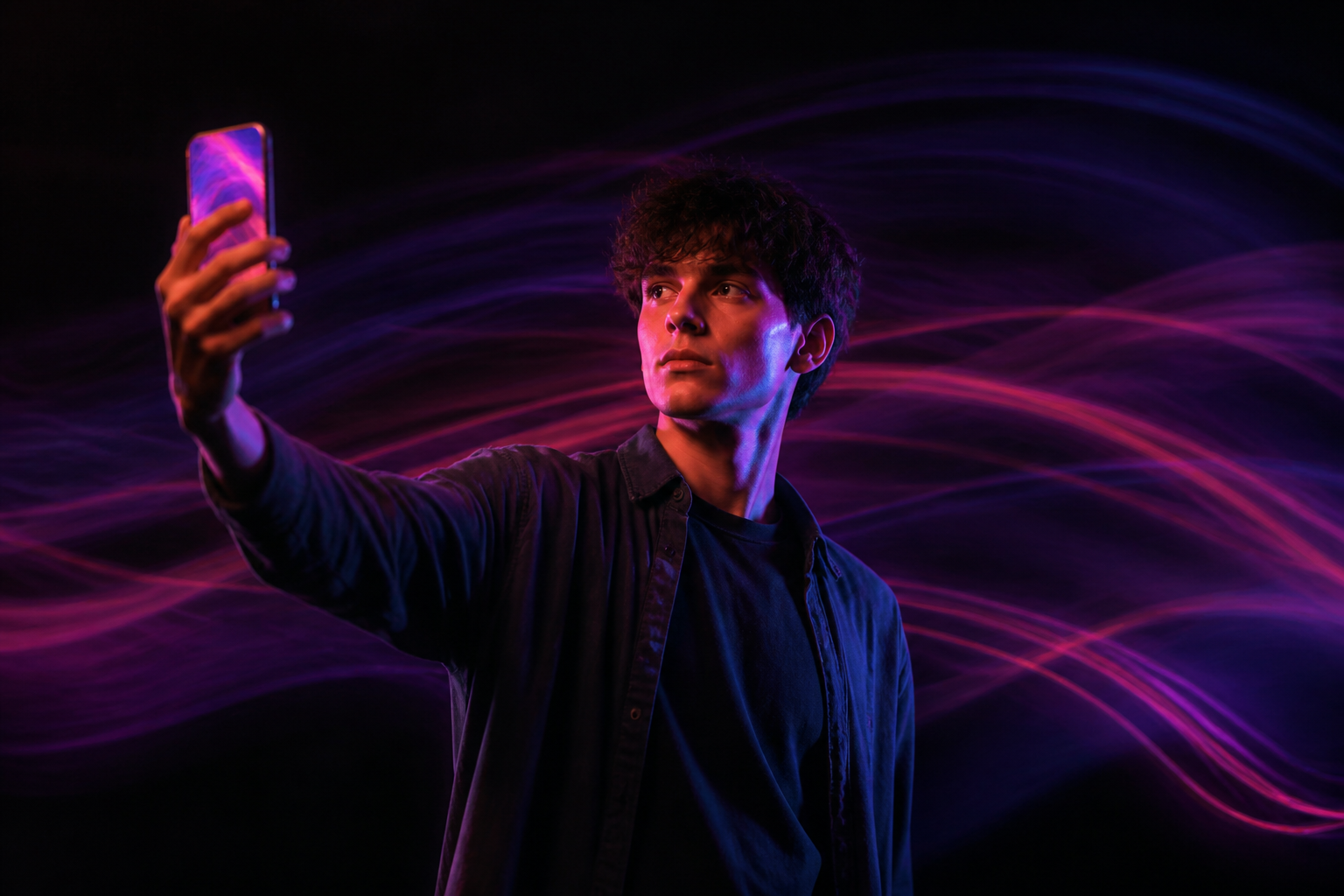
Video EffectsTurn a photo into a video with effects

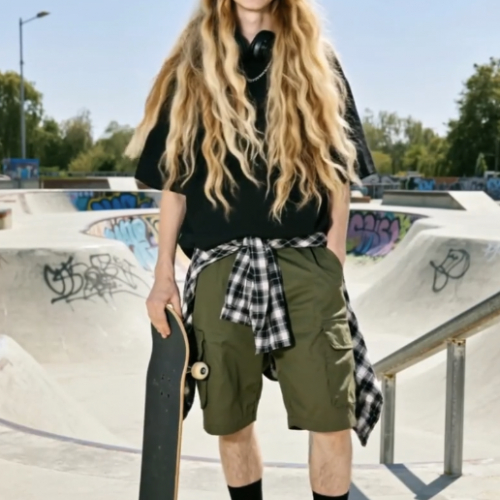
Make your hair grow instantly in your videos with this fun effect.
Do you want videos with effects but don't know how to edit or write prompts?
Video Effects applies the effect and AI: you just choose the photo and the effect you like. In just over a minute, you have the video ready, ready to download or share.
Start for free
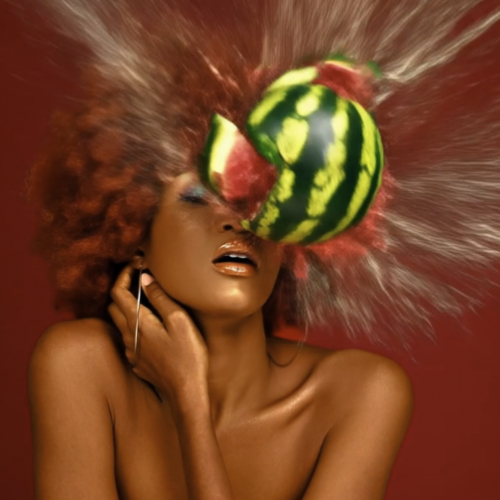

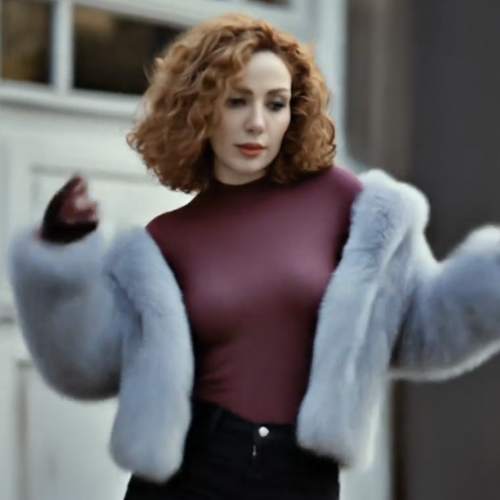

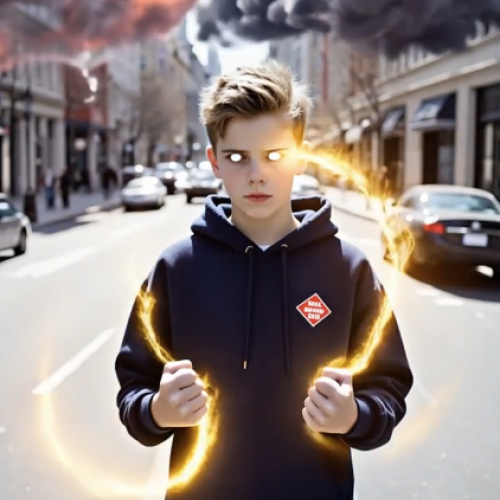

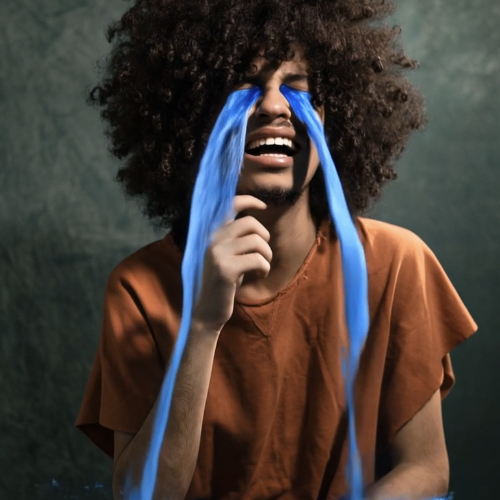
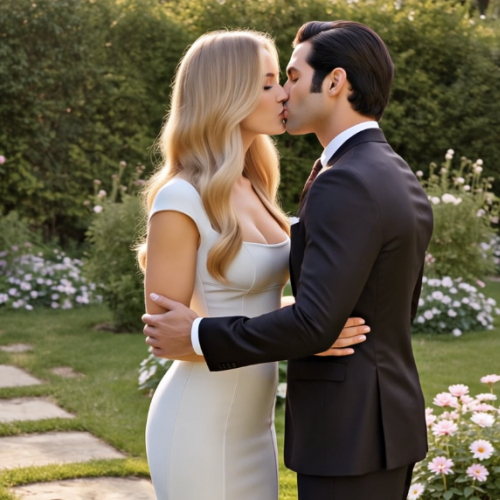


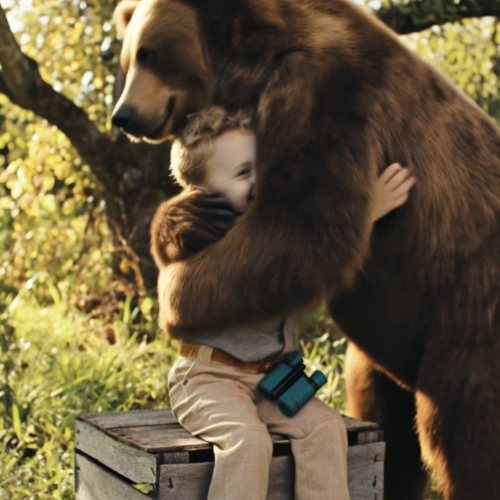
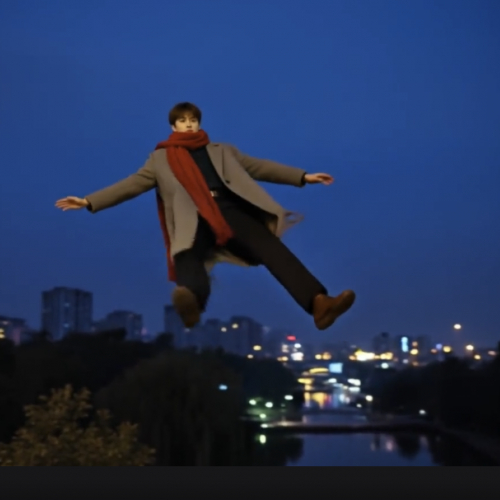

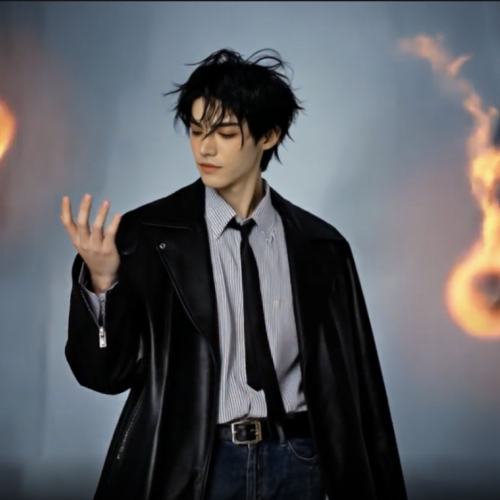
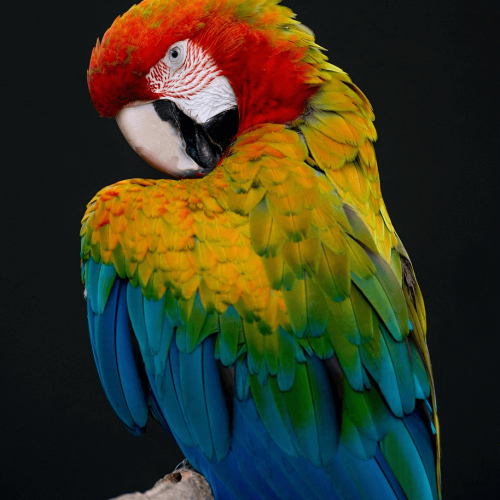
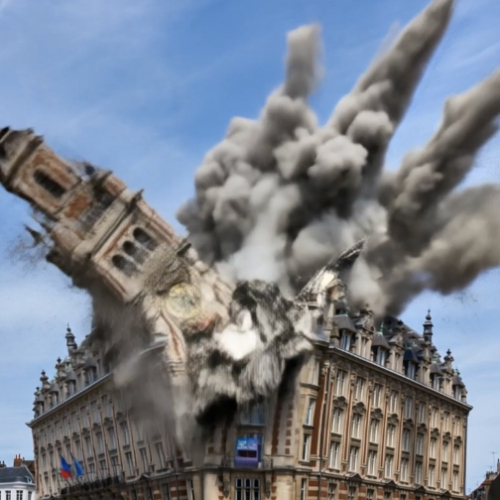


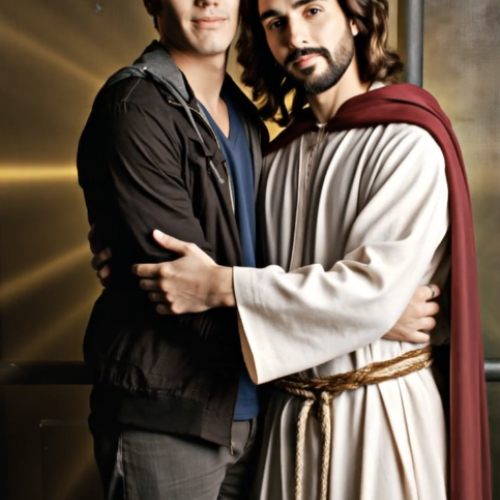

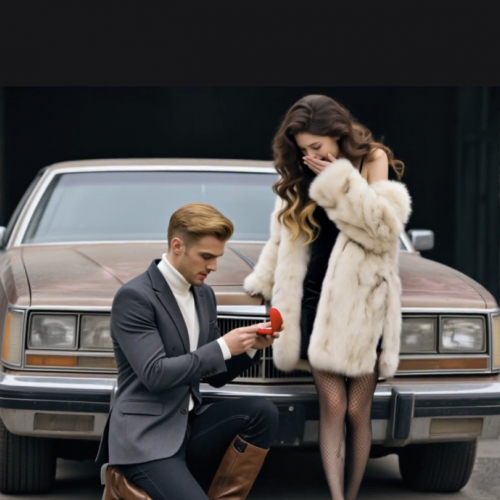
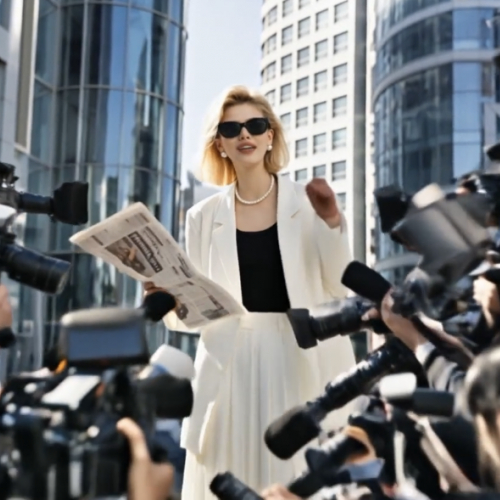

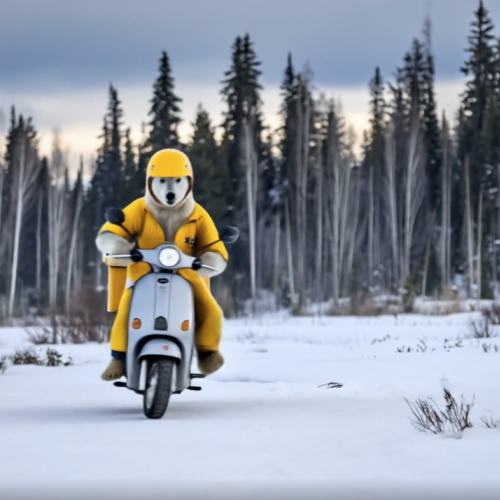

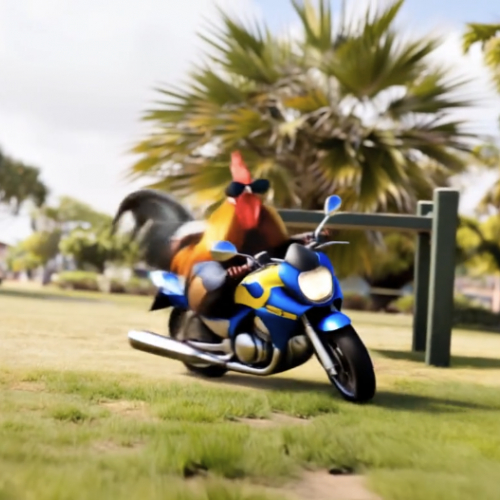
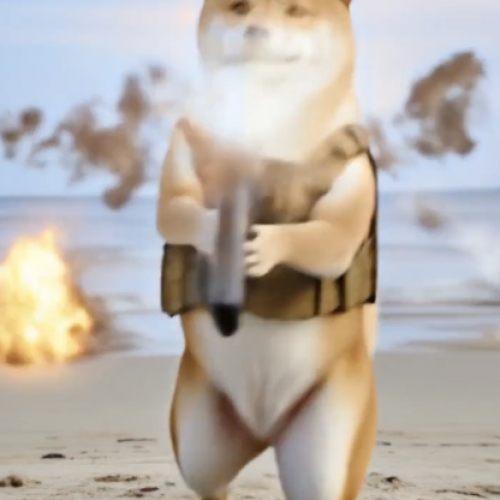




From a photo to a publishable video
Everything you need to turn any image into a video with effects.
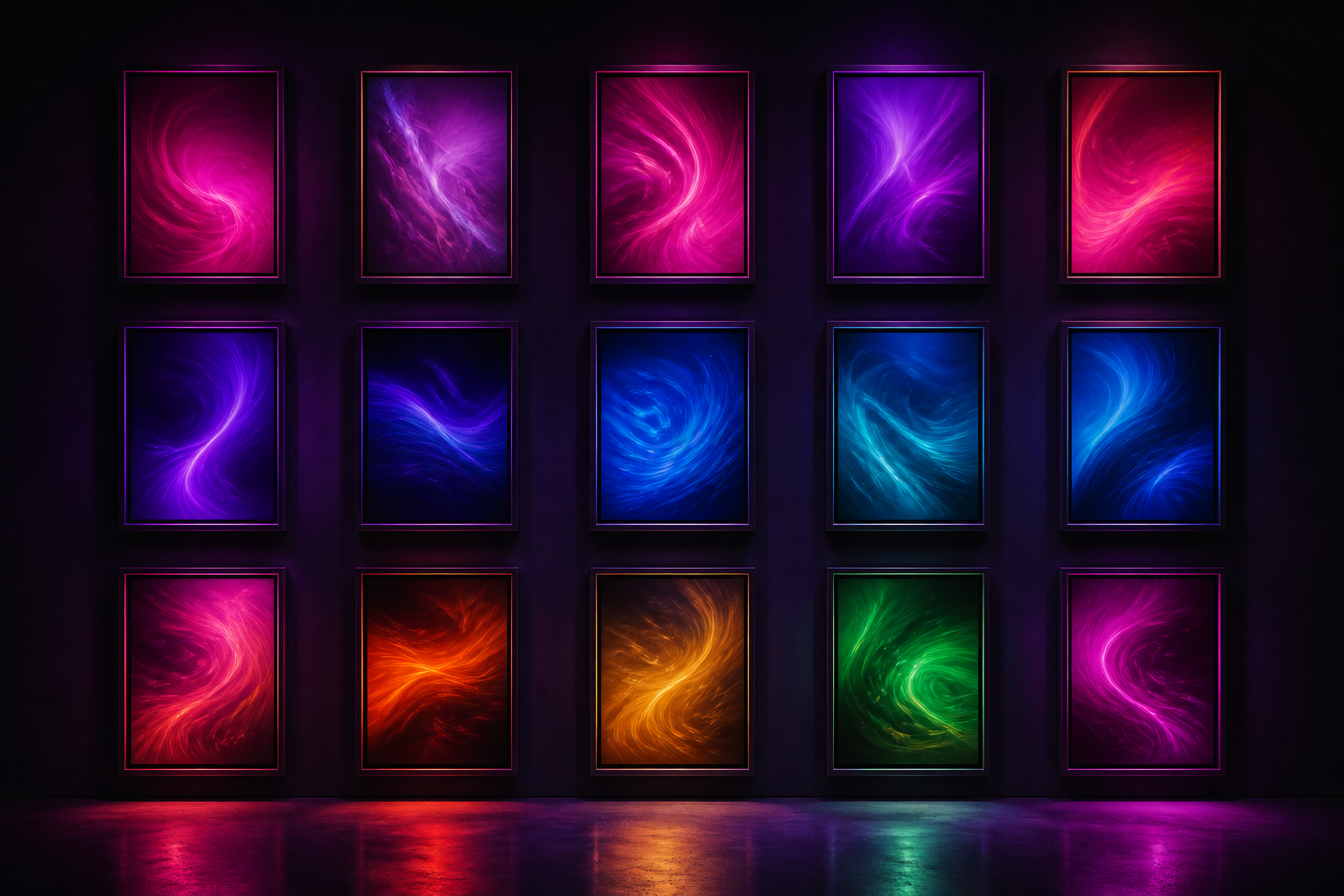
57 ready-to-use effects
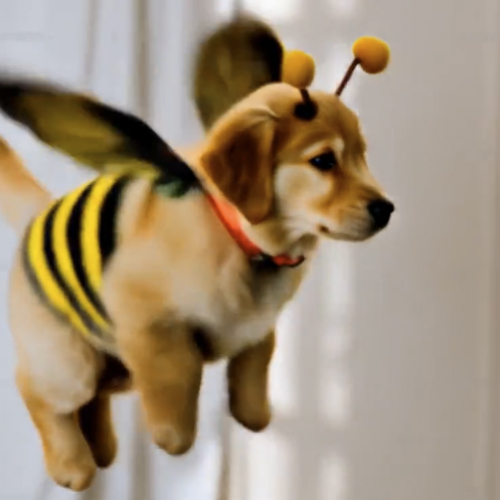
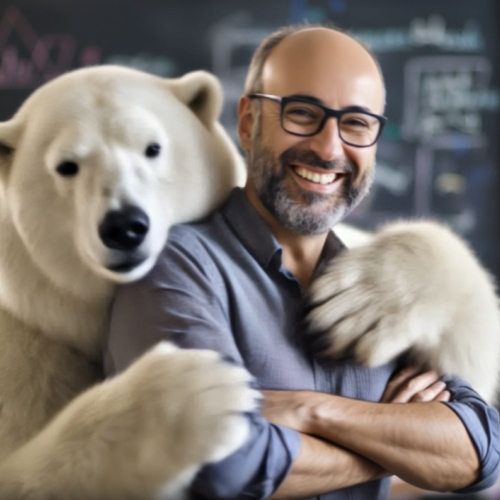
22 motion effects —slow zoom, orbit, 3D parallax, wind-blown hair, flame, breathing, product rotation— spread across cinematic, natural, expressive, and product, plus 35 viral scene effects. You choose the effect; the prompt is already written.
Your photo, from wherever you have it
Drag it, upload from your files, select it from the gallery, or take it with the camera without leaving the app. The format is validated, orientation corrected, and automatically optimized up to 10 MB.
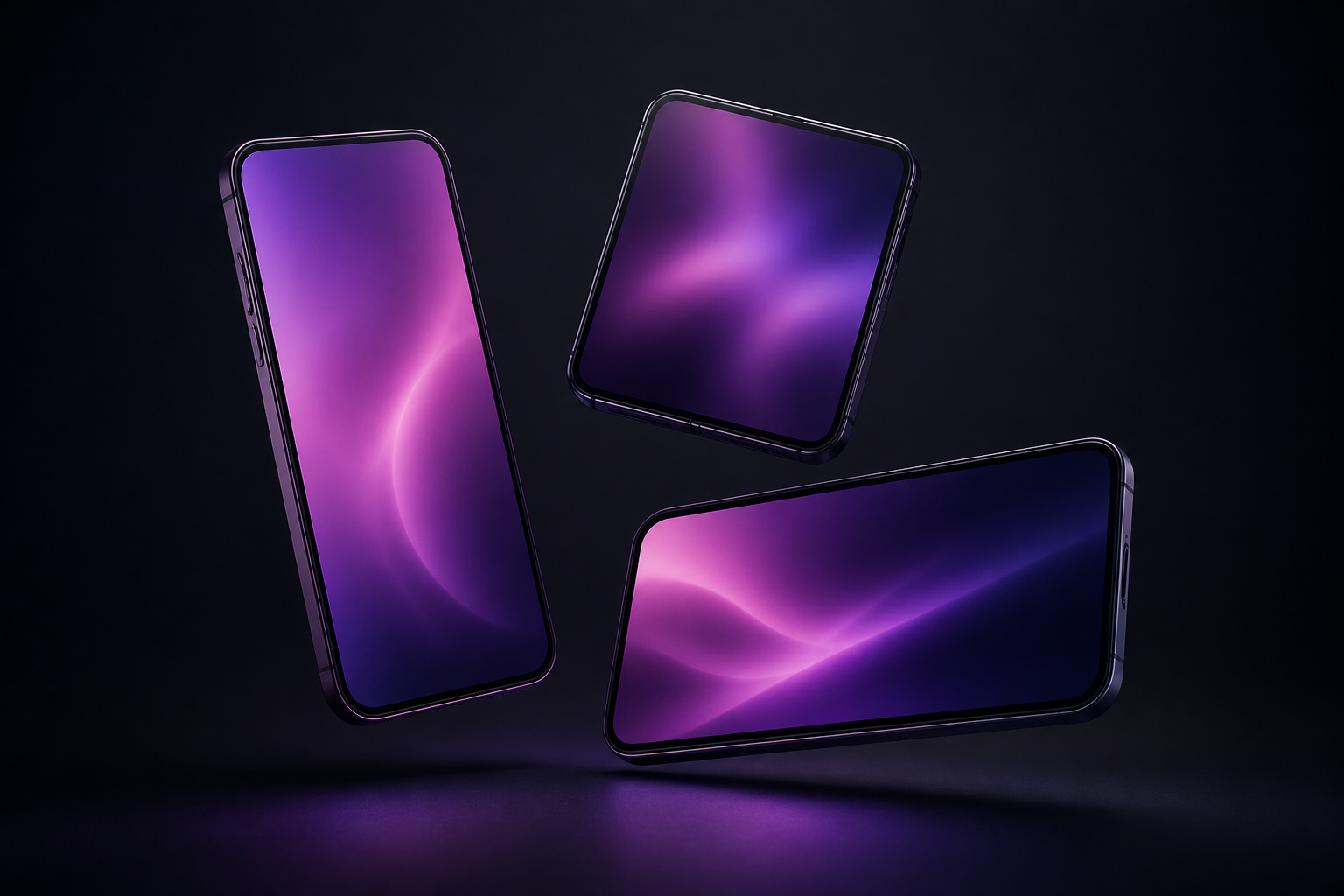
Format ready for social media
Choose original, 9:16, 4:5, 1:1, or 16:9 and the photo is cropped before generating. You follow the real progress with the remaining time and upon completion, you can play, download, or share the video with one tap.
Your video in three steps
Sign up
Create your free account in seconds and enter the app.
Upload your photo and choose effect
From mobile or computer. Adjust format and duration and see the exact cost before generating.
Download your video
Follow the generation in real-time and, when finished, play, download, or share it. It is saved in your history.
What users are saying
“I upload a photo from the shoot, apply the slow zoom, and in a minute I have the reel in 9:16. I've stopped opening the editor for things like this.”

“I use the 360 rotation and focus with the product photos I already had on the page. Video for the store without setting up a set or hiring anyone.”

“What helps me the most is the history: I leave three generations running, continue with something else, and then download them all together.”

Frequently Asked Questions
Turn your first photo into a video
Create your free account and try the effects with your own photos.