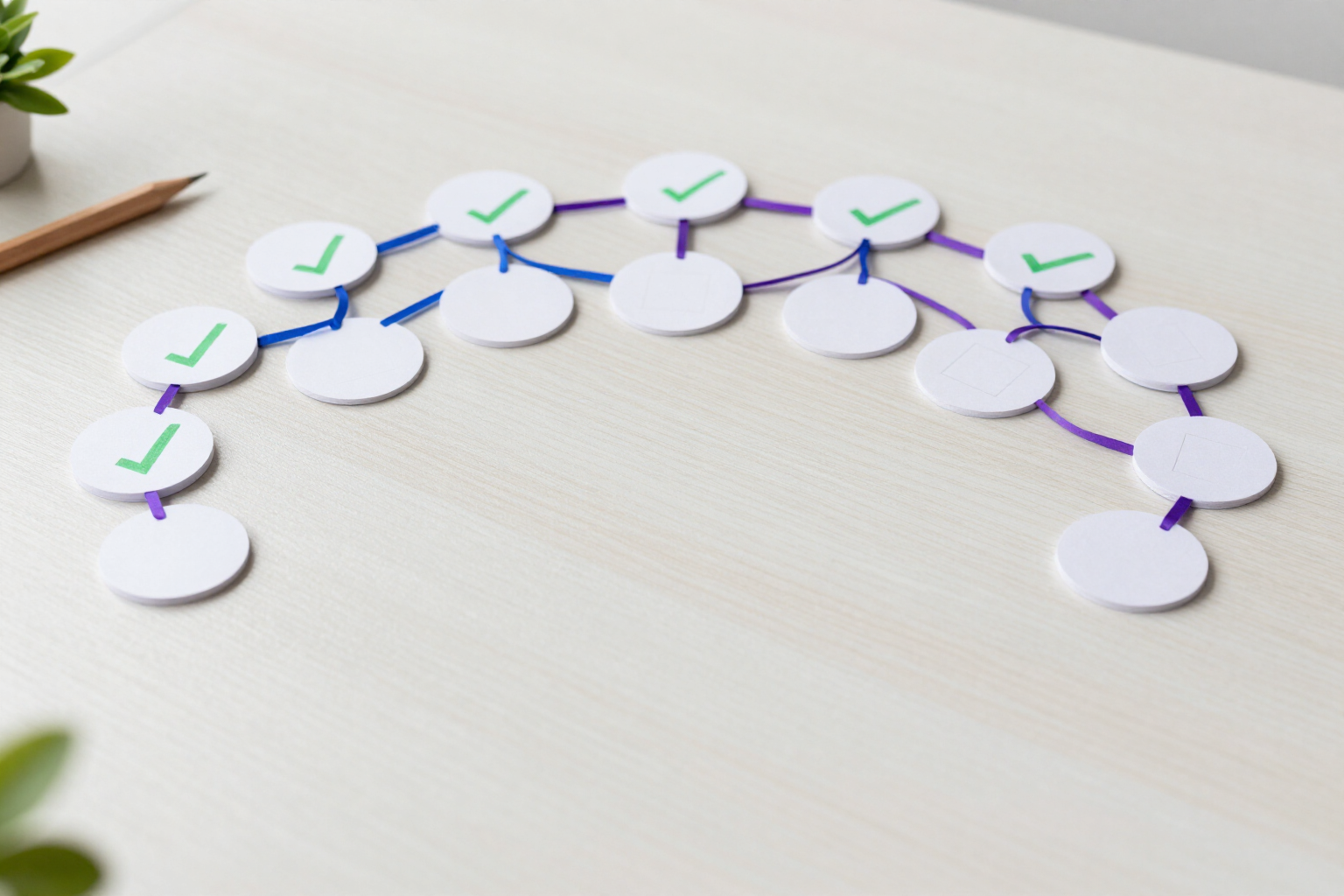
Tasks by node: turn each branch of the mind map into something you can mark as done
In aiMindMap, any node can be a task with its checkbox. One click marks it, the text fades, and the branch shows you how much you’ve completed.
A mind map tells you what needs to be done. Tasks by node tell you what’s left to do.
Each node in your map has three states: not a task, pending, or done. When you mark a node as a task, a checkbox appears in front of the text on the canvas itself. One click on that checkbox toggles it between pending and done —with a short vibration on the mobile— and the completed task fades and is crossed out, so at a glance, you can see which part of the map is already closed.
You can mark tasks wherever you work. On mobile, you open the edit sheet of the node and choose the state from a segment of three options. On desktop, the 'Task' button in the node bar cycles through the three states, and if you have multiple nodes selected, it changes them all at once. With the keyboard, just Ctrl+Enter (or Cmd+Enter) on the selected node, without taking your hands off the map.
Tasks don’t stay in the node: they rise up the tree. Each branch shows a counter of done tasks over the total of its subtree, so a phase with twelve tasks tells you '5/12' without needing to count them. The dashboard does the same at the map level: each card carries its progress and you can filter by maps that still have pending work.
And when you want just the list, there’s the Tasks view: the same tree filtered to what’s pending, keeping the branching to show what branch each item hangs from, with the ancestors faded out for context. From there, you can mark, change priority P1-P4, read the node note, or jump to the exact point on the map.
Benefits of Tasks by node
Mark without leaving the map
the checkbox lives in the node on the canvas, not in a separate panel. One click and done, with a confirmation vibration on mobile.
Three states, not two
a node can be a simple idea (without a box), pending task, or done task. You don’t fill the map with boxes that mean nothing.
Automatic branch progress
each parent node shows done/total of everything hanging from it. The progress of a phase is read on the map, without spreadsheets.
Task view with context
the pending list maintains hierarchy and shows the completed ancestors, so you know what each task belongs to before you tackle it.
Shortcuts for speed
Ctrl+Enter marks the selected node and multiple selection turns an entire branch into tasks in one go.
Tasks come out of the map with you
exporting to Markdown writes the boxes as [ ] and [x], and the PNG and PDF draw them exactly as you see them.

Your next mind map can check its own boxes
Create your free account on aiMindMap, turn a topic or a PDF into a mind map, and check off your first task today.