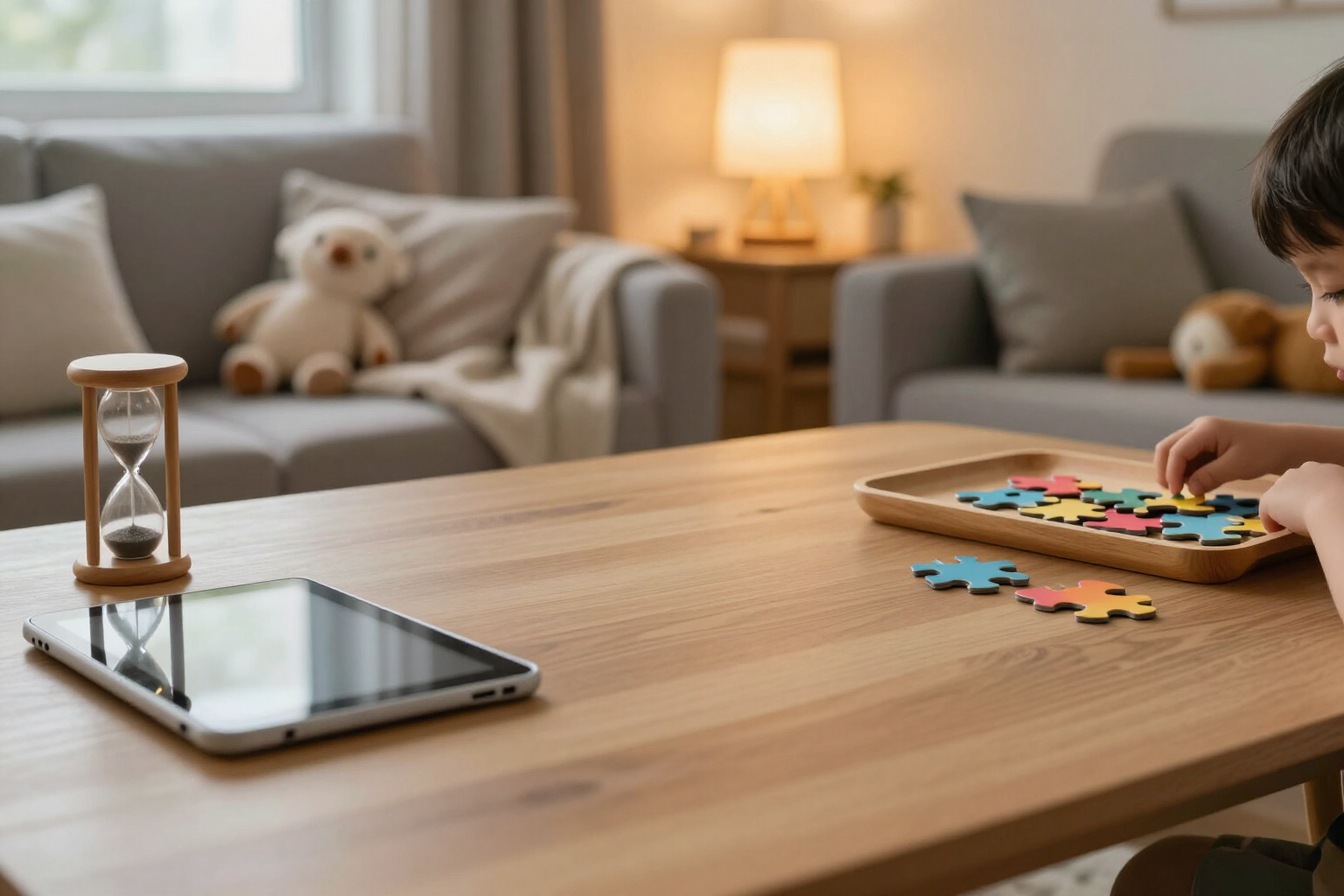
Set the limit of minutes and puzzles per day, and the app will comply
In Zuki Puzzles, you decide how much your child can play each day: minutes, number of puzzles, or both. The app only counts the time they are truly playing, gives a warning before finishing, and says goodbye with a kind message instead of abruptly cutting off the screen.
The 'five more minutes' is no longer a negotiation: you set the limit, and the app enforces it.
Within Zuki Puzzles, there are two daily limits set by the adult from the family zone, behind the parental gate. The first is time: minutes per day, choosing from unlimited, 15, 30, 45, or 60. The second is quantity: puzzles per day, among unlimited, 3, 5, or 10. You can activate only one, both, or none, and the change is applied instantly, without a save or restart button. Below the two selectors, you always see what has been consumed today: 'Today: 18 min · 2 🧩'. The counted time is actual playtime, not just app open time. The counter progresses in 30-second increments and only while the app is in the foreground: if the child switches tabs, minimizes, or locks the tablet, the counter stops. The count does not reside on the device; it lives on the server associated with the profile: closing the app, reloading it, or restarting the tablet does not restore minutes. The server also limits each increment it receives to a maximum of two minutes, so the counter cannot inflate, and it discards any date that arrives more than 36 hours ahead, replacing it with its own. The day closes at midnight on the device: advancing the clock does not grant time, but changing the system date does open a new day, so the limit relies on the device settings being out of the child's reach. Before reaching the end, there is a warning, not a surprise. At the top, the remaining puzzles are shown as dots that fade away, and when the remaining minutes drop below 10, they appear next to a moon: '7 min'. If the child is assembling a puzzle and there are 5 minutes or less left, the warning is also shown within the game. When the limit is reached, there is no slam: Zuki appears asleep with the message 'Time to rest your eyes! Come back tomorrow', which is also read aloud for those who cannot read yet. And there's an important detail at home: the closure never interrupts the puzzle in progress or the victory screen; it waits for the child to finish what they are working on. If the day needs to be stretched, on that same screen there is a discreet link, 'I am a parent', which opens the parental gate: a sum of two numbers up to two digits that a small child cannot solve at first, and it locks for 30 seconds after three failures. Passing it grants 10 more minutes, and if what was exhausted was the puzzle limit, the concession unlocks the game and allows one more puzzle to be assembled before closing again. These extra minutes expire automatically when the day changes, so an exception today does not become the new limit for tomorrow. Each profile has its own limits—up to 8 children on the same device—and each has its own daily account.
Benefits of Daily time limit
Minutes per day at a touch
unlimited, 15, 30, 45, or 60. Changed from the family area and applied immediately, without saving or restarting.
Daily puzzle cap apart from time
no limit, 3, 5, or 10. Useful when what you want to limit is not the minutes, but how many games fit in before dinner.
Tracks time played, not time app is open
the counter advances in 30-second increments and only with the app in the foreground. If the child minimizes or locks the tablet, it stops.
The account lives on the server, not on the device
closing the app, refreshing, or restarting does not return minutes. Each increment is limited to two minutes and dates more than 36 hours in the future are discarded.
Alerts before finishing
dots that turn off with the remaining puzzles, and the remaining minutes next to a moon when they drop below 10 (or below 5, already in the game).
Gentle closure instead of a black screen
Zuki falls asleep and the message is read aloud. And it never cuts off the ongoing puzzle or celebration: it waits for the child to finish.
"10 more minutes" only for adults
the button is behind a sum of two numbers up to two digits, which locks for 30 seconds after three failures. If the exhausted limit was for puzzles, the concession allows one more puzzle to be assembled.
A limit per child and daily reset
up to 8 profiles with their own limits, and any extra minutes you grant expire when the day changes.

Decide today how much will be played tomorrow
Create your child's profile, enter the family zone, and set the minutes and puzzles for the day. Free, ad-free, and no in-app purchases.