Storyboard Ads Studio · Video ads made scene by scene

For creators and marketing teams that need fresh visual ads without shooting or editing: you tell your idea, the AI breaks it into scenes, generates the frame for each one, animates it, and returns the ad assembled with voice, music, and text.
 Storyboard Ads Studio
Do you have the ad idea in your head but no one to shoot or edit it?
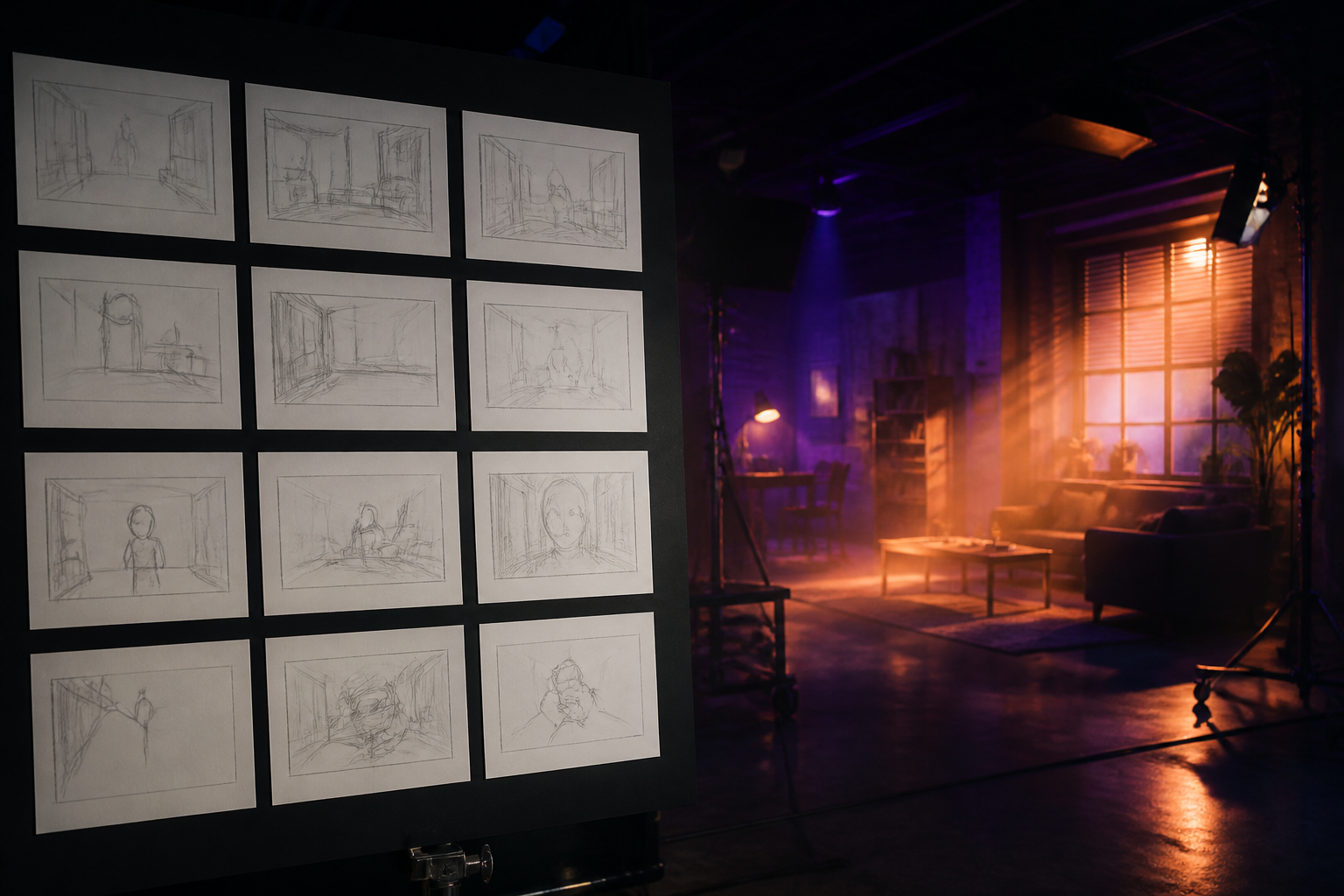
Storyboard Ads Studio works like a production company: first the storyboard —the AI suggests the scenes of your ad and you change them, reorder them, or write them by hand— and only when you're happy with it is the image generated. Then each scene becomes a frame, the frame becomes an animated clip, and all the clips become a single video with narration, music, subtitles, and your logo.
Start for freeDiscover every feature in detail
Create an Ad from a URL, Script, or Reference Video
Start your video ad from what you already have: describe it, paste the product URL, upload the script in PDF or Word, or upload a reference ad and clone its structure. AI provides the storyboard scene by scene.
View feature
AI Quick Ad Draft in 3 Scenes | Storyboard Ads Studio
Activate Quick Draft and the app generates a 3-scene video ad with automatic settings, in the background, and notifies you when finished. Validate your idea before polishing it.
View feature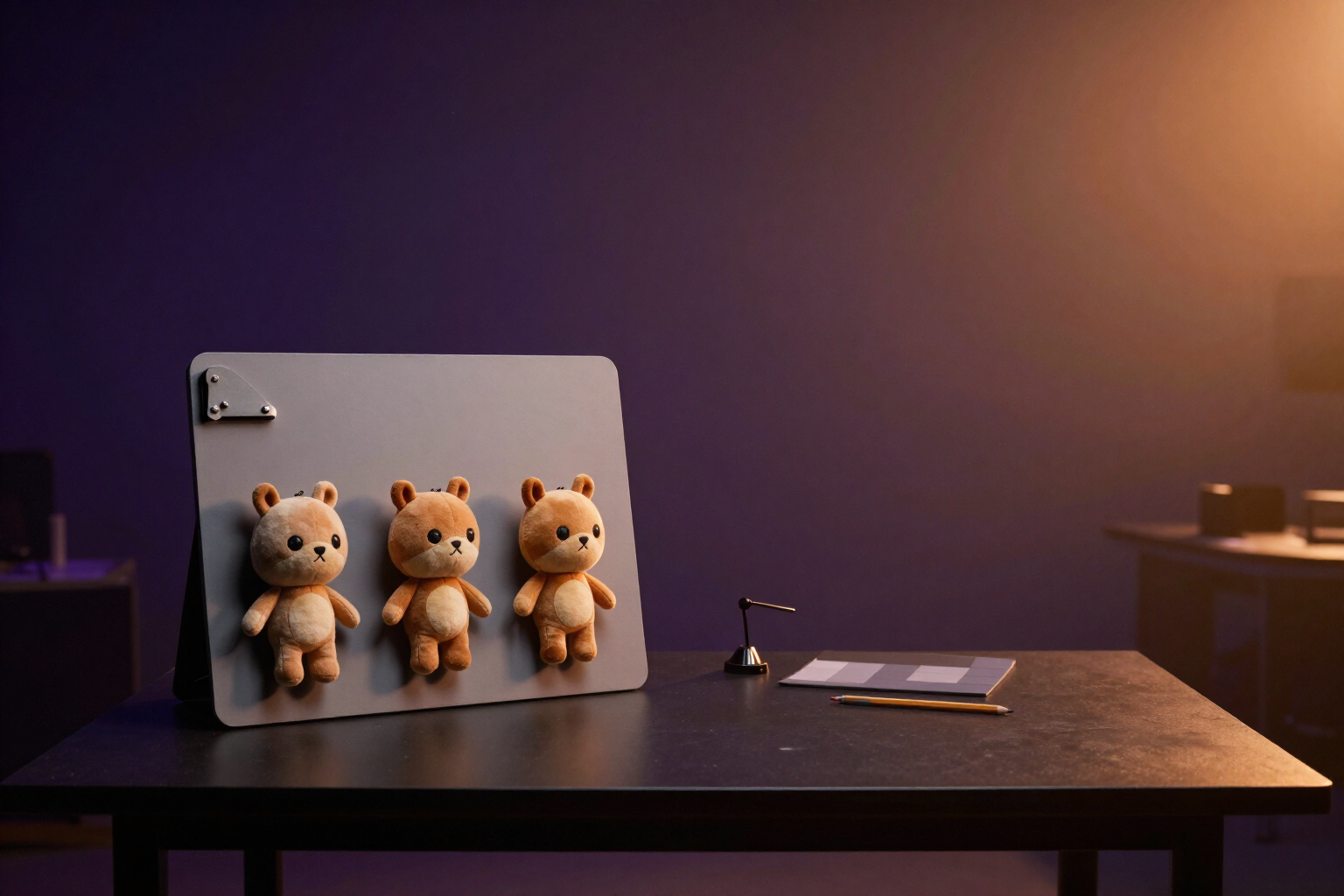
Consistent Characters in AI Ads | Storyboard Ads Studio
Define your brand mascot, spokesperson, or product once: the AI generates its three-view character reference sheet and keeps it consistent across all scenes of your video ad.
View feature
Edit your storyboard by talking: chat assistant with voice dictation
Request changes to your ad via chat or by dictating them into the microphone: the assistant proposes a plan and applies it to all scenes at once. Free to start.
View feature
A/B Variants for Video Ads and Batch Generation with Variables
Test two hooks, two CTAs, or two styles of the same ad without regenerating it, and generate one ad per product with {producto} and {precio} in batches of up to 20 rows.
View featureFrom idea to video ready to publish
The entire process of a video ad, without a camera, without actors, and without a timeline.
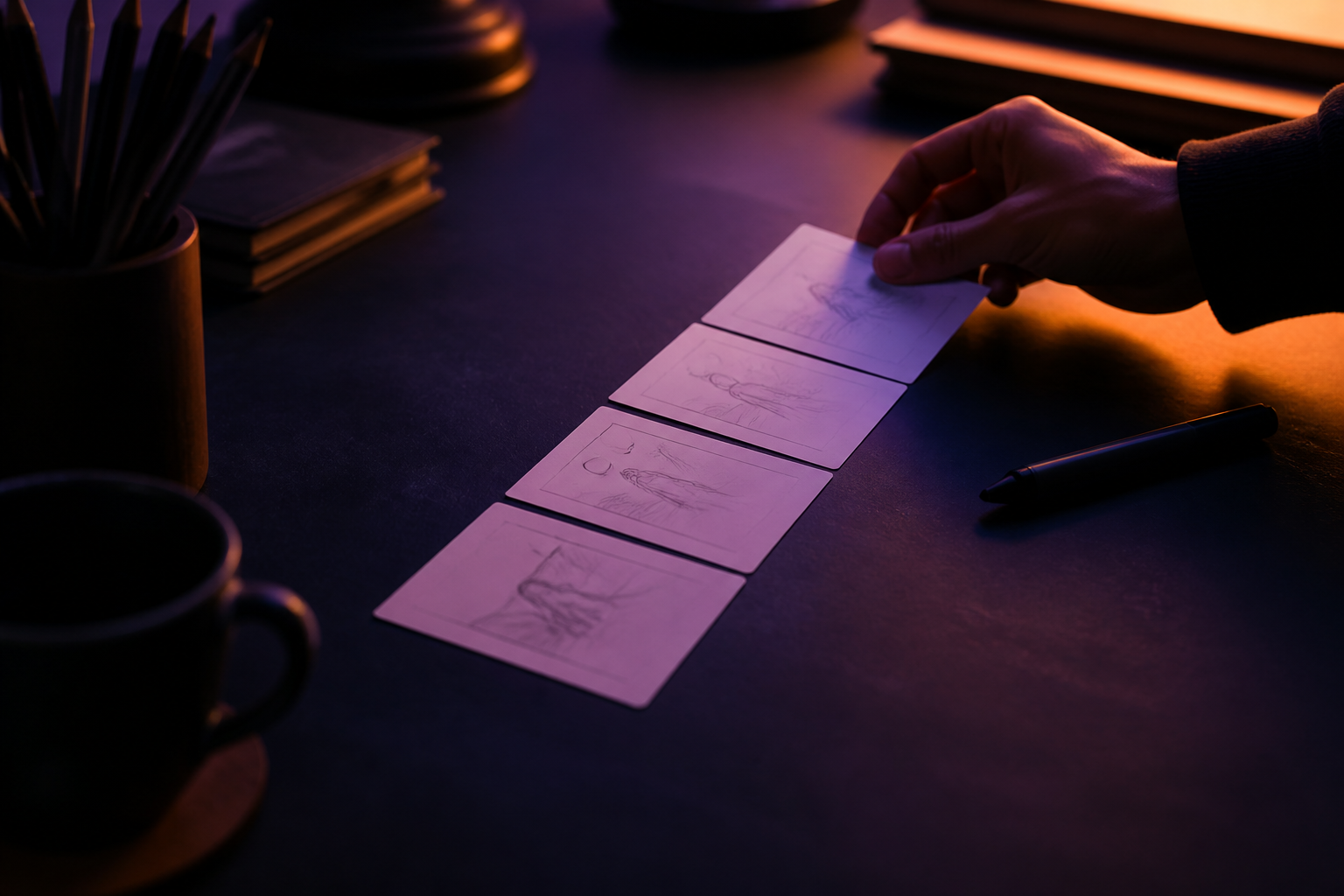
First the storyboard, then the spend
Describe your ad, paste your product URL, upload a script in PDF or Word, clone the structure of a reference ad, or start from one of the 8 narrative templates. The AI suggests 3 to 8 scenes with their shot, movement, and duration; you edit them, reorder them, or ask the assistant for them via chat before generating anything.
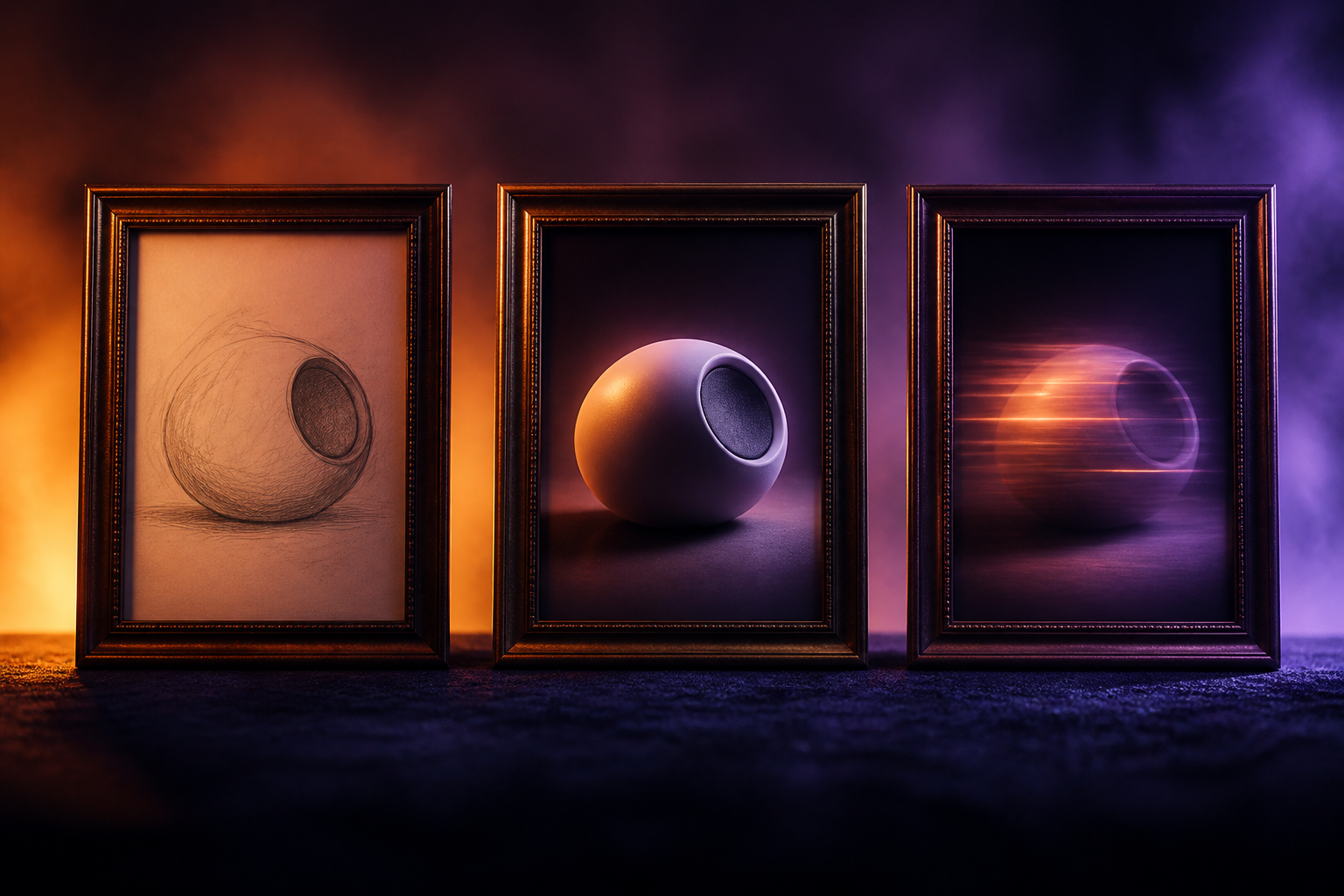
Frame, animation, and characters that don't change
Each scene is generated as an image in one of the 10 visual styles, using your sketch as a reference if you upload it, and is animated with one of the 11 camera movements or one of the 7 transformation effects. Your product and your characters are defined once and remain recognizable in all scenes.
Final assembly with voice, music, and text
The scenes are joined with transitions, and on top go the narration with AI voice, music from the Jamendo library with automatic ducking under the voice, subtitles, titles, and your logo. You export in 9:16, 16:9, 1:1, or 4:5, in 720p, 1080p, or 4K, with short versions, variants to test, and the same ad in up to five languages.
Your first ad in three steps
Sign up
Create your free account in seconds and get into the app.
Describe your ad
Describe the idea, paste your product URL, or upload the script. The AI returns the storyboard scene by scene so you can adjust it to your liking.
Generate and download
Generate the frames and clips, assemble the ad, and download it in the format for the platform where you're going to publish it.

Who is it for?
Built for these profiles
Frequently Asked Questions
Latest blog articles
Guides and news to get more out of it
AI-generated video ads: what you need to label before December 2, 2026
What Article 50 of the AI Regulation requires you to label in your video ads, what can be technically marked, and a checklist before December 2.
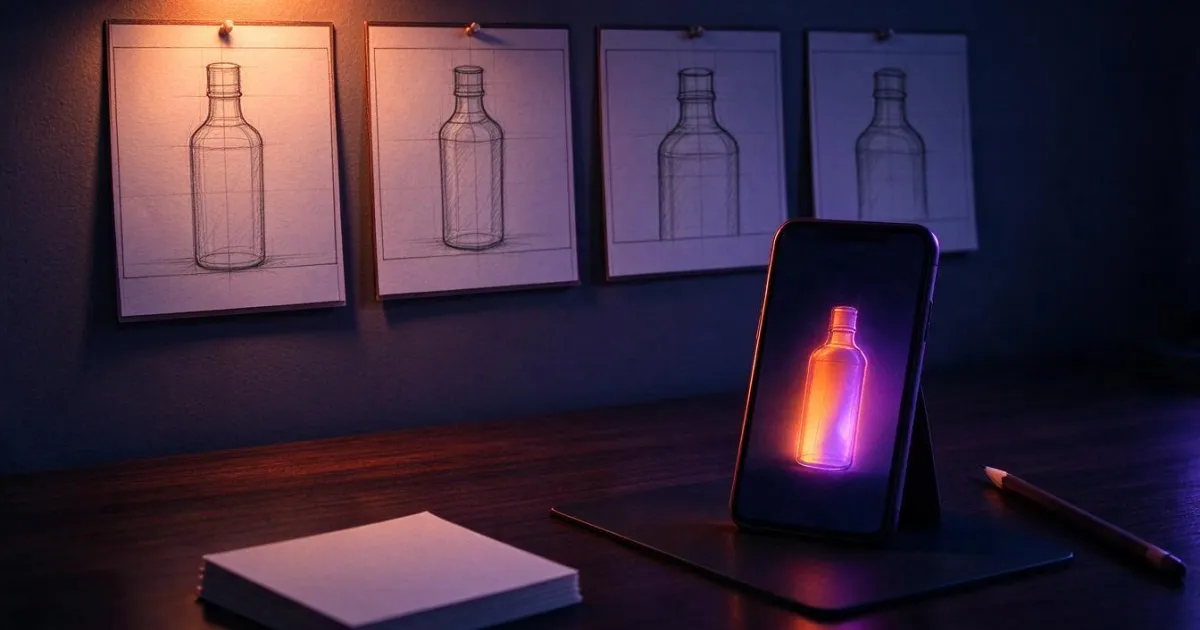
How to Create a Storyboard for a Video Ad (and Turn It into a Video Without Shooting)
Practical guide to advertising storyboards: 4-part structure, how many scenes and seconds, how to describe each shot, and how to turn it into a video without shooting.
Describe your next ad, scene by scene
Create your free account and put together your first ad today.