
KDP Author Studio · write your complete book and upload it to Amazon KDP

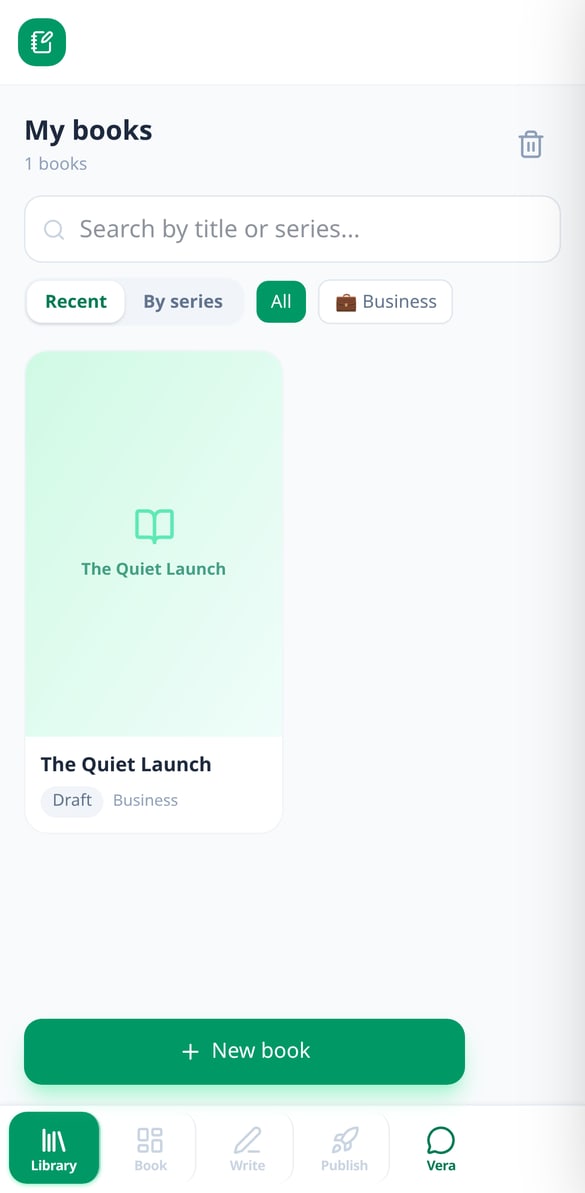
For authors and entrepreneurs who get stuck between chapter three and layout: the AI writes with you chapter by chapter without losing the thread of what's already written, and in the end delivers the interior PDF, the cover PDF with the calculated spine, and the EPUB ready to upload to Amazon.
Do you start a book with excitement and abandon it at chapter three?
Books don't get left half-finished for lack of ideas, but because each chapter is harder than the last and because, once it's finally written, you have to format it, calculate the spine, and wrestle with Amazon's specifications. KDP Author Studio handles both halves: it generates the outline and writes each chapter remembering everything you've already written, and then delivers the files KDP accepts without you opening a formatting program.
Start for free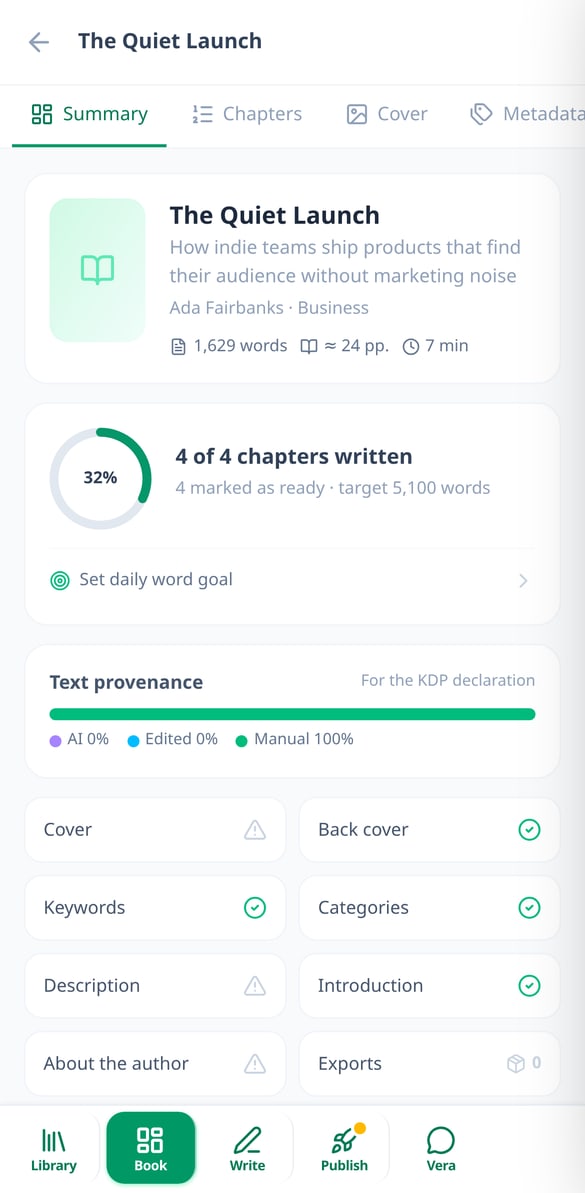
Discover every feature in detail

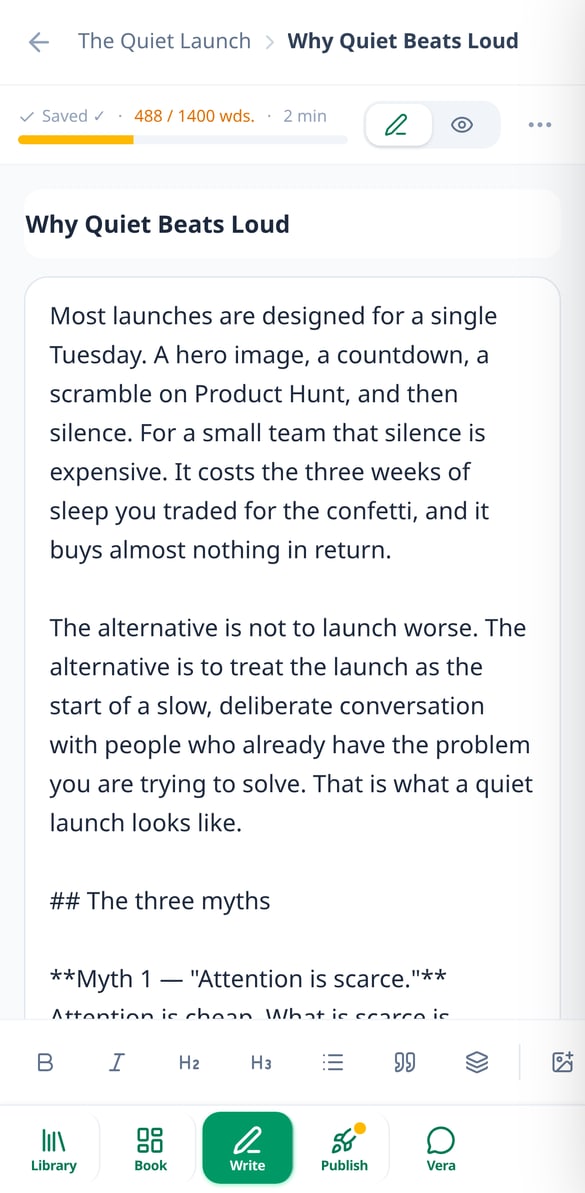
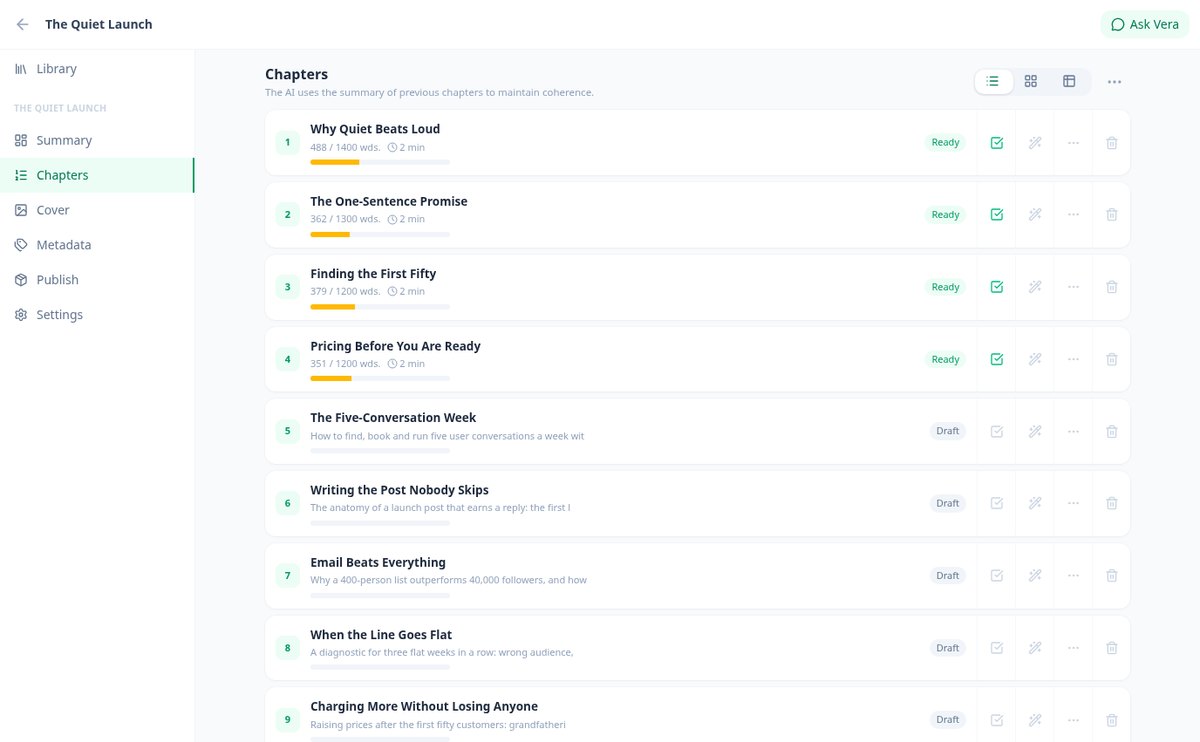
Write a novel chapter by chapter with AI that remembers the entire book
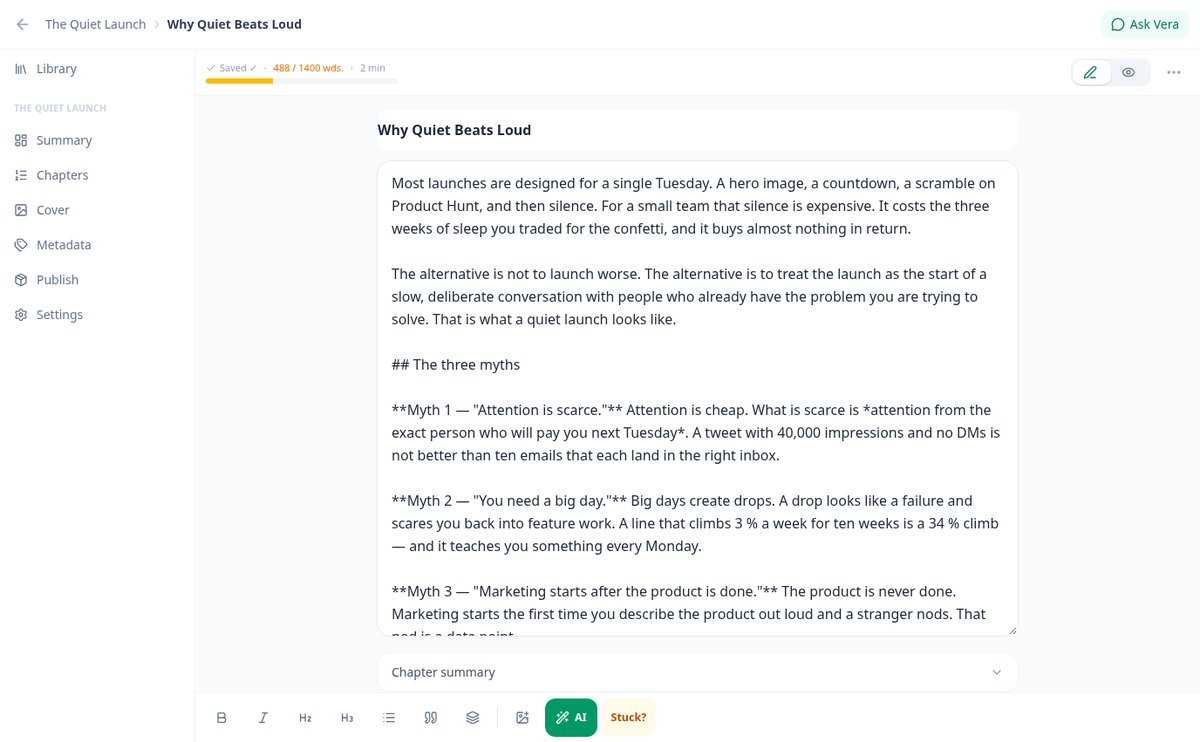
Write your novel chapter by chapter with AI that remembers what came before: summaries of all previous chapters, character/place Codex, and your author voice.
View feature
Character entries and worldbuilding with AI: Your book's Codex
Create entries for characters, places, objects, lore, organizations, and events with AI-generated portraits. The Codex is automatically injected into each chapter and maintains consistency for the entire book.
View feature
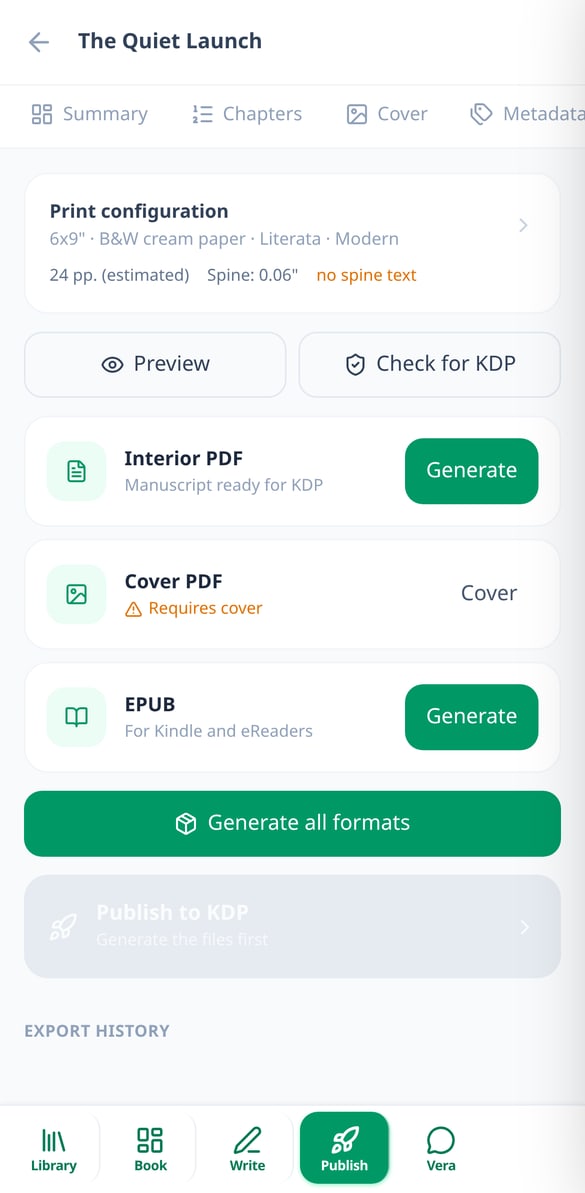
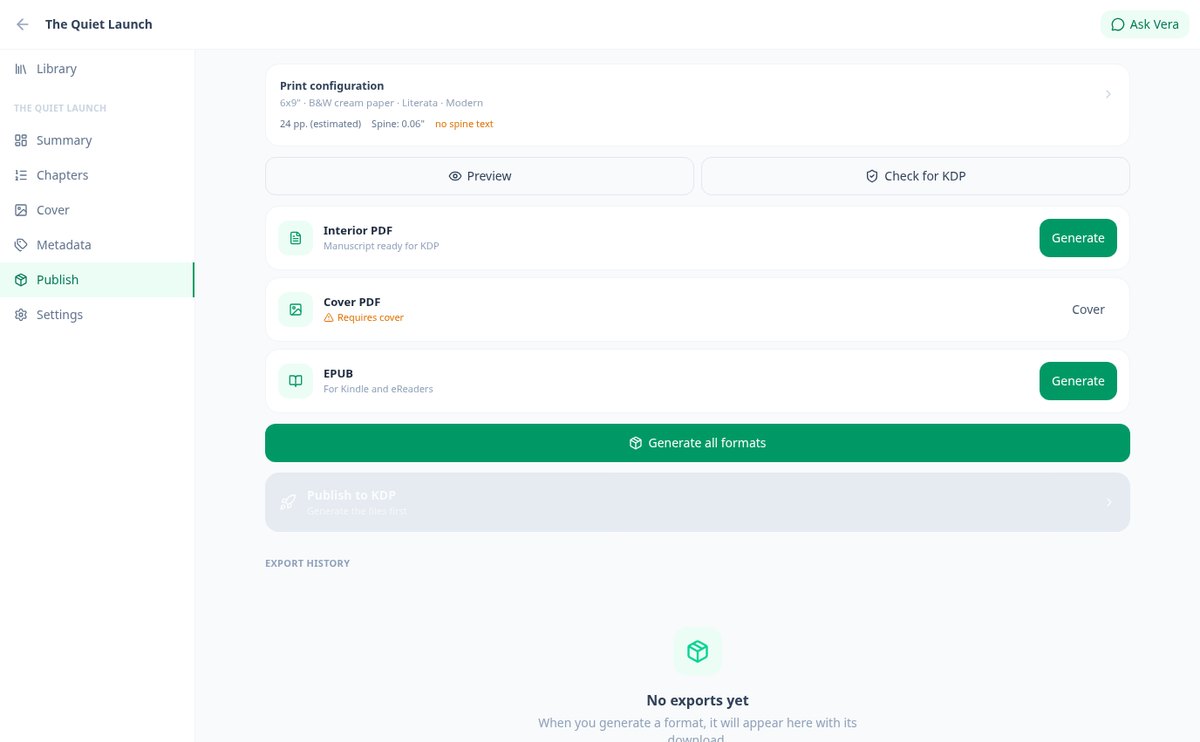
Export a Book to PDF and EPUB for Amazon KDP with Calculated Spine
Generates the paginated book interior PDF, the full-wrap cover PDF with the spine calculated according to your pages and paper, and the accessible EPUB 3, ready to upload to Amazon KDP.
View feature
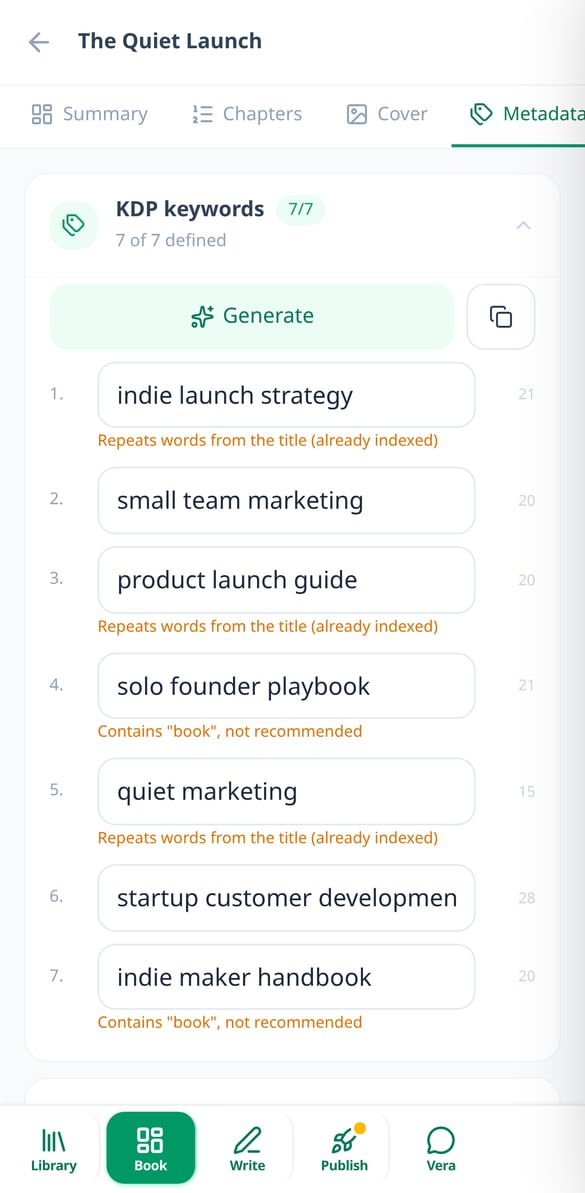
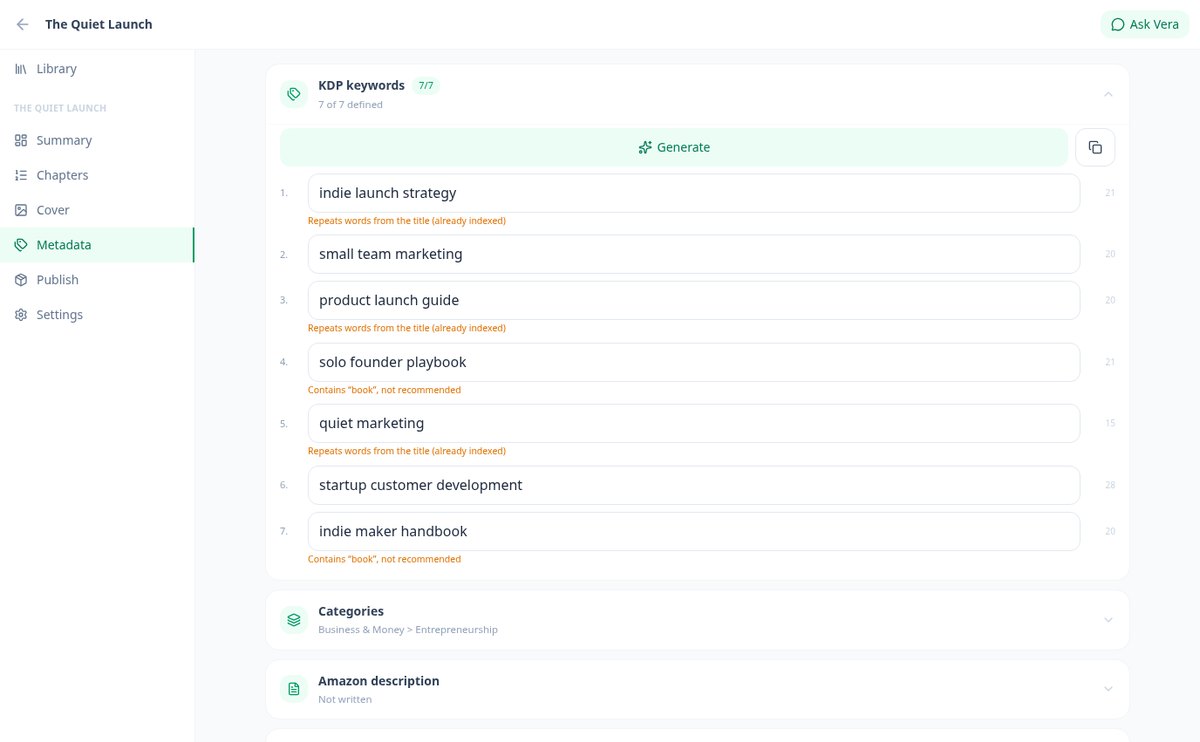
Amazon KDP backend keywords, categories, and description generated with AI
Generate with AI the 7 Amazon KDP backend keywords, 3 BISAC categories, HTML description, Amazon A+ Content, author biography, and your book’s back cover text, validated against Amazon KDP rules.
View feature
AI Editorial Review: Grammar, Style, Coherence, and Beta Readers
Review your chapter with AI in 6 modes: spelling, style with real metrics, coherence against your Codex, editorial critique, beta readers, and market adaptation.
View featureEverything that happens between the idea and the published book
Three things a generic chat can't solve for you: consistency across two hundred pages, files that meet KDP specifications, and an Amazon listing that gets found.

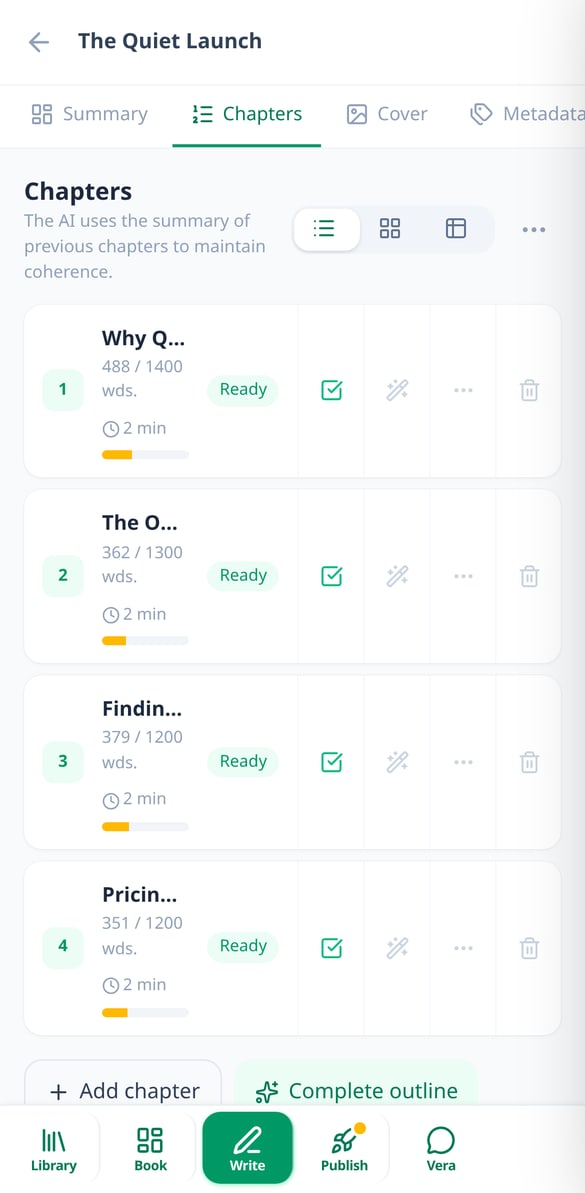
Chapters that remember what came before
Describe your idea and the AI proposes complete concepts with their chapter outline. From there, each chapter is written with the summary of all previous chapters, the book profile, your voice profile, and the Codex entries for characters and places that appear in that scene. You can replace, continue from where you left off, or expand just one paragraph, and every version is saved in case you want to go back.

Files ready to upload to KDP
The app formats the interior as a PDF with the margins and gutter Amazon requires, title page, copyright page, and table of contents with real page numbers; it generates the full cover PDF with the spine calculated according to the pages and paper type, with bleed and the barcode clear zone; and exports EPUB 3 for Kindle. Six page sizes, five licensed fonts, and six layout themes.

Cover, metadata, and review before publishing
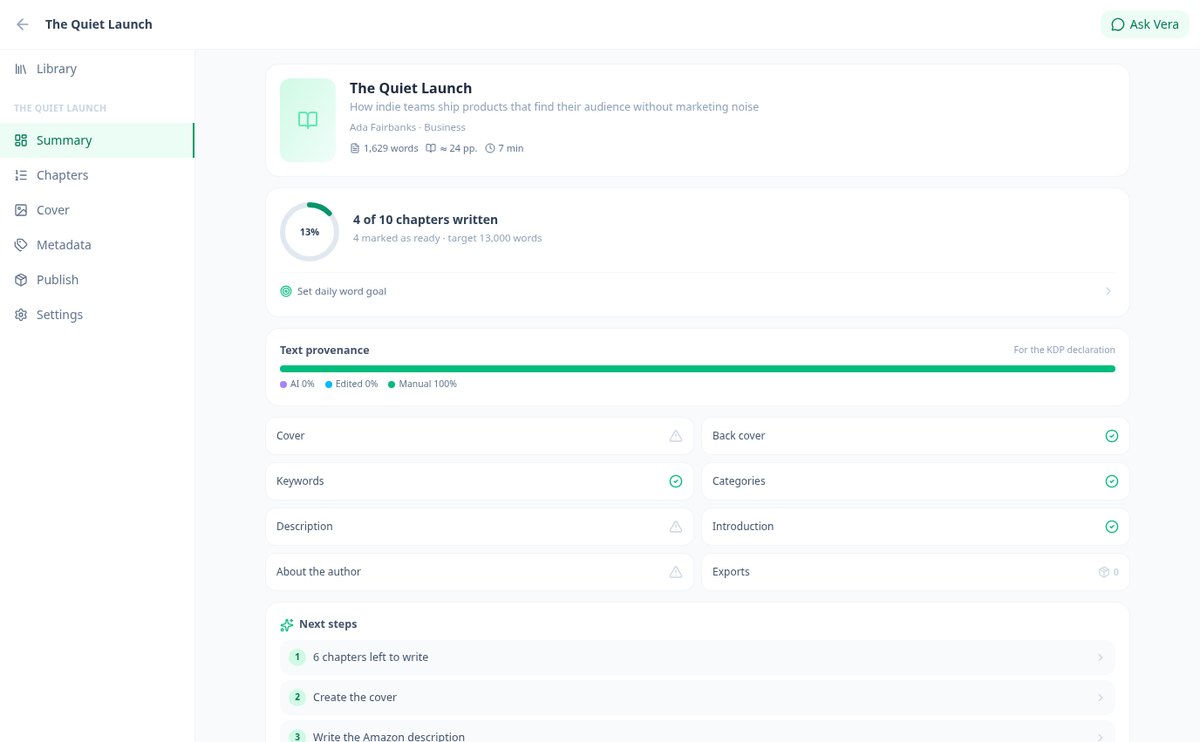
Generate the cover with AI or upload your own, write the 7 keywords, categories, Amazon description, and author bio, and pass the KDP checker: empty chapters, text on the spine, image resolution, alt text, copyright page, table of contents, and outdated exports. Vera, the app's editor, also reviews your grammar, style, and consistency and gives you an editorial critique chapter by chapter.
Your book in three steps
Describe your idea
Write what your book is about and choose the type: business, self-help, novel, guide, educational, memoir, children's, or coloring. The AI returns three concepts with a title, angle, and chapter outline.
Write the chapters
Generate each chapter and revise it in the editor; the app keeps the thread with summaries and the Codex, and saves a version each time. Add interior images whenever you want.
Download and publish
Cover with spine, metadata, KDP verification, and download of the interior PDF, cover PDF, and EPUB to upload them to Amazon.

Who is it for?
Built for these profiles
Frequently Asked Questions
Latest blog articles
Guides and news to get more out of it

Declaring AI on Amazon KDP: What You Need to Check in 2026 (and What Not to)
2026 Guide to Declaring AI on Amazon KDP: What to Declare (text, images, translation), What Not to, the Nine Doubtful Cases, and the Checklist Before Uploading.

How to Format a Book for Amazon KDP: Margins, Gutter, Spine, and Bleed with Exact Measurements
Margins, gutter, spine, bleed, and DPI for Amazon KDP with exact figures and formulas, plus the checklist to ensure your book isn't rejected upon upload.
Start your book today
Create your free account and have your book's full outline in a few minutes.