
aiToHealth — Family medical history with AI · Your family's medical reports, organized and explained

Take a photo of the report: aiToHealth reads it, tells you what to highlight, and connects it with that person's entire history.
Could you tell what came back high in your mother's last blood test?
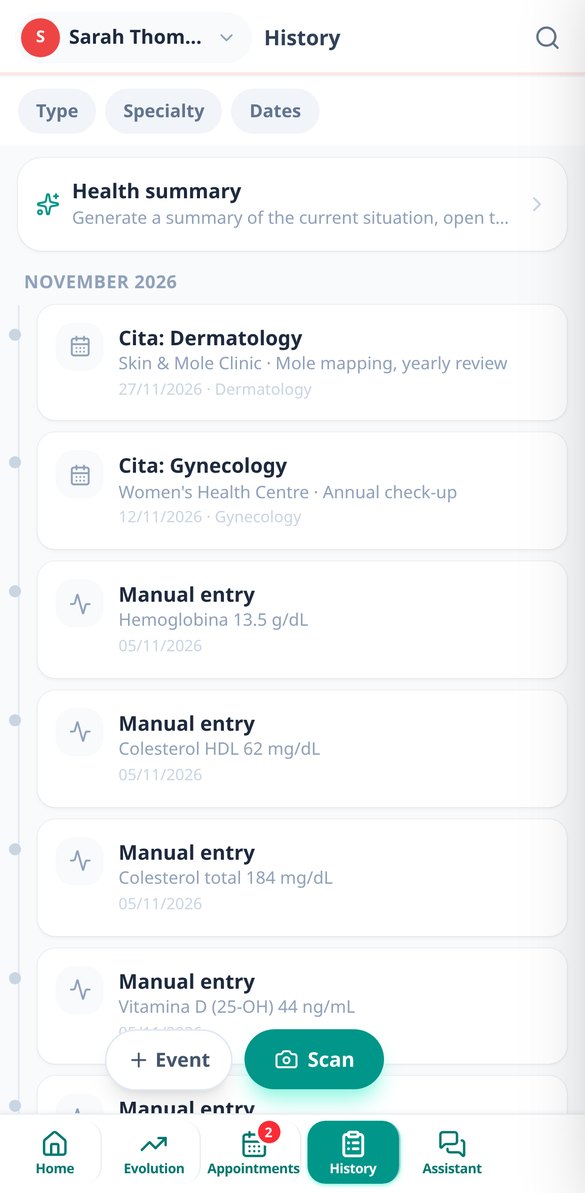
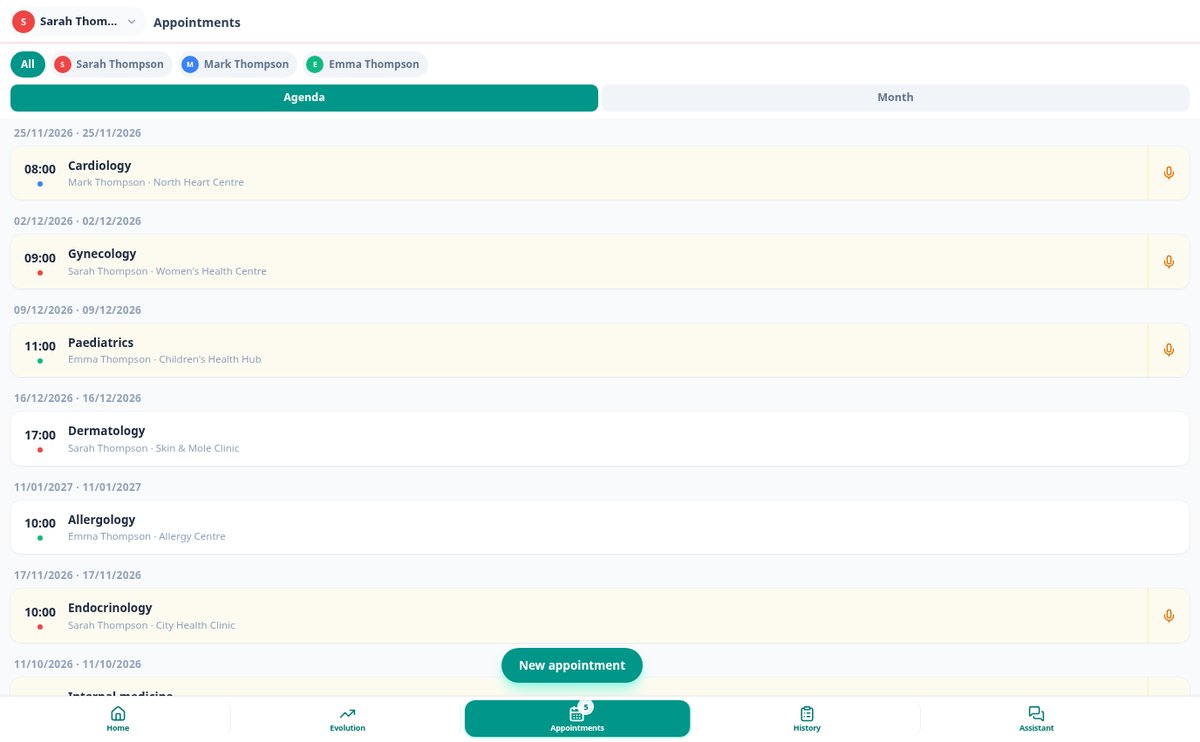
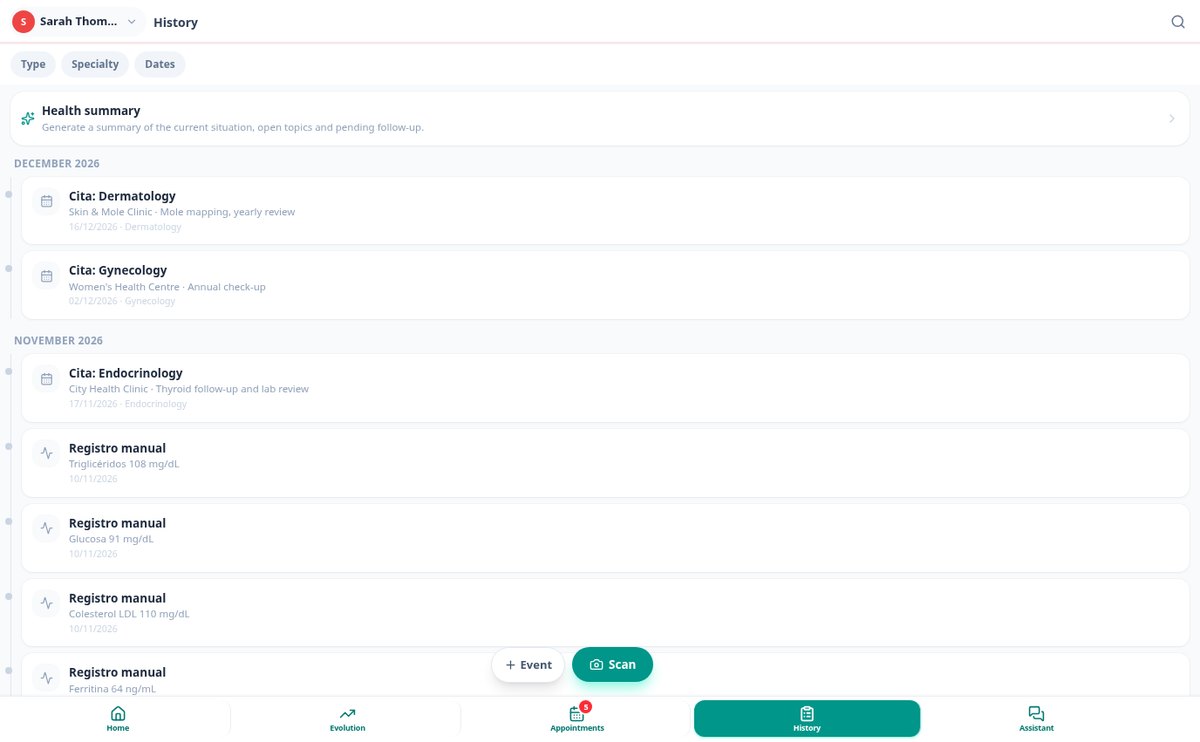
A family's reports end up scattered across email, phones, and a drawer, and you arrive at the appointment without context. aiToHealth brings everything together under one profile per person: it extracts the values from each blood test, explains in plain language what it says, flags what is out of range, and charts it alongside everything before. It also keeps the appointment calendar for the whole household and saves what was discussed at each appointment.
Start free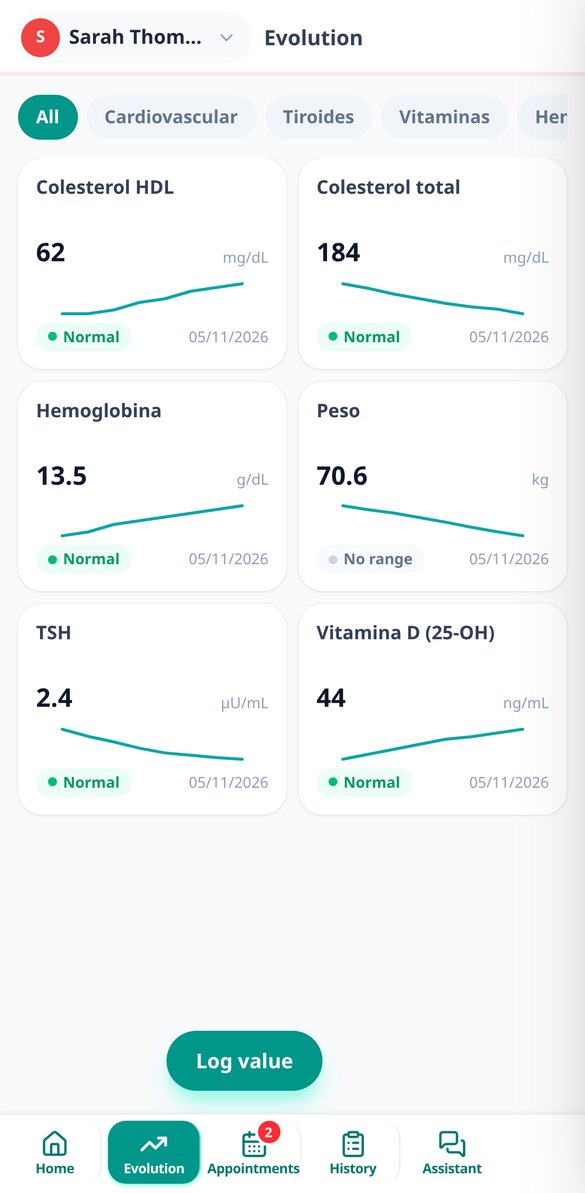
Discover every feature in detail

Family Profiles in aiToHealth: A Medical History Per Person
Save the medical history of each family member in their own profile, with identifying colour, photo, date of birth, sex, height, and blood type. Automatic age and reference ranges by sex.
View feature
Scan Blood Test Reports with AI: Extract Values from Your Medical Report
Upload a photo or PDF of your blood test report, and aiToHealth’s AI vision extracts each test parameter with its value, unit, and reference range, plus the medical centre or laboratory, date, and doctor. You review it before saving.
View feature
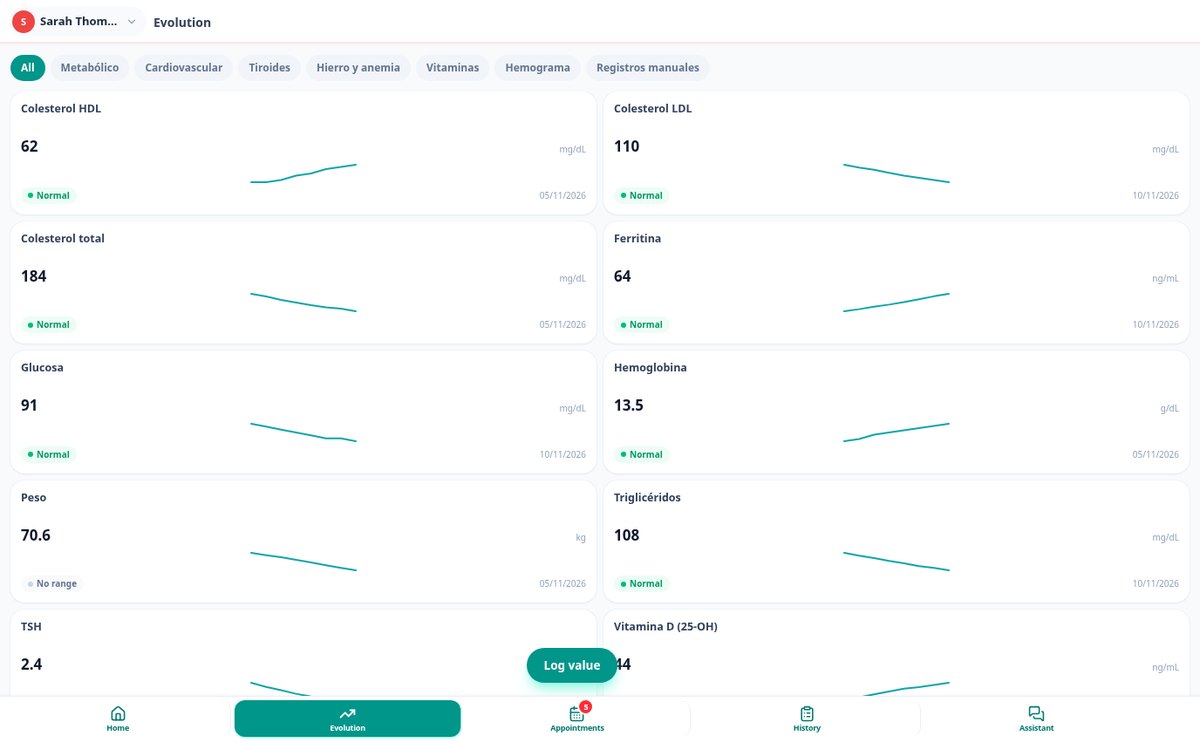
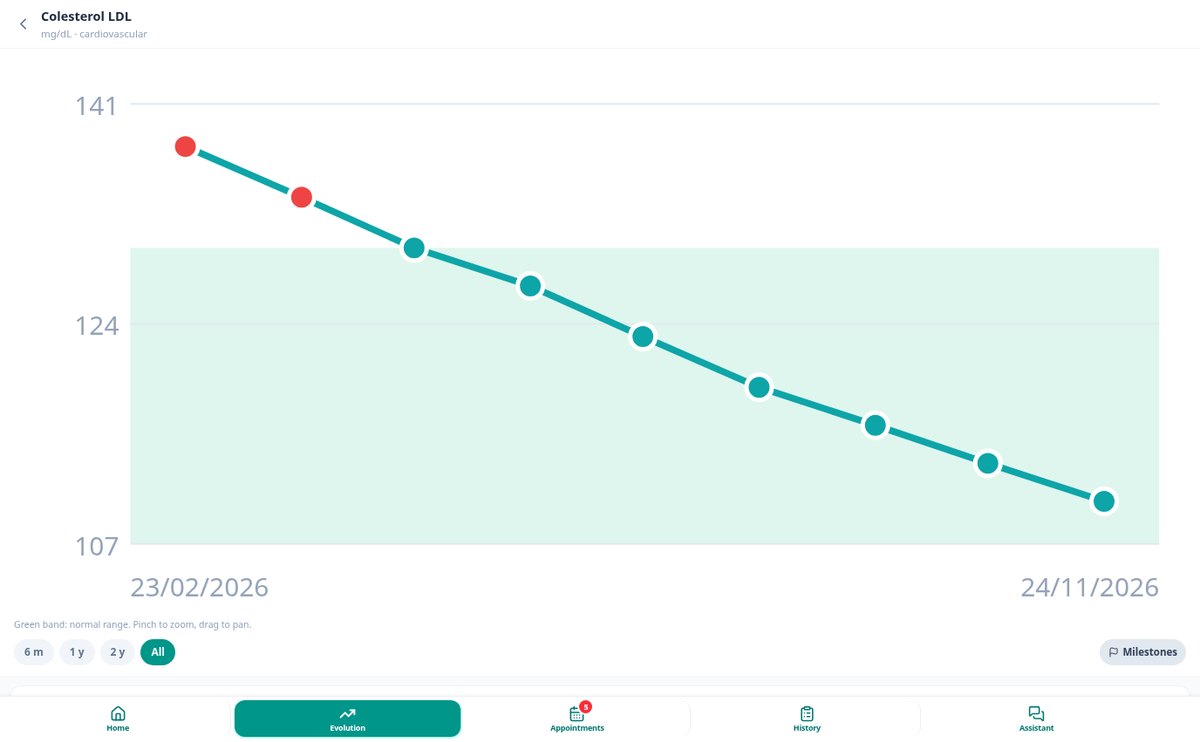
Lab Test Evolution Chart: Your Values with Reference Range and Trend
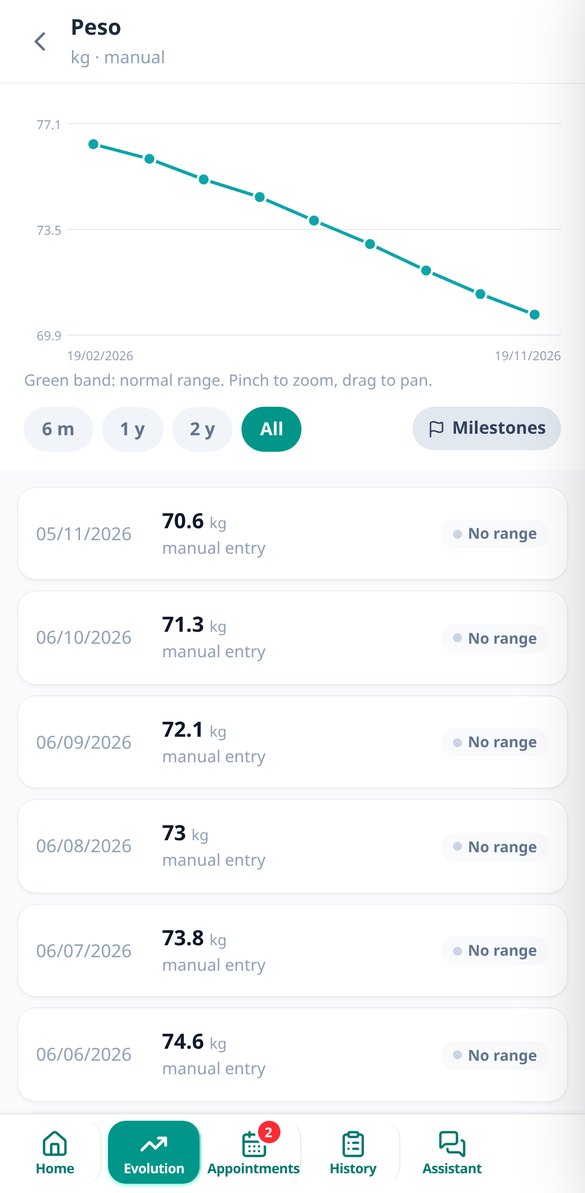
See the evolution of each lab test value in a chart with the shaded band of the normal reference range, out-of-range points in color, and medication changes, operations, and vaccinations marked on the time axis. With zoom, ranges from 6 months to the entire history, and trend alerts.
View feature
Alerts for Out of Range Values in Your Blood Tests | aiToHealth
Upload your blood test and aiToHealth alerts you to every value out of the reference range, with severity, without repeating the same alert in every medical report, and automatically closing the alert when the value returns to normal.
View feature
Medical Appointment Reminders by Email 24 hr and 1 hr Before | aiToHealth
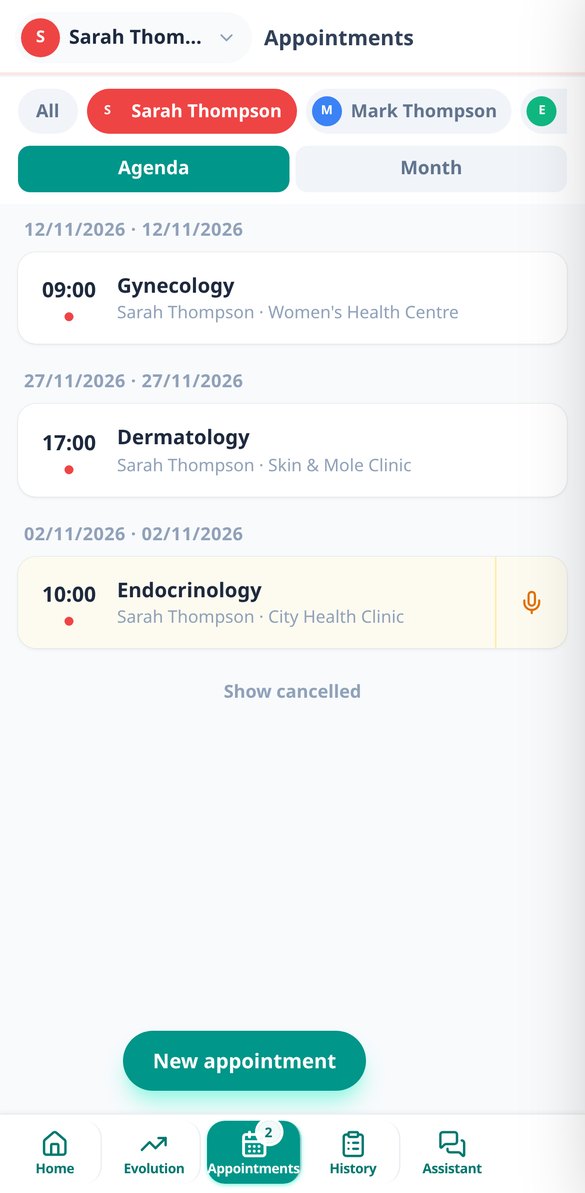
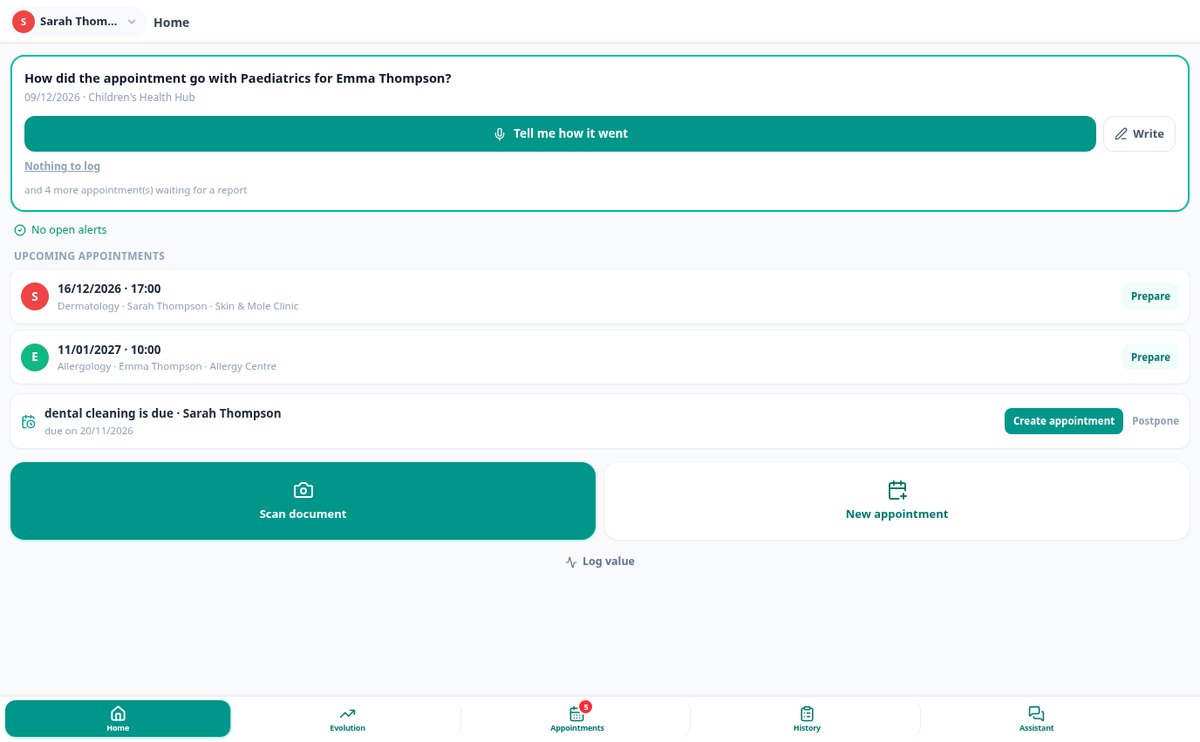
Note down medical appointments for the whole family and receive an email 24 hours and 1 hour before with the medical specialty, medical centre/clinic, and doctor. Configurable reminders per appointment and rescheduling without losing the reminder.
View feature
Voice dictate what your doctor told you and save it | aiToHealth
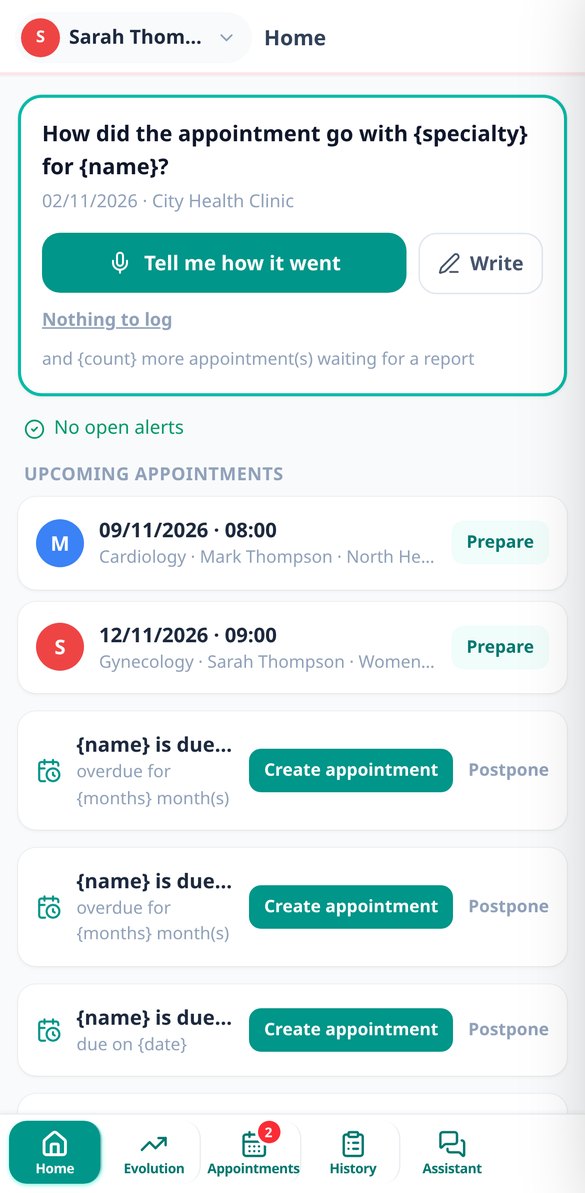
Record a voice dictation of up to 3 minutes after leaving the appointment: aiToHealth transcribes it and organizes it into what was discussed, treatment, tests ordered by the doctor, and next follow-up visit, ready to review and save in your health record.
View feature
Ask Your Medical Reports with AI and Get Source Citations | aiToHealth
AI chat about your medical history: ask in natural language about your blood tests, appointments, and lab values, and receive the answer with the source document and date. An index per person, without mixing family profiles.
View feature
Medical Summary in PDF to Take to Your Doctor | aiToHealth
Generate an A4 PDF with a tap, including your allergies, active medication, chronic conditions, surgeries, vaccinations, and latest out of reference range values. For the emergency room or a new specialist, with aiToHealth.
View featureFrom a photo of the report to the doctor's appointment
Years of paperwork turned into a record that you can understand at a glance.

Scan the report and the AI understands it
One photo, several pages, or the PDF: the AI identifies the document type, date, laboratory, and each parameter with its value, unit, and reference range. Before saving, it shows you everything extracted so you can correct it, so no misread data enters your history. Afterward, it gives you a summary in plain language, the points to highlight, and what has changed from the previous report.

Each value's progression, in a single line
Each parameter has its own chart with the range band shaded and out-of-range values marked. Even if you change labs or units, the series doesn't break: a catalog of 88 parameters recognizes each center's synonyms and converts units while always saving the original value. Medication changes, surgeries, and appointments appear as milestones on the line itself, and the app alerts you if a marker has been falling across several tests even if it's still in range.
Appointments prepared before and recorded after
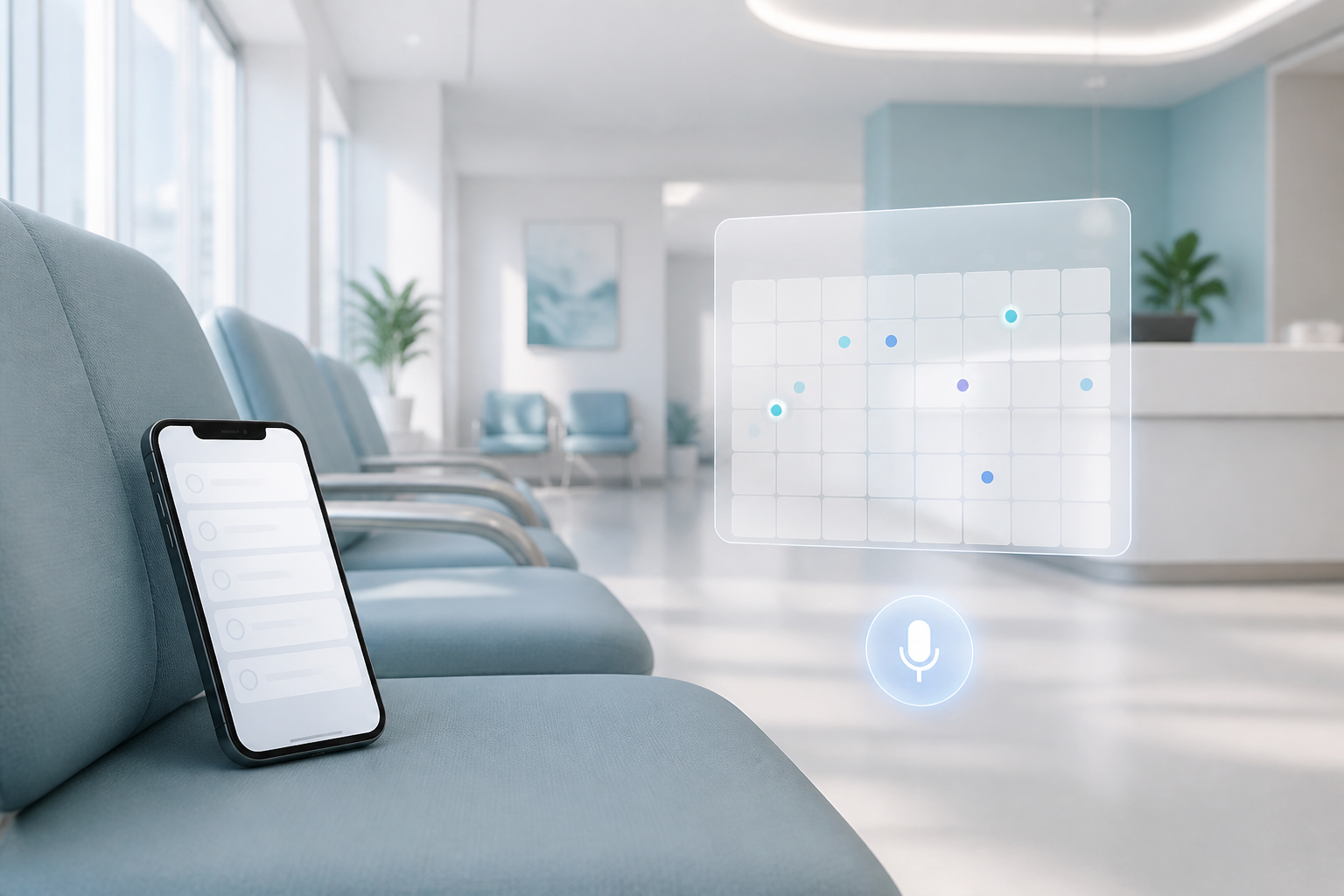
Calendar with each person's color and email reminders 24 hours and 1 hour before. Before you go in, the app prepares a sheet with what's relevant for that specialty and any pending questions. When you leave, you tap the microphone and say how it went: the AI organizes it into what was discussed, treatment, requested tests, and next check-up, and suggests creating the next appointment right away.
Your record up and running in three steps
Sign up
Create your account and add a profile for each family member.
Scan your reports
Photo or PDF of each lab test or appointment report. You review what the AI has read and save it to that person's profile.
Check and ask
Look at the progression in charts, note appointments, and ask the assistant anything you want about your history: it answers by citing the source report.

Who is it for?
Built for these profiles
Frequently Asked Questions
Latest blog articles
Guides and news to get more out of it
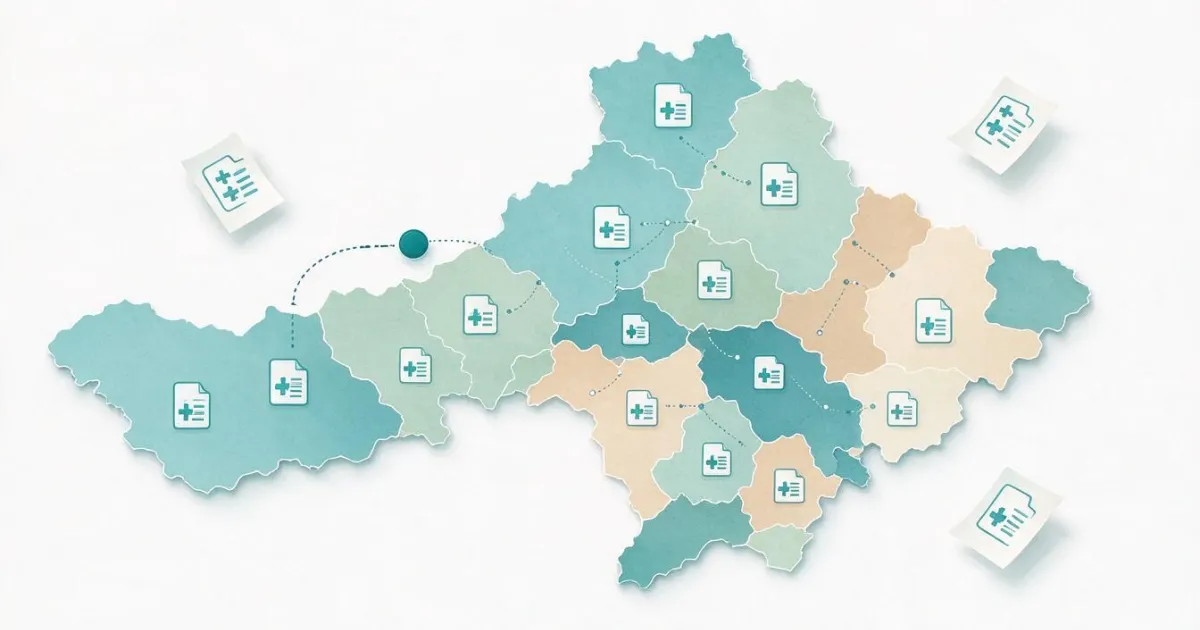
Digital medical record: what reports of yours are not shared between communities (or with the private sector) and how to store them yourself
What the digital medical record shares between communities, what is left out (private, imaging, consultation), and how to request and store your medical history.

Out-of-range blood test results: what they really mean (and how to track them over time)
What a reference range really is, why it changes from one lab to another, and why a single high value says little. How to track your blood tests over time.
Gather your family's medical history today
Start with one person and one report: in five minutes you'll have your first record in order.