AIsToRestaurant · Your restaurant compliant without paperwork

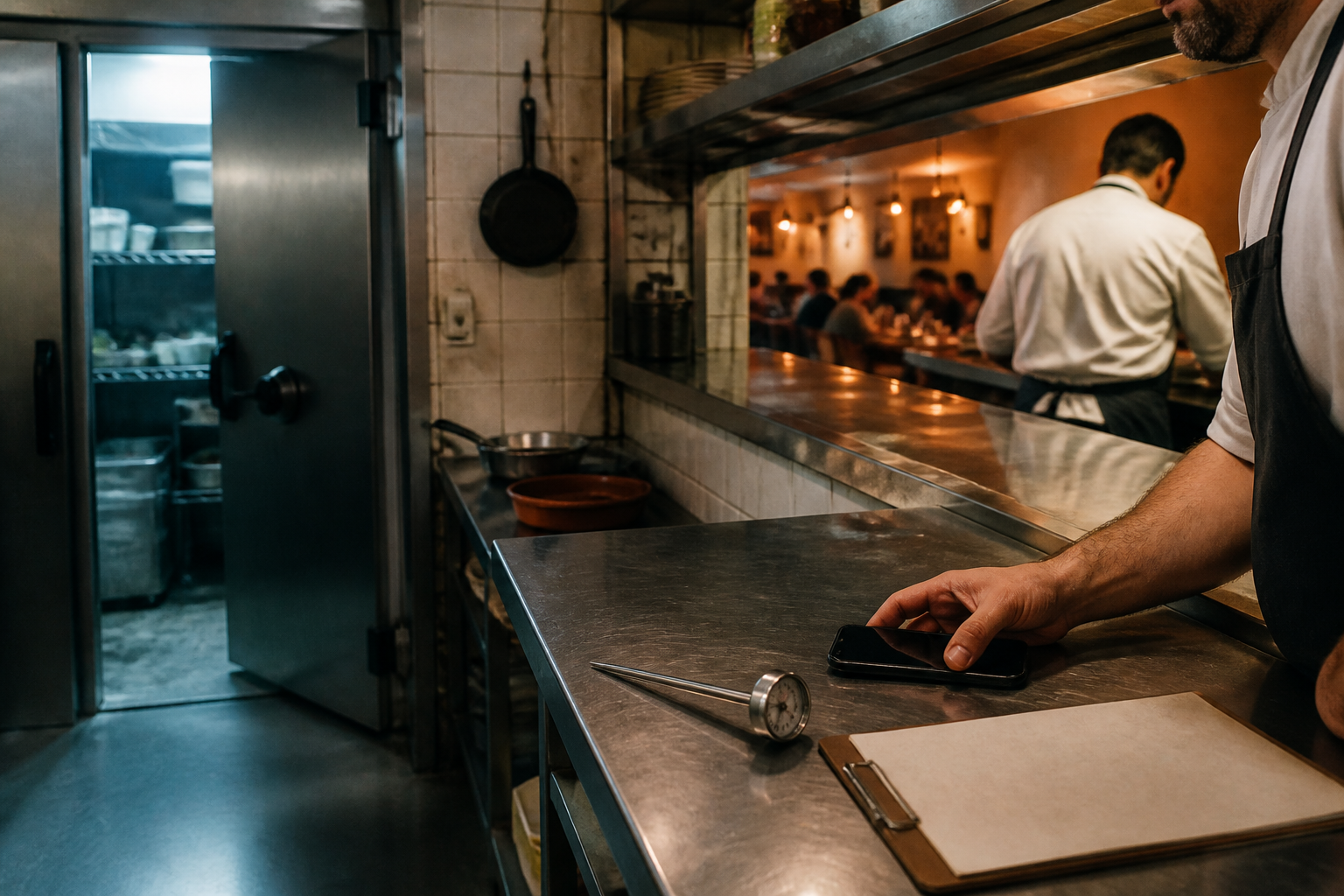
For the bar, café, or restaurant that has an allergen sheet from two years ago and HACCP in a paper folder: declare the 14 allergens dish by dish, sign records from your phone—even inside the cold room, with no signal—and pull up the last 12 months' dossier the day the inspector walks in.
Does the health inspection come in and you have temperature records half-finished and the allergen sheet not updated since the last menu change?
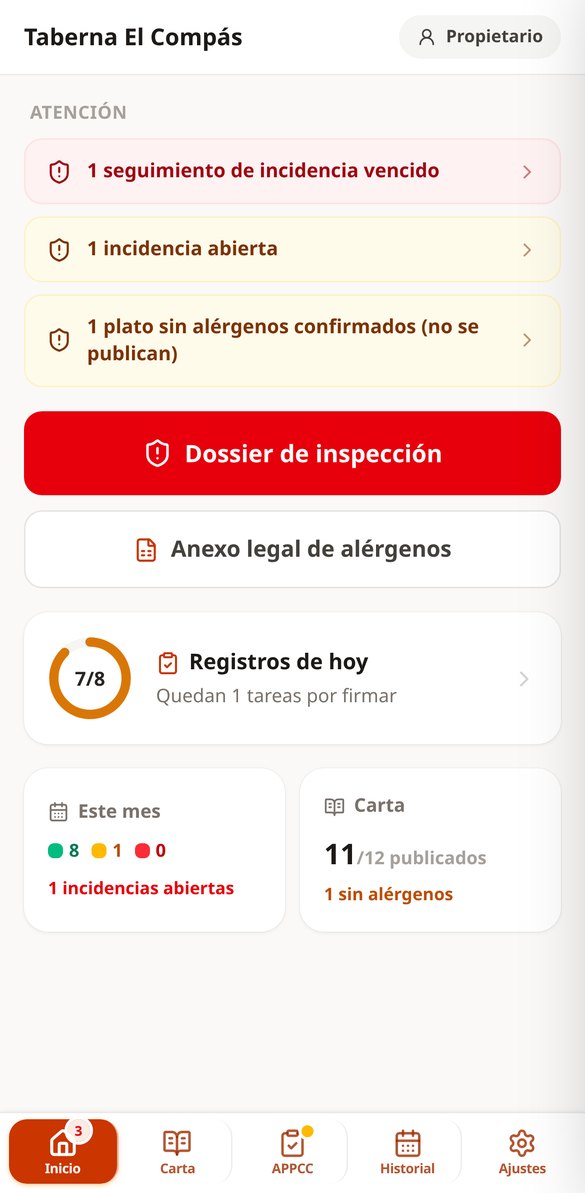
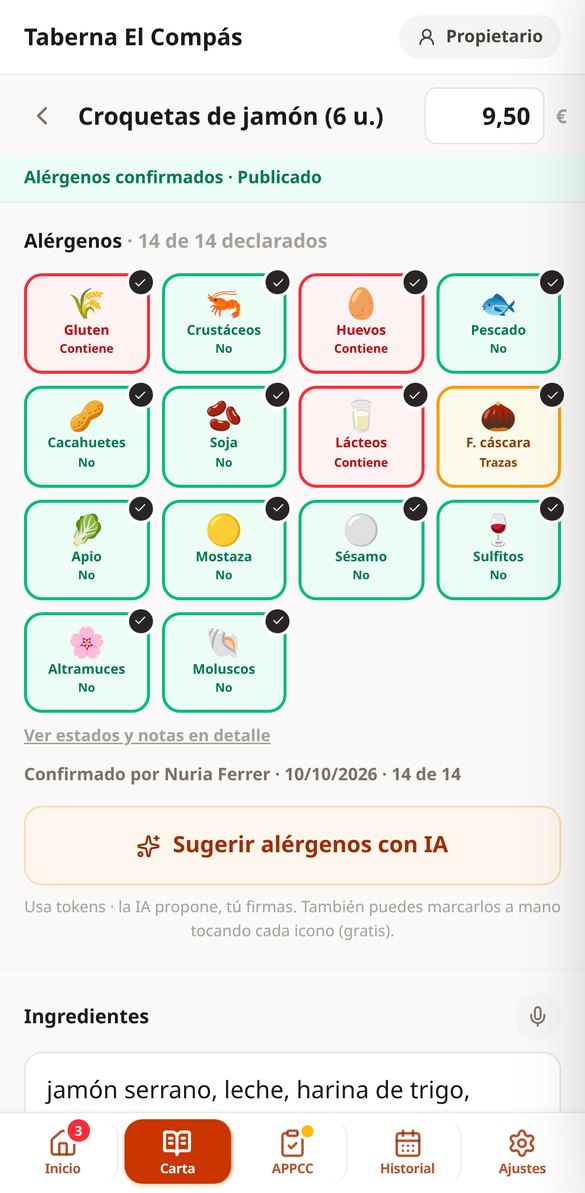
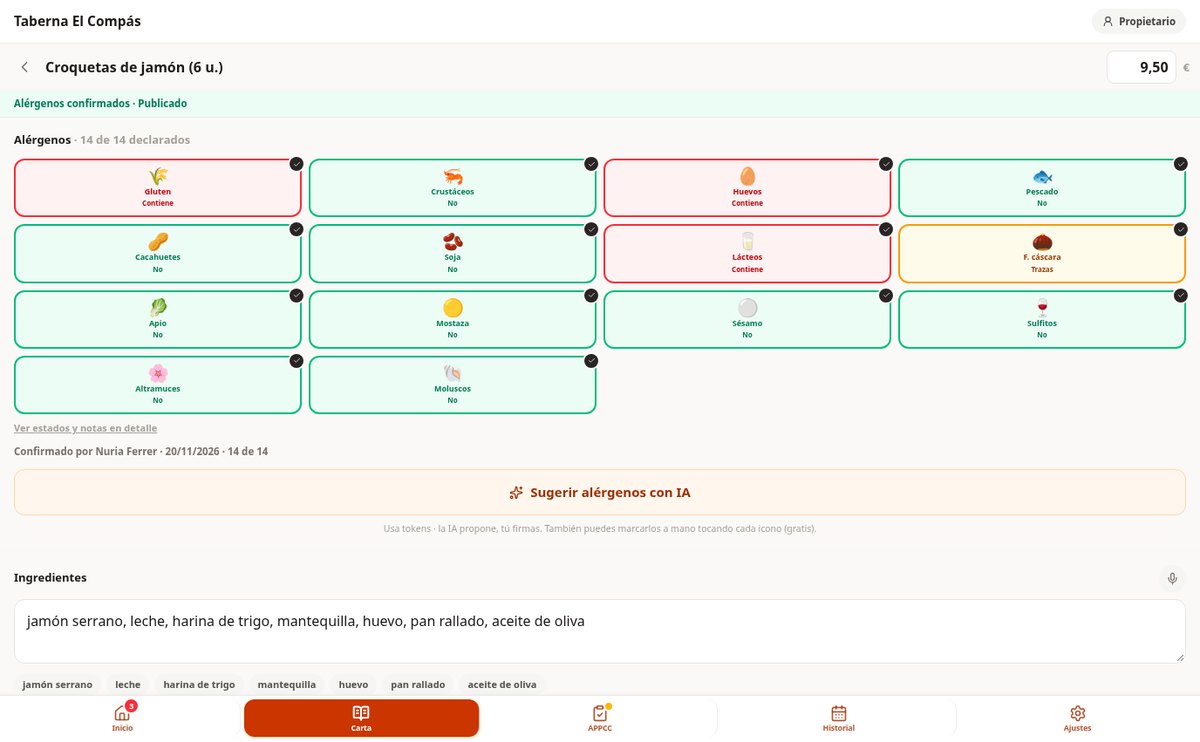
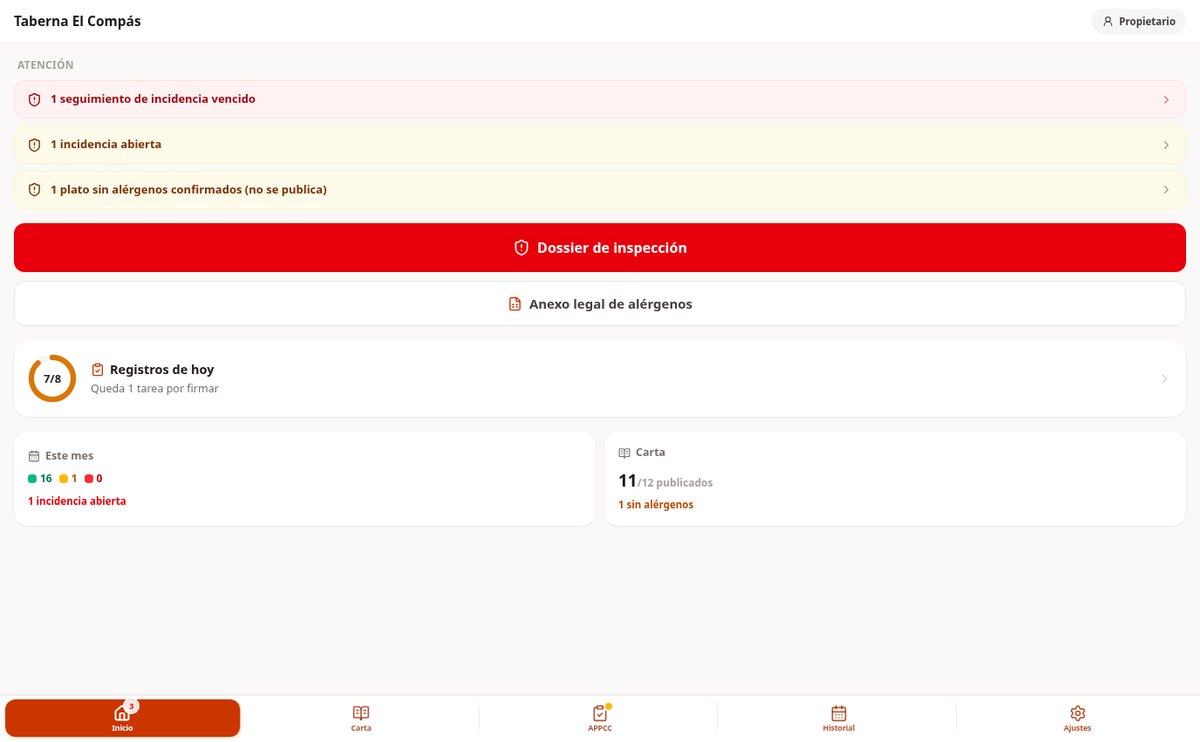
AIsToRestaurant brings together the two obligations that today are handled on paper and separately: allergen information for each dish and HACCP self-monitoring records. The AI suggests allergens with a per-line justification—'breadcrumbs: cereals containing gluten'—but they appear in yellow as a suggestion, and the dish isn't published until a manager confirms each one; that confirmation is saved with their name and date, and that's what's printed in the legal annex. Records are signed with a PIN from your phone, with server time, and if a fridge goes out of temperature, the app won't let you close the record without writing what was done. At the end, the red button: the last 12 months' dossier in PDF, ready to show the inspector or send via WhatsApp.
Start for free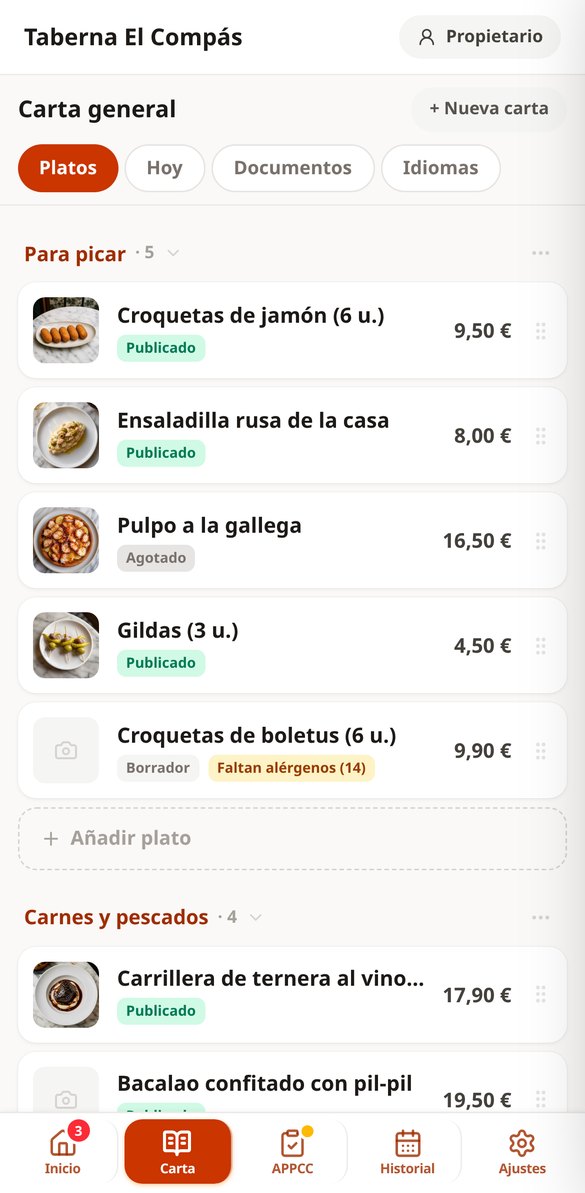
Discover every feature in detail
Detect Dish Allergens with AI | AIsToRestaurant
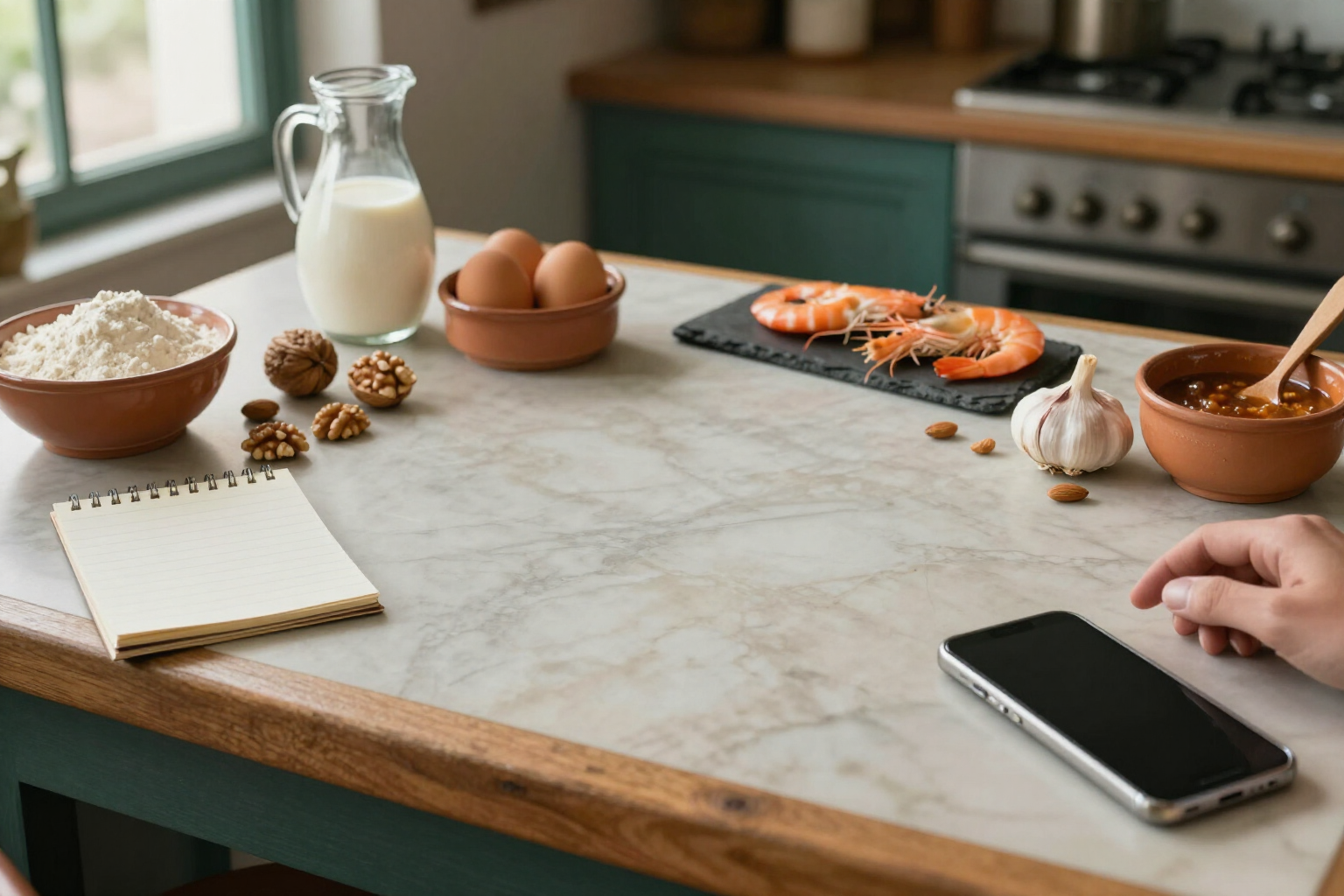
Enter the ingredients and the AI proposes the status of the 14 mandatory allergens with justification for each line. Conservative, reviewable, and confirmed by the manager.
View feature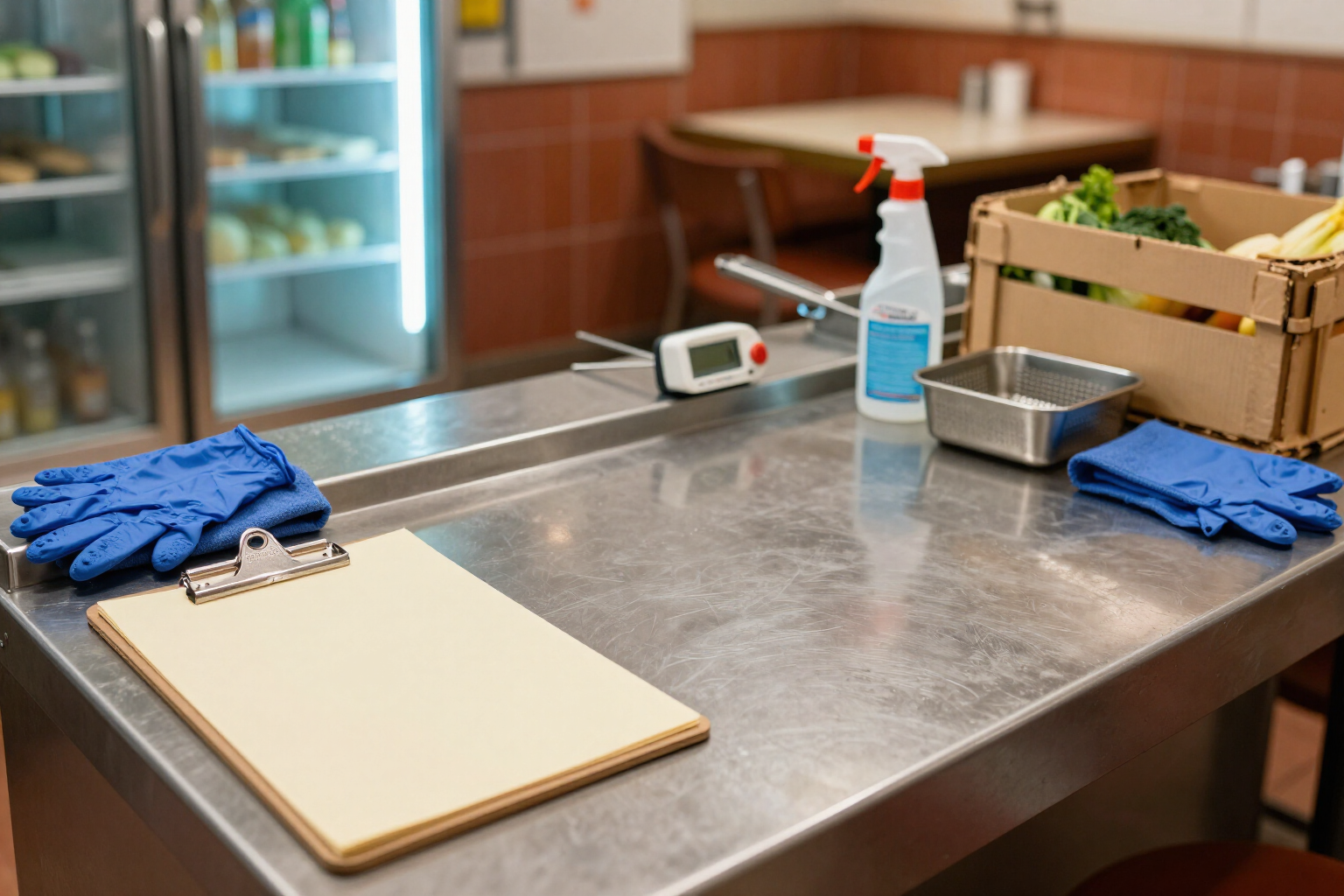
HACCP Templates for Bars and Restaurants, Ready-Made | AIsToRestaurant
Your self-monitoring plan created at sign-up: temperature, cleaning, receiving, oil, cooking and pest templates with Spanish limits set, editable and with on/off toggle.
View feature
HACCP Inspection Dossier in PDF: 12 months of records at the push of a button | AIsToRestaurant
Generate your HACCP self-control dossier for health inspections: 1, 6, or 12-month ranges, cover page with premises details, records with timestamps and signatories, incidents and declared gaps. PDF or ZIP with photos, free.
View featureWhat you have on paper today, signed from your phone
Three obligations that don't make money but do bring fines: the menu with allergens, daily records, and the dossier they ask for when you least expect it.
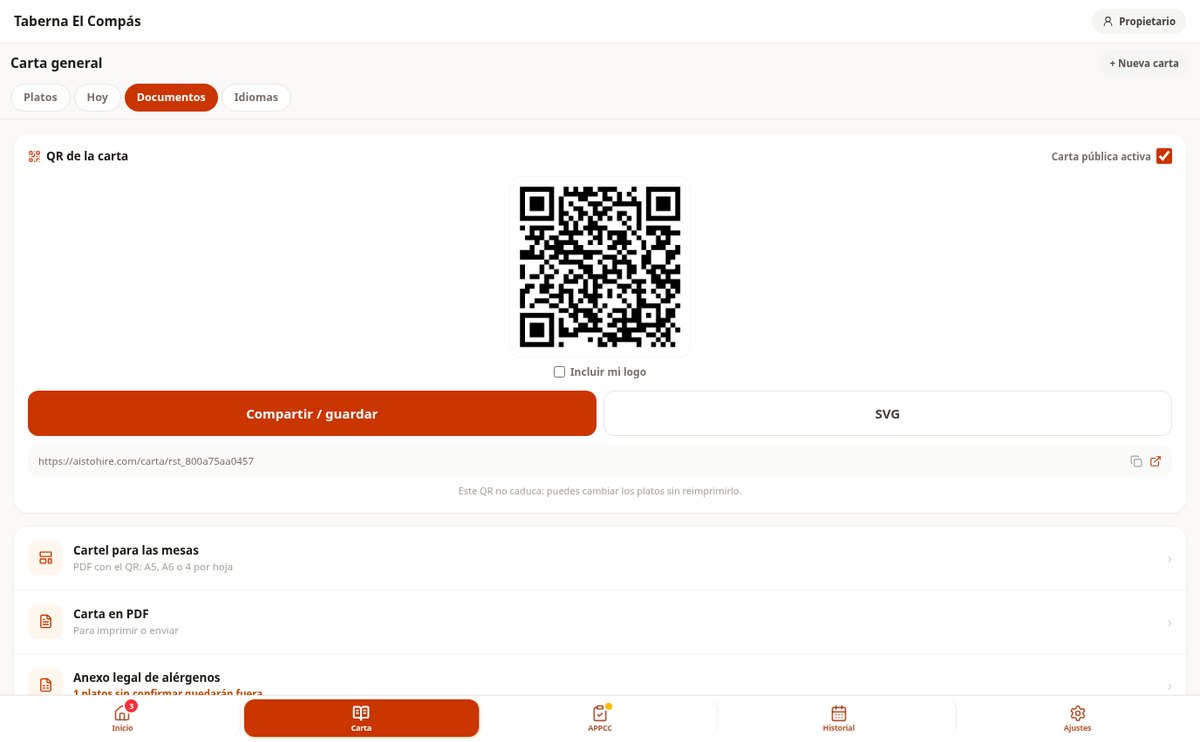
Menu with QR and the 14 allergens declared
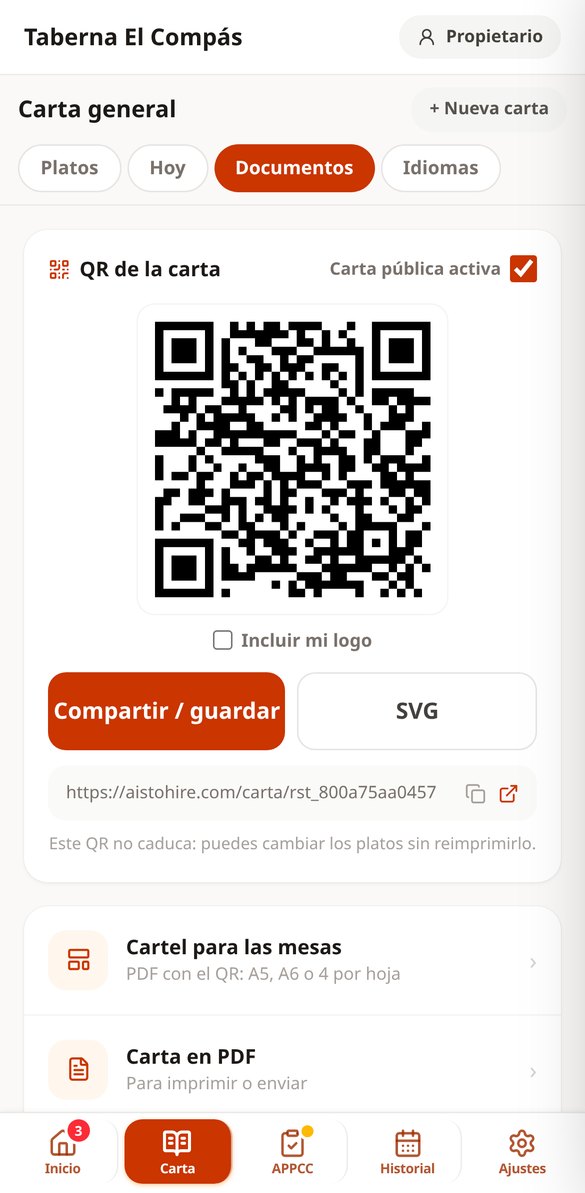
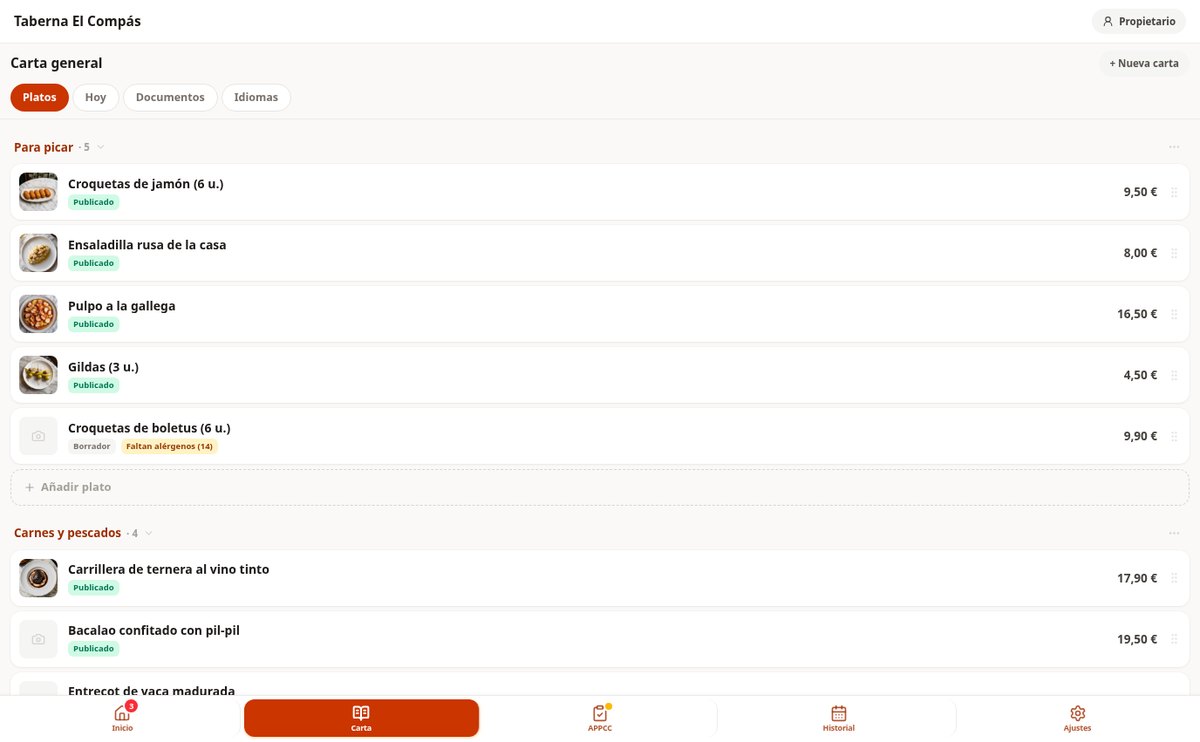
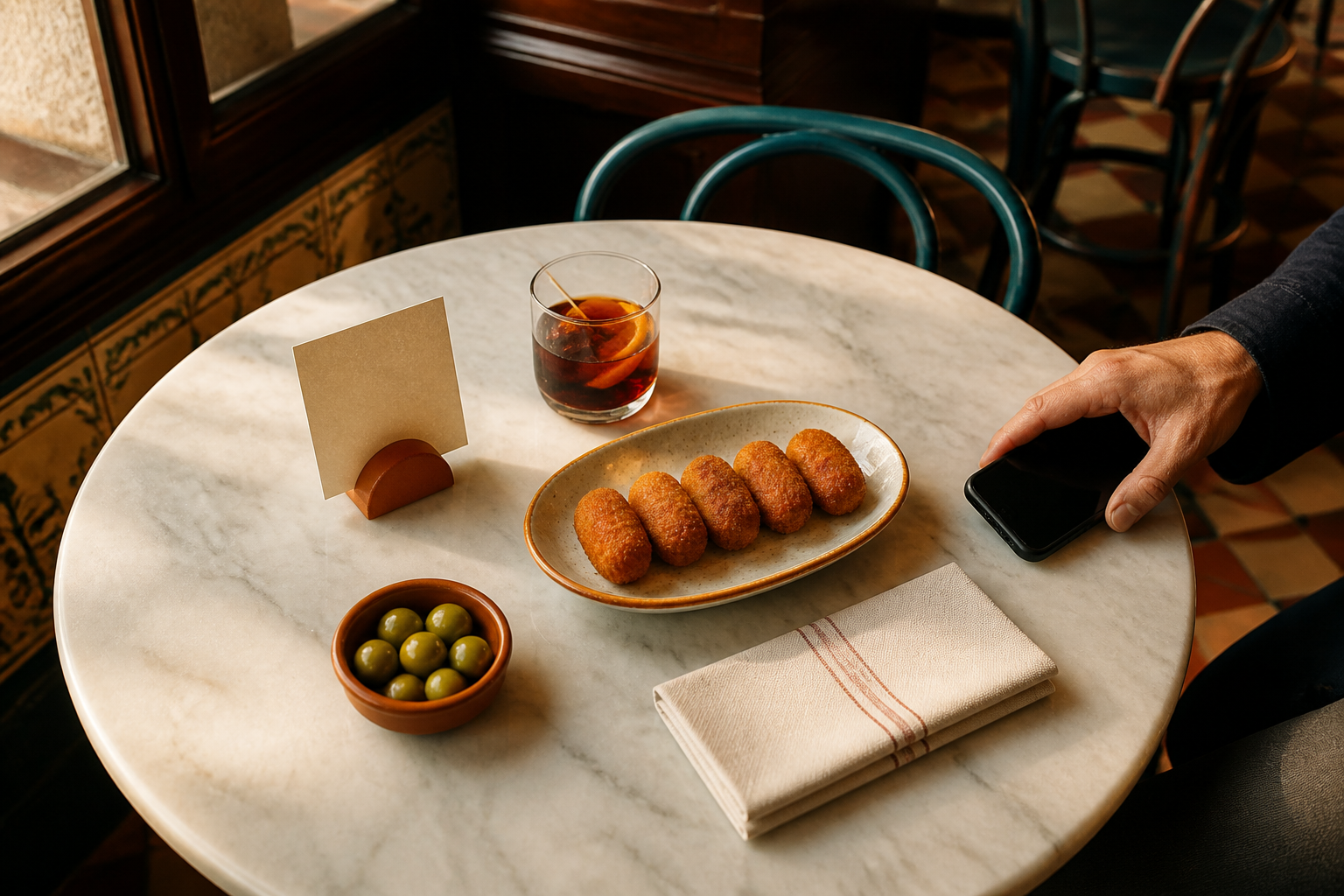
Build the menu by sections and dishes, and declare the 14 official allergens in four statuses: contains, may contain, does not contain, and undeclared—which is the initial status and is never presented as 'does not contain.' The AI suggests them from the ingredients with its justification, you confirm them, and the trail of who and when is kept. From there, the public menu with its stable QR code is generated automatically (you change dishes without reprinting the tables), with search and an 'my allergies' filter for diners, the table sign in A5, A6, or 4 per sheet, the PDF menu, and the legal annex with the dish × 14 matrix.
HACCP records signed at the bar
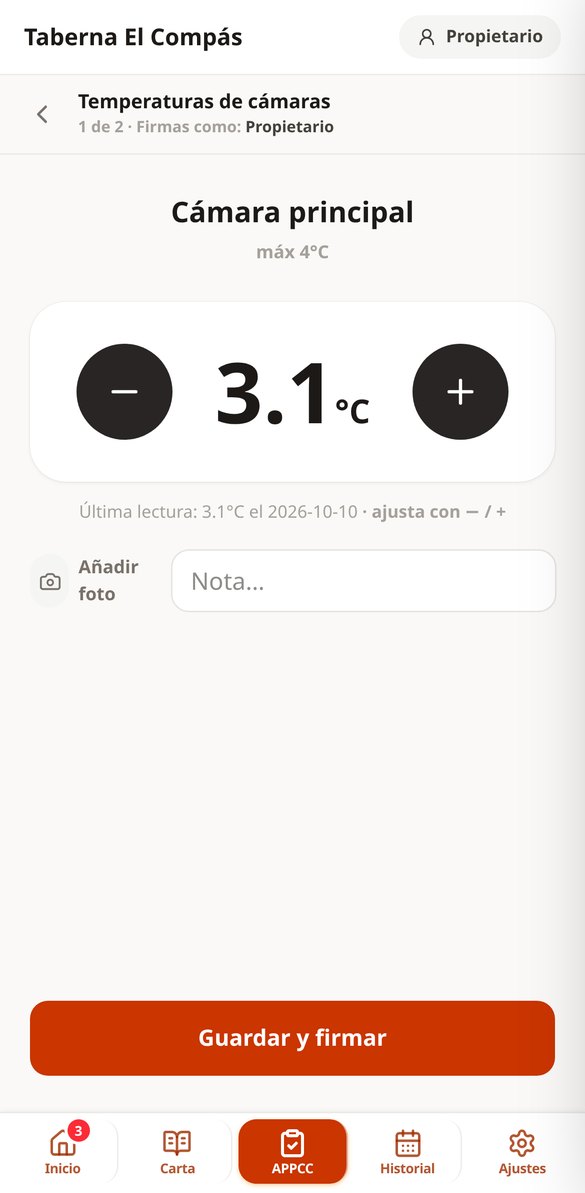
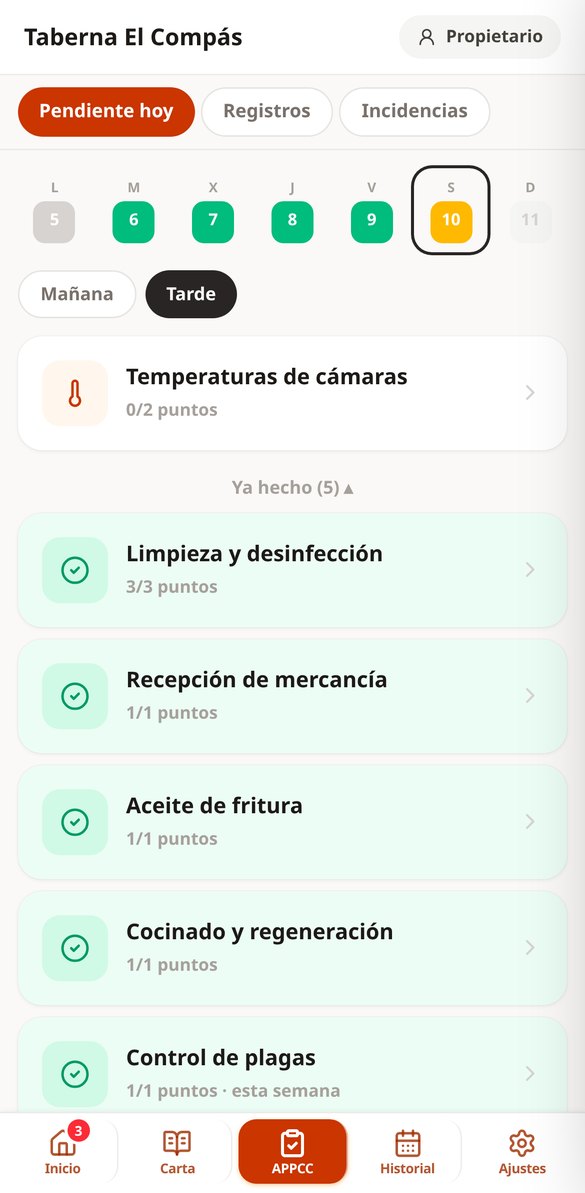
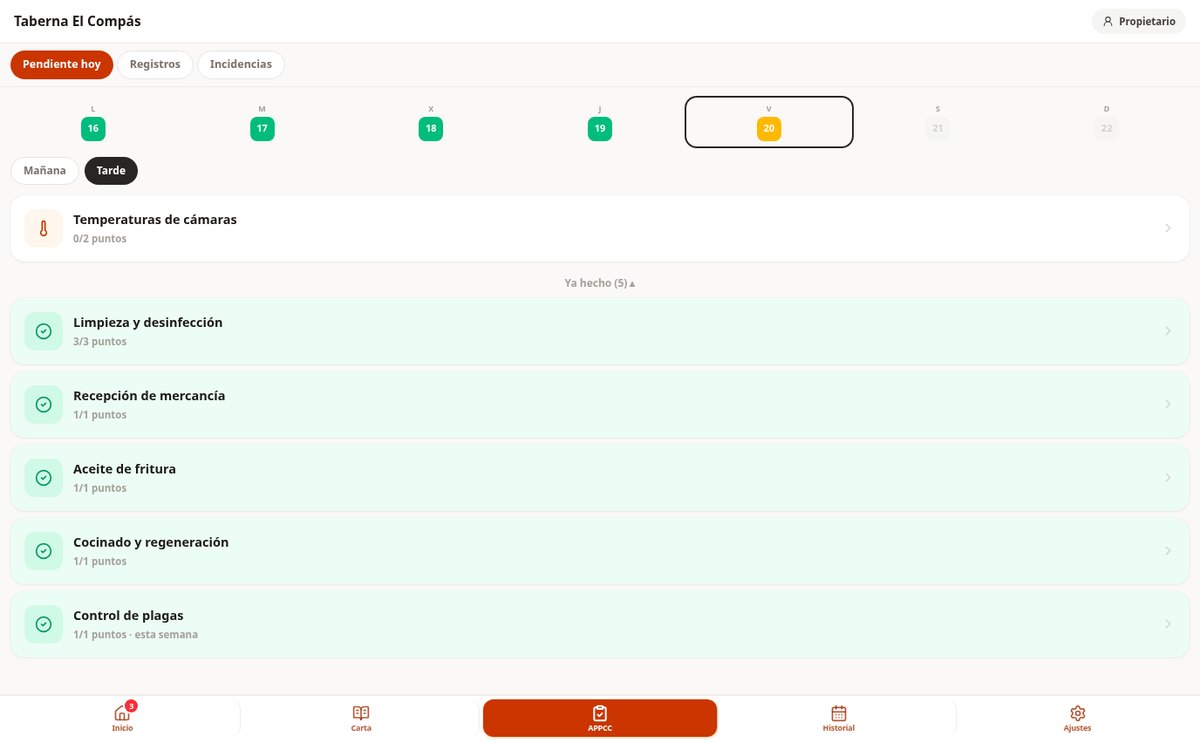
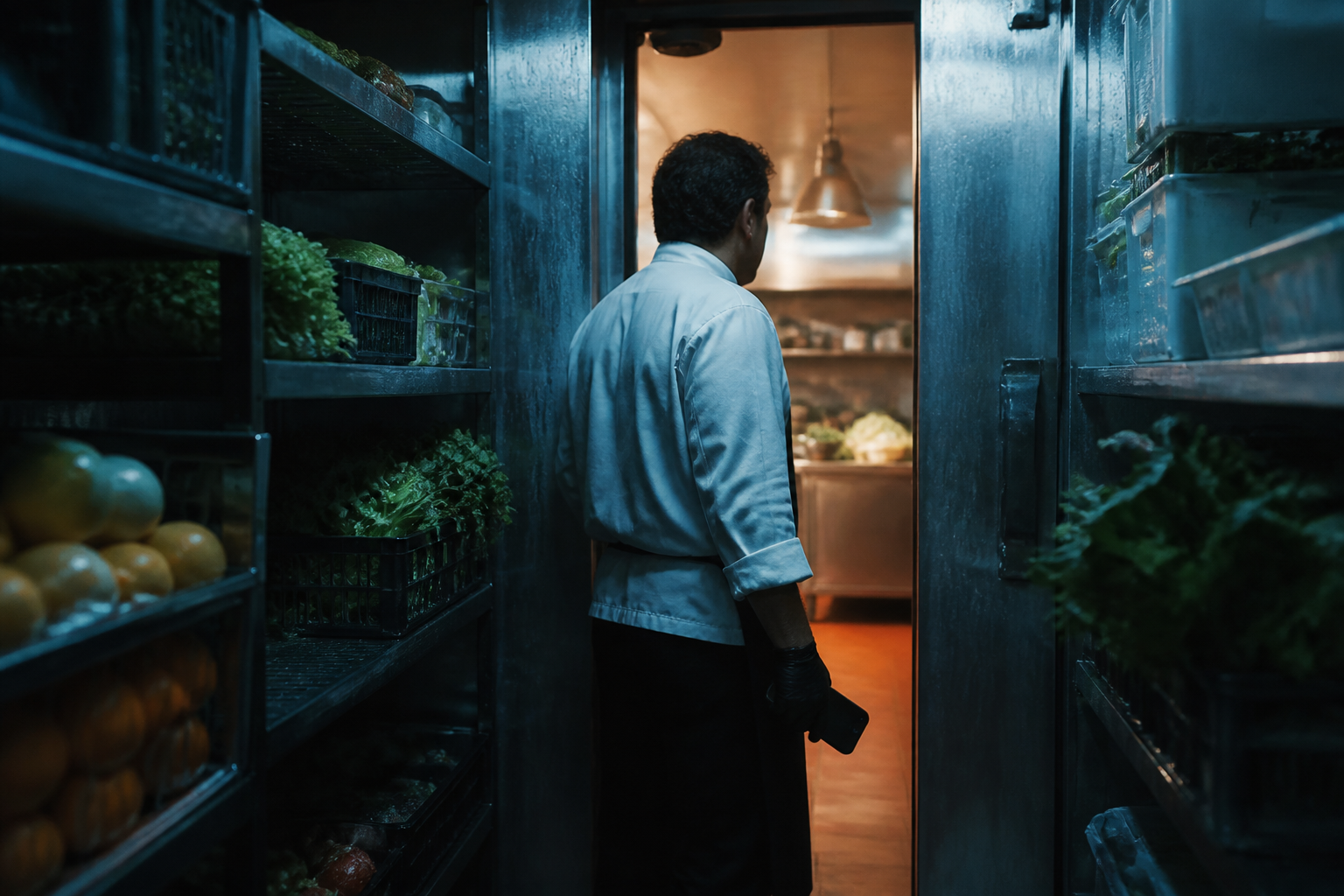
Signing up generates the Spanish template pack already set up—fridge and freezer temperatures, cleaning by areas, goods receiving, frying oil, cooking, and pests—and from there the daily checklist per shift is generated. Each control point is logged with huge digits and two plus and minus buttons, starting from the last reading: six fridges are a sequence, not six forms. If a value goes out of limits, the box turns red and you can't sign without writing the corrective action. It works without signal inside the cold room and uploads records when you're back online.
The inspection dossier, in one button
Red button on the home screen: choose the range—last month, 6 months, 12 months—and the app tells you before generating what it will include ('184 records · 6 incidents · 3 days unrecorded'). It produces a PDF with the venue cover page, current critical limits, the daily matrix with the time and name of whoever signed each record, incidents with their corrective action and verification, and days marked as late or closed. With photos it's a ZIP; without photos it's just light enough to send via WhatsApp or email to the inspector from the app itself.
From paper folder to app in an afternoon
Set up your venue
Rubén walks you through four screens: venue details, what you have in the kitchen (freezer, fryer, meat fridge), and with that he sets up your HACCP template pack and your first team member with a PIN. No manual configuration.
Load the menu and confirm allergens
Create each dish with just its name, type or dictate the ingredients, and request the allergen suggestion. You review the 14 lines with their justification in front of you, confirm, and the dish can be published: you have the QR code and legal annex right away.
Sign records every day
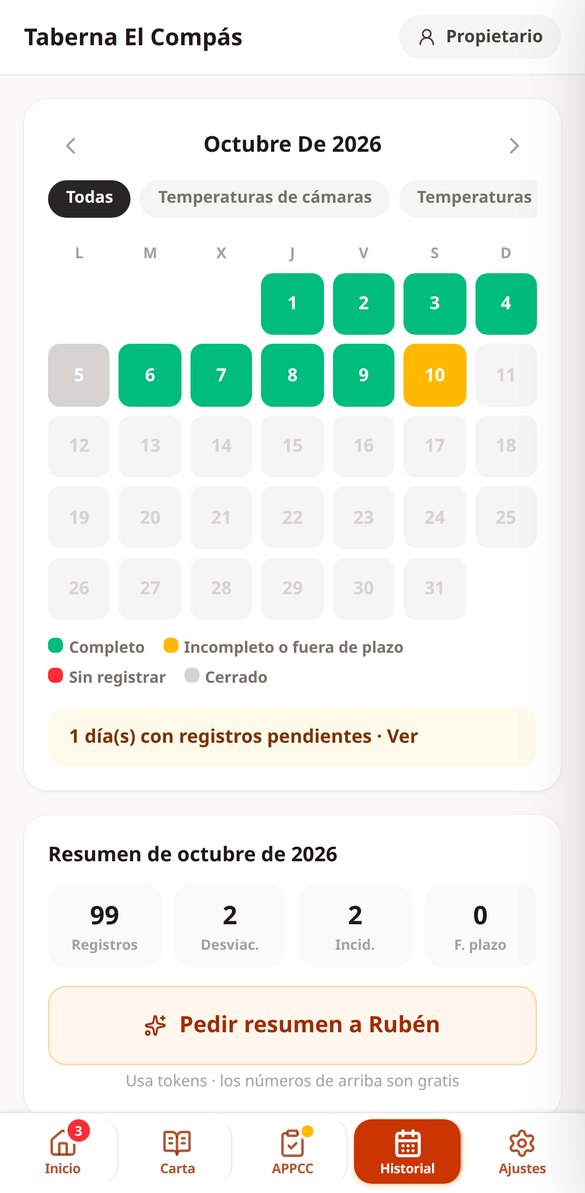
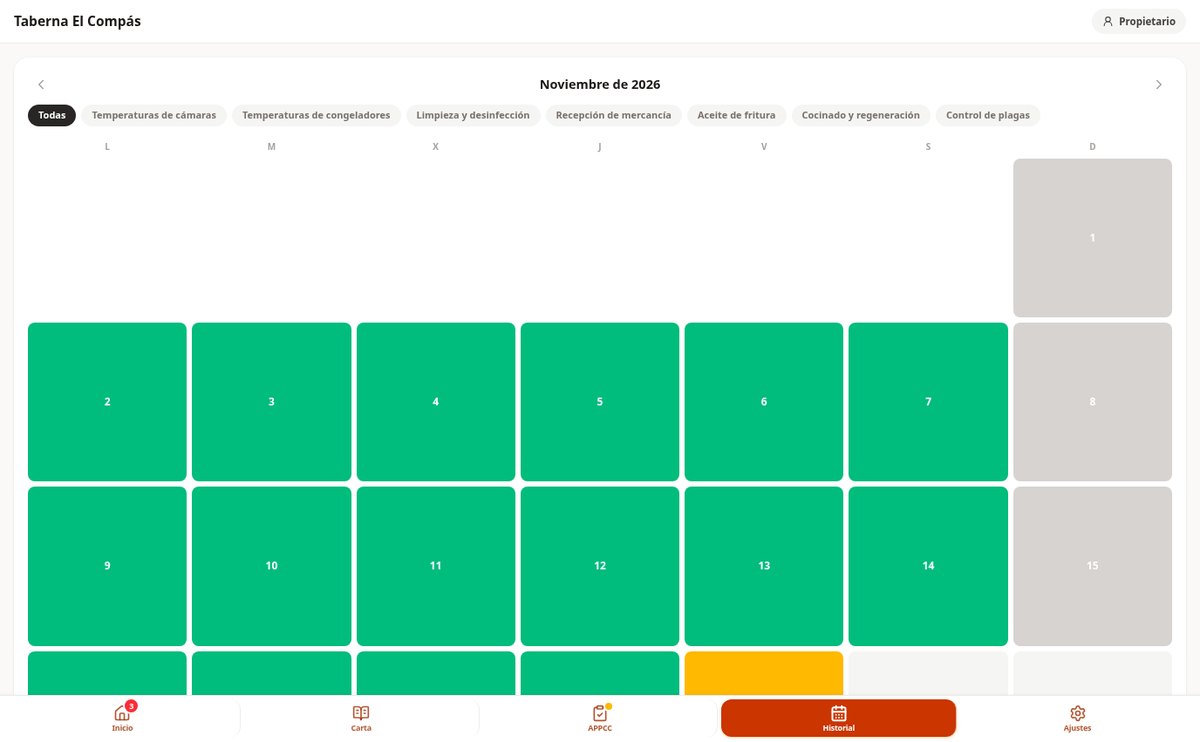
Each shift shows what's due: temperatures, cleaning, receiving. One tap per point, PIN, and done. The calendar paints the month green, amber, or red, and the dossier builds itself while you work.

Who is it for?
Built for these profiles
Frequently asked questions
Latest blog articles
Guides and news to get more out of it
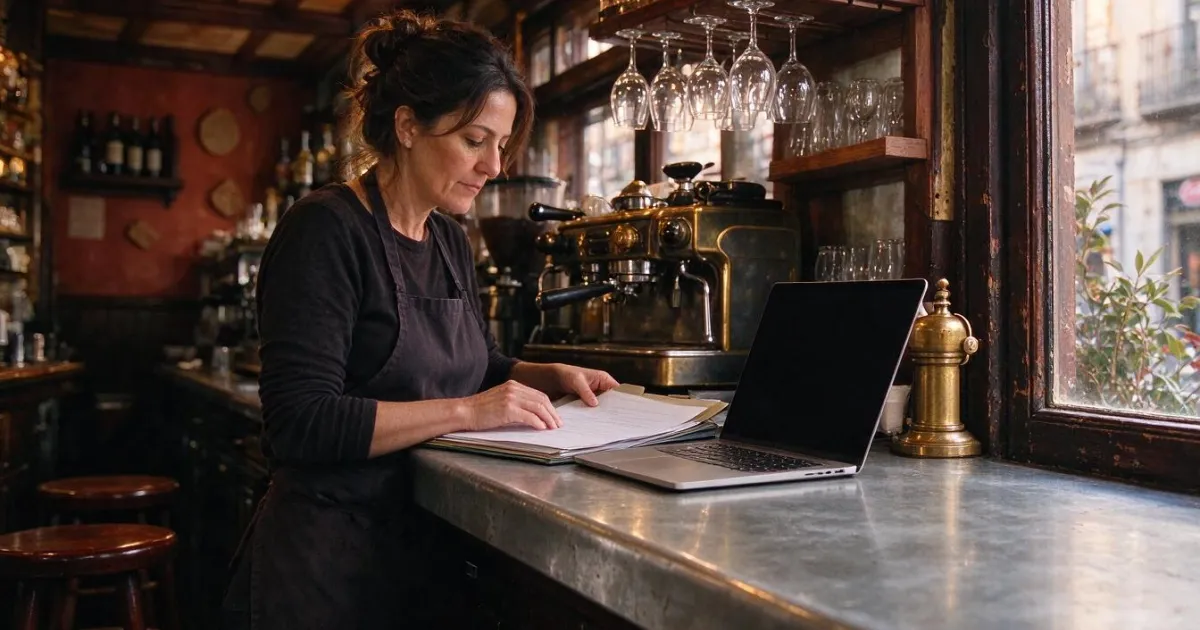
New health registration for bars and restaurants in Madrid: deadline until March 28, 2027
Madrid requires bars and restaurants to register in the new retail registry before March 28, 2027: deadlines, free process, APPCC, and allergens.
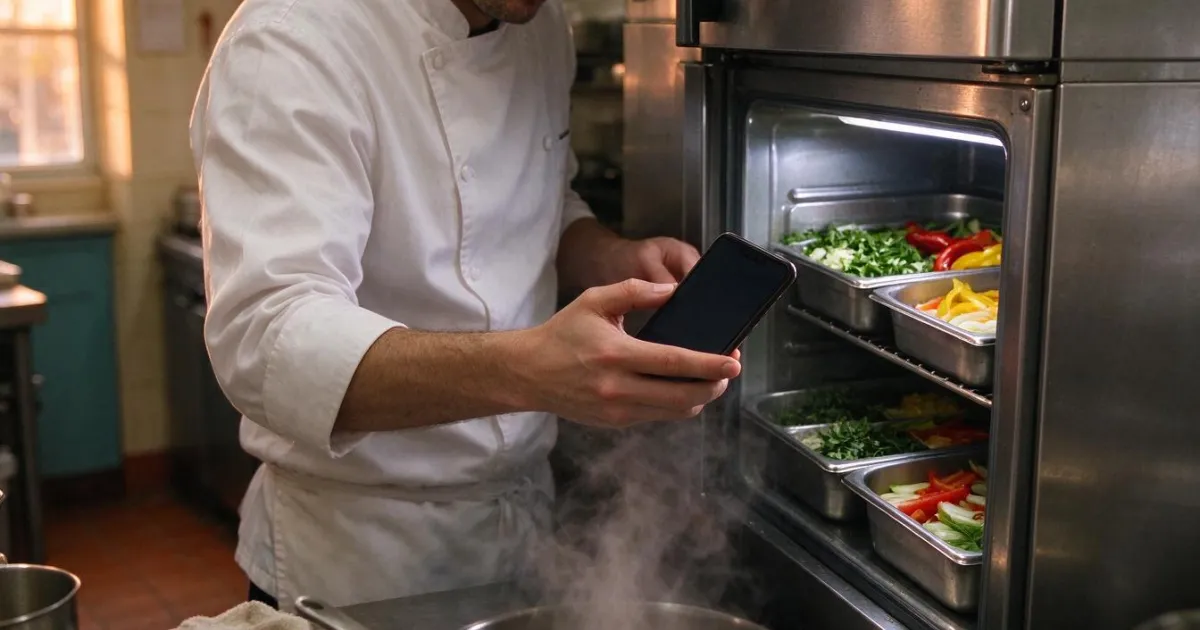
HACCP for restaurants and bars: what records does Health require in 2026 and how to manage them from your mobile
What HACCP records are mandatory in a bar or restaurant, the current temperatures following RD 1021/2022, and how to manage and sign them from your mobile.
So the next inspection finds everything signed
Create your free account, set up your venue in two minutes, and start where it hurts most: the menu or the temperatures.