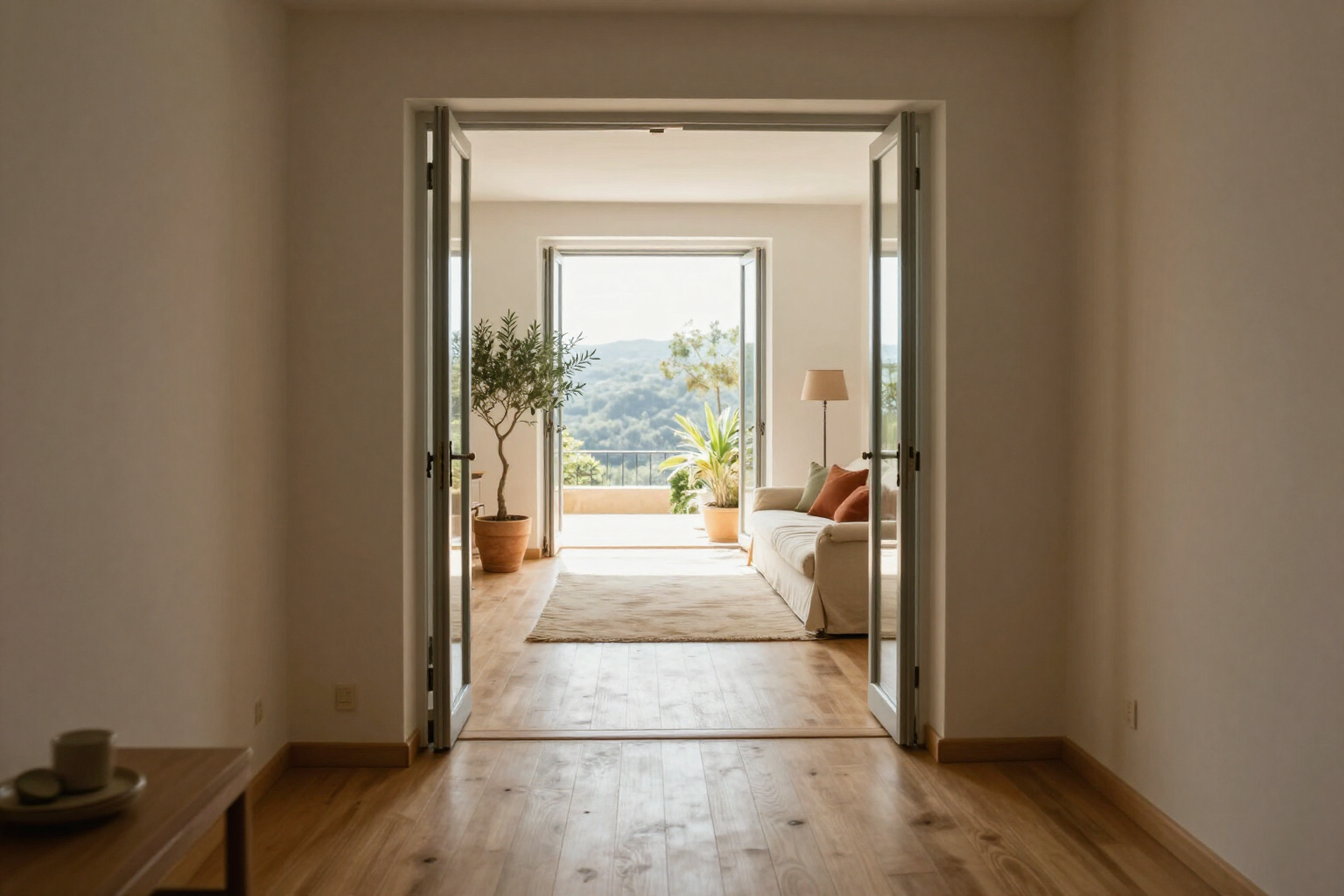
3D Home Walkthrough Video, Made From Your Own Floor Plan
Walk through your project in first-person view, watch the automatic camera pan of the space, and generate an AI-powered short video clip of the walkthrough to share via WhatsApp.
A floor plan is discussed. A video is understood instantly.
In aiLiving, the walkthrough originates from your floor plan, not from an uploaded file. You draw the room with your real measurements, the app creates the 3D model, and from there you have three ways to explore it: the orbit view, to rotate around the project with your finger and see the whole; the first-person view, which lowers the camera to 1.60 m (5.25 ft) height and lets you move forward, backward, and sideways with an on-screen joystick, looking wherever you want; and the automatic walkthrough, which rotates the camera around the space in a continuous pan while you just watch.
When you find a camera framing you like, you tap «Video»: the app captures that view and sends it to an image-to-video model that generates a short video clip —about 5 seconds at 720p— with the camera slowly moving forward and panning through your space, preserving the furniture, materials, and lighting of the capture. It's processed in a queue, in the background: you can continue editing the floor plan or changing finishes, and the app notifies you when it’s ready.
The scene you record is the one you have set up. The time of day, from 00:00 to 23:00, changes the light and shadows before capture, so you can show the living room with midday light or the house at night; and in gardens and terraces, the growth slider advances plants up to 10 years, so the video shows how the garden will look in a few years, not on the day of planting.
The clip is saved in the project gallery, next to the renders, it plays right there and can be downloaded as MP4 to send via WhatsApp, show during a visit, or attach to a cost estimate. aiLiving is a mini app by AIsToHire, and this feature lives at https://aistohire.com/ailiving-interior-and-garden-design-97/f/3d-virtual-tour-video
Benefits of 3D Virtual Tour Video
Three ways to explore the same project
orbit view to see the whole, first-person view at 1.60 m (5.25 ft) height to feel the real scale, and automatic walkthrough with a continuous camera pan without touching the screen.
It comes from your measurements, not a template
the space you walk through is the one you have drawn, with doors and windows where you placed them and furniture at real scale from the catalog.
AI Video from your chosen shot
The app captures the 3D view at the exact point you like and generates a short 5-second 720p clip with the camera moving through your space.
Preserves furniture, materials, and lighting
The instruction accompanying the capture explicitly requests to maintain the furniture, finishes, and light from the original shot.
Time of day included in the video
The 00:00 to 23:00 control changes light and shadows before capturing, so you decide if your project is seen at midday or at night.
Also for gardens and terraces
The growth slider advances plants up to 10 years, and the walkthrough/virtual tour is generated from that future version of the garden, not the newly planted one.
In queue and in the background
You launch the video and continue working on the floor plan or materials; it doesn't block your phone, and the app notifies you when finished.
Downloadable and saved per project
The clip remains in the project gallery alongside the renders and can be downloaded in MP4 to show to a client, an installer, or anyone involved in the decision-making.

Showcase your project in motion, not just on a floor plan
Draw the room, walk through it in 3D, and generate your first video from your phone. No installation required and no powerful computer needed.