
aiContacts · Find the plumber even if you don't remember his name

Save the person who fixes things for you with a note about what it’s for, and find them months later by searching “the AC guy.” Call or WhatsApp, in one tap.
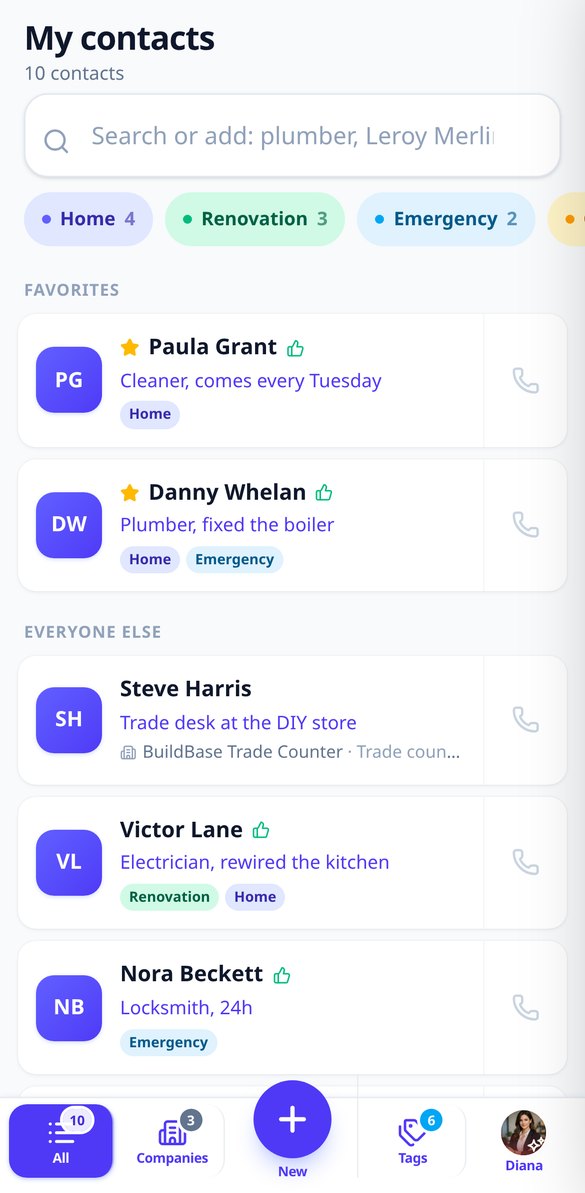
How many times have you lost the phone number of the person who installed your AC?
In your phone's address book, everything is just random names: “Manuel,” “Juan 2,” “Pepe locksmith?” aiContacts also saves what each contact is for, so months later you type “air,” “plumber,” or the store name and there it is, with its call button right next to it. And it's a separate address book: it doesn't mix with your personal contacts or fill up your car's Bluetooth.
Start for free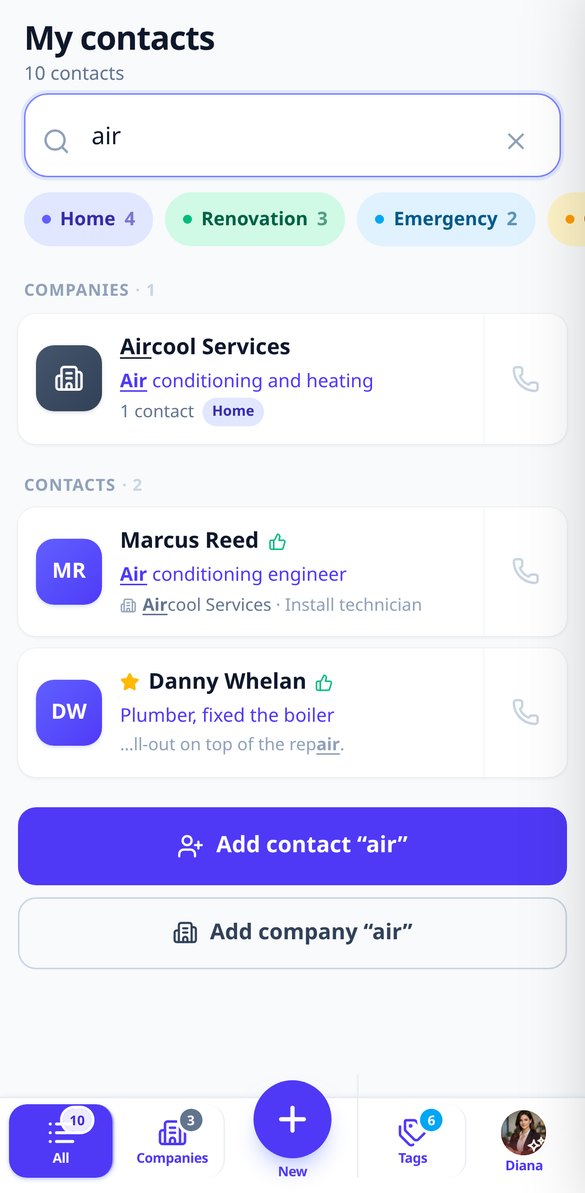
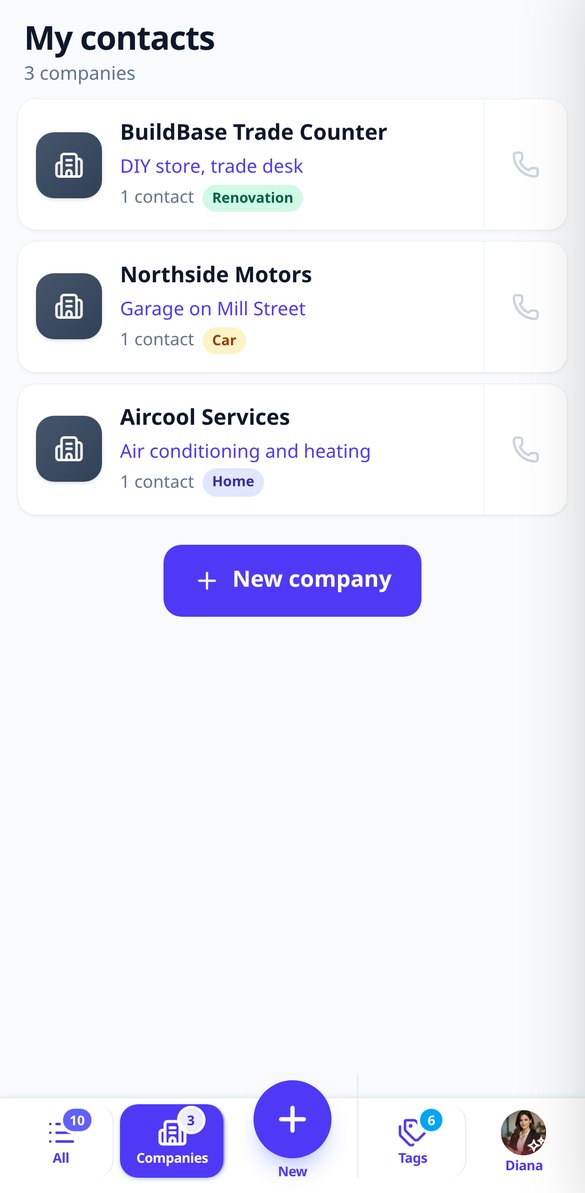
Discover every feature in detail
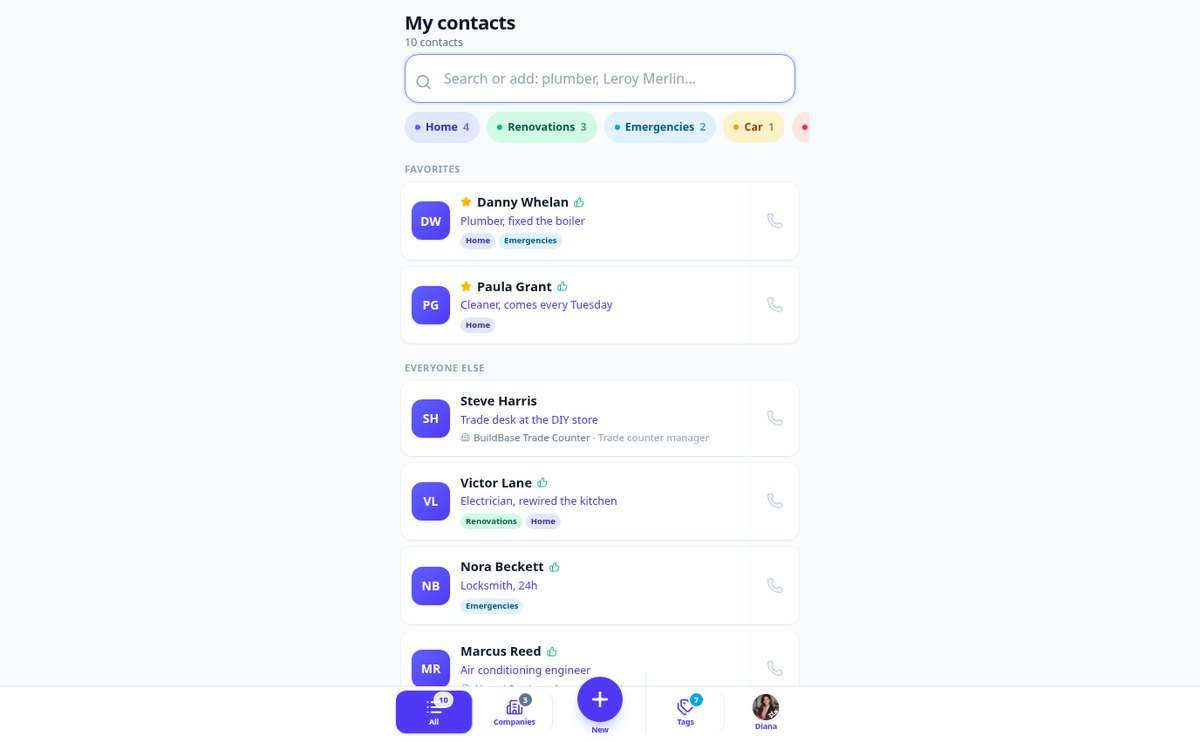
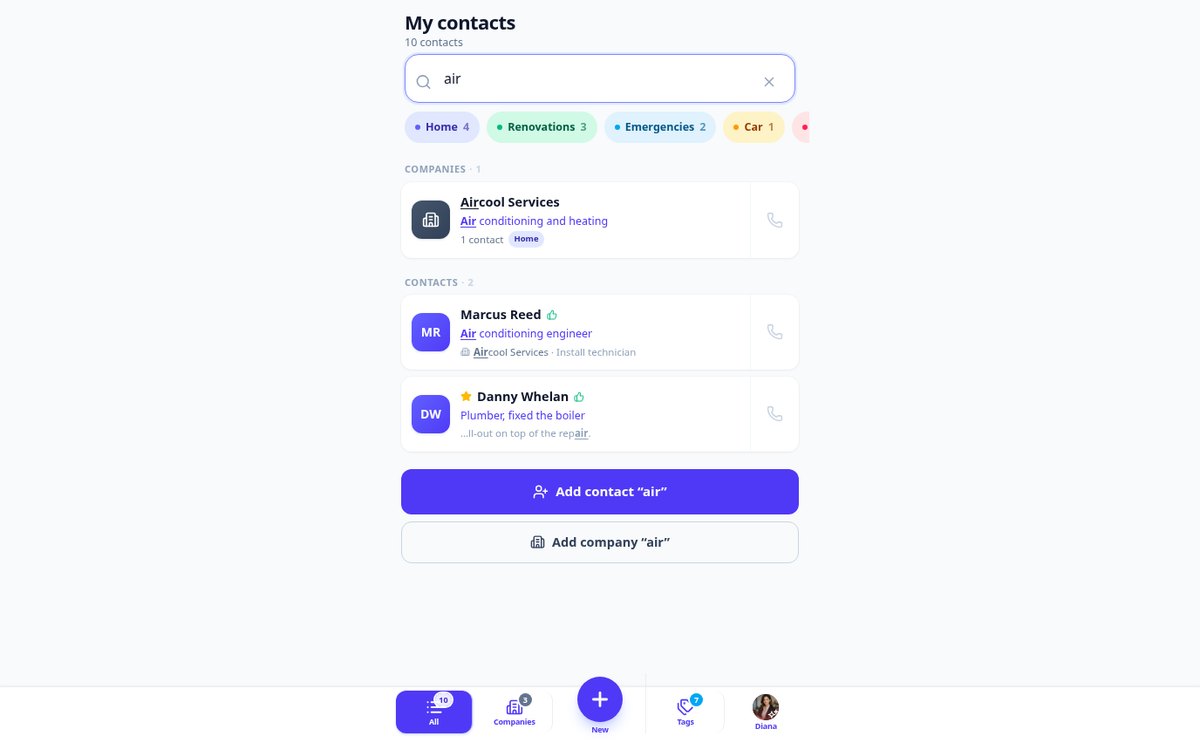
Error-tolerant contact search without accents | aiContacts
Search your professional directory even if you misspell: aiContacts filters with each letter on name, notes, tags, and phone, ignores accents, and forgives a typo.
View feature
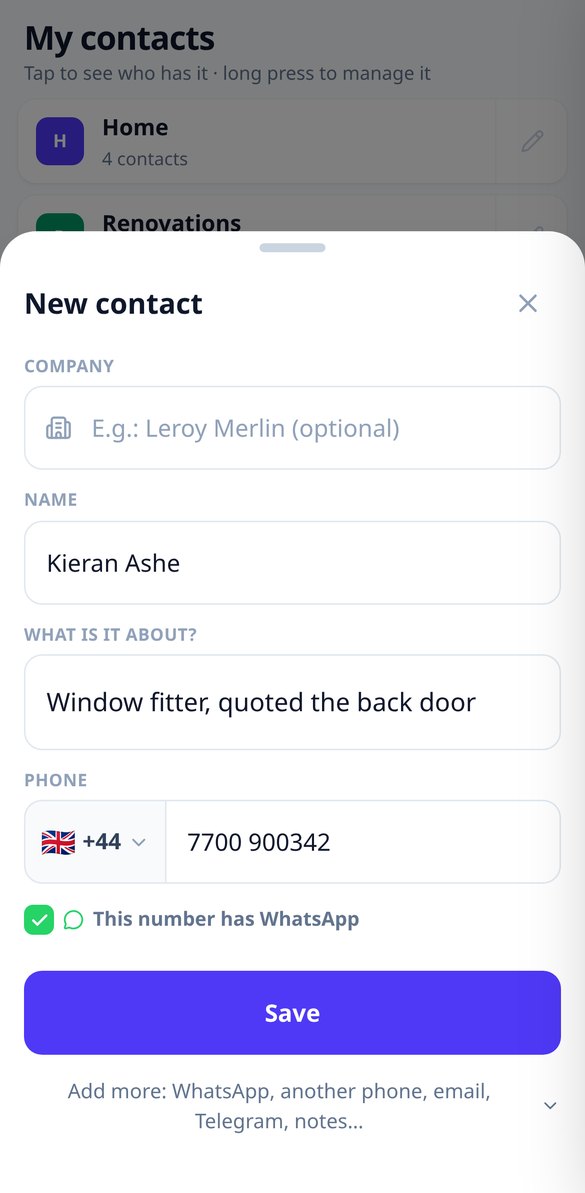
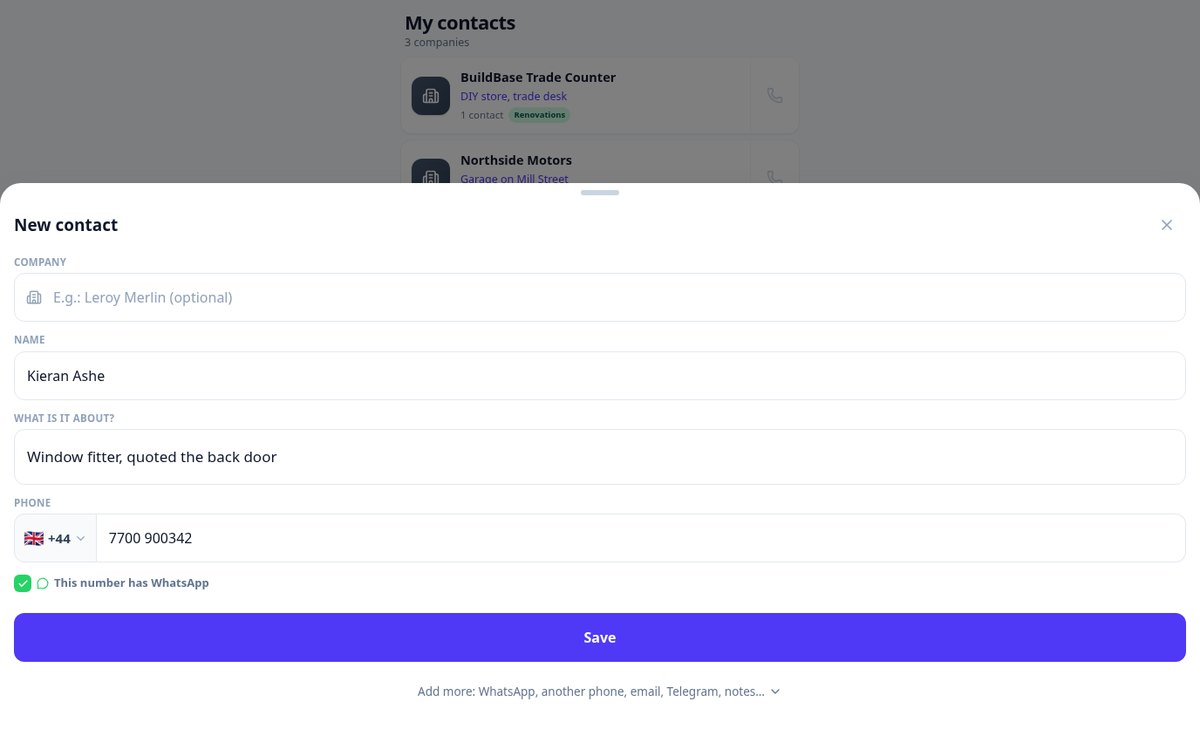
Add a contact in 10 seconds: save a phone number fast | aiContacts
Add a new contact in seconds: company, name, what they do, phone number, and Save. Works with just one piece of information, the rest is folded and works offline.
View feature
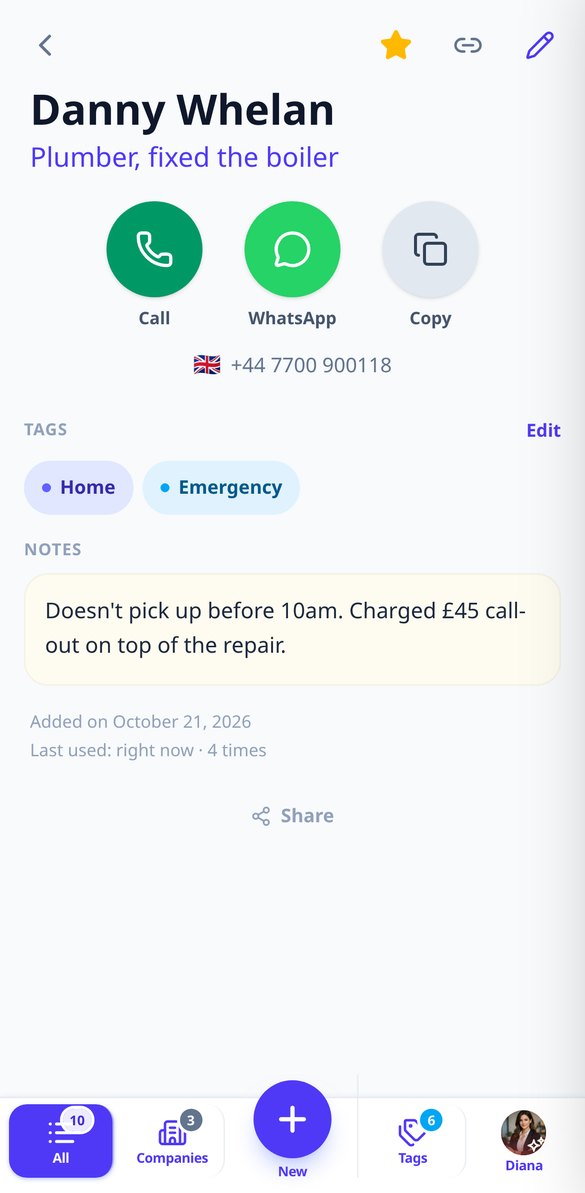
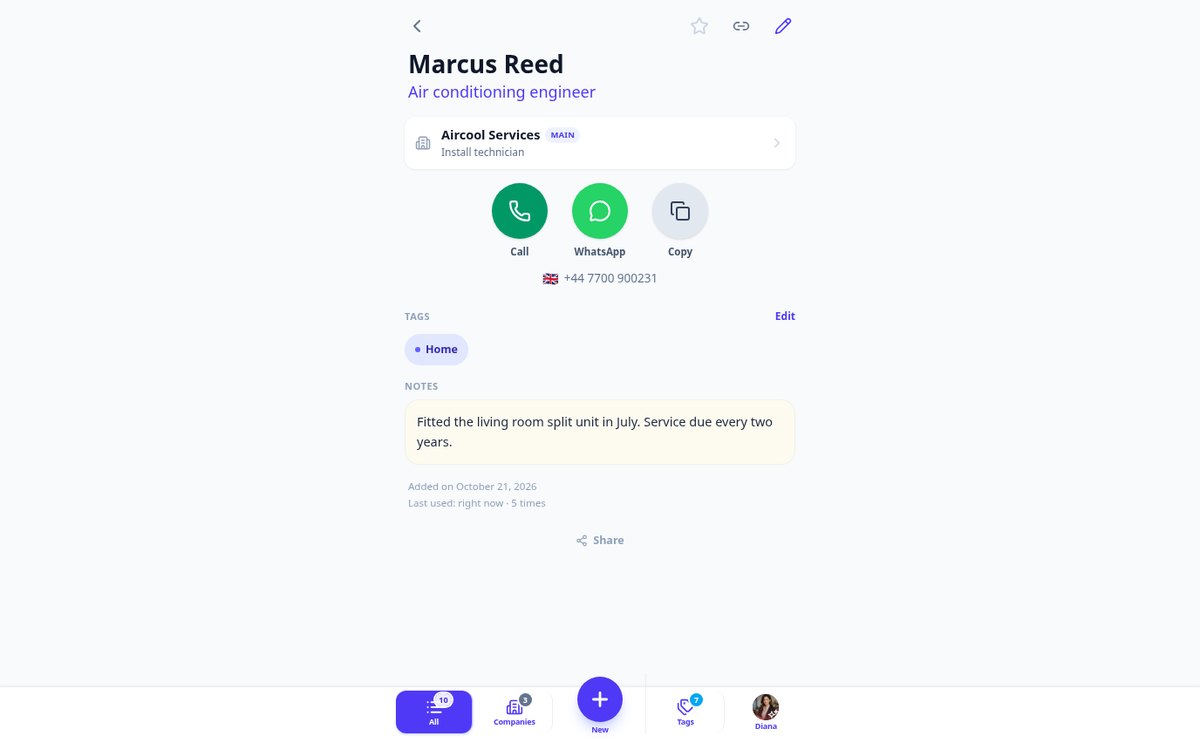
Call or open WhatsApp from your contacts in one tap | aiContacts
Contact record with three large buttons: direct call, WhatsApp with the number in international format, and copy the phone number to the clipboard. On a computer, if the browser ignores tel: links, it just copies the number.
View feature
Share a contact without showing your private notes | aiContacts
aiContacts shares the name, the "what they do", phone and email via the phone's menu or clipboard, keeping your private notes and tags out. Confirms before sharing a contact marked with 👎.
View feature
Offline Contact Directory | aiContacts
aiContacts opens and searches offline using a local copy of your directory. Additions, edits, and deletions made without coverage are added to a write queue and saved automatically upon reconnecting, with a pending changes counter in the header.
View featureSave in ten seconds, find in two
Just enough to note down the pro in the moment and bring them back up when you need them.

Search by what they do, not by their name
The search looks at the name, the “what it’s about,” notes, tags, phone, and email at the same time, and filters the list with every letter you type. It ignores capitalization and accents (“cafe” finds “café”), tolerates a typo (“plumberr” finds “plumber”), and accepts multiple words. It highlights the matching part so you can see why it appears.

Add in ten seconds, almost everything optional
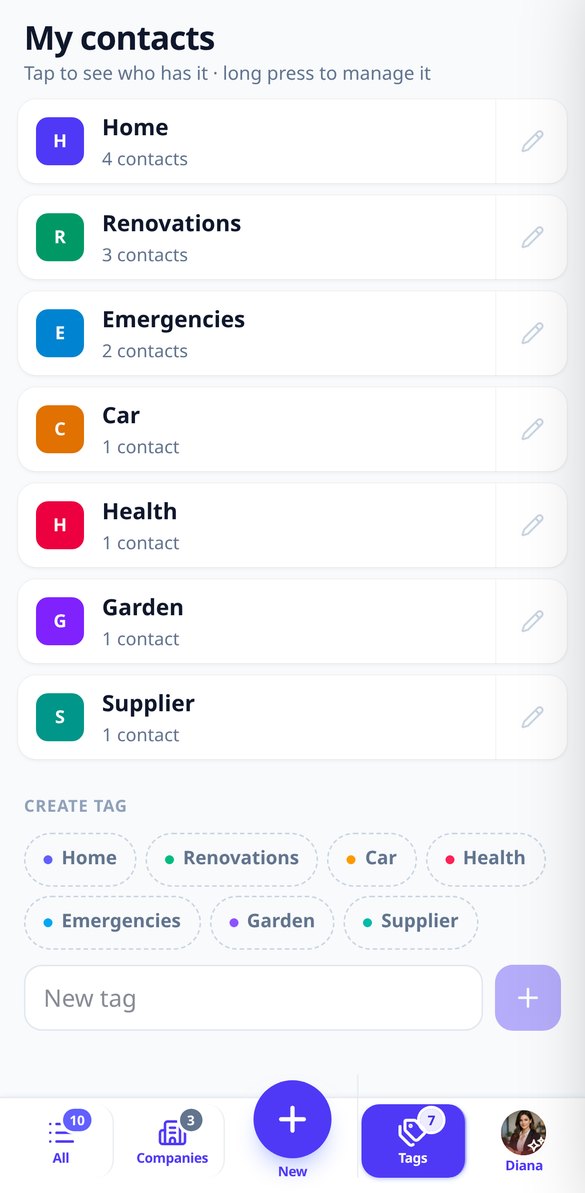
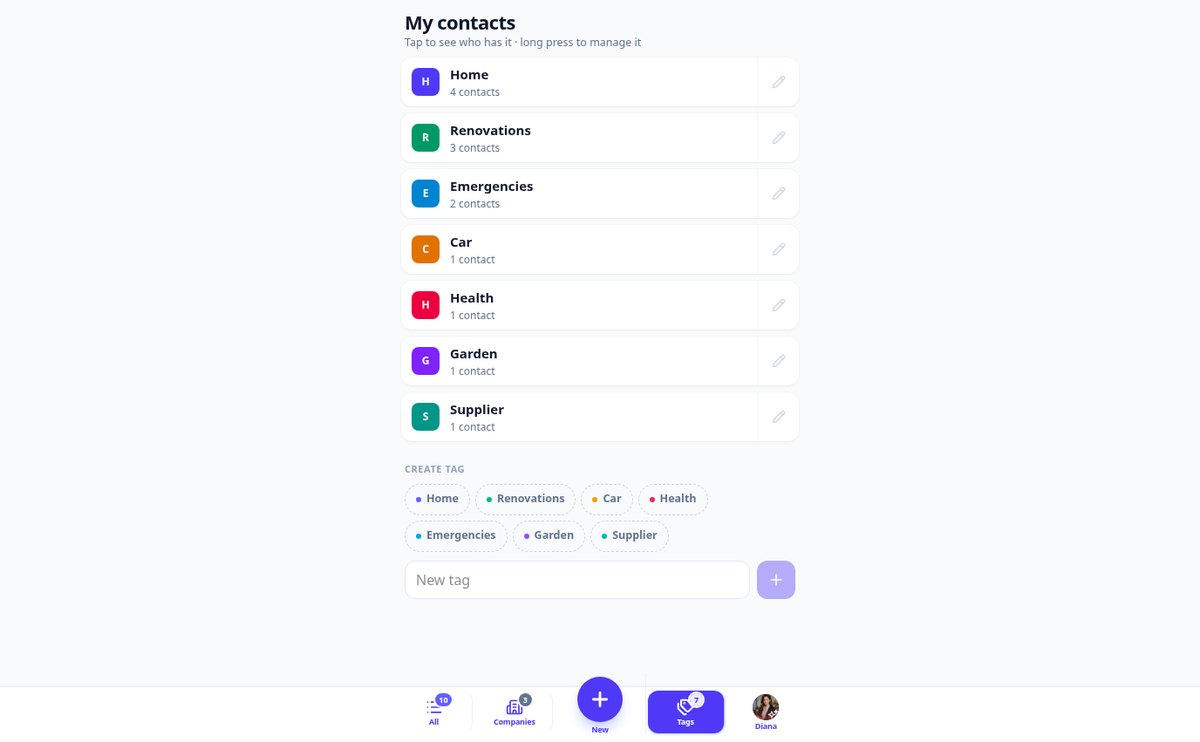
“+” button, three fields —name, what it’s about, and phone— and saved. You only need to fill in one of the first two: there are no required fields or red asterisks. If you want, you can expand email, color tags, and private notes on the same screen. The phone number is accepted exactly as you type it and warns you if you already have someone with that number.

Call, WhatsApp, or copy, in one tap
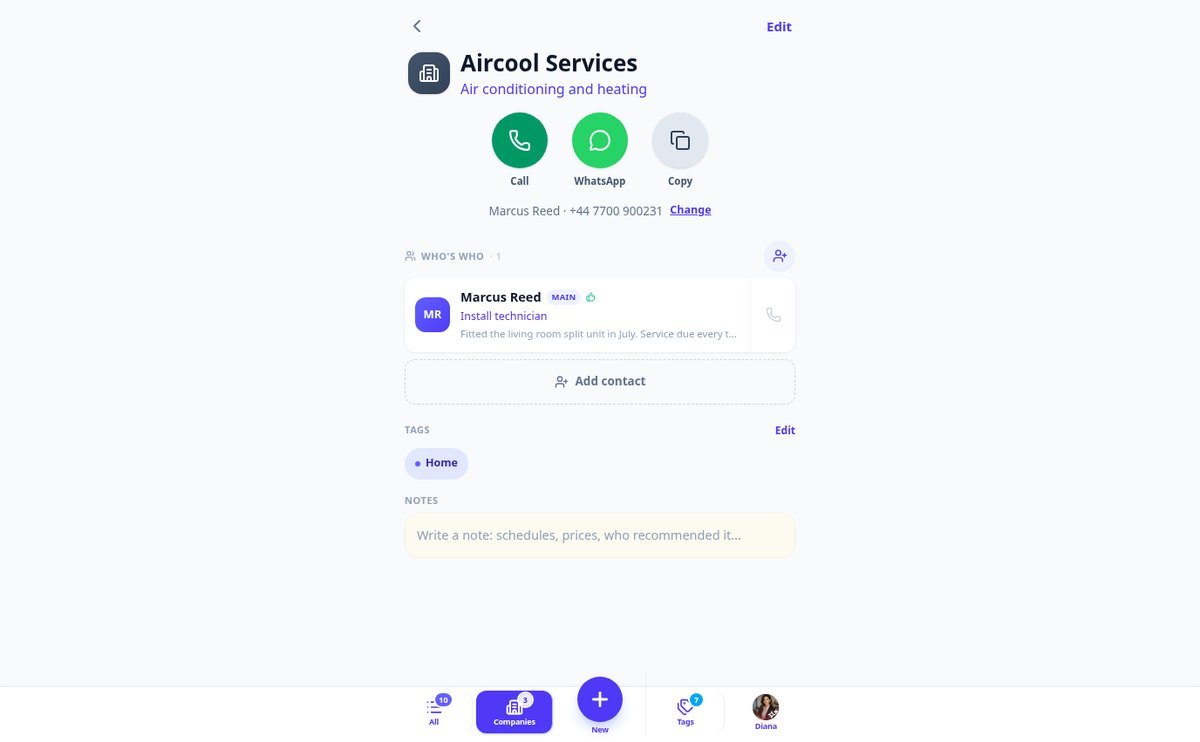
From the list or from the contact card: direct call, WhatsApp chat even if they're not in your phone's address book, or copy the number to the clipboard. Each use moves the contact to the very top, so what you use most is always at hand. And when you share a contact with someone who asks for it, your private notes never appear.
Three steps and you'll never lose a phone number again
Sign up
Create your free account in seconds and open your directory, empty and yours alone.
Save whoever fixes something for you
Tap “+”, type the name and what it’s about, paste the phone number, and save. Ten seconds while they dictate it to you.
Find it when you need it
Months later, type whatever you remember —“air,” “locksmith,” “the brother-in-law’s guy”— and call right from the card.

Who is it for?
Built for these profiles
Frequently Asked Questions
Latest blog articles
Guides and news to get more out of it

Locksmith and emergency plumber scam: how much you should really pay and how to avoid falling for it
What an opening, unblocking, or leak really costs in 2026, the 7 signs of a fake emergency professional, and how to claim if you overpaid.

How to organize mobile contacts to find the plumber without remembering their name
A practical guide to organizing mobile contacts by profession rather than by name: what fields to use, what to note in the notes, and how to search for 'the air guy' and find them.
Stop losing the plumber's phone number
Create your free account and save your first contact in ten seconds.