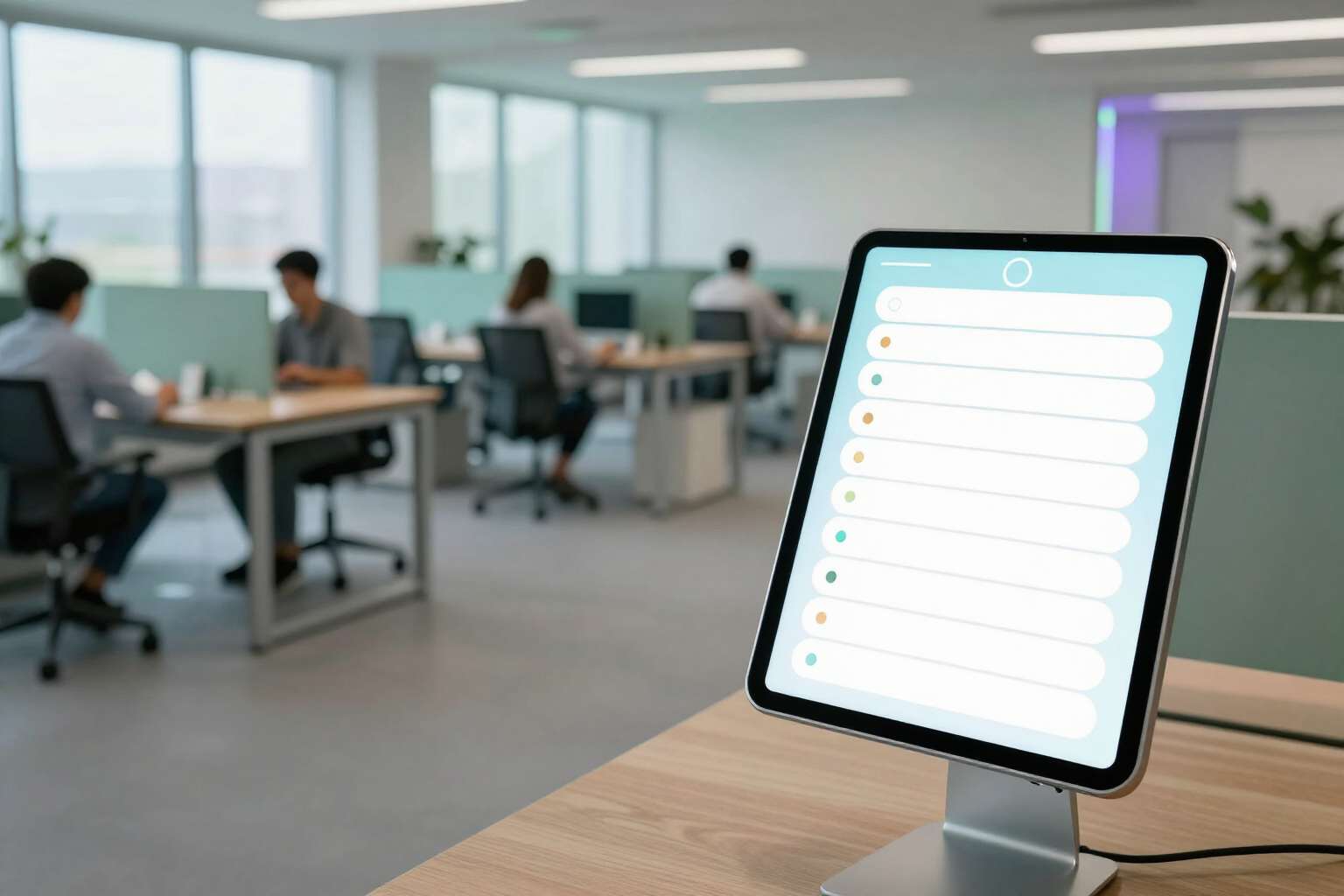
Real-time Team Dashboard: Who Is Clocked In Right Now
A single screen showing each person’s status—working, on break, or not clocked in—since what time they clocked in and how their week is progressing against their working hours.
Stop asking «Have they arrived yet?» on WhatsApp. That’s what TimeTrack’s team dashboard does.
TimeTrack is AIsToHire’s time tracking app (https://aistohire.com/timetrack-time-tracking-and-time-clock-161). The team dashboard is the «Team» tab for managers, and it’s the view that summarizes at a glance what’s happening with the staff right now: at the top, a counter of those currently clocked in out of the total active staff (e.g., 7 / 12); below, the list of the entire team ordered by name.
Each person is a card with their name, department or email, and a «Manager» label if they have management permissions. On the same card, their live status is displayed: «Working» in green with the exact time they clocked in, «On Break» in amber if they are on a timed break, or «Not Clocked In» in gray if they haven’t started yet. To the right, the hours they have accumulated this week compared to their assigned working hours, to see instantly who is ahead and who is behind.
The data is not manually entered anywhere: it comes from the actual clock-ins that each employee makes from their mobile or computer. The dashboard is recalculated on the server every time it’s opened or refreshed, so what you see is the current status, not yesterday’s snapshot. From the screen itself, you can synchronize the staff with the account’s active users, manually add someone, or edit their profile (weekly working hours, department, annual vacation days, role).
It’s a management view, not a surveillance view: only those with a manager role can see it, and it displays the same information that the employee sees about themselves on their hours screen.
Benefits of Live Team Dashboard
Clocked in now, in a single number
the header counter shows how many people are working out of the total active staff. It’s the first thing you see when you open the tab and automatically answers «Is the shift fully staffed?».
Three unambiguous statuses per person
working, on break, or not clocked in, each with its own color. No need to interpret an hours table to know who is available right now.
The actual clock-in time, not the scheduled one
next to the «Working» status, the exact time that person clocked in appears, as recorded by the server. This helps resolve a delay or a shift change without opening any report.
Breaks visible as they happen
if someone has started a break, their card changes to «On break». You know they are clocked in but not active, and the break time is already deducted from their worked time.
Weekly hours vs. their working hours, person by person
each card shows the accumulated hours this week compared to the minutes they were supposed to work according to their weekly working hours. You detect deviations on Wednesday, not at the end of the month.
Who's who without leaving the screen
department or email under the name and a label for managers. Useful when the team grows and there are multiple areas or centers.
The staff is set up from the same panel
one button syncs your people from the account's active users, and another adds someone manually. The pencil icon on each card opens their profile to correct working hours, annual leave, or role.
For managers only
the team panel lives in the management menu and requires a manager role. Employees see their own clock-in/out and their own hours, not the status of others.

Open the dashboard and see who’s clocked in now
TimeTrack is AIsToHire’s time tracking tool: your team clocks in from their mobile, and you see on a single screen who is working, who is on break, and how each person’s week is going. It's at https://aistohire.com/timetrack-time-tracking-and-time-clock-161 and you can start for free.