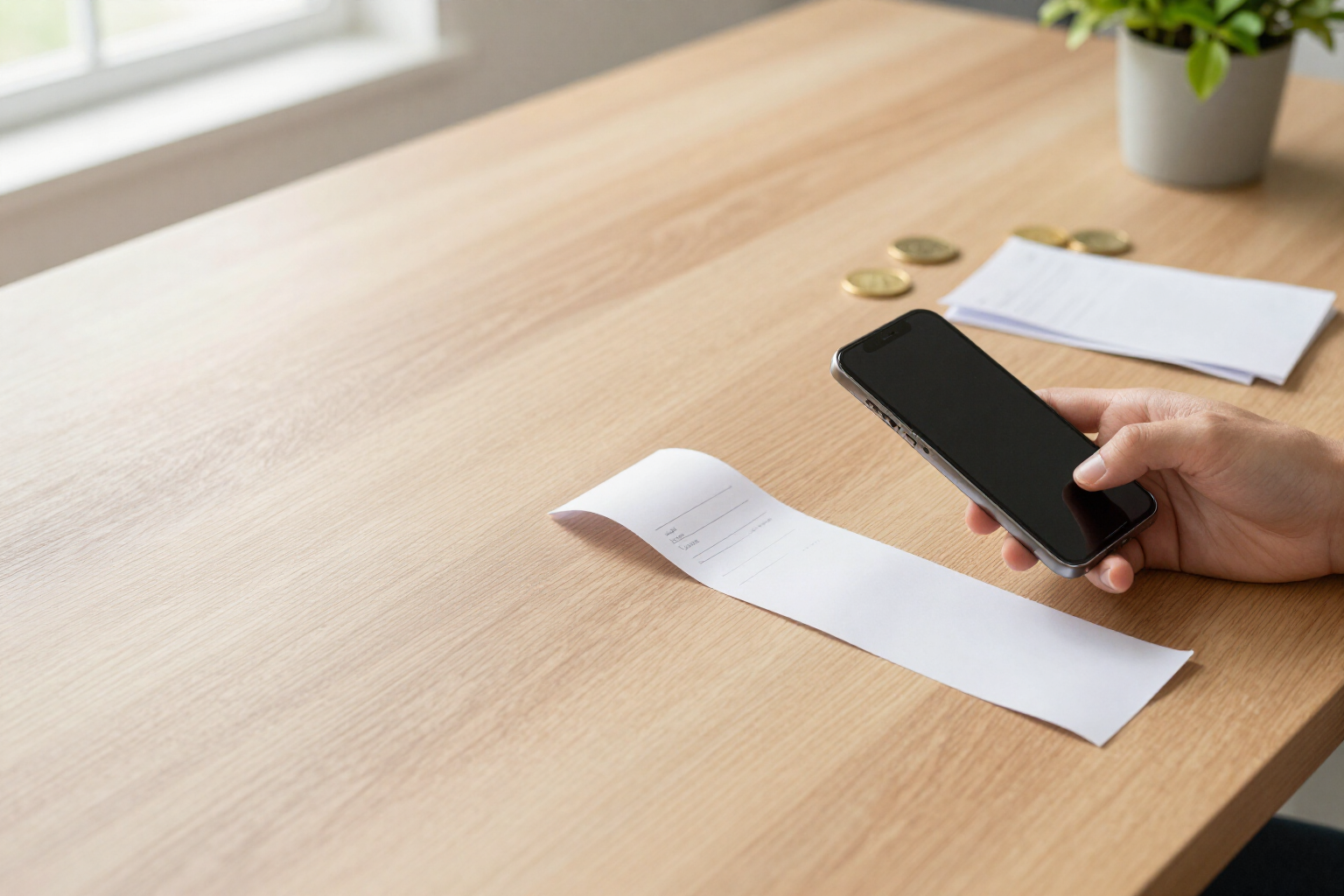
Scan the receipt and let AI track your spending for you
Take a photo of the receipt or upload its PDF: SpendTrack reads the date, the merchant, the amount, and even the details line by line, classifying the expense without you typing anything.
In summary: you upload a photo or a PDF of the receipt (JPG, PNG, WebP, HEIC, or PDF, up to 15 MB), the AI extracts the date, merchant, total, currency, invoice number, concept, and type, separates multiple receipts that appear in the same photo, alerts if that receipt was already registered, and analyzes it in the background so you can continue using the app while it works.
Reading receipts with AI is the fastest way to enter an expense in SpendTrack, the personal expense tracking app from AIsToHire (https://aistohire.com/spendtrack-personal-expense-control-157). You open the add expense screen, tap the receipt option, and take a photo with the camera or choose multiple files from the gallery. A PDF of an invoice is also acceptable. The file is uploaded, an expense is created in an analysis state, and you close the screen: no need to wait in front of your phone.
From each receipt, the AI extracts the date, the name of the merchant, the total, the currency printed on the receipt, the reference or invoice number, a short concept, and the type, chosen from the 14 types used by the app (food, transportation, dining, supplies, housing, entertainment, health, subscriptions, education, insurance, taxes, clothing, gifts, and others). When the receipt allows, it also saves the details line by line - description, quantity, unit price, and amount - and the loose data from the document: billing period, meter readings, consumption, VAT, subtotal, discounts, payment method, or customer number. All of this is included in the expense, available for review later.
If multiple loose receipts appear in the same photo, the AI separates them and creates an expense for each one (up to nine additional), and the tray notifies you of how many it has found. To keep your accounts clean, there are three duplicate controls: the file hash, which detects the same image even before analysis; the invoice number along with the amount, which blocks creation and shows you the expense you already had; and a possible duplicate alert when the date, amount, and currency match another expense, which does not block anything and is up to you to decide.
While the AI analyzes, the receipts reside in a tray with their status - analyzing, ready, error, or duplicate - from which you can enter the expense, approve it, or discard it. You can upload several in a row and receive a notification when the batch is complete; if you close the app, it retrieves the pending ones when you return. To be precise: for a PDF, the first page is analyzed, the analysis requires a connection (without coverage you can note expenses by hand, but the receipt is not processed until you return), and the expense is created with what the AI has read and corrected later from its record, there is no prior confirmation screen like in bank statement imports.
Benefits of Receipt reading with AI
Zero typing
from photo to recorded expense without entering amount, date, or merchant, with the type already suggested.
Photo or PDF up to 15 MB
accepts JPG, PNG, WebP, HEIC, and PDF, taken with the mobile camera or from the gallery, and multiple files in succession.
Line by line detail
saves the items from the receipt with quantity and price, along with invoice data (period, consumption, VAT, payment method) for later reference.
Multiple receipts in one photo
if you photograph a handful of receipts together, the AI separates them and creates an expense for each one.
Anti-duplicate checks on three levels
by file hash, by invoice number plus amount, and with a warning for possible duplicates by date and amount.
Background analysis
the receipt enters a queue and you continue using the app; a tray shows you the status of each receipt and notifies you when finished.
Currency of the original receipt
if the receipt is in another currency, it respects it and converts it to your base currency using the exchange rate from the date of the expense.

Your next receipt, recorded without typing
Create your free account on SpendTrack, take a photo of the receipt, and let AI extract the date, merchant, amount, and category.