
BaseTable · The database that adapts to the way you work

If you know how to use a spreadsheet, you already know how to use BaseTable: create tables to your liking, link them together, and view the same data as a grid, kanban, calendar, gallery, timeline, or form.
 BaseTable
Does your work live in spreadsheets that no one can maintain anymore?
BaseTable brings structure to that chaos: real typed fields, tables that link to each other, and the same information viewed as a grid, kanban, calendar, or form. Without duplicating data and without writing a single line of code.
Start for freeDatabase power, spreadsheet simplicity
Three pieces that turn an ordinary table into a system tailored to you.
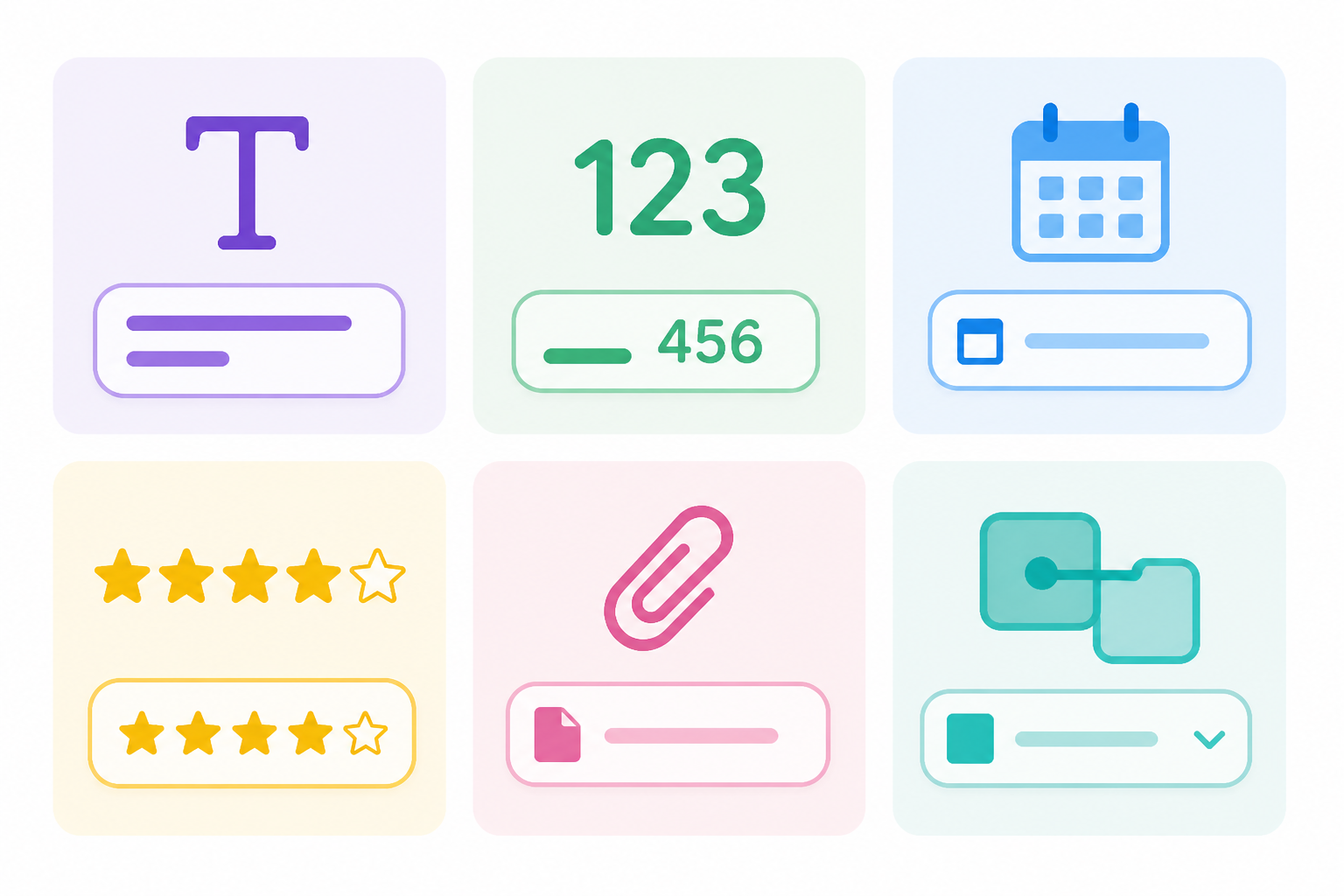
23 field types
Text, number, currency, percentage, duration, date, select, rating, attachments, collaborator, formulas, lookup, rollup, autonumber, and linked records between tables.
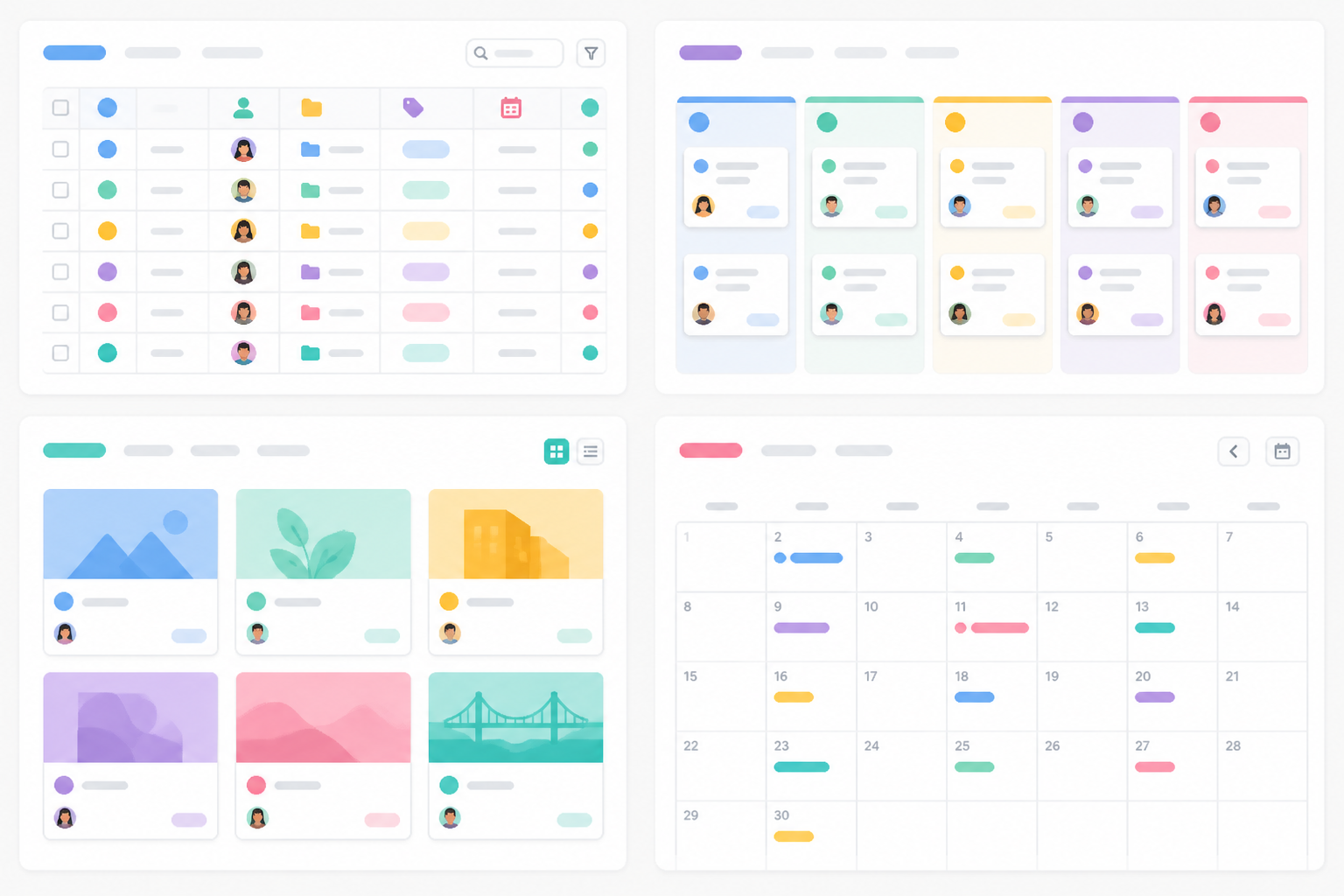
6 views over the same data
Editable grid, kanban board, card gallery, calendar, timeline, and form to collect information. Switch views without duplicating anything.
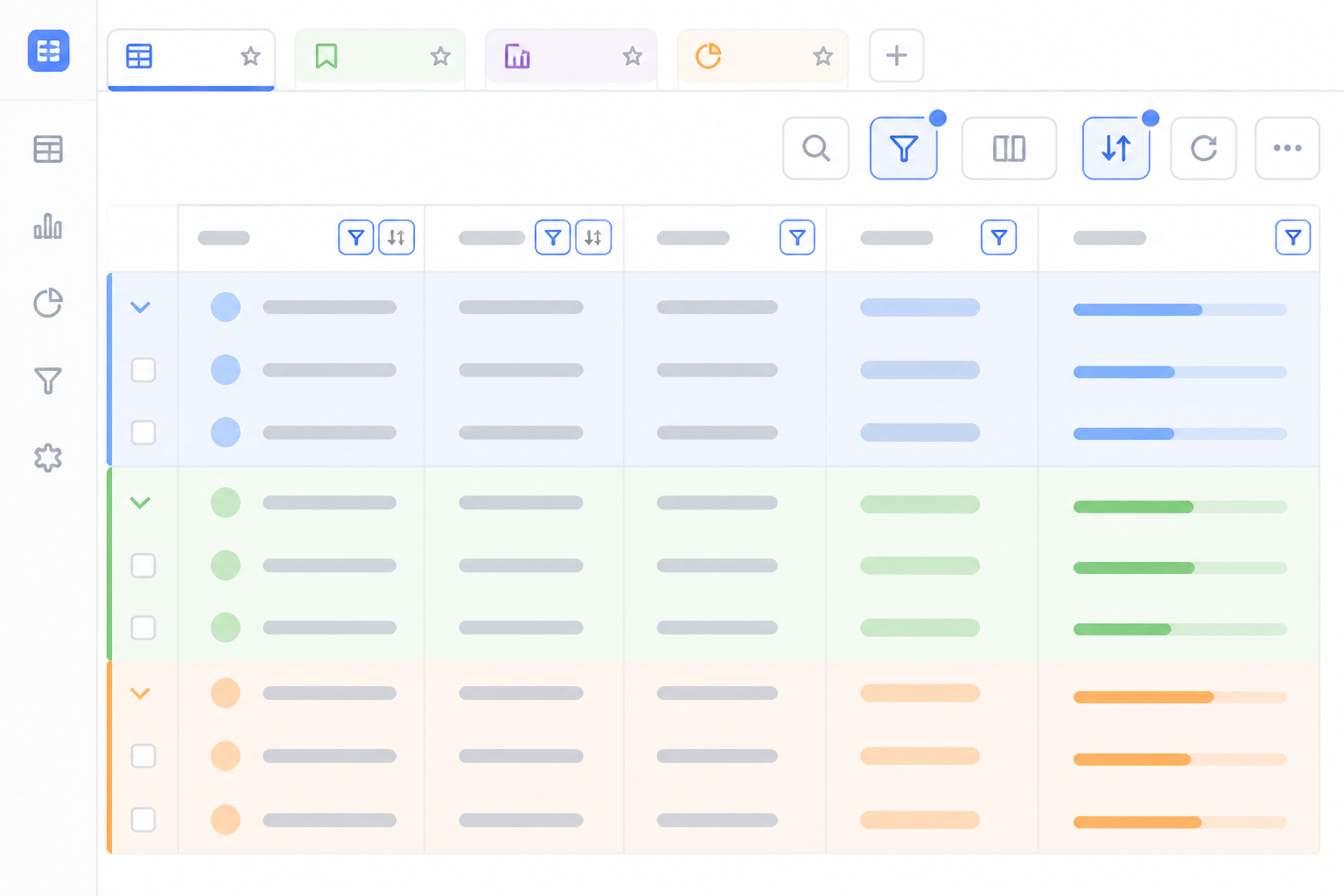
Filters, groups, and saved views
Filter with nested conditions, group up to three levels, sort, color by status, and summarize each column: each view's configuration saves itself.
From spreadsheet to your base in three steps
Sign up
Create your free account and open BaseTable in your browser.
Bring your data
Start from scratch, import a CSV, or bring your Airtable bases with their tables, fields, and attachments.
Choose how to view it
Add the views you need and share each base with your team, with just the right permission.

User reviews
“I migrated the roadmap from three spreadsheets. With linked records and kanban by status, I can finally see where everything stands.”

“Vendors, guests, and tasks in linked tables, with the calendar view for key dates. And I share only the relevant table with each person.”

“Each client is a base with its own tables. The form for collecting briefs has taken endless email chains off my back.”

Frequently Asked Questions
Organize your work with BaseTable
Create your first base in minutes, free and right from your browser.