Try Create your WhatsApp QR and take it to print right here
Use it free without an account. If you want to save your result, you can sign up afterwards.
Create your WhatsApp QR and take it to print
Your number, the message you want to receive, and your logo in the center. The QR is generated in your browser and comes in PNG, PDF, or SVG with actual dimensions for each use.
The WhatsApp QR from aiWapp is not an image that someone has to rearrange: it is the file that your printer accepts as is, with 300 dpi, bleed, and crop marks.
You enter your number with its prefix — it is validated against the real format of each country, so an impossible number won't turn into a poster — and the message you want to receive already written: "Hello, I want to make an appointment," "Information about today's menu." With that, you get the wa.me link to copy, open, or test, and its QR code instantly.
The designer has a real-time preview: color of the modules and background, shape of the dots and eyes, logo centered with its gap, frame with a call to action, and four font families. Two alerts work while you design: if the contrast drops below what a reader needs, it warns you and corrects it with one touch, and below the minimum, it blocks the download instead of letting you print a QR that won't scan. When you add a logo, the error correction level rises to H so that the code remains readable even with the center covered.
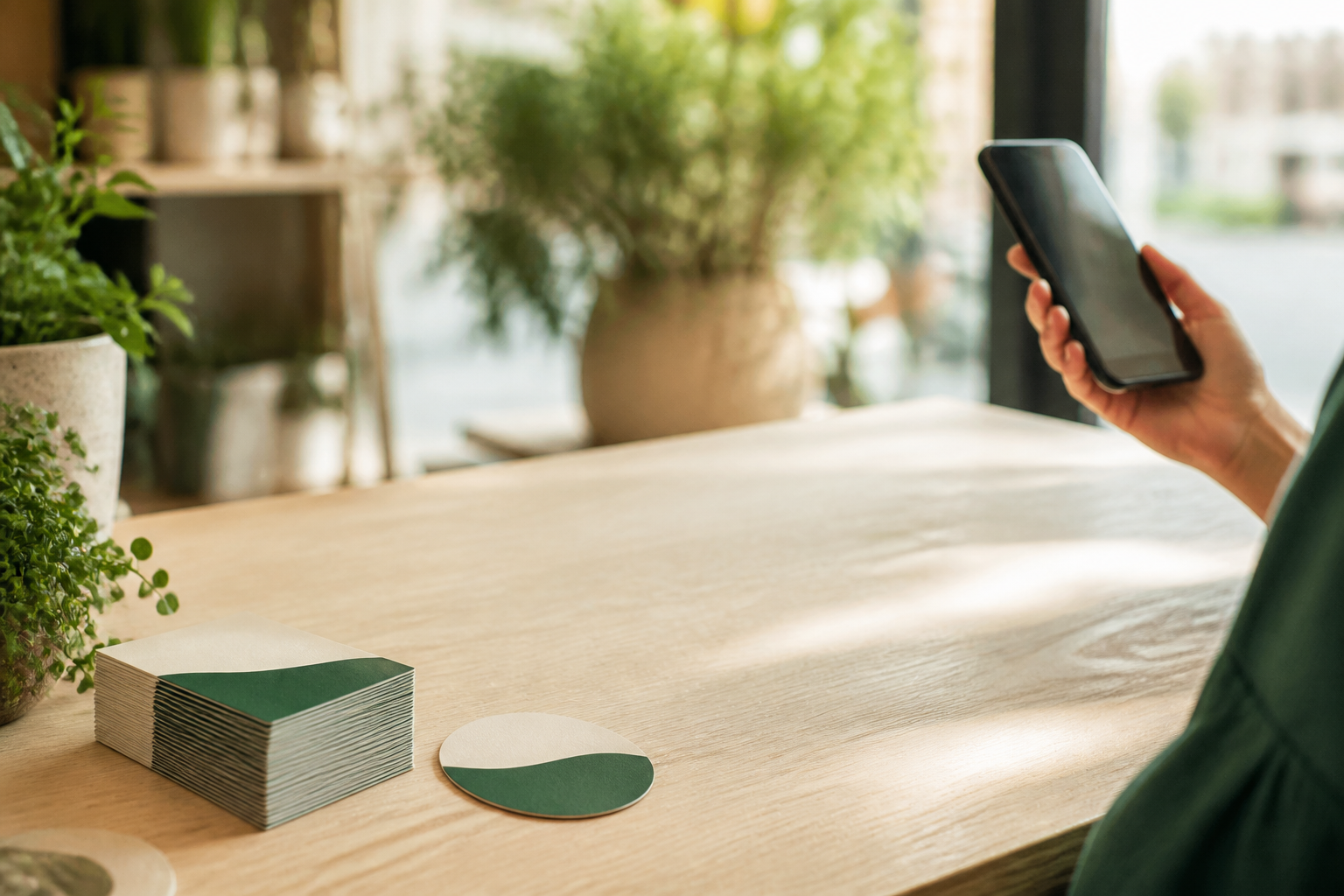
The Contact Card places the QR within a composition with your name, your business, and your claim, in three templates and eight output formats with exact measurements: post of 1080×1080, Story of 1080×1920, business card of 85×55 mm, A5 and A4 posters, circular storefront sticker of 10 cm, square sticker, and packaging label of 60×40 mm. The printer versions have 300 dpi, bleed, and crop marks.
Everything is saved in a library that you can re-edit, and duplicating a record gives you the variant for another branch or another salesperson with their own number: the pack comes in a multipage PDF or a ZIP. aiWapp does not connect to your WhatsApp account at any time: it only composes a link that is already public.
Ventajas de Create your WhatsApp QR and take it to print
Ready for print, not just for screen
business card, A4, A5, storefront sticker, and packaging label with 300 dpi, bleed, and crop marks in the PDF.
It warns you if your QR won't scan
the contrast is measured while you choose the color, corrected with one touch, and below the minimum, the download is blocked instead of letting you print a thousand useless posters.
Your logo in the center without breaking the code
when you add a logo, the error correction rises to level H, which tolerates up to nearly a third of the area covered.
Message already written
whoever scans opens the chat with your text already set, so they don't have to explain what they want. The AI suggests three versions if you can't think of any.
One record per branch or salesperson
you duplicate, change the number, and export the set in a multipage PDF or a ZIP.
Without connecting your account
aiWapp does not use the Meta API or log into your WhatsApp. It composes the wa.me link and draws the QR in your browser, so there’s no way your account can be blocked for using it.

Your WhatsApp QR, in one minute and with the print-ready PDF included
aiWapp is the tool from AIsToHire that creates the wa.me link, its QR code, and the contact card with actual print dimensions, without connecting your WhatsApp account.