
aiQuote · Request and compare quotes without calling anyone

For small businesses, freelancers, and purchasing teams: describe what you need and aiQuote finds local suppliers, requests quotes from them by email in their language, and leaves all the responses compared in one place.
How many hours do you waste searching for suppliers and chasing quotes?
Tell it in a chat what you need and aiQuote does the rest: it finds real suppliers in your area on Google, locates their contact details, writes and sends the request to each one, notifies you when they open or reply, reads the quotes that come in —including PDF attachments— and presents them to you compared with a recommendation.
Start for free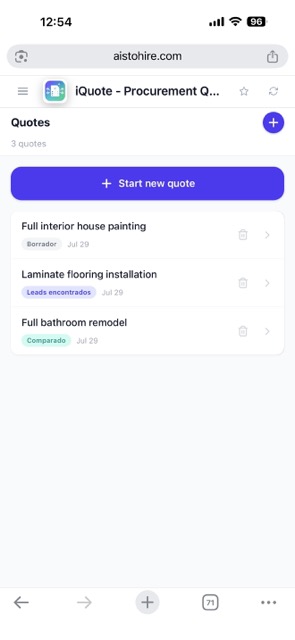
From need to the chosen quote
The entire cycle of requesting quotes, within a single app.

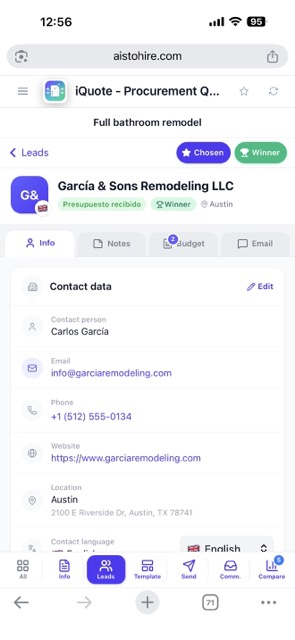
Find local suppliers
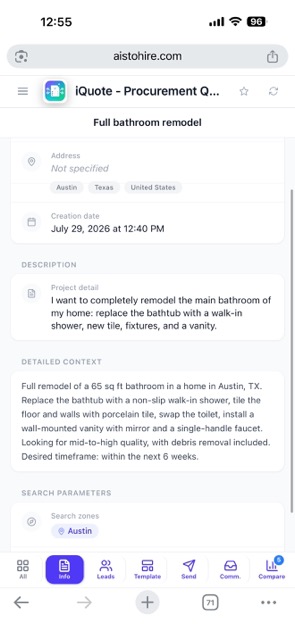
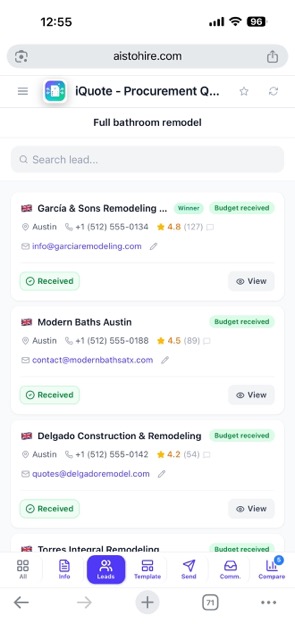
Describe the job and aiQuote searches for real companies on Google in the areas you choose, with their rating, phone, and website, and tracks down any missing contact email in the background. You decide which ones to request quotes from, up to ten per request.

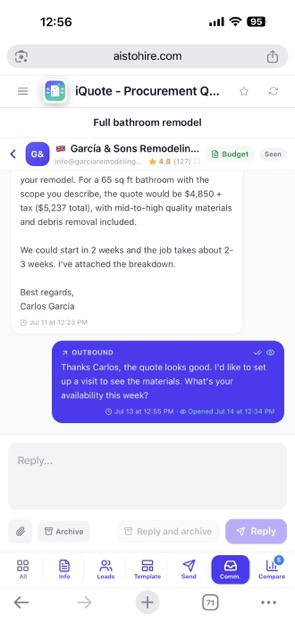
Request quotes by email
The AI writes the request with the details of your job and sends it to each supplier in their country's language, signed with your name. You see when they open the email, and their responses enter the app's thread, where you can continue writing to them.
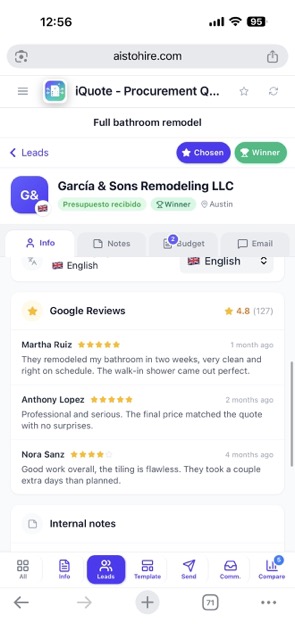
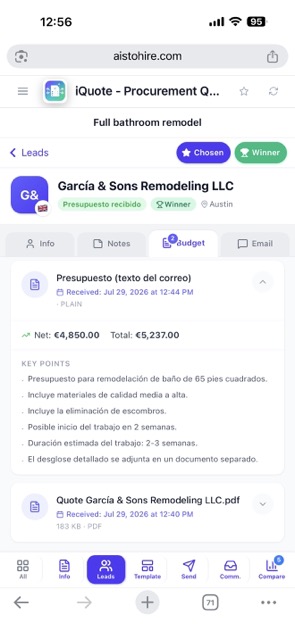
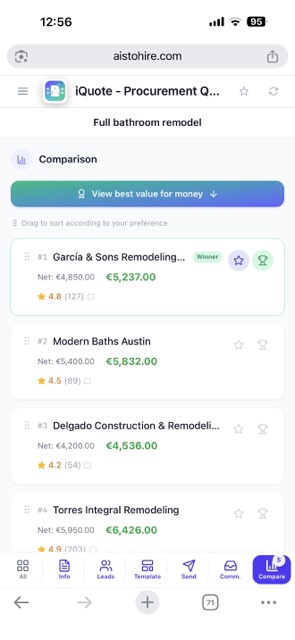
Compare offers with AI
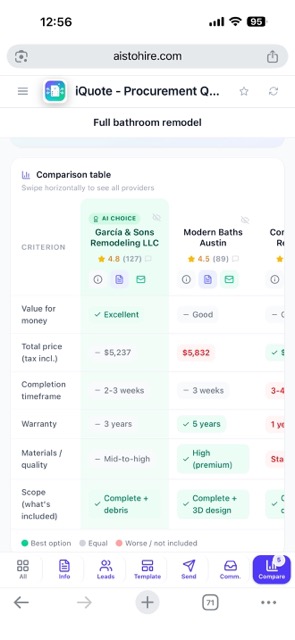
Each response is analyzed automatically: the AI reads the email text and quotes in PDF or photo, extracts amounts and terms, and generates a comparison with strengths, weaknesses, and a final recommendation.
Your quote in three steps
Sign up
Create your account in seconds and open aiQuote.
Tell the chat about it
Describe the job, the area, and how many suppliers you want; the AI prepares the request and finds the companies.
Review, send, and compare
You review the email and the supplier list, send it with one tap, and aiQuote collects the responses and leaves them compared for you.

What those who already use it say
“I needed a quote to renovate a bathroom and instead of calling ten companies, aiQuote contacted them for me. I received five responses and chose without leaving home.”

“I manage purchasing for a small business and this saves me hours. Comparing quotes by email in one place is just what I needed.”

“I requested a quote to letter my van and the AI wrote to the suppliers in their language. Very convenient, and the responses arrived on the dashboard by themselves.”

Frequently Asked Questions
Start requesting quotes effortlessly
Create your first request and let the AI search, write, and compare for you.