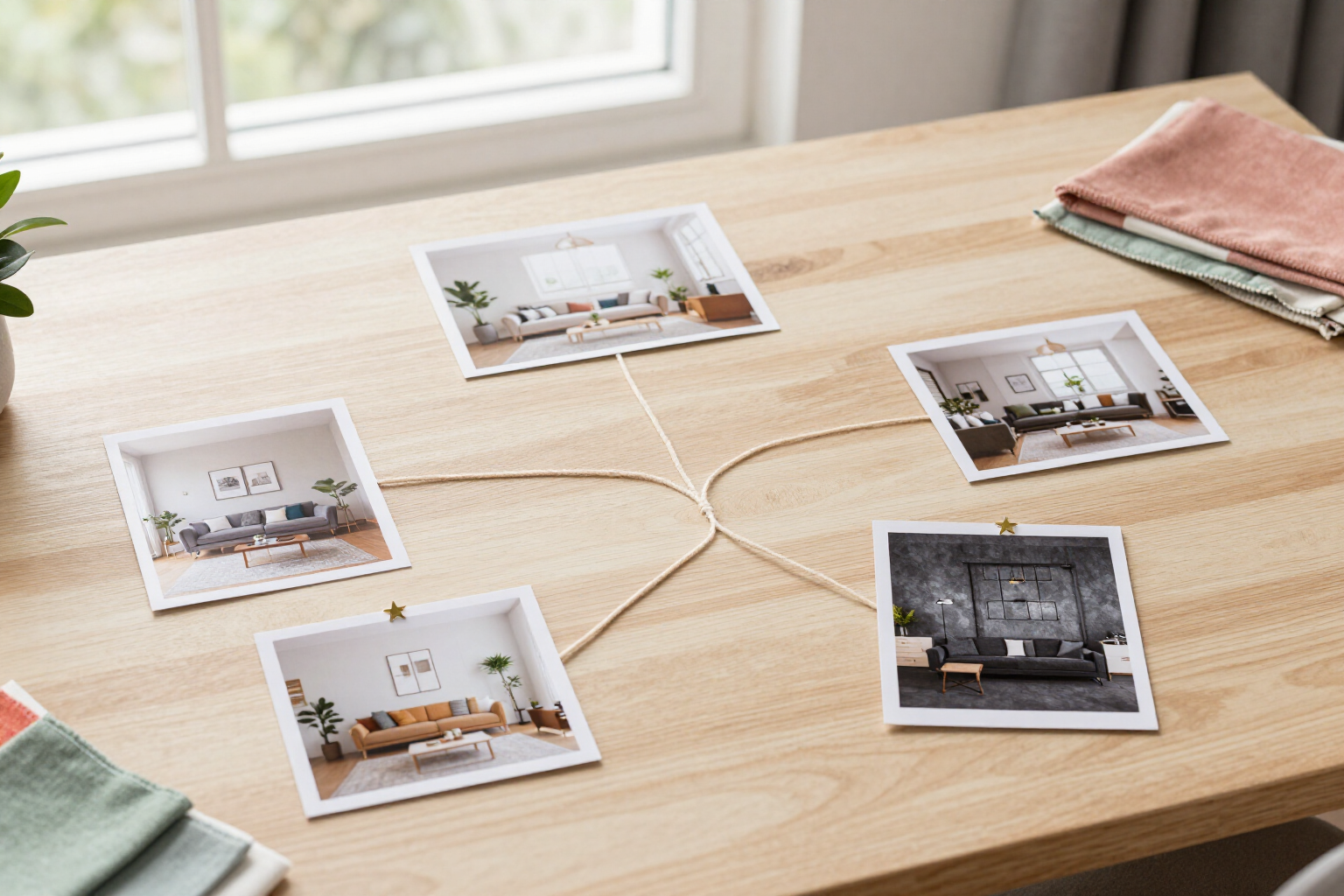
Chat-style editor with version history tree
Request changes by typing, just like in a chat: each response is saved as a version, and you can revert to any of them to explore a different path.
At aiSpaceDesign, no idea overrides the previous one: the editor saves each edit as a new version linked to the previous one, so you can always go back, branch out, and compare.
aiSpaceDesign is the interior design app powered by AI from AIsToHire (https://aistohire.com/ai-interior-design-151): upload a photo of a room, a floor plan, or an exterior and type the change you want in a text box, just like you would ask a decorator on WhatsApp. Each submission does not overwrite the image: it creates a new version that hangs off the active version, complete with its thumbnail, prompt, applied style or material, engine used, and date.
The result is a version tree in a git-style format, displayed with indentation so you can see where each branch originates. Tap any previous version to revert to it, and the next edit will start from there, opening a new parallel branch: you can have the same living room in Nordic, industrial, and Mediterranean styles hanging off the same original photo, without losing any of the three.
For each version, you have the actions you expect from a true history: rename it, mark it as a favorite with a star, and filter the list to see only favorites, compare it with the active version in a dual view or with a before-and-after slider, download it, view its complete details with the exact prompt that generated it, regenerate it the same way or with the detailed engine, retry at no cost if it failed, cancel an ongoing generation, and delete the entire branch (the version and all its descendants; the base image is never deleted).
Additionally, the prompt box keeps your text history with a search function, allowing you to reuse the same prompt in another project or save it as a favorite, and deleted projects go through a 30-day trash period before disappearing.
Benefits of Chat editor with version tree
Nothing gets overwritten
each edit is a new version linked to the previous one, with its thumbnail, prompt, and details. If the new result is worse, the good version remains intact.
Branch from any point
tap a previous version and the next edit starts from there, creating a parallel branch. Two or three design lines on the same photo, simultaneously.
Compare seriously
choose two versions of the tree and view them side by side or with the before-and-after slider to see exactly what has changed.
Favorites and proper names
star the versions you find useful, rename them, and filter the tree to show only those. The rest is saved just in case.
Retries that don't cost twice
regenerate an identical version, switch to the detailed engine, retry at no cost if it failed, or cancel the generation if you no longer want it.
Prune without fear
deleting a branch removes that version and its descendants at once, but the base image is untouchable. Deleted projects stay in the trash for 30 days.
The prompt is recorded
each version saves the exact text, style or material applied, and the engine used, so you can repeat what worked in another space.
Prompt history with search
texts you have already written are saved, searchable, and can be marked as favorites for reuse in the next project.

Try the editor with version history tree
Create your free account, upload a photo of a room, and write your first change: in less than a minute, you'll have the first version of the tree.