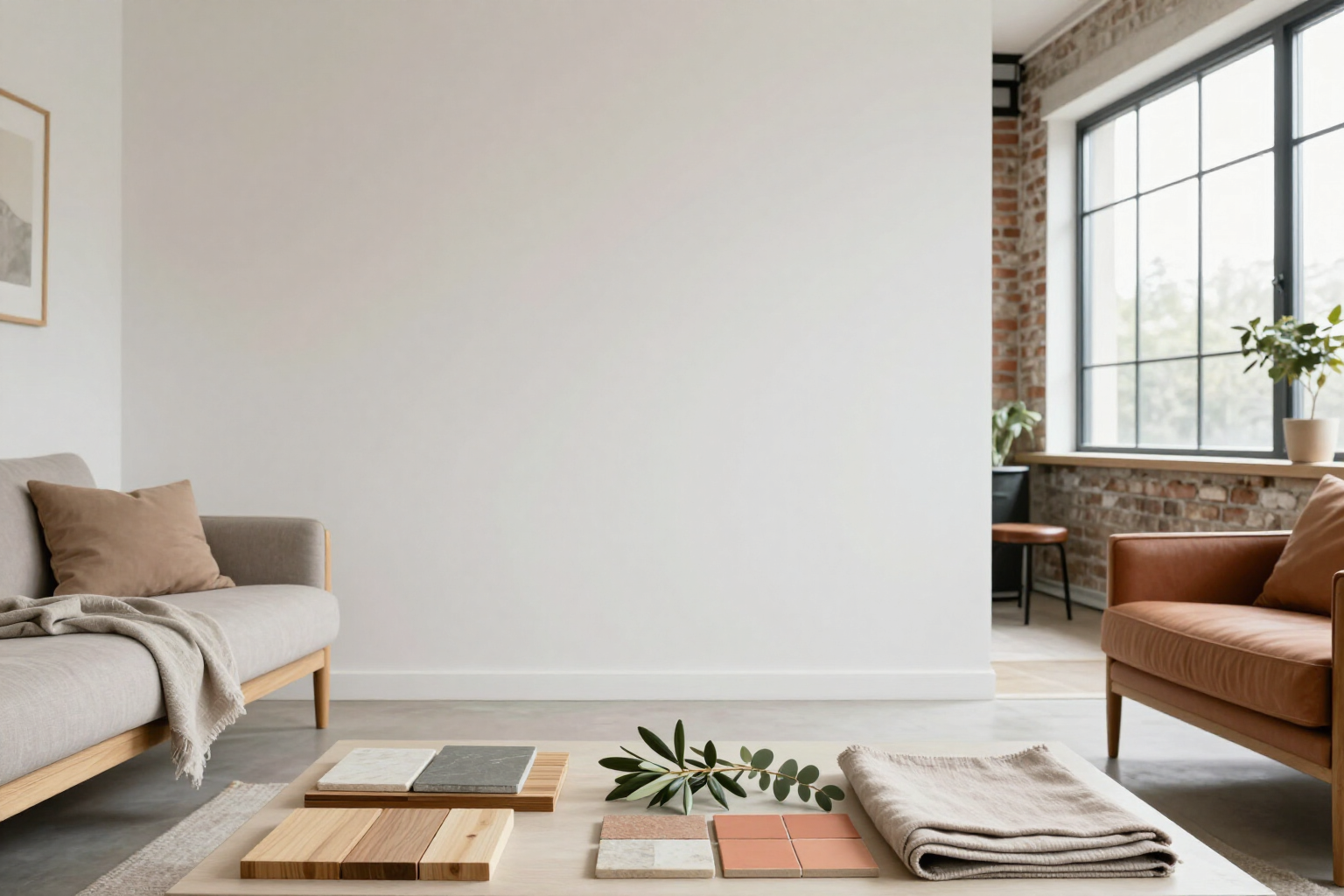
36 decoration styles applied in 1 click
Tap a style and your room's photo is reborn in Nordic, Japandi, industrial, or Mediterranean, without writing a single word.
Imagining your living room in another style takes a tap: you choose the style, the AI reinterprets the entire space, and in less than a minute you have the new version next to the original.
aiSpaceDesign carries a closed catalog of 36 styles: 30 of interior design (Nordic, Japandi, industrial, Mediterranean, boho, minimalist, classic, rustic, art deco, mid-century modern, coastal, farmhouse, maximalist, eclectic, zen, tropical, industrial chic, Hollywood regency, transitional, French country, Victorian, Scandinavian hygge, wabi-sabi, contemporary, modern luxury, modern scandi, urban loft, Provençal, dark Nordic, and retro 70s) and 6 of outdoor landscaping (Mediterranean garden, tropical, xeriscaping, English cottage garden, modern garden, and Japanese garden).
It’s not a color filter: each style comes with a description of materials, palette, furniture, and lighting that the AI applies to your photo while respecting the architecture of the space. The Nordic style brings light woods and warm textiles; the industrial style, exposed brick and black metal; the wabi-sabi style, raw plaster walls and handcrafted pieces.
On the editor's bar, you have the featured styles at a tap, and behind it the sheet with all 36: a search by name and filters by mood (warm, minimal, classic, natural, and dark) to find what you're looking for without endless scrolling. If the photo is of an exterior, the app directly shows you the landscaping styles; if it's of an interior, the interior design styles.
Applying a style does not replace anything: it creates a new version hanging from the previous one in the project tree. This way, you can try six styles on the same room, compare them two by two with the slider, and save as a favorite the combination of style and nuances that best suits you for reuse in the next project. This functionality is part of aiSpaceDesign, the AI interior design app from AIsToHire: https://aistohire.com/ai-interior-design-151
Benefits of 36 styles in 1 click
Zero prompt to start
with a selected style, you don’t need to write anything. Tap the style, hit generate, and the version comes out on its own. If you later want to specify something (‘olive green sofa’, ‘fewer furniture’), you write on top.
36 true styles, not just four presets
30 for interior design and 6 for landscaping, each with its own recipe of materials, palette, furniture, and lighting. Includes those people search for by name (japandi, wabi-sabi, mid-century, hygge, retro 70s) and classic catalog styles.
Search and filter by mood
type 'japandi' and it's there, or filter by warm, minimal, classic, natural, or dark when you know the feel you want but not the name of the style.
Style only where you say
combine the style with the masking brush and apply it only to the area you mark —a wall, the reading nook— leaving the rest of the photo intact.
Also for the garden and terrace
the 6 landscaping styles transform facades, patios, pools, and gardens with coherent planting (olive trees and lavender, palms, succulents, raked gravel), not with indoor furniture placed outside.
Comparing is the strong point
each style you apply is a branch of the version tree. Nothing gets overwritten, you can return to any point and compare two styles with the before and after slider.
Reusable
save your favorite style with its nuances and apply it to the next room or the next client with a touch, without rewriting the same request.
From style to presentation
the versions you like are exported in a before-and-after PDF with the materials used, useful for showing two or three lines of style to a client in the same meeting.

See your living room in six styles this afternoon
Create your free account, upload a photo of the room, and tap the first style. In less than a minute, you have the new version alongside the original.