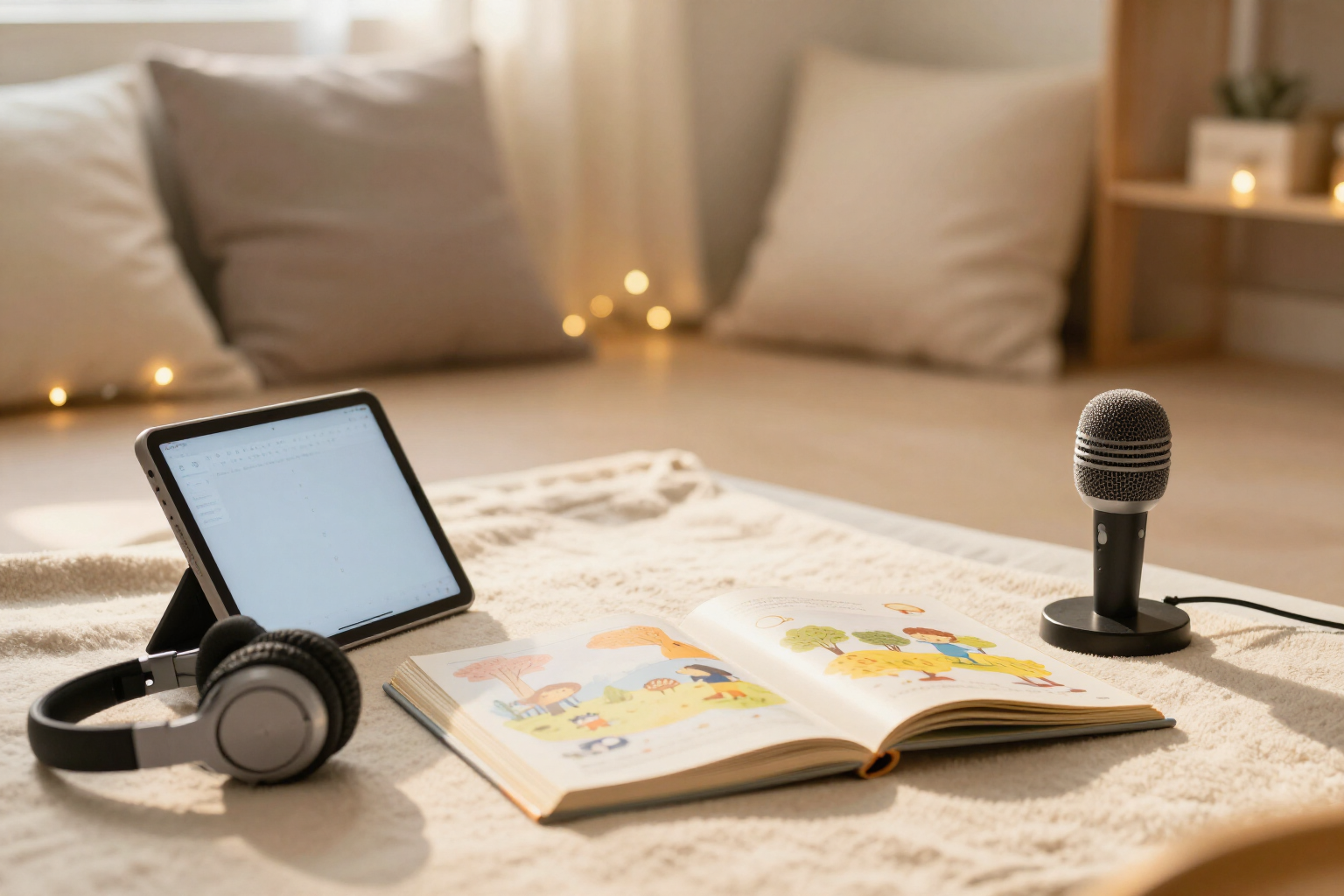
Stories narrated aloud and a fluency reader for them to read
Zuki Read reads the story phrase by phrase with highlighting and autoscroll, at three speeds. And when your little one wants to read aloud, it listens and measures their words per minute. Without ever recording audio.
Listening to a story is not cheating: it’s the step before reading it alone. Zuki Read gives you both steps on the same screen.
Inside any Zuki Read story, there's a «Listen» button. When pressed, the app narrates the text phrase by phrase using the device's own voice: the active phrase is highlighted in yellow and the page scrolls automatically so the child doesn't lose their place. While playing, a bar appears with pause, continue, stop, and a speed button with three settings —🐢 slow (0.8×), 🚶 normal (1×), and 🐇 fast (1.2×)— which can be changed without leaving the story and is remembered for subsequent stories. The narration uses the story's language, so it works the same in Spanish, English, French, Italian, Portuguese, and German.
The second button is «Read myself». Here, the roles are reversed: the child reads aloud and Zuki listens with the browser's speech recognition, following the text word by word with tolerance (if a word is skipped or repeated, it doesn't get lost). Below the story, there's a live counter —«Zuki is listening… 84 words»— and when stopped, two figures are calculated: words per minute and the percentage of accuracy compared to the story. These two figures are saved with the story and appear in the parents area as their aloud reading speed.
The audio does not leave the device. Zuki Read does not upload, store, or reproduce the child's voice: only two numbers come from the microphone, words per minute and accuracy. Everything relies on the voice APIs already included in the browser (Web Speech API), which is why there are no downloads or separate voice subscriptions.
And it's recorded how each story was used: if a significant portion of the text was listened to, the story is marked as «listened» instead of «read», and the parents area panel shows the distribution between the two. Useful for seeing if your child is relying on narration more than you thought — or to confirm they no longer need it.
Benefits of Narration and reading aloud
Phrase-by-phrase highlighting and autoscroll
the active phrase is marked in yellow and the story advances automatically, so the child follows the text visually while listening instead of disengaging.
Three speeds at a touch
🐢 0.8×, 🚶 1×, and 🐇 1.2×. They can be changed directly from the narration bar—reading continues from the current sentence—and the choice is saved for future stories.
Real pause, resume, and stop
the floating bar allows you to stop the story mid-sentence and resume it, without starting over and without losing reading progress.
Real words per minute and accuracy
after finishing reading aloud, Zuki calculates the wpm and the percentage of accuracy against the text, and saves them with that story so you can compare progress.
No audio is ever recorded or uploaded
recognition happens in the browser, and only two numbers are kept from the entire session. There are no voice files to delete because none are created.
Six languages with the correct voice
the narration uses the story's language, so a story in English is heard in English—reading and listening practice at the same time.
Read vs. listened in the parents area
the app distinguishes when the story was listened to (narrated) and when it was read, so you can see what support your child relies on and when they no longer need it.
Graceful degradation
if the device doesn't have voices or a microphone, the buttons simply don't appear, and the story is read silently as always. Nothing breaks or asks for extra permissions.

Let Zuki read the next story… or let them read it themselves
Create your free account, request a story, and try the two buttons: 'Listen' and 'Read myself'.