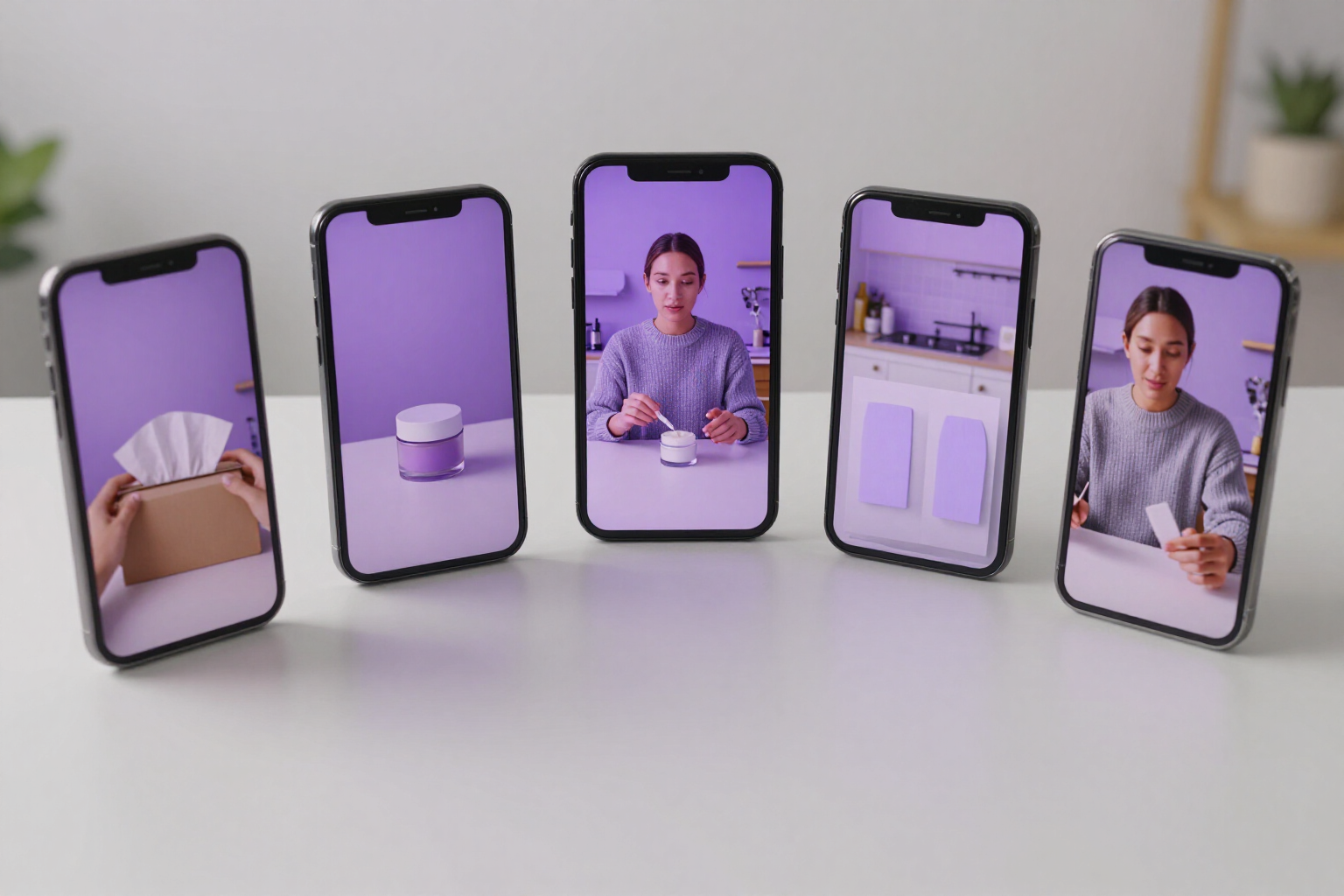
Ad format templates: choose the structure and AI writes the script
20 pre-built UGC formats — Unboxing, Testimonial, Demo, Before/After, Storytime… — that preload your entire ad creation flow.
You don't start from a blank slate: you start from a format that already works.
In UGC Ads Studio, you don't write an ad from scratch. You choose one of the 20 UGC ad formats that the app provides — Unboxing, Detailed Review, Demo, Tutorial, Skeptical Testimonial, Before/After, Storytime, POV/Skit, Green Screen Reaction, Day in the Life, Curiosity Listicle, Rant, Comparison 'I left X for Y', Category Myth Busting, 'Is it a scam?', Price Screen, Direct Ad, Struggle Testimonial, Short Testimonial, and 3 things I tried before — and that format preloads the structure with which the AI will write: the angle of the script, the type of shot, and when the product appears (at the beginning, in the middle, at the end, or throughout the video).
Each format is classified by buyer awareness level (the Schwartz method) and by methodology: whether you are speaking to cold audiences or retargeting. When you choose the methodology, the app indicates which formats fit and which do not, so you don't place a 'Price Screen' in front of someone who still doesn't know they have a problem. Then you choose the screen format (9:16 for TikTok, Reels, and Shorts; 1:1 for feed; 16:9 for YouTube and display), the language, and the avatar, and the AI drafts the hook, body, CTA, and caption and generates a 10-second video with the avatar presenting it.
From the same format, you can create as many versions as you want without repeating the work: the app rewrites the message in five variation styles (more direct, less direct, more emotional, more provocative, or more explanatory) and allows you to change the avatar or the product photo, so you can test which structure and tone work best. The formats are those provided by the app: they are structural templates that guide the AI, not fillable scripts that you edit manually, and the ad duration is fixed at around 10 seconds.
Ad format templates is a feature of UGC Ads Studio, a mini app of the AIsToHire platform. Page for this feature: https://aistohire.com/ugc-ads-studio-create-ugc-ads-with-ai-123/f/ugc-ad-templates
Benefits of Ad format templates
20 ready-to-use formats, not a blank slate
Unboxing, Demo, Testimonial, Before/After, Storytime, Rant, Comparison, Review… Choose one and you already have the ad structure decided.
The format preloads the entire flow
by choosing it, the script angle, shot type, and the moment the product enters are fixed. You only provide the product and the language.
Each format has its moment
they are mapped to the 5 levels of buyer awareness and to cold audience or retargeting, and the app notifies you when a format does not fit the methodology you have chosen.
Same format, multiple versions
generate the same ad in five message styles (more direct, more emotional, more provocative, more explanatory, or less direct) to test which hook wins.
Ready for every platform
each ad is generated in 9:16, 1:1, or 16:9 and in the language you choose, with MP4 download and its subtitles.
No camera or actors
the format turns into a video of about 10 seconds with an AI avatar presenting your product, based on its description and photos.

Choose your format and get the ad today
Create your account in UGC Ads Studio, launch a campaign with your product, and generate your first UGC ad from a pre-made format.