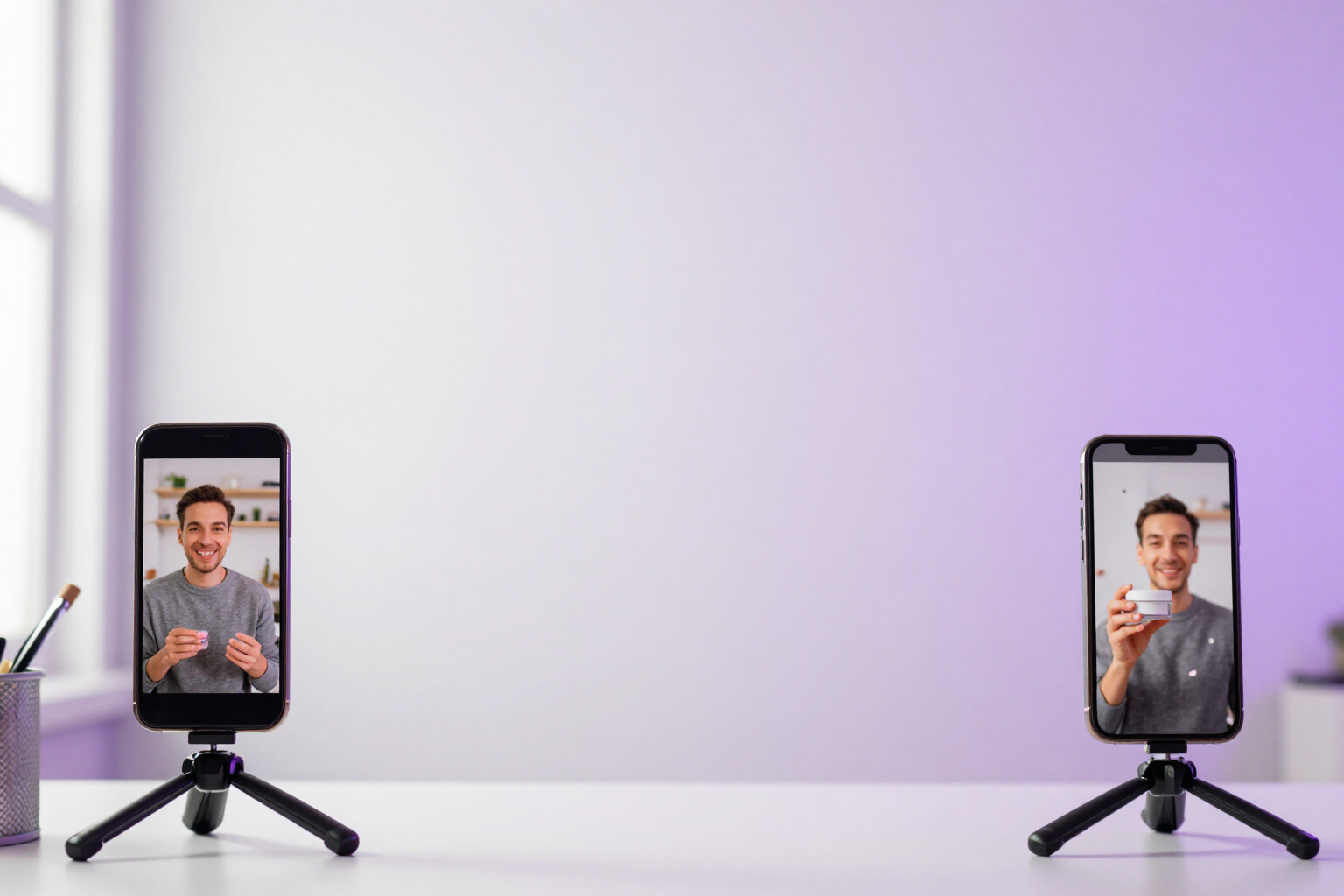
Real lip-sync with HeyGen or video effects with Kling: two engines in the same app
UGC Ads Studio doesn't tie you to a single video generator. You choose the avatar and, with it, the engine: a catalog actor with TTS voice and synchronized lips, or your own animated photo with one of Kling's six curated effects.
Some ads don't work if the avatar's lips don't match the voice, and others don't need anyone to speak. That's why there are two video engines here, not one.
UGC Ads Studio is AIsToHire’s tool for producing approximately 10-second UGC ads with AI avatars (https://aistohire.com/ugc-ads-studio-create-ugc-ads-with-ai-123). Within the app, two video engines coexist, and the decision is not global or made in a settings screen: you make it ad by ad, when choosing the avatar.
If you choose an AI-generated avatar, uploaded as a photo, or taken from the library, the video is produced in two stages: first, the app composes a frame with the avatar, your product, and the scene preset; then Kling animates that frame with one of six curated effects —speaking to camera, thumbs up, heart gesture, money rain, jazz dance, or flying—. These are clips without audio: the script travels in the ad text and in the SRT you can download separately, not in a voice.
If you choose an actor from the HeyGen catalog, the app skips the image stage and directly sends the voiceover —hook, script body, and CTA— to the talking-head engine: a TTS voice that you select from the catalog, with sample preview and adjustable speed between 0.8x and 1.2x, and real lip-sync on the actor. A single spoken shot, without editing or cuts.
Both paths lead to the same gallery: 9:16, 1:1, or 16:9 format, MP4 and SRT download with estimated timings. And if you launch an A/B batch mixing avatars of both types, the confirmation screen breaks down how many variants will go via HeyGen and how many via Kling before you spend a single token.
Benefits of Dual engine: Kling and HeyGen
You choose per ad, not per account
the engine is inferred from the avatar you select, so in the same campaign, you can have lip-sync variants and effect variants without changing any settings.
Real lip-sync when the message calls for it
with a HeyGen actor, the mouth moves with your script, which is precisely what separates a credible testimonial from an animated photo.
Your own photo or an invented avatar
only the Kling method allows this, where the avatar is created from an image you upload or a prompt, and your product appears in the same frame.
Six curated effects, not random prompts
speaking to camera (default), thumbs up, heart gesture, money rain, jazz dance, and flying. The list is fixed because these are the effects the model truly executes well.
You choose the voice
HeyGen voice catalog with search by language and name, pre-listen before spending anything, and adjustable narration speed per avatar between 0.8x and 1.2x.
Same destination for both engines
a single gallery, the three formats (vertical/square/horizontal), MP4 download via proxy, and SRT with estimated timing.
Mixed batches, clearly itemized
in the A/B batch, the confirmation breaks down «HeyGen · real lip-sync (n)» and «Kling · effect X (n)» before queuing, with a maximum of 24 variants per batch.
Graceful degradation
if the HeyGen engine is not configured on the platform, the actors tab is disabled with a warning instead of letting you generate and then fail at the end.

One engine to speak, another to teach
Create your account in UGC Ads Studio, generate the same idea with a HeyGen actor and a Kling avatar, and keep the version that works for you.