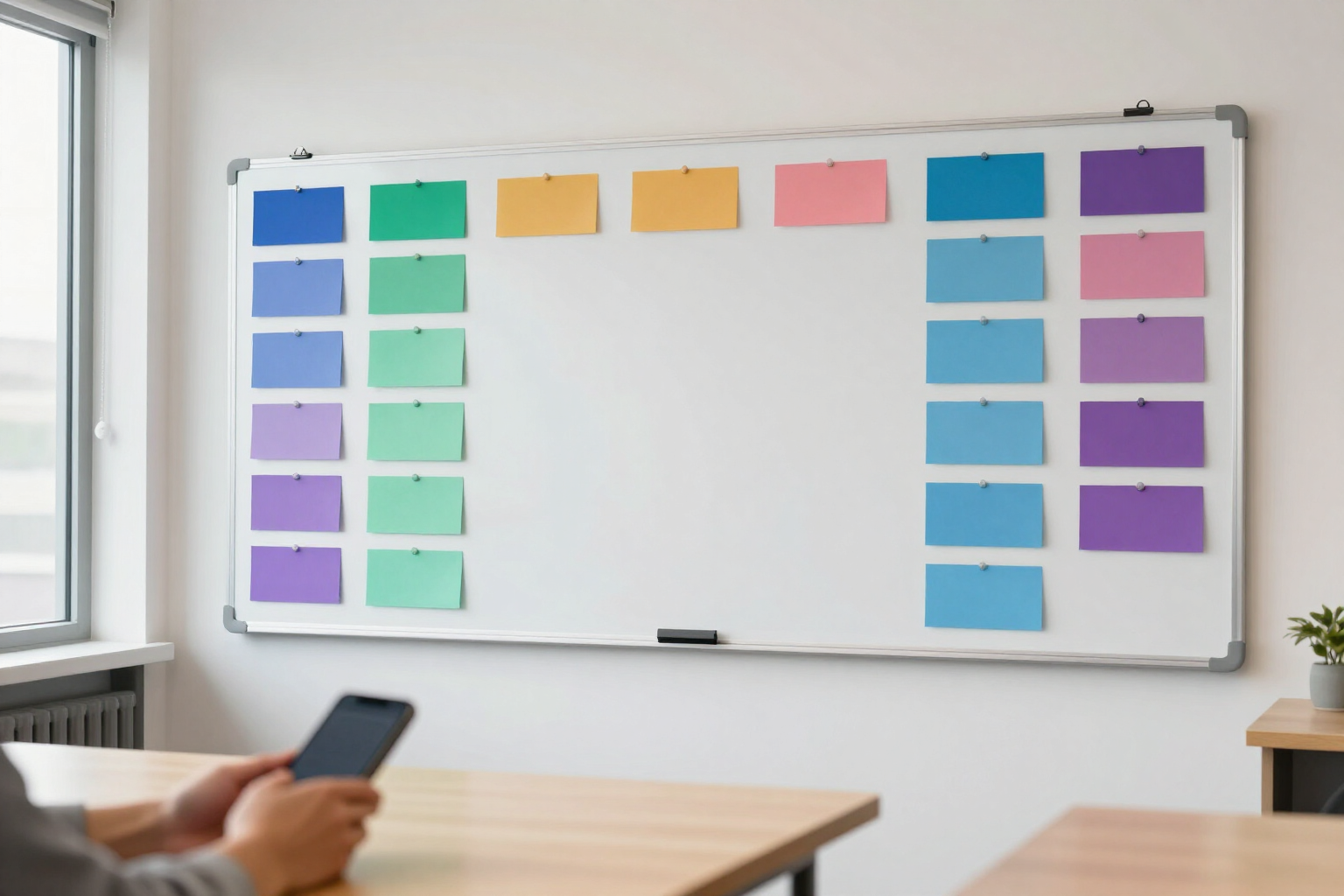
Color-coded weekly shift schedule
Build your team's week shift by shift—employee, time, label, and color—and each person views theirs from their phone.
A schedule is only useful if the team looks at it, and nobody looks at an Excel printout on the bulletin board.
TimeTrack is the time tracking and team management app from AIsToHire (https://aistohire.com/timetrack-time-tracking-and-time-clock-161), and the 'Schedule' is the manager's screen. It opens on the current week with a card per day and, within each day, the already assigned shifts: who, from what time to what time, and with what label, each with its color.
Creating a shift is a short form: you choose the employee from your active roster, the date, start time and end time, add a label of up to 60 characters ('Morning', 'Register', 'Opening'), and assign one of six colors from the palette. To change something, you tap the shift and the same form opens with its data; the delete button asks for confirmation before removing it.
The arrows move the schedule one week forward or backward without limit, so you can plan next month or review how last week turned out without losing anything.
The employee has their own 'Shifts' screen: they see only theirs, week by week, with start and end time, duration already calculated ('8h 30m'), the label, and the same color you assigned. Only the manager role creates, edits, or deletes shifts; employees view them. Everything runs in the browser, no mobile installation required.
Benefits of Shift Schedule
Color is the language of the schedule
six colors (indigo, emerald, amber, pink, sky, and violet) so that morning, afternoon, night, or backup shifts stand out at a glance, without reading a single time. The color the manager chooses is what the employee sees on their screen.
Free label up to 60 characters
name the shift as you call it in the company ('Opening', 'Till 2', 'On-call'), not as a program decided. It's a text field, not a closed list of types.
Actual time per shift, not cookie-cutter schedules
each shift has its own start and end time, so a short Saturday from 9:00 to 13:00 coexists seamlessly with a split shift or a night shift from 22:00 to 6:00.
Designed to be read on mobile
the schedule is grouped by days, not in a 7-column grid you need to pinch-zoom. Open the day and see who's on and at what time.
Unlimited weeks forward and backward
two arrows and you're on whichever week you want. You can plan several weeks ahead or check a previous schedule when someone asks what shift they had.
Each employee sees only their shifts, with duration calculated
their 'Shifts' screen shows their days of the week, the schedule and the hours each shift adds up to. They don't see others' schedules or have to calculate anything.
Fixing takes two taps
tap the shift, change the time, color or person and save; or delete it with one confirmation. A last-minute change doesn't force you to redo the week or resend a file.
In the same app where clocking happens
the schedule lives alongside clock-in and clock-out, time sheets, and vacation requests. The team accesses a single place for everything, with their usual login.

Plan your team's week on one screen
TimeTrack is AIsToHire's time tracking and shift management app: build your schedule by day with labels, colors, and times, and each employee checks their shifts from their phone. Go to https://aistohire.com/timetrack-time-tracking-and-time-clock-161 and start free.