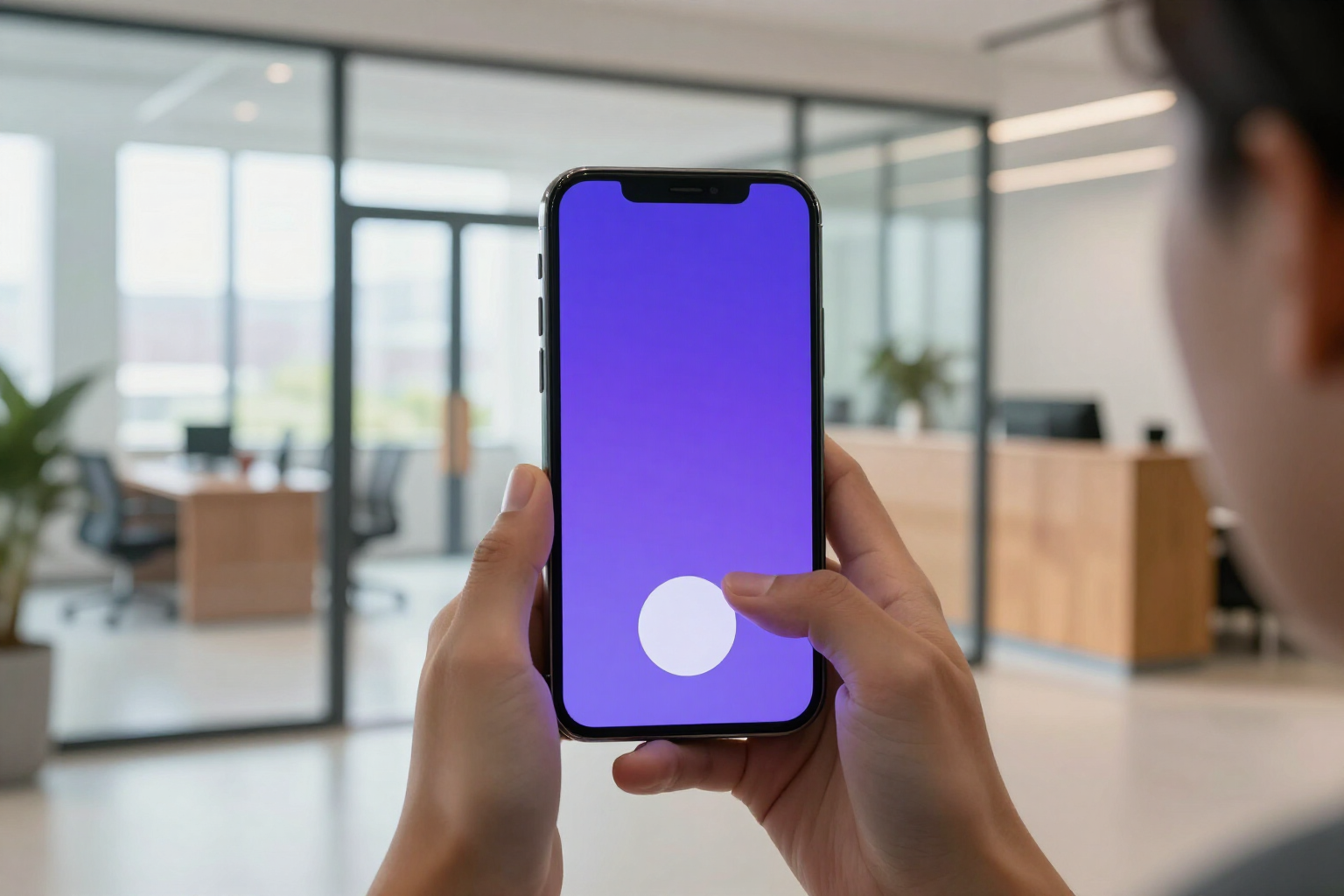
Digital clock in with 1 click
Your team clocks in, takes breaks, and clocks out with a tap from their mobile, and each entry is saved with its exact date and time.
One button. It's literally all someone has to do to start their day on TimeTrack.
TimeTrack is the time tracking app from AIsToHire (https://aistohire.com/timetrack-time-tracking-and-time-clock-161), and the clock in feature is its home screen. When someone starts working, they see one large button, 'Clock in', and by pressing it, a live timer starts counting the time worked for the day. No need to look up the day on a calendar, write the time by hand, or sign a sheet at the end of the month: the timestamp is recorded by the server at the moment of the click.
From there, the same card offers 'Start break' and 'Clock out'. Breaks are timed separately and deducted from the time worked, so the counter always shows effective time and not just presence time. If someone leaves with an open break, when they clock out, TimeTrack automatically closes it to ensure the record is complete.
Each clock in is saved as a record with employee, date, clock in time, clock out time, breaks, and minutes worked. If the company settings enable 'require location', the clock in also sends the coordinates, and the server checks that you are within the defined work area (a point and a radius in meters) before accepting it: outside the radius, the clock in is rejected.
These records then feed into each person's timesheet, the live team panel, and the CSV export for the chosen period. In other words: the work record that the company is required to maintain and keep no longer has to be a spreadsheet; it is generated automatically as people clock in.
Benefits of Clock in with 1 click
One tap and you're working
no forms or handwritten hours. The employee opens the app, presses 'Clock in', and that's it. The time is set by the server, not the person, so no one has to remember what time they arrived.
Live timer of effective time. While the shift is open, a running counter shows the time, already deducting breaks. You can close the app and come back later
it continues counting from the actual entry time.
Ventaja 3
Timed breaks within the same clock-in. 'Start break' and 'Resume' record each rest with its start and end time. Meal or coffee time is separated from worked time without creating a new clock-in.
Ventaja 4
From mobile or computer, no installation needed. TimeTrack works in the browser, so each person clocks in from their own phone or workstation. There's no need to set up a terminal or buy hardware.
Ventaja 5
Clocking in only from the workplace, if the company requires it. By activating 'require location' and defining the area with a point and a radius in meters, the server rejects any clock-in made outside that radius. The verification is on the server, not on the mobile.
Ventaja 6
A record per employee, date, and time, ready to export. Each entry is saved with employee, date, entry, exit, breaks, and minutes worked. From the reports, the complete period can be downloaded in CSV to open in Excel when someone requests the records.
Ventaja 7
The employee instantly sees how their week is going. Under the clock-in button, the hours for the week appear against the scheduled shift, their balance in favor or against, and the vacation days remaining. Without having to ask anyone.
Ventaja 8
The manager knows who is currently working. As soon as someone clocks in, they appear on the team's panel with their status (working, on break, not clocked in) and from what time, in real-time.

Have your team clock in today with one button
TimeTrack is the time tracking tool from AIsToHire: your team clocks in, takes breaks, and clocks out with one click from their mobile, and you get the record in CSV whenever you need it. Create your free account at https://aistohire.com/timetrack-time-tracking-and-time-clock-161 and start clocking in within minutes.