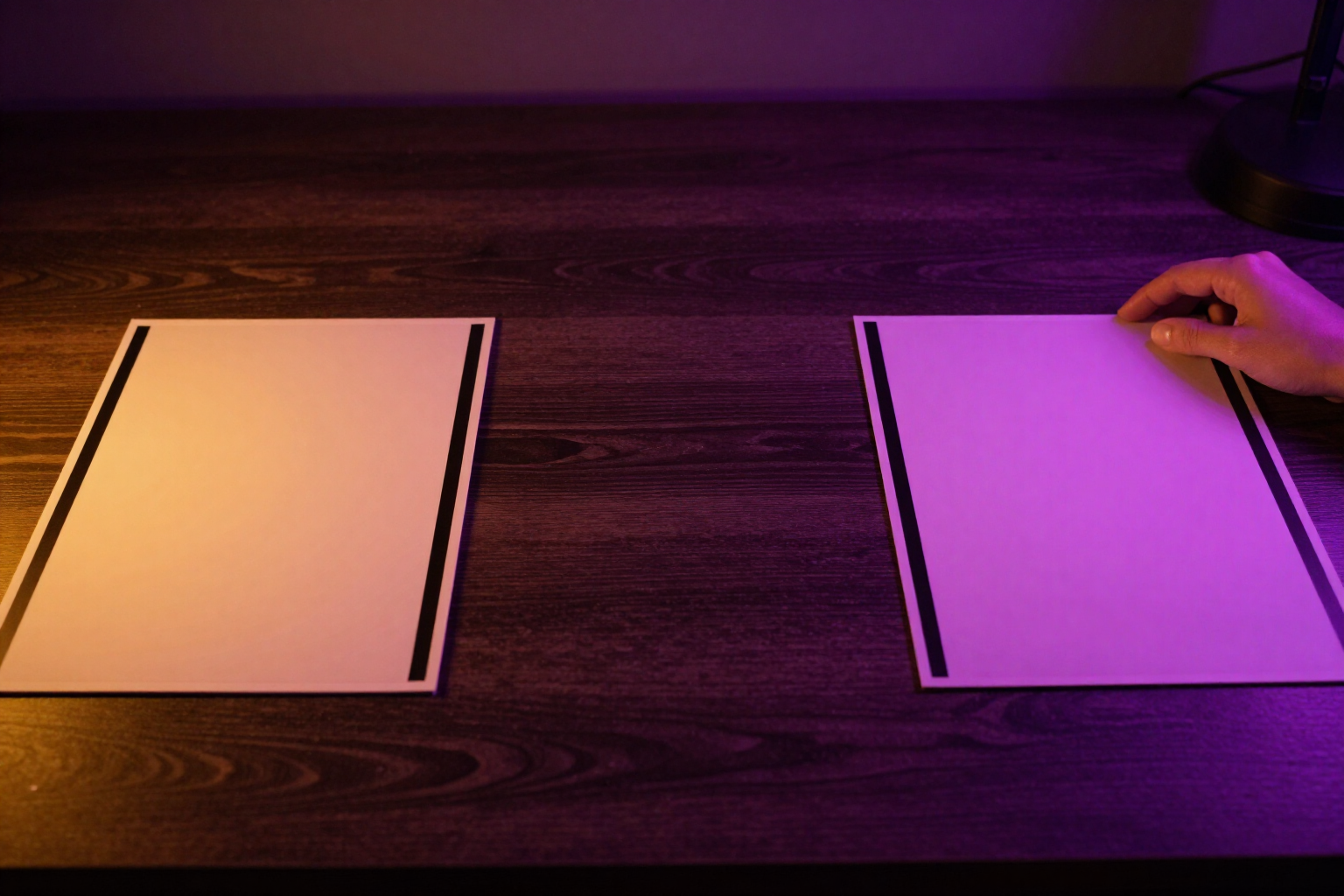
Two AI YouTube thumbnails in one click, to keep the one that wins more clicks.
Describe your video's content, choose a style and emotion, and ThumbLab generates A and B variants in 16:9 or 9:16 for real-size comparison before publishing.
With just one thumbnail, you have nothing to compare; with two, you have a decision.
ThumbLab generates two variants of the same idea in a single action. You click «Generate 2 A/B variants» and the image queue returns A and B, built from the same brief: the video title, your reference images with their role (face, product, background, or style), one of six style presets —viral impact, authority, minimal pro, gaming, cinematic, or tutorial— and the emotion you want the face to convey.
The prompt is not a black box. ThumbLab drafts it for you based on the brief, displays it in full in a console, and lets you edit it before generating; if you change your mind, you can revert to automatic with one click. And if you only want one image, the «×1» button generates a single variant instead of two.
You choose the format before generating: 16:9 for the classic YouTube thumbnail or 9:16 vertical, with a 4:5 safe zone, for Shorts, TikTok, and Reels. Both variants are generated in the chosen format, displayed side-by-side at real size, and can be opened for full-screen comparison.
Variants do not overwrite each other. Each generation is added to the project, so you can continue generating pairs, retouch a variant by areas (delete, replace, change light or expression), and always keep the original for comparison with the result.
Benefits of A/B Generation in One Click
One action, two options
a single click on «Generate 2 A/B variants» returns A and B with the same brief, so what you compare is the execution, not two different ideas.
Real-size comparison
The two variants are shown together in a full-screen comparison, and the reality test displays them at 360, 168, and 120 pixels, the actual size your audience will see them.
Horizontal and vertical in one place
Generate the classic 16:9 YouTube thumbnail or the vertical 9:16 for Shorts, TikTok, and Reels by choosing the format before generating, without manual cropping.
Visible and editable prompt
ThumbLab writes it based on your title, references, style, and emotion, shows it to you in full, and lets you correct a word without having to learn prompt writing.
Your references lead
Upload up to 6 images and define what each is —face, product, background, or style—, with the face always prioritized so both variants resemble you.
Nothing is overwritten
Each pair of variants is added to the project, and localized adjustments create new versions, allowing you to revert to any previous attempt.
You add the text later
The AI generates the image without text and with a clean reserved area, so the headline, outline, and badge are composed on top and instantly change across both variants.

Try A/B generation with your unfinished video title
Create your free account, write the title, upload your face as a reference, and see variants A and B side-by-side in ThumbLab.