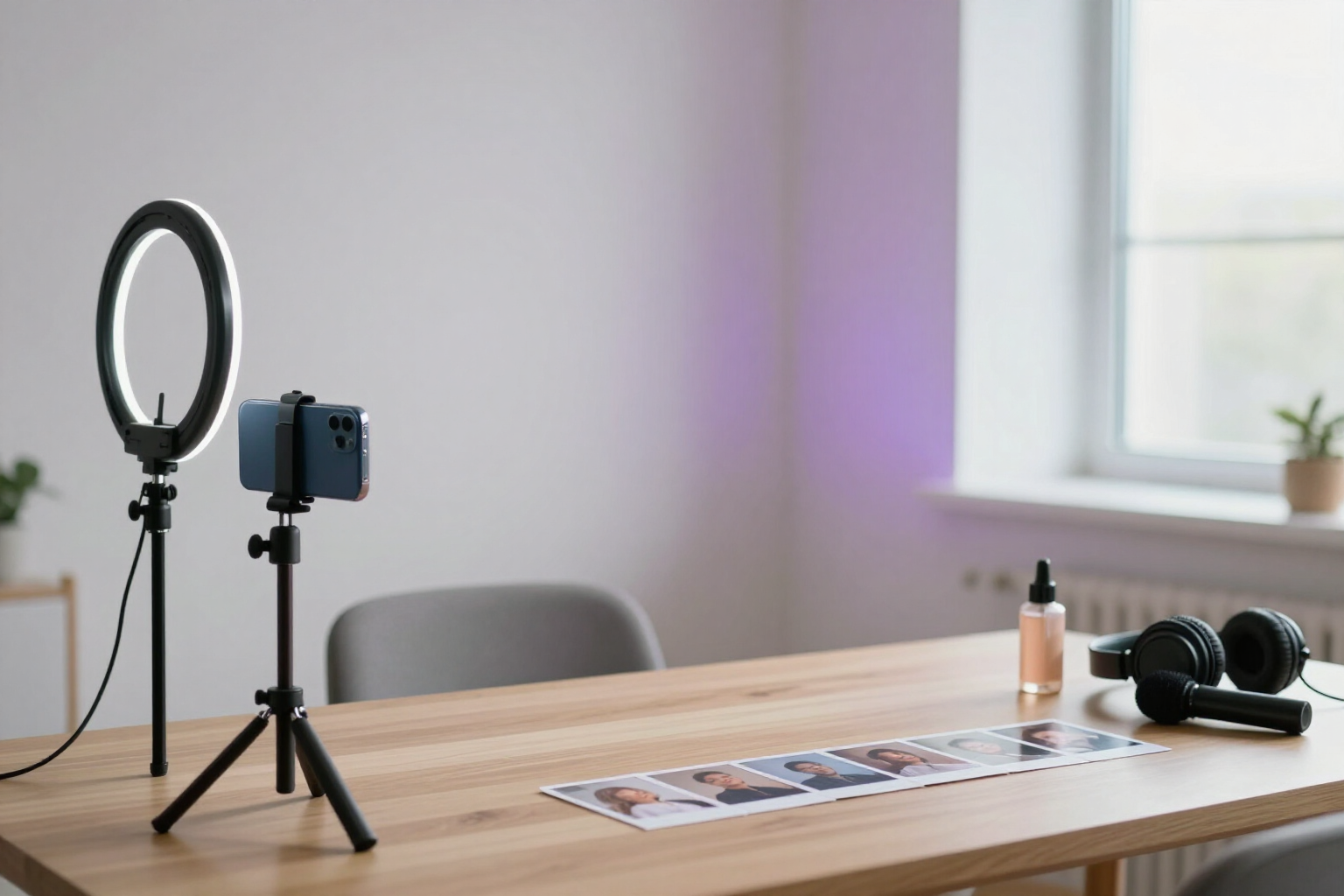
UGC Reels with an AI Avatar that Speaks to the Camera and with Native Voice
Describe your avatar once, and Content Studio writes the script, assembles the storyboard shot by shot, and delivers the ready-made vertical Reel, complete with voice and subtitles.
Recording UGC costs time, a camera, and a person in front of the lens. Here, the presenter is your AI avatar, reusable in all your Reels.
In Content Studio, you first create your avatar: upload a photo or describe it (gender, age, style, physique, and voice tone), and the AI generates its base image and an 18-cell character sheet with different faces and poses. This sheet keeps the same character recognizable across all shots and all Reels you generate afterwards. If you sell a product, you can add it with up to six reference images and indicate how it should appear on screen.
With the avatar ready, the AI writes the script in three blocks—hook, development, and call to action—with short phrases designed for voice-over, and converts it into a storyboard of up to twelve shots. Each shot includes its exact text, camera framing, avatar gesture, and shot type: avatar speaking to camera, or alternative b-roll or product shot. Everything is editable: you rewrite a phrase, change the framing, reorder, add or delete shots, or upload your own image for a specific shot.
Rendering proceeds in two phases so you can review before spending on video. First, the frame of each shot is generated, chained one by one, passing the previous one as a reference so that the scenery doesn't jump; you can refine any image with an instruction before proceeding. Then, each avatar shot is converted into a real video clip with native voice generated by Gemini Omni Flash (about eight seconds per shot), linking each clip to the previous one to maintain the same person and voice. The voice accent is chosen by language, with support for Spanish, English, French, German, Italian, Portuguese, Dutch, and Catalan.
The final assembly is done by the server with ffmpeg: it extracts the native voice from each clip, narrates b-roll shots with text using TTS, normalizes everything to 1080x1920 vertical at 30 fps, burns in the subtitles, and mixes background music from the Jamendo catalog at your chosen volume. The result is a downloadable vertical MP4 saved in the creation, ready for your editorial calendar and for you to upload to Instagram, TikTok, or YouTube Shorts. It is part of Content Studio at AIsToHire: https://aistohire.com/content-studio-create-social-media-content-ai-158
Benefits of UGC Reels with AI Avatar
Your own presenter without a camera
create the avatar from a photo or description and reuse it in all your Reels, without shoots, a studio, or depending on anyone's schedule.
The same character in all camera shots
the base image plus an 18-cell character sheet act as reference for each frame, and clips are generated linked to each other so that the face or voice doesn't change mid-Reel.
Native voice generated with the video, not pasted afterwards
Gemini Omni Flash produces image and speech in the same pass, with lip movement guided by the model itself.
Script and storyboard written for short-form
three blocks of hook, development, and close, and phrases of less than ten seconds spread across up to twelve camera shots, each with its own framing and gesture.
You review before spending on video
the render proceeds in two phases, first the frame of each camera shot and only then the clip, so you correct an image you don't like without paying for the entire video.
b-roll and product camera shots
alternate the avatar speaking with supporting shots generated by AI or uploaded by you, and add your product with up to six reference images so it appears consistently.
Reel assembled and ready to publish
the server assembles voice, music, and burned-in subtitles into a 1080x1920 vertical MP4 at 30 fps, without opening a video editor.
One version per language
you choose the voice accent from eight languages and reuse the master language's storyboard to generate the same Reel in the others.

Your avatar is ready to record
Describe your avatar, let the AI write the script, and download your vertical Reel with voice and subtitles.