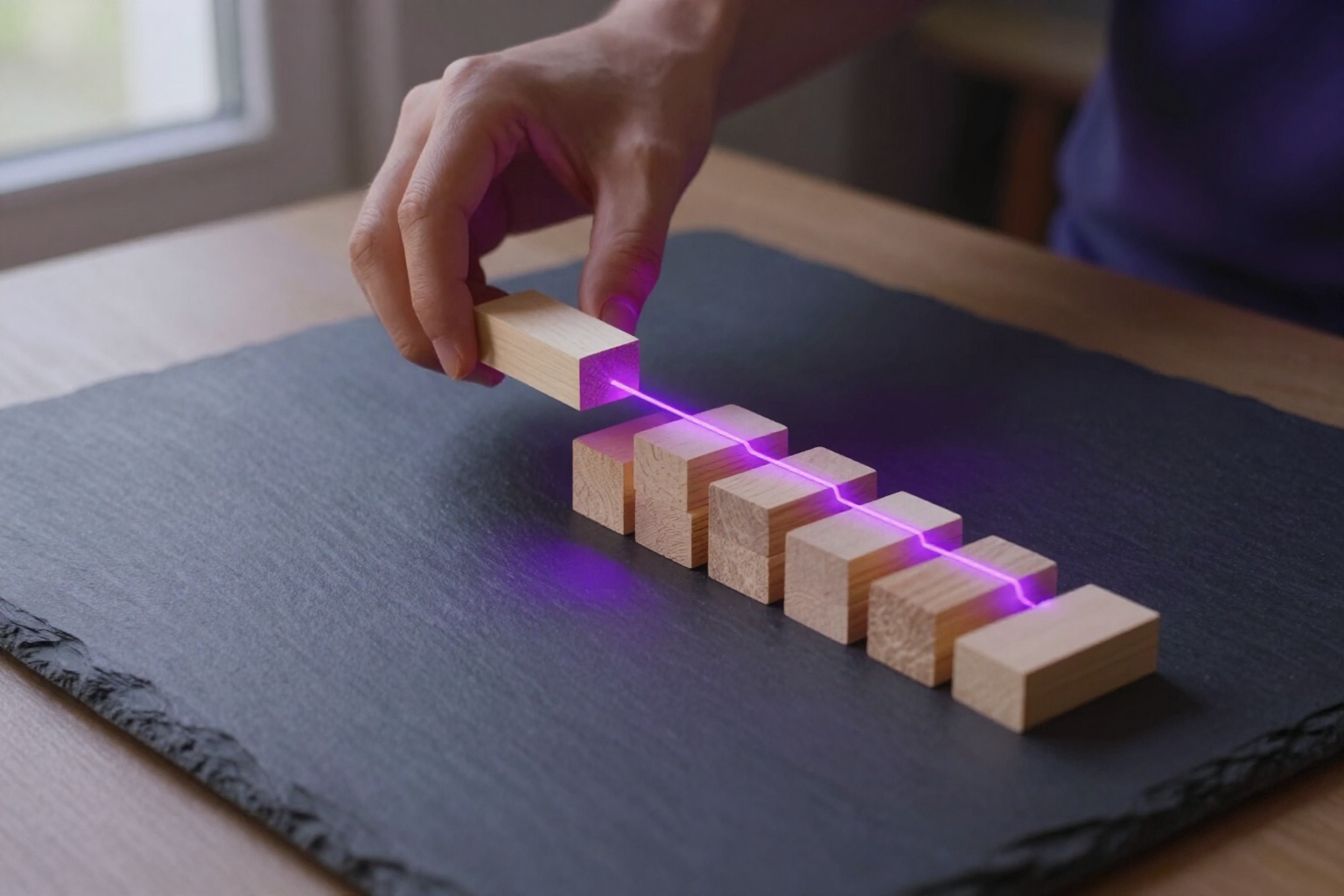
Organize your tasks in a space tree and drag them where needed
Spaces, tasks, and subtasks in a single tree: drag any row with your mouse or finger to reorder it or nest it inside another, and mark the parent as done to close everything hanging from it.
Flat lists break as soon as a task has parts. AiTodo lets you open that task from within, up to five levels deep, and move each piece by dragging it.
The Spaces view of AiTodo is a tree. At the top are your spaces —Home, Website Redesign, Work— and below, hanging from each, the tasks and their subtasks, with indentation and lines showing what depends on what. Each branch can expand and collapse, so you can have a huge space and only see the part you are currently touching.
Everything moves by dragging. Grab a row by its handle and drop it in another position to reorder it among its siblings, or drop it on top of another task or space to turn it into its subtask: it changes parents instantly. If you drop it on a collapsed branch, that branch opens up automatically so you can see where it has landed. It works the same with a mouse and a finger: on mobile, just press and hold for a moment before dragging to avoid triggering scroll.
Nesting goes up to five levels deep: a space, its task, and subtasks within subtasks up to four jumps below. Each node with children shows its completion percentage, and you can create a subtask from the node itself with the “+” button or rename it with a double click, without leaving the tree.
And the status travels through the tree in both directions. If you mark a parent as done, all its descendants become done. If you reopen it, they all revert to pending. And vice versa: when you complete the last pending subtask, its parent task is marked as done automatically —and continues to rise as it is fulfilled—; if you reopen a subtask of something already closed, the parent goes back to “in progress.” You never end up with a project marked as finished with live work inside.
Benefits of Drag and drop space tree
True hierarchy
spaces, tasks, and subtasks in the same tree, with indentation and connecting lines, up to five levels deep.
Reordering is dragging
grab the row by its handle and drop it wherever you want within its group; the order you leave at hand is respected from that moment on.
Reorganizing is also dragging
drop a task onto another task or space, and it becomes its subtask without opening its details to choose the new parent from a list.
Also with your finger
dragging works on mobile with a long press of a quarter of a second, so it doesn't interfere with scrolling the list.
Marking the parent closes the branch
when you complete a task, all its subtasks are done; when you reopen it, they all return to pending.
And the branch closes the parent
when you finish the last subtask, the task above is marked as done automatically, and it continues to rise level by level.
Nothing is falsely closed
if you reopen a subtask of something already completed, its parent automatically returns to the 'in progress' state.
Only what you look at
each branch collapses and expands, completed tasks hide with a click, and dragging over a closed branch opens it automatically.

Stop struggling with flat lists
AiTodo is the task manager from AIsToHire that organizes your work into a space tree with drag and drop, propagating the status between parent tasks and subtasks in both directions. It's available at https://aistohire.com/aitodo-ai-voice-task-manager-100 and creating your account is free.