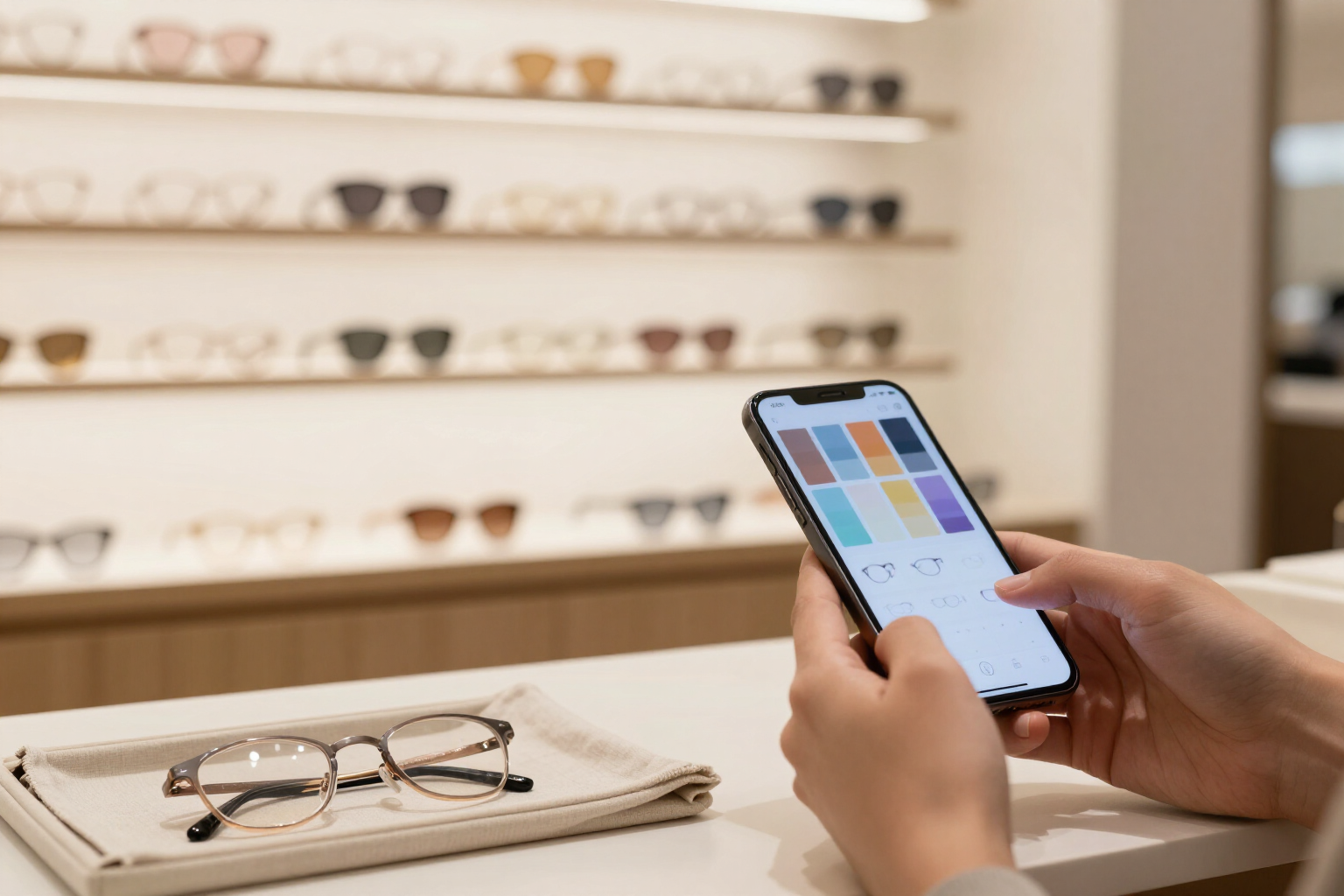
Download your glasses guide and take it to the optical store
One tap and the infographic and virtual try-on are saved to your mobile. You enter the optical store knowing exactly which frame to ask for.
The problem with image consulting is not the advice: it stays on a screen and you forget it on the way to the store. aiOptic keeps it saved in your camera roll.
aiOptic is the AI glasses fitting studio from AIsToHire: https://aistohire.com/aioptic-eyewear-study-ideal-frame-ai-143. It analyzes a frontal photo of your face and generates two images with AI on your own face: a vertical infographic guide with the shapes, colors, finishes, and materials of frames that suit you (and those you should avoid), and a portrait of you wearing the recommended glasses. This functionality puts them in your pocket.
One button per image. On the results screen, there's a 'Download' for the infographic and a 'Download try-on' for the try-on. They are two vertical PNG files of 1024×1536 px, at full resolution, with recognizable names (my-glasses-guide.png and my-glasses-try-on.png) so you can find them later without searching.
On mobile, directly to Photos. If you are on your phone, aiOptic uses the native sharing sheet of the system (Web Share API): the iOS or Android menu opens and you choose 'Save to Photos', send it via WhatsApp, or share it with anyone you want to get feedback from. If your browser does not support file sharing, it automatically falls back to classic download, so the button never does nothing.
No CORS blocks or weird tabs. The download goes through the backend proxy, which serves the file as an attachment: the image does not open in a new tab nor does it force you to do 'long press, save image'. And before downloading, you can open either of the two images in full screen and zoom in with your fingers to check that all the details are readable.
Benefits of Downloadable guide for the optician
One click, not a screenshot
you download the original PNG at full resolution (1024×1536 px), not a blurry crop of the screen with the notification bar inside.
Saved in Photos from your mobile
aiOptic opens the native sharing sheet of iOS or Android, so the guide ends up in your camera roll alongside the rest of your photos, ready to show without coverage.
Two separate downloads
the infographic with the reasoned recommendation and the try-on with the glasses on. You can take just one or both, depending on what you want to show.
Designed for the counter
the infographic is vertical and includes shapes, colors in hexadecimal code, material, and the 'Avoid' warning in separate panels. The optician can read it at a glance and the conversation starts directly with 'I have something like this.'
Shareable with those who decide with you
from the same menu, you can send it via WhatsApp, Telegram, or email to your partner, a friend, or the optician before going.
Check before downloading
either image opens in full screen with gesture zoom, to verify the details of the frame and colors at actual size.
You can always download it again
all your analyses remain in the history with their thumbnail, so if you delete the image from your phone, you can open the file and download it again.
Get to the optician with your homework done
Upload a front photo, let the AI analyze your face, and download your frame guide and virtual try-on with a tap.