Discover Your Ideal Color Palette with AI
Upload a photo and the AI detects your skin undertone to return the exact shades of lip color, blush, and eyeshadow that flatter you.
Getting makeup right is not a matter of luck: it's a matter of undertone.
aiMakeup starts with a single front-facing photo of you. The AI analyzes your face and determines your undertone — warm, cool, or neutral — along with your skin type, eye shape, and face shape. That undertone is the key: it explains why one red shade brightens you while another dulls you, even if they are nearly the same color in the bottle.
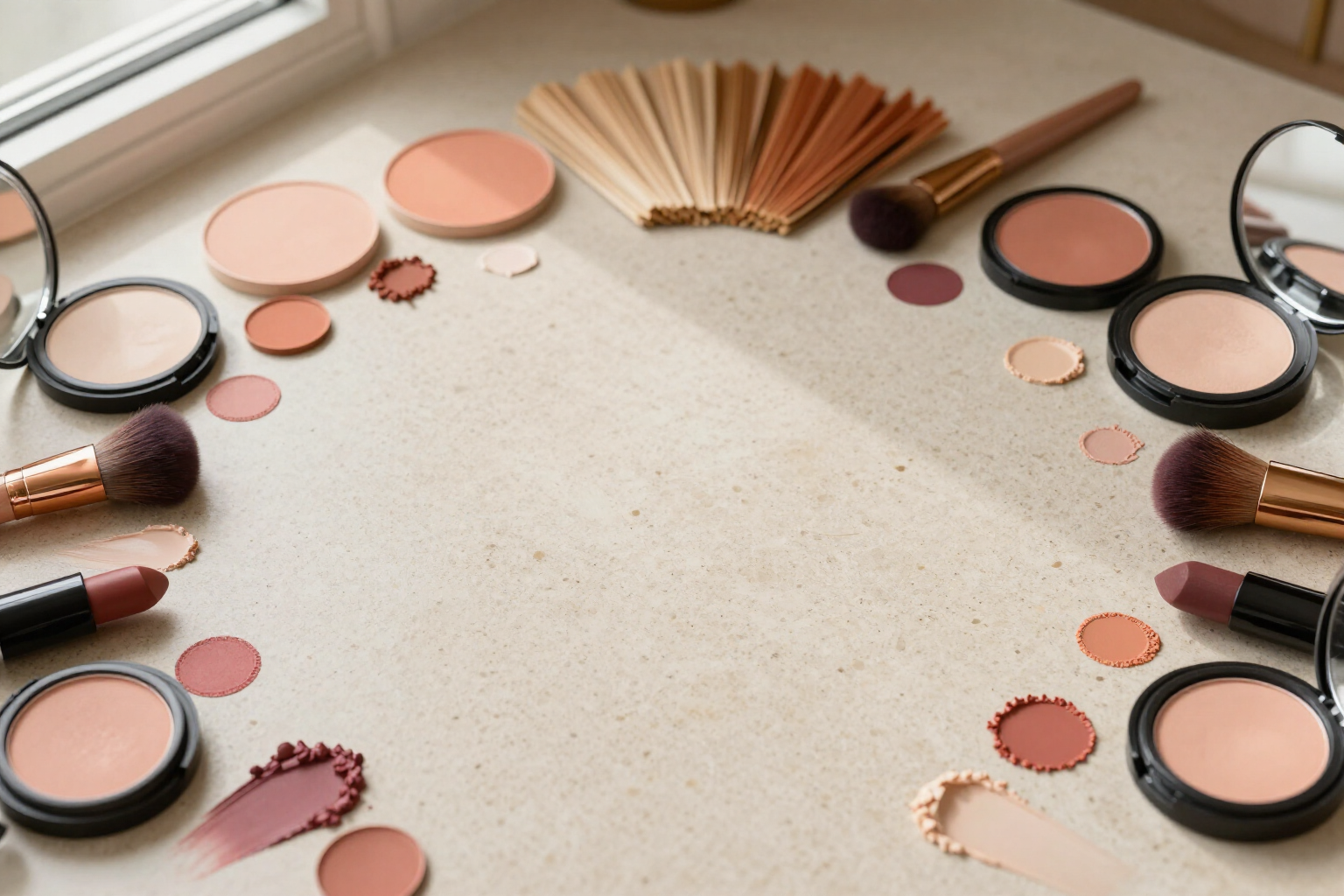
With that information, the app calculates your personalized palette and presents it organized into three groups: lips, blush, and eyeshadow. Each group features its shades in round color swatches, with their exact color value on the back, so you can compare them at a glance instead of reading a vague description like "earth tones."
The same palette is also embedded in the editorial infographic generated by the app about your own photo, with the analysis panels and swatches next to your portrait. It's an image you can download, zoom in on, and take with you when you go shopping.
All your analyses are saved in a visual history within the app, so you can return to your palette whenever you want or repeat the analysis with another photo and compare. And if the photo is of a man, the result adapts to a natural-looking grooming proposal instead of feminine makeup.
Benefits of Your ideal color palette
Your undertone, detected by AI
warm, cool, or neutral, deduced from your real photo and not from a questionnaire.
Three ready-to-use groups
lip shades, blush shades, and eyeshadow shades, each designed for your colorimetry.
Exact colors, no adjectives
round swatches with their specific color value, to compare with what you already have in your makeup bag.
Complete context
alongside the color palette, you see your skin type, eye shape, and face shape, the other three factors that influence tone selection.
Your palette in an infographic
the swatches travel within an editorial poster generated from your own photo, downloadable and zoomable.
Stop blind buying
you take the shades on your mobile and compare them in front of the display before paying.
History always at hand
each analysis is saved in a gallery, so your palette is not lost and you can recreate it with another photo.
One selfie is enough
a front-facing photo with good light, from your mobile camera or from your gallery, and the result arrives in a couple of minutes.

Find out your skin undertone and colors in a couple of minutes
Upload a front photo and receive your lipstick, blush, and eyeshadow palette tailored to your skin.